Your Google ranking from your own couch is a lie. Local visibility shifts block by block, and most owners never see the real picture. These five tools show it to you.
Why Local Visibility Audits Matter Right Now
Local search is where most service businesses win or lose customers. Someone searches for a dentist, a plumber, a clinic, and Google shows a map pack of three. You're in it or you're not. The problem is that most owners have no idea where they actually stand. They check their own ranking from their own couch and assume that's the truth. It isn't. Rankings shift by neighborhood, by device, by the hour. That gap created a whole category of audit tools, and it's crowded. You've got free scanners that email you a score, agency retainers that charge thousands for a PDF, dashboard platforms that sell seats, and one-off audits that go stale the week after delivery. The smart move in 2026 is measurement you can repeat without a login or a retainer. Get a scorecard. Get a prioritized list. Forward it to whoever does the work. Then run it again next month.
What We Looked At
Every entry was weighed on the same factors. Service scope: does it cover the map grid, reviews, speed, and on-page signals, or just one slice? Pricing clarity: is it per location, per seat, or per project, and can you figure that out before you talk to sales? Local fit: does it handle a single location in any U.S. market, or is it built for multi-location agency work? Deliverable format: PDF, dashboard, or live diagnostic, and does that match how you'll actually use it? Repeatability: can you run it again next month without friction? Local SEO Audit Tool stood out for breadth of checks at zero cost. KPL Analytics stood out for a fixed-format PDF delivered per location with no login. SEauditSOFTWARE stood out for white-label report volume and scheduling. SeoNexus stood out for weekly auto re-audits and a fix-first framing. Optuno stood out for a fast, free starting overview.
Here's the short version. Five tools and services that measure your local visibility and hand you something you can actually act on. Each one plays a different role, so match the pick to how you work, not to a score.
| Provider | Best For |
|---|---|
| Local SEO Audit Tool | Diagnosing your own site's on-page and technical gaps for free |
| KPL Analytics · Local Visibility & Digital Reputation Audits | Owner-operators and agencies who want a repeatable PDF audit without a dashboard |
| SEauditSOFTWARE | Agencies that need white-label client reports at volume |
| SeoNexus | Teams that want a live weekly diagnostic instead of a static PDF |
| Optuno | A quick free overview before you commit to anything |
The Five, One by One
#1 Local SEO Audit Tool
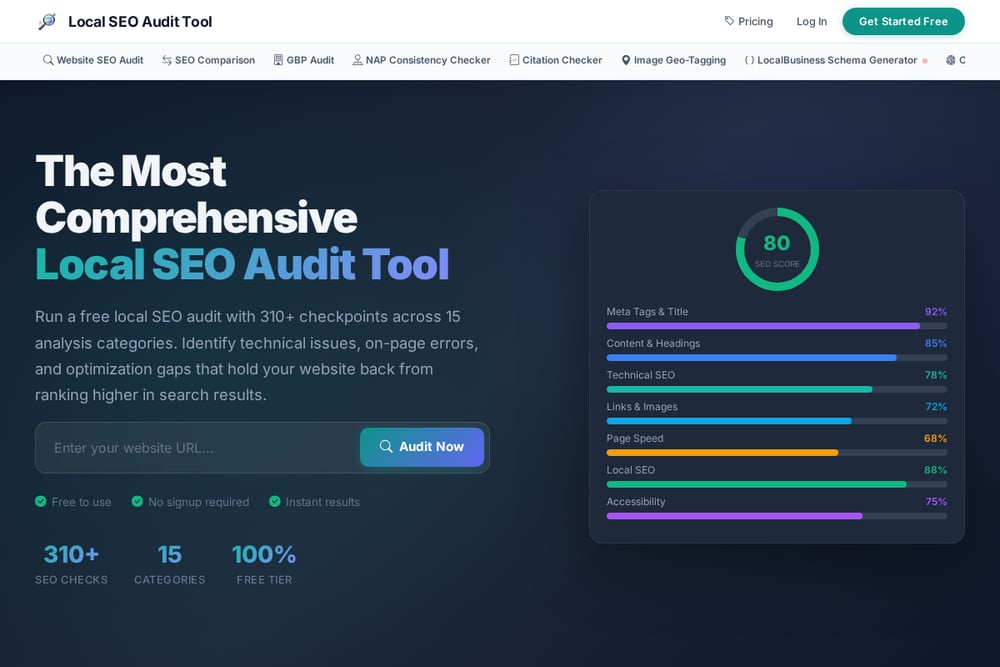 A screenshot of the Local SEO Audit Tool website.
This is the deepest free scanner on the list. It runs 310+ checkpoints across 15 categories, covering meta tags, headings, links, images, technical SEO, structured data, and local signals. You get a scored breakdown in under 30 seconds with no signup and no credit card. The local SEO section checks NAP consistency and LocalBusiness schema, which matters if you're trying to show up in the map pack. It's a website-focused audit rather than a map-grid rank tracker, so treat it as the technical half of your picture. Pair it with a rank-focused report and you've covered both sides.
#2 KPL Analytics · Local Visibility & Digital Reputation Audits
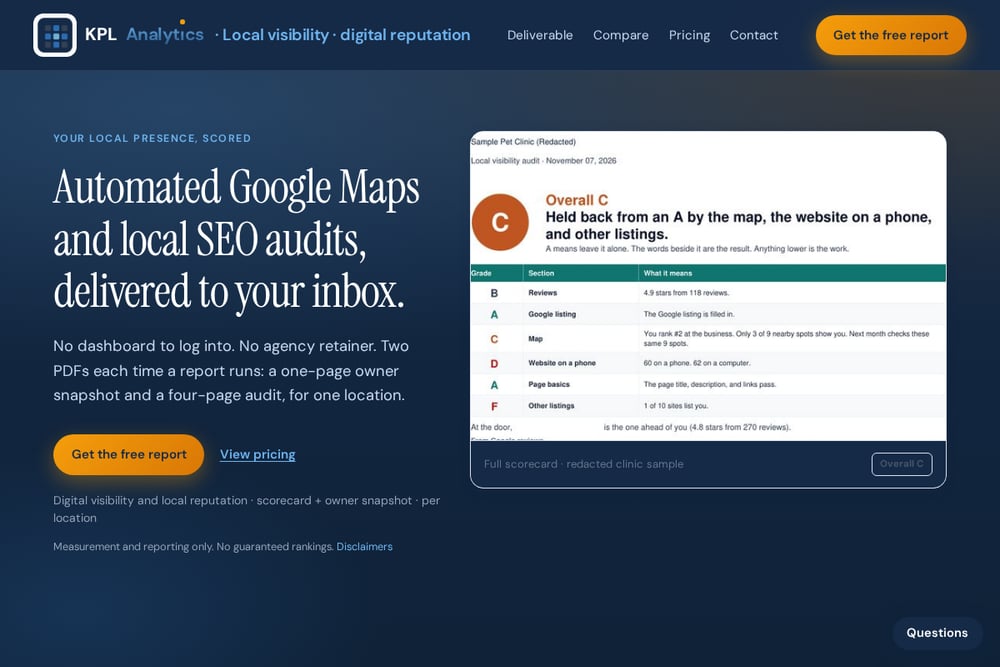 A screenshot of the KPL Analytics · Local Visibility & Digital Reputation Audits website.
KPL Analytics does one thing and does it cleanly: it scores your local presence and emails you two PDFs every cycle. The one-page owner snapshot puts rank, speed, map spots, and rating in front of you at a glance. The four-page scorecard adds a 9-point map grid with named competitors, review themes with letter grades, directory and on-page checks, and a prioritized recommendation checklist. There's no dashboard to log into and no agency retainer, which is the whole point. Pricing is per location, not per seat, and you confirm your Maps listing before checkout so the data starts clean. It measures and recommends only, with no implementation and no ranking guarantees, so it's honest about its lane.
#3 SEauditSOFTWARE
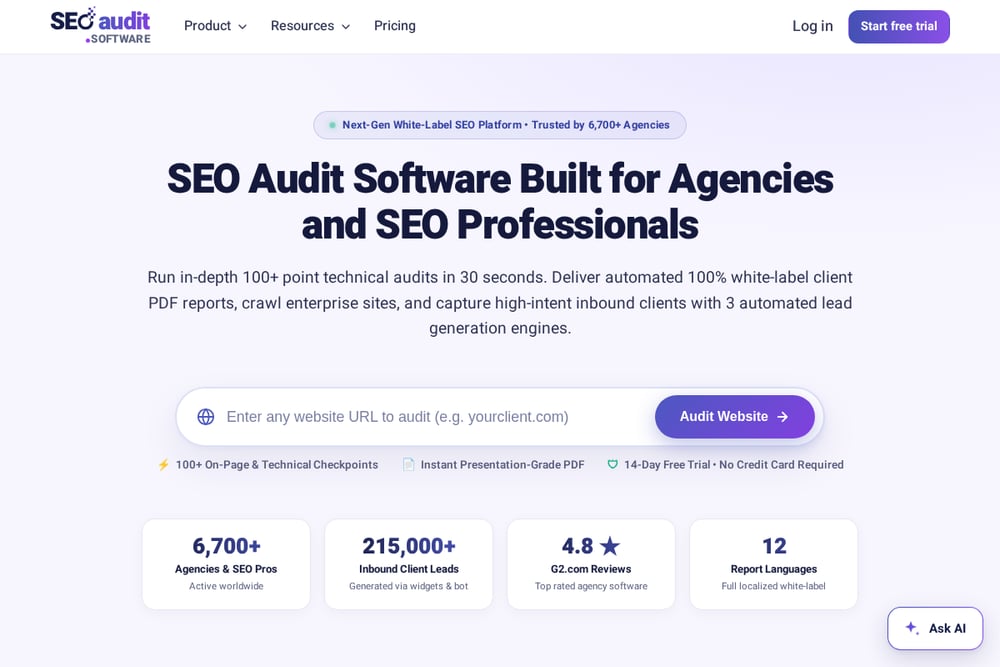 A screenshot of the SEauditSOFTWARE website.
SEauditSOFTWARE is built for people who send reports to clients, not for people who read them alone. It generates 22 purpose-built white-label PDF reports, from a one-page executive briefing to a 25-page quarterly review, all with your logo on every page. The map rank scans run on a 5x5 grid, and scheduled reports go out weekly or monthly from your own email. You also get Google Search Console and GA4 data pulled into the same report, plus an AI summary of what changed and what to do next. If you run local SEO for a roster of clients, this replaces a lot of manual deck-building. It's heavier than a single-location audit, and that's the tradeoff.
#4 SeoNexus
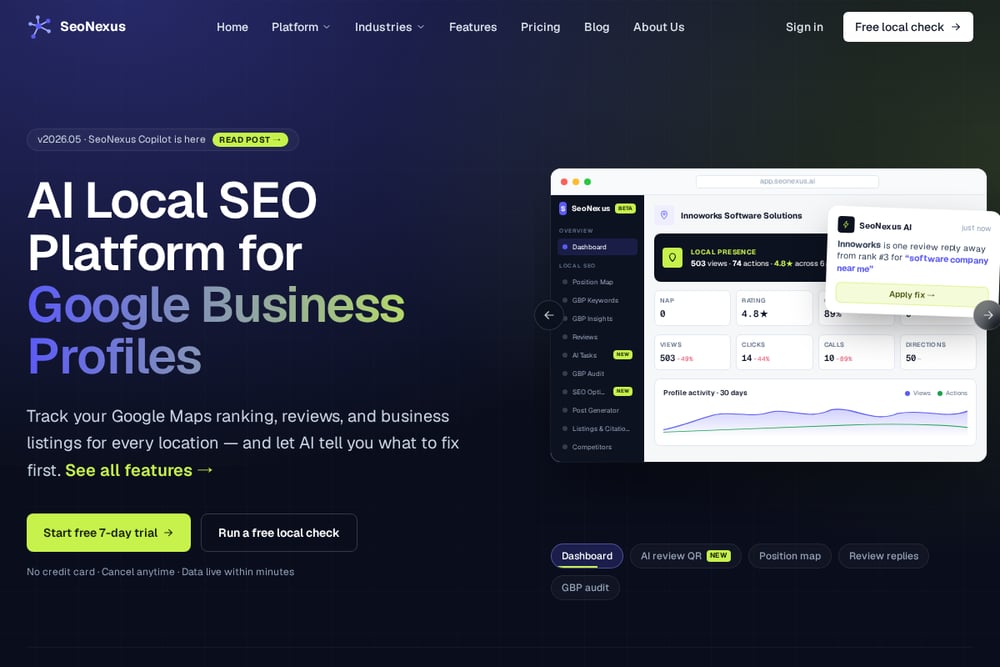 A screenshot of the SeoNexus website.
SeoNexus takes a pointed stance: a score is not a fix. Its local SEO audit covers five surfaces Google actually reads, including GBP health, map-pack rank, review signals, citation NAP, and on-page local intent. It scans 40+ GBP health checks per location and 86+ citation directories, then hands back a prioritized fix list rather than a number sitting in a shared drive. The weekly auto re-audit is the real differentiator, because local rankings move and a snapshot goes stale fast. It's aimed at teams with the capacity to work through fixes on a regular cadence. If you want a live diagnostic loop rather than a forwarded PDF, this is the shape you want.
#5 Optuno
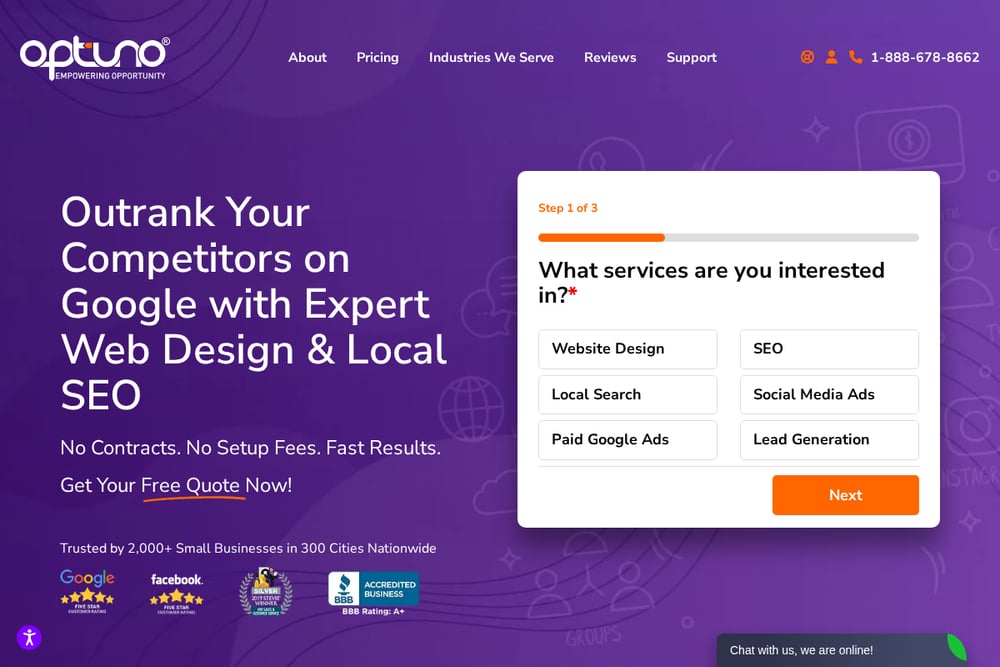 A screenshot of the Optuno website.
Optuno offers a free local SEO report that gives you a broad performance overview in minutes. It's positioned as a lead-in to their managed services, so expect the report to be detailed but also to point toward a conversation. The upside is speed and zero cost: you type in your business and get a picture of where you stand without a trial or a credit card. It's less of a repeatable audit product and more of a starting line. Use it to get oriented, then move to a tool built for recurring measurement once you know what you're looking at. For a first look, that's a fair trade.
How to Pick the Right Fit
Ask yourself three questions. First, who is the report for? If it's for you, a one-page snapshot beats a 25-page deck. If it's for clients, white-label branding matters. Second, do you want a snapshot or a system? A recurring PDF audit keeps you honest on a schedule. A live diagnostic suits teams who can act weekly. Third, what's your budget shape? Per-location pricing fits owner-operators. Per-seat pricing fits agencies with many clients. Per-project pricing fits one-time checks. Match the pricing model to how often you'll actually use it, not to the sticker price. And confirm what's included: map grid, review themes, speed scores, and named competitors are the four things that tell you the most about a location's real standing.
What You Can Automate (and What Still Needs You)
Start with measurement. Run a recurring audit on your single location so you get a baseline scorecard and a prioritized checklist. Automate the repeat: schedule the report to land in your inbox every cycle so you never have to remember to check. Then work the checklist in order, starting with whatever the report flags as highest impact. Re-run the audit after each fix so you can see movement on the map grid, speed scores, and review themes. Keep the human parts human: confirming your Maps listing, deciding which recommendations fit your budget, and doing the actual implementation work. The audit tells you what to do first and how you'll know it's done. You still have to do it.
The Bottom Line
Here's the takeaway. Local visibility is a measurement problem before it's a marketing problem. You can't fix what you can't see, and most owners are guessing. Pick the tool that matches your workflow: a repeatable PDF audit if you want clarity without a login, a deep free scan if you want to diagnose your own site, a white-label report engine if you serve clients, a live diagnostic if you have a team to work fixes, or a free overview if you just want a starting point. Run the audit. Read the checklist. Do the first item. Then run it again. That loop beats any retainer.