
If you're tired of cloud-dependent task managers that lock your data away, these five local-first Kanban tools put you back in control. From AI-native boards to minimalist personal organizers, here's a roundup of options that keep your workflow fast, private, and flexible.
The Rise of Local-First Task Management
The developer tools space is seeing a shift toward local-first software, where your data lives on your machine, not in someone else's cloud. This movement appeals to teams and individuals who value privacy, speed, and ownership. Kanban boards, long a staple of agile workflows, are now being reimagined with AI integration and offline-first architectures. The tools in this roundup reflect that trend, offering everything from embedded CLIs to MCP servers that let AI agents work alongside you. Whether you're a solo developer or a small team, these options show how task management is evolving beyond the traditional SaaS model.
How We Evaluated These Tools
We looked at each tool's core functionality, focusing on how well it supports local-first principles and AI integration. Pricing clarity was a key factor, as we wanted tools that are transparent about costs, especially those that are free or open-source. We also considered the ease of getting started, from installation to daily use, and how each tool fits into a developer's existing workflow. Finally, we assessed the level of community support and documentation, which can make or break a tool's adoption. Each tool stood out in its own way, from Kanban Pro's embedded CLI to Flux's git-native sync.
Here's a quick comparison of the five tools, highlighting their primary focus and standout features.
| Provider | Best For |
|---|---|
| Flux | Developers who want AI agents to autonomously pick and execute tasks |
| Kanban Pro — Task Manager with Embedded CLI | Small teams wanting a free, AI-native Kanban board with multiple views |
| Agent Kanban | Developers who want a self-hosted board with MCP integration for AI agents |
| Kanvana | Individuals seeking a simple, framework-free personal Kanban board |
| KaibanJS | Teams building multi-agent AI systems that need a visual management interface |
Deep Dive: The Five Tools
#1 Flux
 A screenshot of the Flux website.
Flux is a Kanban board that speaks MCP, designed specifically for AI coding agents. It offers a CLI-first approach, letting you run 'flux ready' to see unblocked tasks sorted by priority, which you can pipe directly to your agent. Tasks sync via git on a dedicated branch, and you can choose between JSON or SQLite storage. The web dashboard provides a visual interface for humans, while agents interact through MCP or the CLI. Flux's dependency tracking and P0/P1/P2 priorities ensure agents work on what matters most. It's a powerful tool for developers who want their AI agents to have a clear sense of direction.
#2 Kanban Pro — Task Manager with Embedded CLI
 A screenshot of the Kanban Pro — Task Manager with Embedded CLI website.
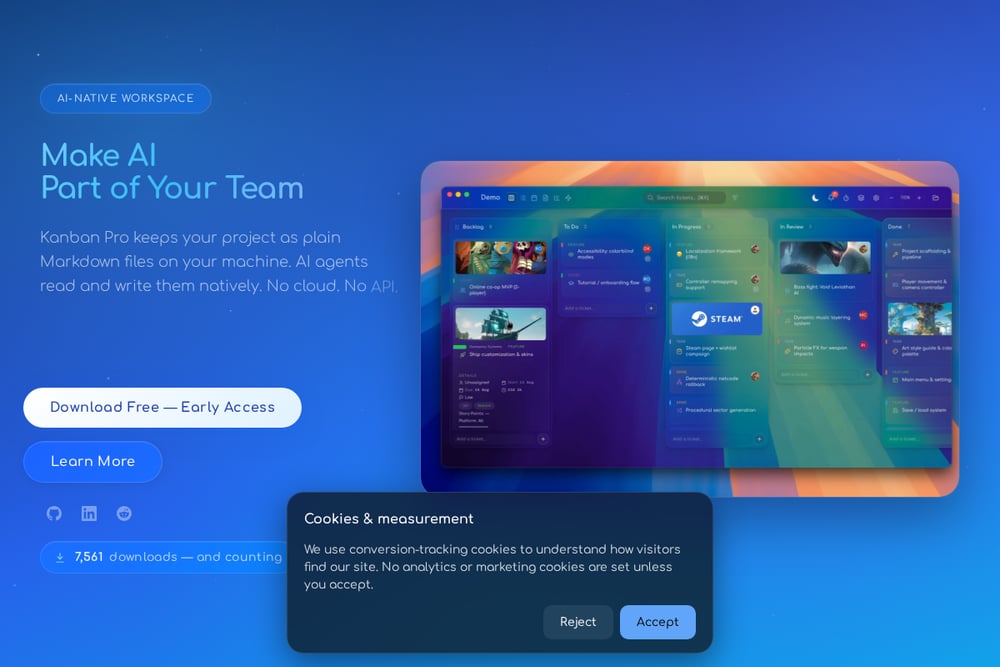
Kanban Pro is a free, local-first task manager for Mac, Windows, and Linux that integrates AI agents directly into Markdown tickets. It offers five views—Board, List, Calendar, Notes, and Gantt—all switchable with a single click or keystroke, keeping your workflow consistent across perspectives. The tool is agent-ready, meaning your board lives as files and folders, so AI assistants and IDEs can read, create, and move tasks natively without APIs or cloud friction. You can collaborate with others via your cloud drives, and there's no subscription or sign-up required. This makes it an ideal choice for small teams looking for a frictionless, AI-native workspace. The embedded CLI is a standout feature, allowing you to run agentic commands right inside your tickets.
#3 Agent Kanban
Agent Kanban is a self-hosted, local-first Kanban board designed to streamline workflows for AI coding agents. It integrates with agents like Claude Code and Cline via a built-in MCP server and OpenAPI-enabled REST API, allowing them to autonomously move tasks through stages. The tool supports multi-project management with URL routing and optional project directory binding, and it uses SQLite for storage with no cloud or authentication required. You can set up automation rules and an inbox watcher for markdown files, plus outbound webhooks for notifications to Slack or Telegram. This makes it a robust choice for developers who want to automate their project management with AI. It's particularly useful for solo developers and small teams that want full control over their data.
#4 Kanvana
 A screenshot of the Kanvana website.
Kanvana is a local-first personal Kanban board that focuses on simplicity, built with pure HTML, CSS, and vanilla JavaScript—no frameworks. It offers swim lanes, relations, and sub-tasks, allowing you to organize complex projects without bloat. You can create unlimited cards and boards, all stored locally in your browser, ensuring your data stays private. The tool is perfect for individuals who want a lightweight, no-frills task manager that just works. While it lacks AI integration, its simplicity is its strength, making it easy to pick up and use immediately. If you're looking for a distraction-free way to manage personal projects, Kanvana is worth a look.
#5 KaibanJS
 A screenshot of the KaibanJS website.
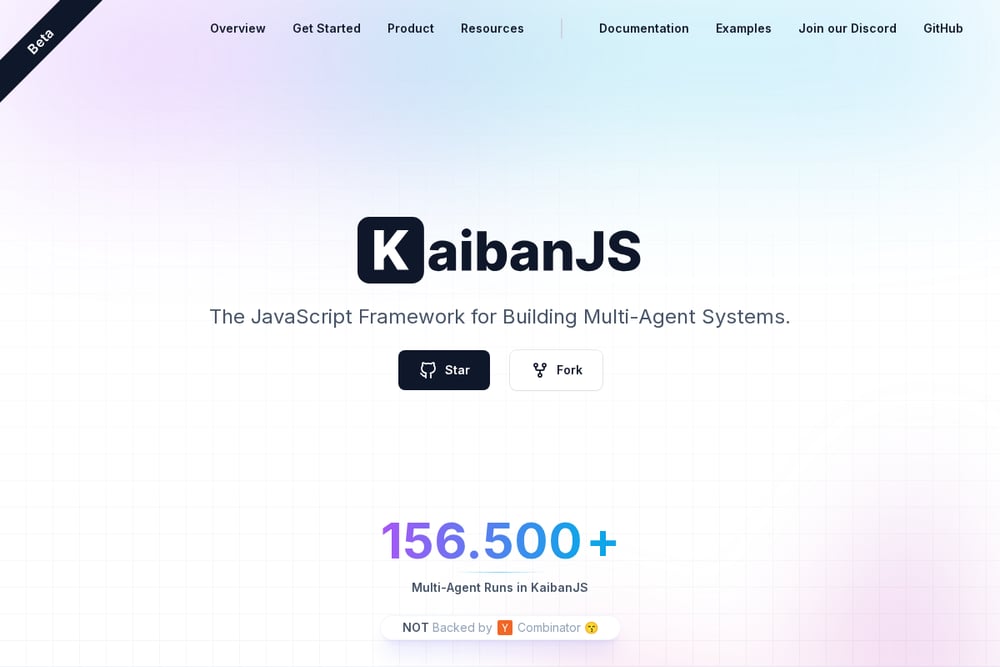
KaibanJS is a JavaScript framework for building multi-agent AI systems, and it includes a Kanban board interface to visualize and manage those agents in real-time. It's like Trello or Jira, but for AI agents and humans, allowing you to see what each agent is working on. You can run it locally, share it with your team, and iterate without vendor lock-in. The framework is backed by Y Combinator and offers a quick setup via npx, making it accessible for developers. It's ideal for teams building complex AI workflows who want a familiar Kanban-style view of their agents' progress. KaibanJS bridges the gap between AI orchestration and visual project management.
How to Choose the Right Local-First Kanban Tool
Start by considering your primary use case: are you a solo developer looking for a simple board, or do you need AI agents to actively manage tasks? If AI integration is key, look for tools with MCP support or embedded CLIs, like Kanban Pro or Flux. Think about your data storage preferences—do you want files on your disk, a local database, or git-based sync? Evaluate the learning curve: some tools are minimal and instant, while others require setup and configuration. Finally, consider collaboration needs: if you work with a team, check how each tool handles sharing, whether through cloud drives or self-hosted servers. By matching these factors to your workflow, you'll find the tool that fits best.
Automating Your Workflow with AI Agents
To get the most out of these tools, you can set up automation that lets AI agents handle routine task management. For example, with Kanban Pro, you can embed CLI commands in your Markdown tickets to trigger agentic workflows. With Flux, you can pipe 'flux ready' output to your agent, which then picks up tasks and updates statuses via MCP. Agent Kanban allows you to define automation rules that move cards based on triggers, and you can send notifications to Slack or Telegram. By integrating these tools into your development pipeline, you can reduce manual overhead and let AI handle the busywork. The key is to start small, automate one workflow, and expand as you see results.
The Future of Task Management Is Local and AI-Driven
These five tools represent a growing trend toward local-first, AI-integrated task management. Whether you choose Kanban Pro for its free, multi-view workspace or Flux for its git-native sync, you're taking control of your data and your workflow. As AI agents become more capable, having a board that they can interact with natively will be a game-changer. The tools here offer a range of options, from simple to complex, so you can find the right fit for your needs. Embrace the local-first movement and let your Kanban board work as hard as you do.