
If you're tired of scrapping plywood on bad finger joints, these five free box generators will get you from idea to cut sheet in minutes.
The State of Free Laser Box Generators
The laser cutting community has exploded with free, browser-based tools that turn box design into a few clicks. Gone are the days of manual CAD math and wasted material. Today's generators handle kerf compensation, auto finger-joint counts, and even 3D previews, so you can validate your design before the laser fires. Most tools export SVG or DXF files that drop straight into LightBurn, Glowforge, or xTool. The real differentiators are workflow depth, measurement management, and how well they fit into a busy shop's routine.
How We Evaluated Each Tool
We looked at each generator's core box-building features, from finger-joint automation to kerf compensation. We also considered how well each tool handles project organization and measurement storage, since that's where many free tools fall short. Pricing clarity mattered too—no one wants surprise paywalls after designing a box. Finally, we weighed the overall user experience, including 3D previews, export options, and whether the tool feels built for serious shop-floor use.
Here's a quick snapshot of the five tools we tested, with their standout strengths and best use cases.
| Provider | Best For |
|---|---|
| Box Studio | Quick, feature-rich box design with no signup |
| Laser Cut Box Maker — Start Here | Shop-floor workflow and measurement management |
| LaserBoxCutter.com | Simple, no-frills box generation with engraving options |
| Vector Painter | Interactive 3D preview and precise fit adjustments |
| Designer Bee | Beginners and hobbyists with preset box designs |
The Five Tools, Up Close
#1 Box Studio
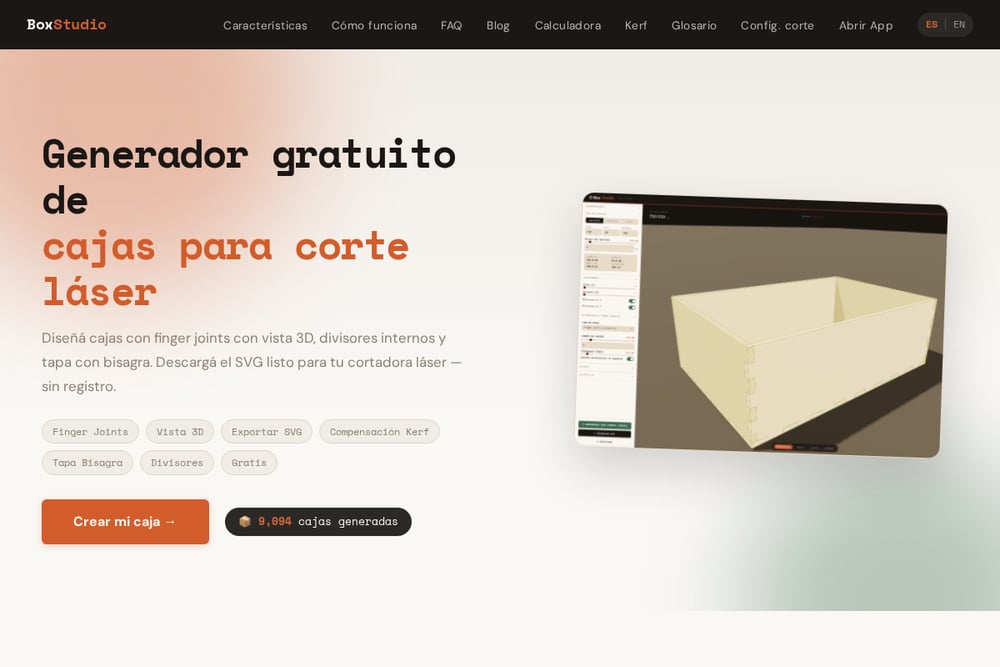 A screenshot of the Box Studio website.
Box Studio is a polished, free generator that nails the essentials: finger joints, kerf compensation, and a smooth 3D preview. It goes further with internal dividers and a hinge lid option, which are rare in free tools. The SVG export is clean and ready for LightBurn or RDWARE, and you don't need an account to start. Its recent updates show active development, like an undo system and divider merging. If you want a no-fuss tool that just works, this is your pick.
#2 Laser Cut Box Maker — Start Here
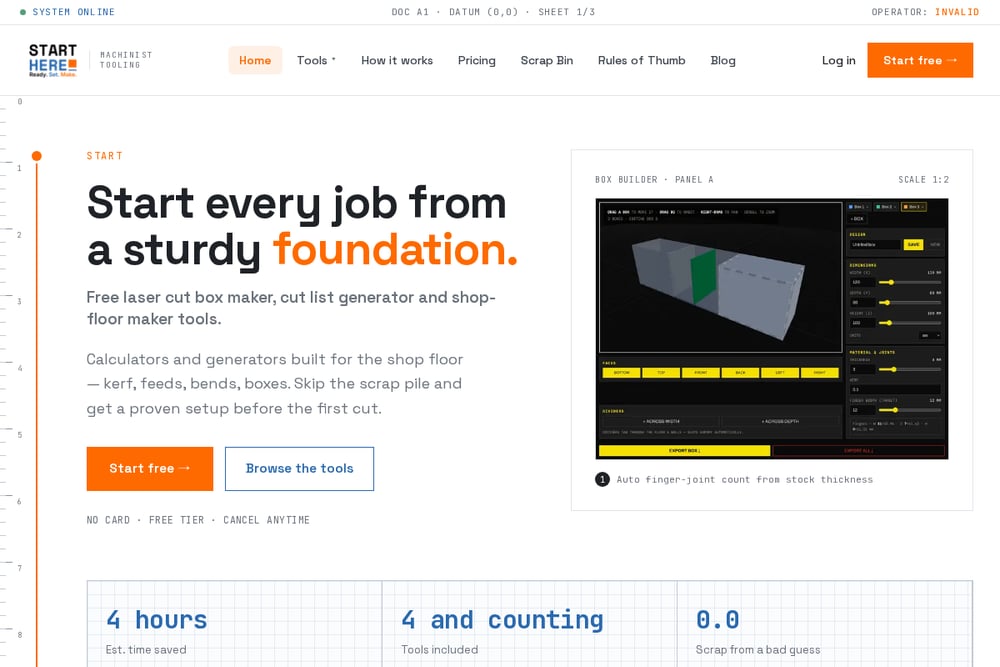 A screenshot of the Laser Cut Box Maker — Start Here website.
Laser Cut Box Maker — Start Here is more than a box generator; it's a full shop-floor toolkit. You get the Bad Ass Box Maker for finger-jointed boxes, plus calculators for kerf, feeds, and bends, and a measurement vault to store every dimension in one place. The workflow is built around 'measure twice, cut once'—you save measurements, generate cut lists, and organize projects into named Plans. It's free to start with no card required, and the tools are designed to reduce scrap from bad guesses. If you're running a real shop, this is the system you'll want to build around.
#3 LaserBoxCutter.com
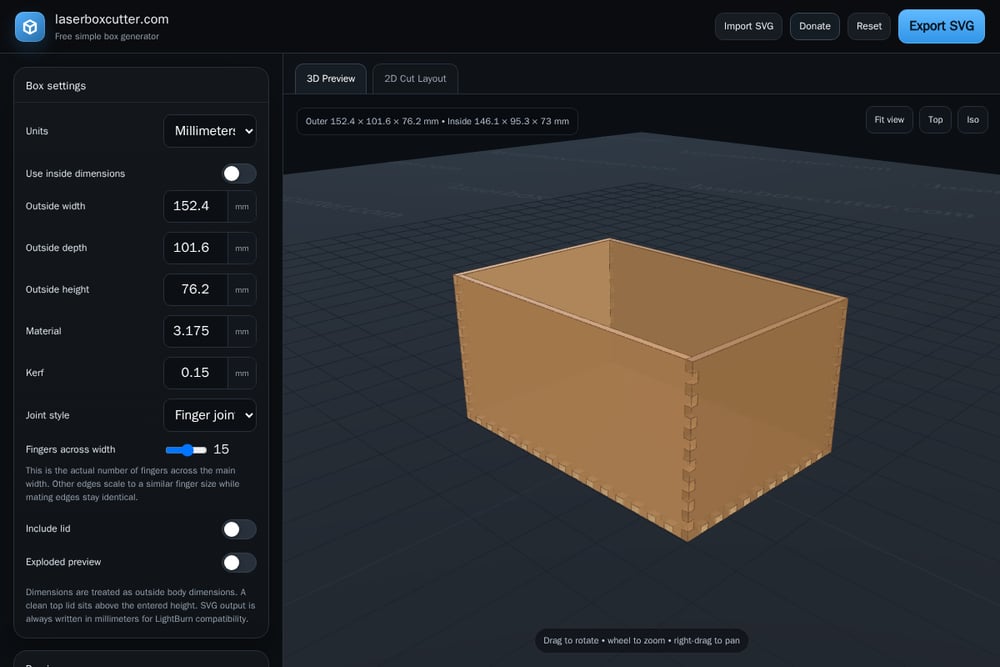 A screenshot of the LaserBoxCutter.com website.
LaserBoxCutter.com is a straightforward, free generator that focuses on getting you a cut-ready SVG fast. You set outside dimensions, material thickness, kerf, and finger count, then export. It also supports engraving artwork placement and cutouts, which is handy for adding logos or holes. The interface is a bit utilitarian, but it's reliable and works in any browser. If you need a no-nonsense tool for simple boxes, this one delivers.
#4 Vector Painter
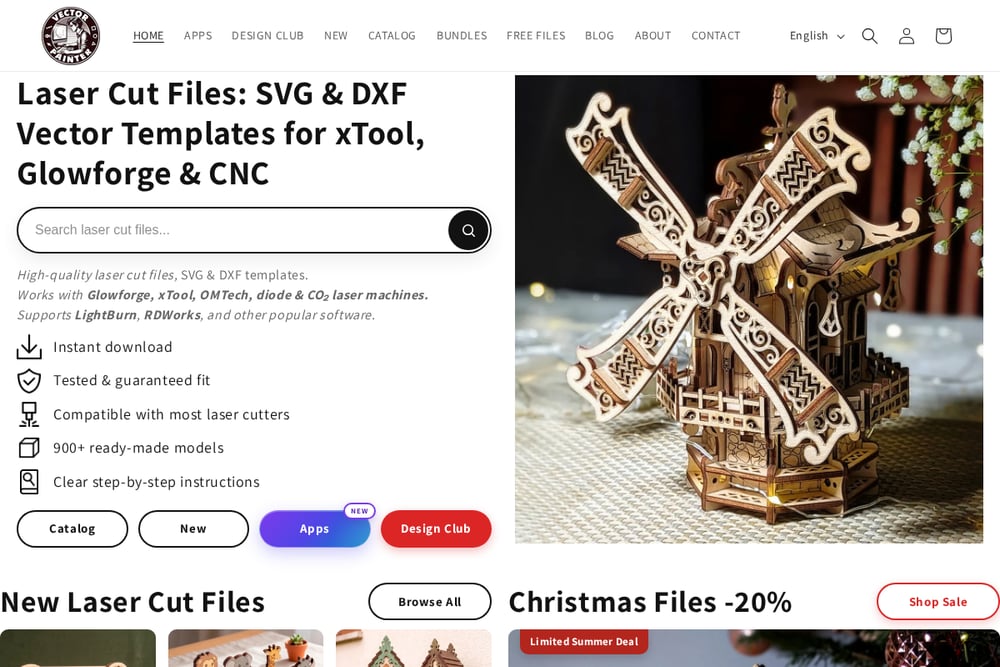 A screenshot of the Vector Painter website.
Vector Painter offers a live 3D preview that lets you rotate and inspect your box before downloading SVG or DXF files. It supports both internal and external dimensions, plus press-fit bumps and kerf compensation for a tighter fit. The tool is free and doesn't require signup, making it easy to jump in. It's a solid choice if you want to visualize the assembled box and tweak joint widths interactively.
#5 Designer Bee
 A screenshot of the Designer Bee website.
Designer Bee's laser box generator is clean and beginner-friendly, with presets for jewelry, pencil, and storage boxes. It uses internal dimensions, which is what most people care about, and offers drop-on or hinged lids. The SVG export packs panels efficiently, and it works with LightBurn, Glowforge, and xTool. It also includes a helpful guide to find local makerspaces if you don't own a laser. A great entry point for hobbyists.
How to Pick the Right Box Generator for You
Start by asking what you'll actually do with the tool. If you're a hobbyist making the occasional box, a simple generator like Designer Bee or LaserBoxCutter.com will get you cutting fast. If you run a shop and need to track measurements across multiple jobs, Laser Cut Box Maker — Start Here's measurement vault and project plans are a game-changer. For those who want to experiment with dividers and hinges, Box Studio's extra features are worth a look. And if you're picky about fit, Vector Painter's 3D preview helps you dial in kerf and joint width before you cut. Try two or three and see which one feels natural.
Automating Your Box Workflow
The real power of these tools is how they automate the tedious parts. You input stock thickness and box dimensions, and the generator calculates finger joints, kerf compensation, and panel layouts automatically. That means no more manual math or guesswork—just a cut sheet ready for your laser. Some tools, like Laser Cut Box Maker — Start Here, go further by storing your measurements and generating cut lists, so you can recall settings for any job. This turns a one-off design into a repeatable process, saving you time and material on every project.
The Bottom Line
Free laser box generators have matured to the point where there's no excuse for scrapping material on bad joints. Whether you're a weekend maker or a full-time fabricator, one of these five tools will fit your workflow. For pure design flexibility, Box Studio leads the pack. For a complete shop-floor system, Laser Cut Box Maker — Start Here is the one to build around. The others are solid backups for quick jobs. Pick one, run a test cut, and you'll wonder how you ever worked without it.