
If you're a developer tired of wrestling with PDF generation, these five API-driven platforms turn your JSON into polished, branded reports in seconds. Here's a look at the tools that can save you hours and headaches.
The State of Automated PDF Reporting
The demand for automated PDF reporting has exploded as businesses seek to streamline operations and deliver consistent, branded documents without manual effort. APIs that convert JSON data into PDFs are now essential for generating invoices, reports, and statements programmatically. These tools vary widely in approach—from template-based systems to fully managed design services—and choosing the right one depends on your technical comfort and customization needs. The market is crowded, but a few standouts offer the right mix of flexibility, ease, and pricing.
How We Evaluated These Tools
We assessed each platform on service scope, pricing transparency, ease of integration, and the level of design control offered. We also considered the learning curve for developers and the availability of support. Each tool brings something unique to the table, and our evaluations highlight what stood out for each, not a simple comparison of who is better.
Here's a quick snapshot of the five tools we're diving into, so you can see at a glance what each one offers.
| Provider | Best For |
|---|---|
| Hybiscus | Developers who want beautiful reports without design effort |
| Welcome to GoReportly - GoReportly | Developers seeking a simple, privacy-focused JSON to PDF API |
| Advicement DynamicDocs API | Teams needing LaTeX-based templates and dynamic charts |
| ConvertAPI Dynamic PDF API | Businesses that want to use Word templates for PDF generation |
| DynamicPDF API | Enterprises needing scalable, real-time PDF generation |
The Deep Dive: Five JSON-to-PDF API Tools
#1 Hybiscus
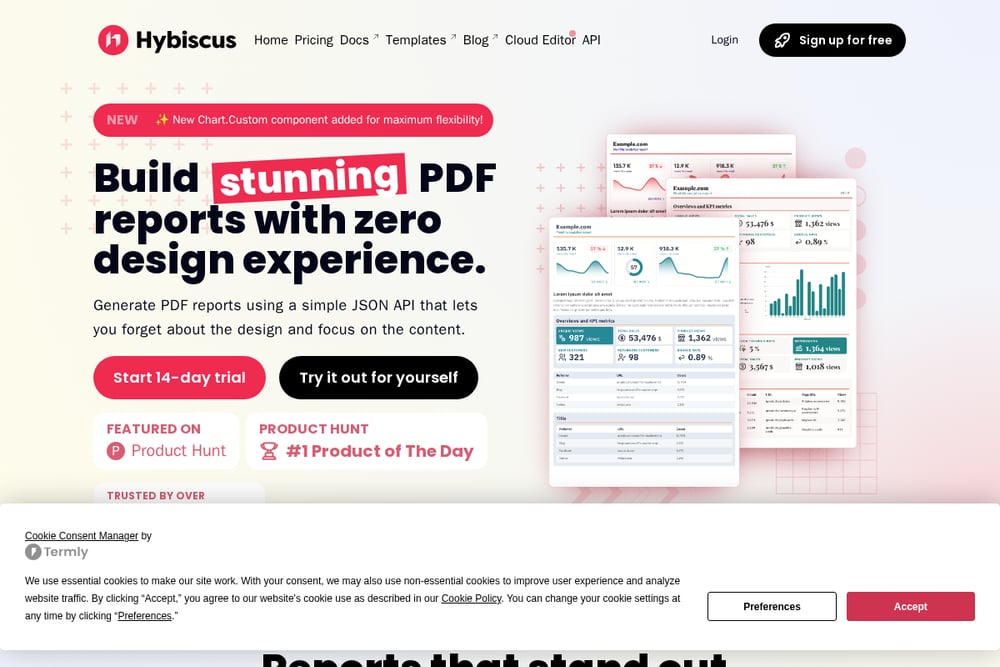 A screenshot of the Hybiscus website.
Hybiscus is a developer-friendly API that lets you generate stunning PDF reports with zero design experience. It uses a simple JSON API where you define your content and let Hybiscus handle the design, offering a wide range of pre-built components and themes. The platform includes an AI-powered cloud editor that can generate the JSON for you based on a description, making it incredibly easy to get started. It also supports data visualization with built-in chart components and secure cloud storage integration. Hybiscus is trusted by over 170 companies and was a Product Hunt #1 Product of the Day, which speaks to its popularity and reliability. If you want to focus on content rather than design, this is your tool.
#2 Welcome to GoReportly - GoReportly
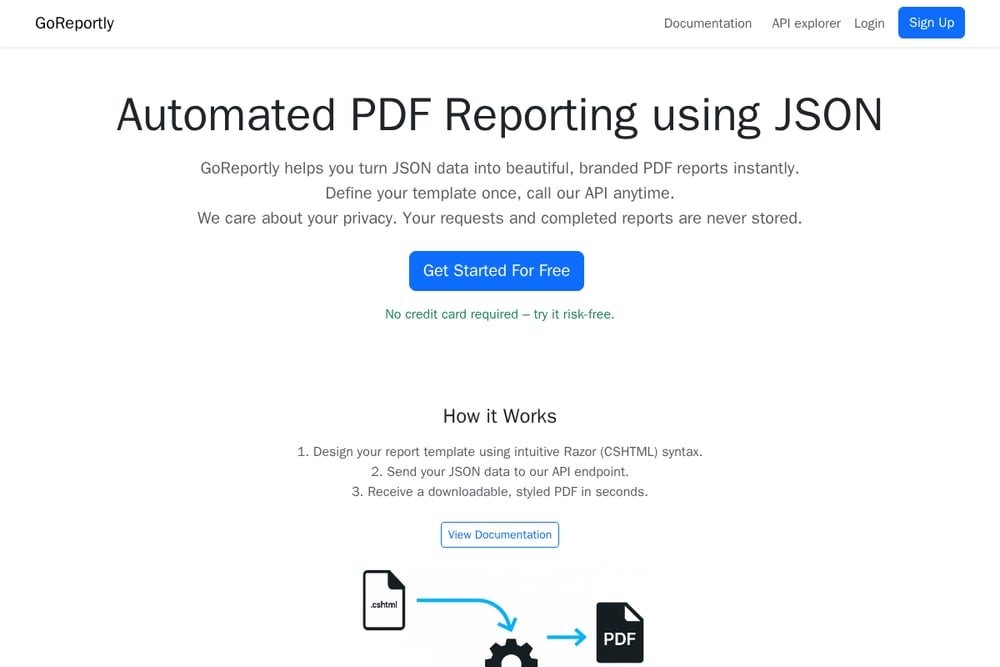 A screenshot of the Welcome to GoReportly - GoReportly website.
GoReportly is a straightforward SaaS platform that turns JSON data into branded PDF reports via a simple API. You design your template once using intuitive Razor (CSHTML) syntax, then send JSON data to their endpoint and receive a styled PDF in seconds. It offers a free trial with no credit card required, and its pricing is transparent at $9.99/month for 1,000 reports and 20 custom templates. The platform emphasizes privacy, stating that your requests and completed reports are never stored. It also provides free help with templates, which is a nice touch for developers new to Razor. For a no-frills, cost-effective solution, GoReportly is a solid choice.
#3 Advicement DynamicDocs API
 A screenshot of the Advicement DynamicDocs API website.
Advicement's DynamicDocs API is designed for effortless JSON to PDF conversion with a focus on dynamic documents. It supports both HTML and LaTeX templates, giving you fine-grained control over layout and typography. The API allows you to create dynamic PDFs with interactive tables, charts, and graphics, all while adhering to your corporate identity. It offers tailored pricing plans to suit different usage patterns, from small businesses to large enterprises. The platform also includes an Excel add-in for those who prefer a spreadsheet interface. If you need high customization and are comfortable with LaTeX, this is a powerful option.
#4 ConvertAPI Dynamic PDF API
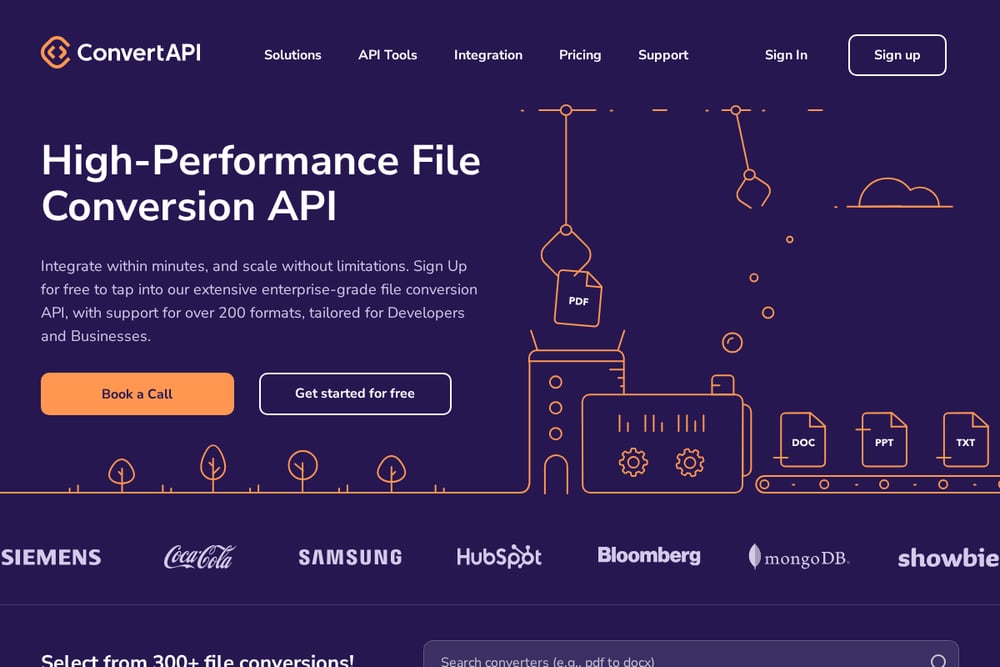 A screenshot of the ConvertAPI Dynamic PDF API website.
ConvertAPI's Dynamic PDF API lets you generate PDFs using Word templates and JSON data, which is perfect for those who prefer a familiar document editor. You can create templates in Word, then merge your JSON data to produce dynamic PDFs. The service is part of a larger suite of file conversion tools, so you can also handle other formats. It offers a free tier and a straightforward pricing model based on usage. The API is well-documented and integrates easily with various programming languages. If you're already using Word for your document templates, this is a seamless fit.
#5 DynamicPDF API
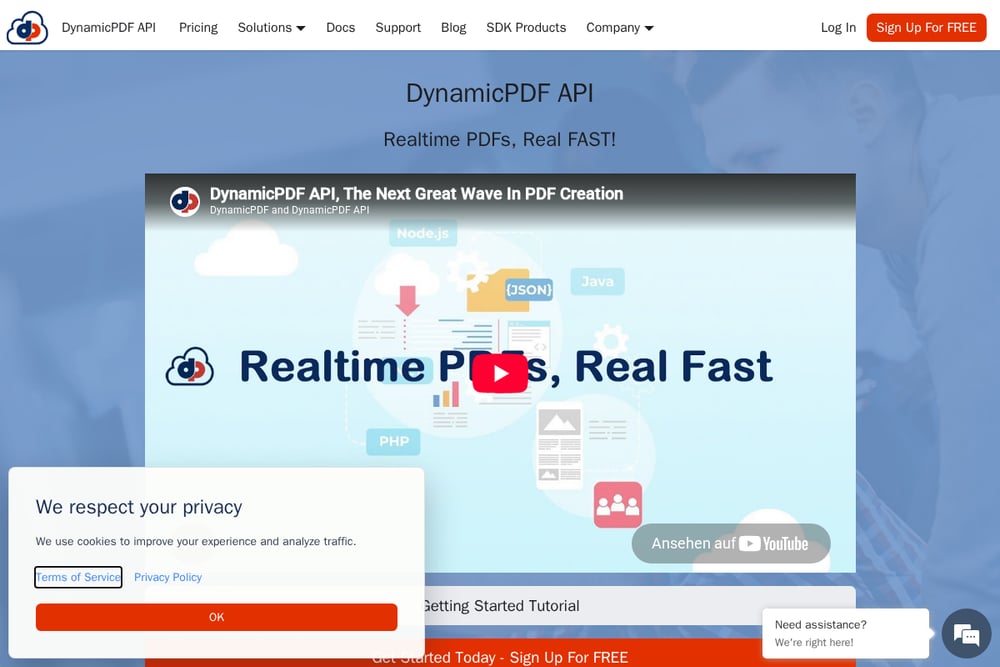 A screenshot of the DynamicPDF API website.
DynamicPDF API is a robust, enterprise-grade solution for real-time PDF generation, merging, and form filling. It offers an online designer for creating reports and documents, along with REST APIs and client libraries for Node.js, .NET, Java, PHP, Go, Python, and Ruby. The platform is known for its speed, generating PDFs in milliseconds, and its global availability with 10 zones to minimize latency. It also prioritizes security, never storing your private data. With over 20 years of experience and trusted by over 10,000 customers, it's a reliable choice for high-volume needs. If you need a comprehensive PDF toolkit, this is it.
How to Choose the Right JSON-to-PDF API
Start by considering your design skills and how much control you need over the final output. If you want to avoid design work entirely, Hybiscus is your best bet. If you prefer to code your templates, GoReportly offers a simple, cost-effective approach with Razor. For those who need LaTeX or advanced charting, Advicement is a strong contender. If you're already using Word templates, ConvertAPI will feel like a natural extension. And for large-scale, real-time needs with a full suite of PDF tools, DynamicPDF is the enterprise choice. Also, factor in your budget and whether you need a free trial to test the waters.
Automating Your Reporting Workflow
To automate your reporting, start by designing your template in your chosen tool—whether it's a simple HTML template in GoReportly or a Word doc in ConvertAPI. Then, set up a script or use a cron job to send your JSON data to the API endpoint whenever you need a report generated. The API will return the PDF, which you can save to your server or cloud storage. For more advanced automation, you can use webhooks to trigger actions after generation, like sending the PDF via email or uploading it to a CRM. This approach saves you hours of manual work and ensures consistency across all your reports.
The Bottom Line
Each of these five tools offers a unique path to automated PDF reporting, and the right one depends on your specific needs. GoReportly stands out for its simplicity and privacy, making it a great starting point for developers who want a straightforward API without the frills. Whether you prioritize design ease, template flexibility, or enterprise scalability, there's a tool here that can streamline your reporting process. Take advantage of free trials to see which one fits your workflow best, and you'll be generating branded PDFs in no time.