
Java Web Start is gone, but your JNLP apps don't have to die with it. Here are five modern replacements that keep your legacy Java desktop applications running smoothly.
The Post-Java Web Start Landscape
Oracle pulled Java Web Start from JDK 11, leaving countless enterprises with JNLP-based applications stranded. The community responded with a mix of open-source reimplementations, browser-based solutions, and server-side streaming tools. Each approach tackles the same problem differently: some focus on preserving the original desktop experience, while others shift execution to the cloud or the browser. As Java 8 support ended in 2019, the urgency to migrate has only grown. Today, you have more choices than ever, but picking the right one depends on your deployment model, security needs, and user base.
How We Evaluated These Solutions
We looked at each solution's ability to run JNLP files without modification, its compatibility with modern Java versions, and the level of community or commercial support available. We also considered how each handles security, especially around code execution and data protection. Finally, we weighed the ease of deployment for both developers and end users, since a solution that's hard to roll out won't save you time. Each tool has its strengths, and we've highlighted what stood out for each.
Here's a quick snapshot of the five replacements we're covering, so you can see at a glance which might fit your needs.
| Provider | Best For |
|---|---|
| CheerpJ | Browser-based migration of JNLP apps |
| Java Web Start is dead. Long live OpenWebStart! - openwebstart.com | Drop-in replacement for legacy JNLP desktop apps |
| Webswing | Server-side streaming of Java apps to browsers |
| IcedTea-Web | OpenJDK users on Red Hat Linux |
| OpenJNLP | Lightweight experimentation with JNLP |
The Five Replacements, In Depth
#1 CheerpJ
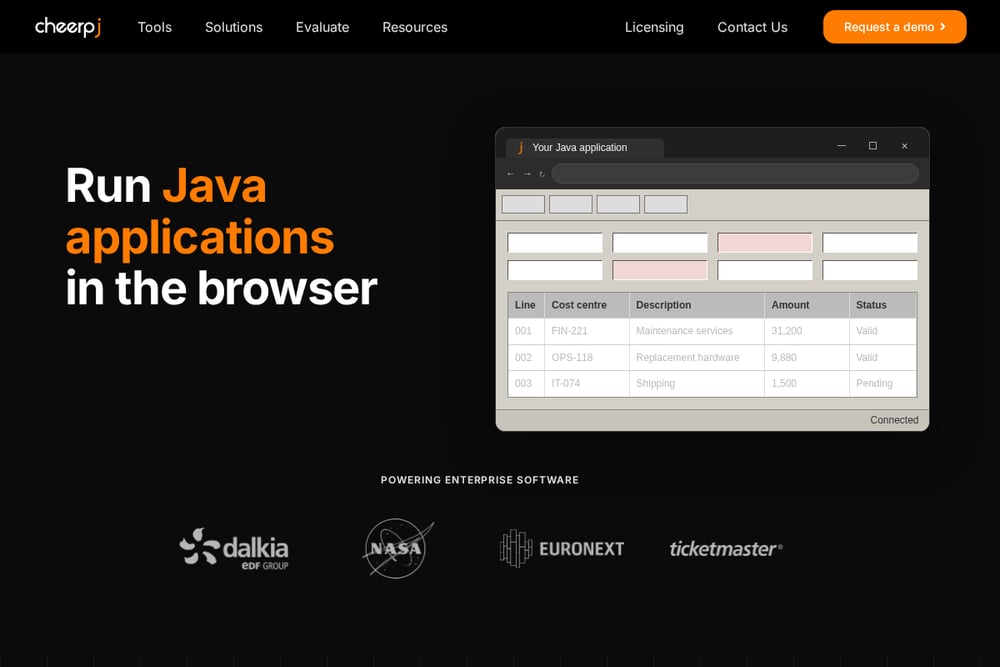 A screenshot of the CheerpJ website.
CheerpJ takes a radically different approach by running Java applications directly in the browser, no local Java installation needed. It converts your JNLP files and JARs to JavaScript on the fly, so users just click a link and the app loads in their web browser. This eliminates desktop deployment headaches and works on any device with a modern browser. CheerpJ is particularly strong for organizations that want to move away from managing Java on every endpoint. It's a commercial product with a free tier for small projects, and it supports a wide range of Java APIs. If you're looking to modernize your Java Web Start apps into web apps, CheerpJ is a compelling option.
#2 Java Web Start is dead. Long live OpenWebStart! - openwebstart.com
 A screenshot of the OpenWebStart website.
OpenWebStart is the closest drop-in replacement for the original Java Web Start, and it's open source. It lets you run JNLP files with the latest Java versions, so your existing applications work without any code changes. The project is actively maintained by Karakun AG, and it offers both a free community version and paid support plans for companies that need guaranteed response times. You can download it for Windows, macOS, and Linux, and it integrates seamlessly with your existing JNLP infrastructure. If you want to keep your desktop deployment model but need a modern, secure runtime, OpenWebStart is your best bet. It's the natural first choice for teams that just need Java Web Start to keep working.
#3 Webswing
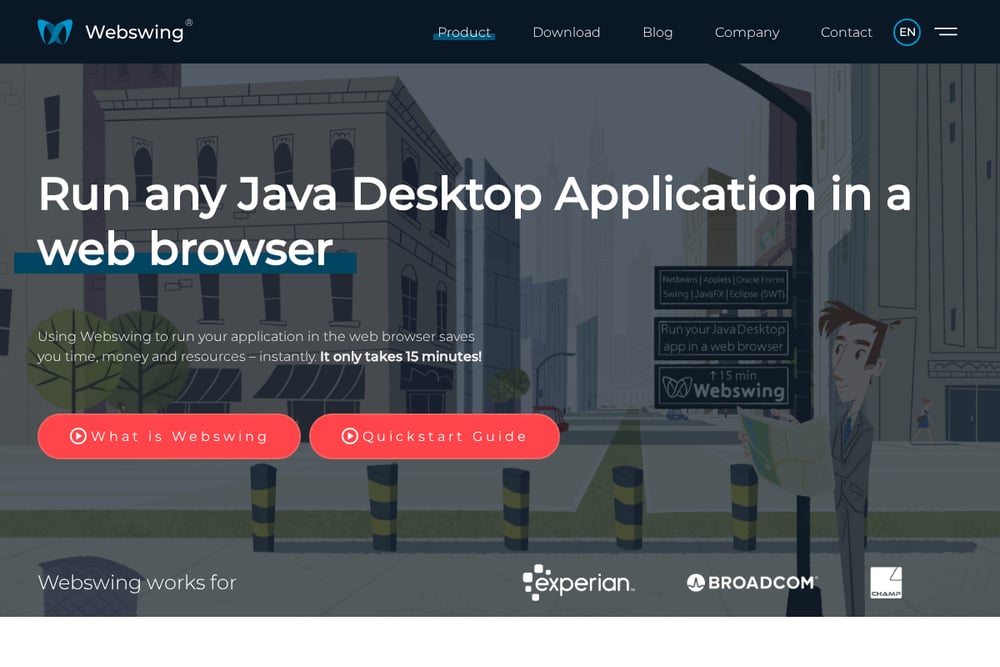 A screenshot of the Webswing website.
Webswing runs your Java application on a server and streams the UI to the browser, so users get a web-based interface without any client-side Java. This protects your source code because the JARs never leave the server, and it reduces the load on client machines. Webswing supports JNLP files and can also run standalone Swing applications, making it a versatile option for modernizing legacy apps. It's a commercial product with a free trial, and it's designed for enterprises that need centralized control and security. If you're tired of managing Java installations on every desktop, Webswing offers a clean server-side alternative. It's particularly useful for organizations that want to move to a zero-install model.
#4 IcedTea-Web
 A screenshot of the Red Hat Customer Portal page for IcedTea-Web.
IcedTea-Web is the open-source continuation of Java Web Start, maintained by the Red Hat and AdoptOpenJDK communities. It provides the javaws command and JNLP support for OpenJDK distributions, so you can keep using your existing scripts and workflows. While it's not as actively developed as some commercial options, it's a solid choice for Linux environments where Red Hat support is already in place. IcedTea-Web is free to use and integrates with OpenJDK, making it a natural fit for RHEL and CentOS users. However, it may require more manual configuration and doesn't offer the same level of commercial support as other tools. If you're on a Red Hat stack and need a straightforward JNLP launcher, IcedTea-Web is worth considering.
#5 OpenJNLP
 A screenshot of the OpenJNLP website.
OpenJNLP is an older open-source alternative that aims to provide a compatible JNLP client. It's a lightweight option that can be useful for simple JNLP files, but it hasn't seen significant updates in years. You might find it works for basic applications, but it lacks the modern security features and Java version support of other tools. It's more of a historical footnote than a viable long-term solution for most enterprises. If you're just experimenting with JNLP or need a minimal client for a legacy app, OpenJNLP could be a quick fix. But for production use, you'll likely want something more robust.
How to Choose the Right Replacement
Start by asking yourself: do you want to keep your desktop deployment model, or are you ready to move to the browser? If you want minimal disruption, OpenWebStart or IcedTea-Web will get you running JNLP files with modern Java versions. If you're open to a web-based approach, CheerpJ and Webswing offer different trade-offs: CheerpJ runs in the browser, while Webswing streams from a server. Consider your security requirements—if source code protection is critical, server-side options like Webswing are better. Also factor in your budget and support needs; open-source tools are free but rely on community help, while commercial options offer SLAs. Finally, test with your actual applications to see which one handles your JNLP files without issues.
Automating Your Migration
Once you've chosen a replacement, you can automate the migration process. For OpenWebStart, you can script the installation and configuration across your fleet using standard deployment tools. For CheerpJ, you can integrate the conversion into your build pipeline, automatically generating web links for each JNLP file. Webswing offers a REST API that lets you manage application deployments programmatically. IcedTea-Web can be configured via policy files that you can push to clients. OpenJNLP, being simpler, might require manual setup but can be scripted for basic tasks. Automating these steps saves time and ensures consistency across your user base.
The Bottom Line
Java Web Start may be dead, but your applications don't have to be. Whether you choose OpenWebStart for a seamless drop-in replacement, CheerpJ for browser-based access, or Webswing for server-side streaming, there's a solution that fits your needs. The key is to evaluate your deployment model, security requirements, and support expectations before committing. With the right tool, you can keep your legacy Java apps running well into the future. Don't wait—start your migration today.