
Need to convert an image without uploading it anywhere? These five browser-based tools handle JPG, PNG, WebP, AVIF, and more—right on your device, with no sign-ups or watermarks.
The Shift to Private, Browser-Based Image Tools
Image conversion used to mean desktop software or sketchy upload sites. Now, the best tools run entirely in your browser, processing files locally so your photos never leave your device. This privacy-first approach is a game-changer for developers, designers, and anyone handling sensitive images. In 2026, the leaders in this space combine speed, format support, and zero-friction UX—no accounts, no queues, no uploads. Whether you're optimizing web images or converting HEIC files from your phone, these tools deliver instant results with total peace of mind.
How We Evaluated These Tools
We looked at each tool's format coverage, processing speed, privacy guarantees, and ease of use. We also considered whether they offer batch conversion, quality controls, and extra utilities like compression or resizing. Each tool was assessed on how well it serves casual users and developers who need quick, reliable conversions without compromising security.
Here's a quick snapshot of the five tools we tested, ranked by overall utility and user experience.
| Provider | Best For |
|---|---|
| Picflow | Professionals needing RAW support and batch conversion |
| Free Image Converter, Compressor & Tools | FreePixely | Privacy-focused users needing a versatile all-in-one toolkit |
| Adobe Express | Users who want conversion plus advanced editing in one place |
| MediaBay | Users who want strict local processing with resize presets |
| Simple Image Resizer | Users needing a wide format range with resizing options |
The Deep Dive: 5 Image Conversion Tools Worth Knowing
#1 Picflow
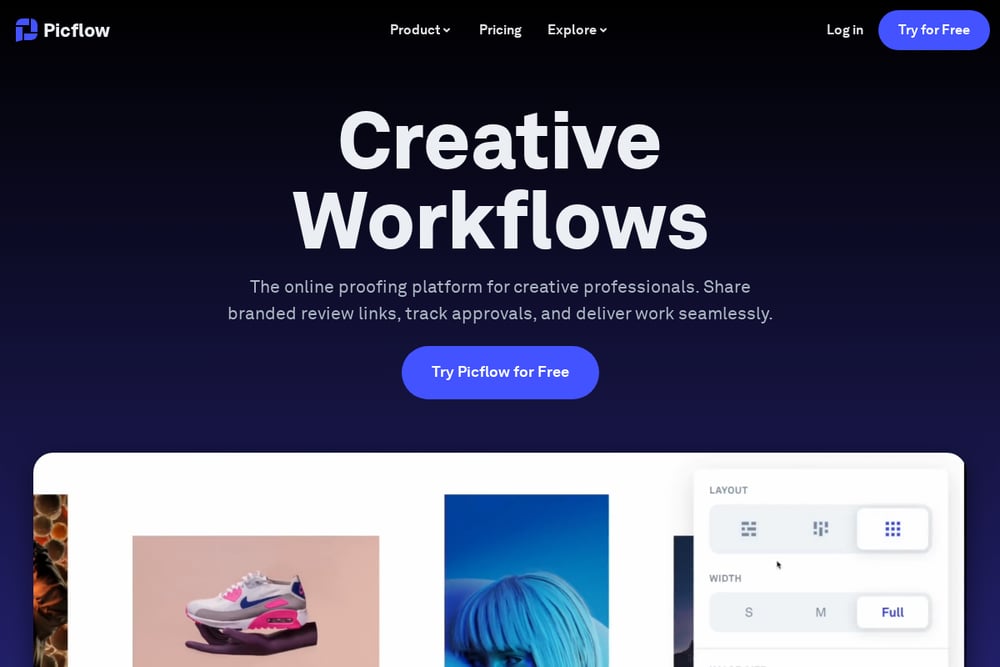 A screenshot of the Picflow website.
Picflow is a polished, browser-based converter that handles a wide range of formats, including RAW files from professional cameras. It processes everything locally, so your images never hit a server, and it offers batch conversion without registration. The interface is clean and ad-free, making it a joy to use for quick tasks. Picflow also integrates with its broader creative workflow platform, which is handy if you need proofing or client galleries later. For pure conversion speed and format flexibility, Picflow is hard to beat.
#2 Free Image Converter, Compressor & Tools | FreePixely
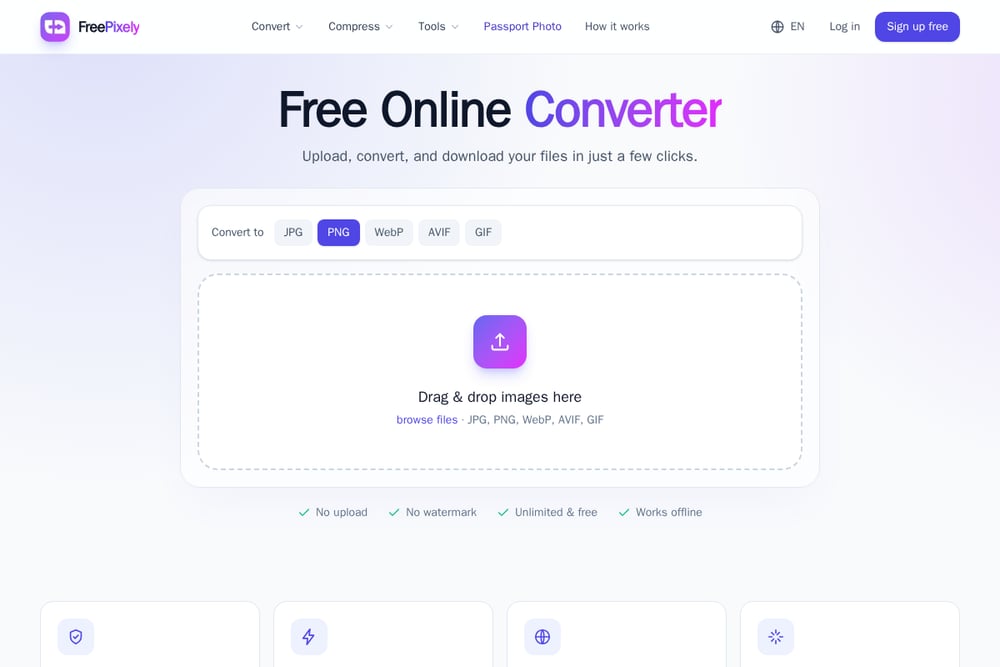 A screenshot of the FreePixely website.
FreePixely is a free, private, browser-based tool suite that converts, compresses, and edits images and PDFs—all without uploading your files. It supports JPG, PNG, WebP, AVIF, GIF, and HEIC, and includes extras like a passport photo maker, QR code generator, and unit converter. The interface is straightforward: drag, drop, pick a format, and download. You can fine-tune quality with a slider, and batch downloads come as a ZIP. It's a fantastic all-in-one utility for casual users and developers who want quick, private image manipulation.
#3 Adobe Express
Adobe Express brings the trust and polish of Adobe to free online image conversion. It supports JPG, PNG, WebP, and even SVG conversion, with a simple drag-and-drop interface. Files up to 2GB are accepted, and you can continue editing right after conversion using Adobe's suite of design tools. While it requires an upload to Adobe's servers, the company's privacy policies are robust. For those already in the Adobe ecosystem, this is a seamless choice.
#4 MediaBay
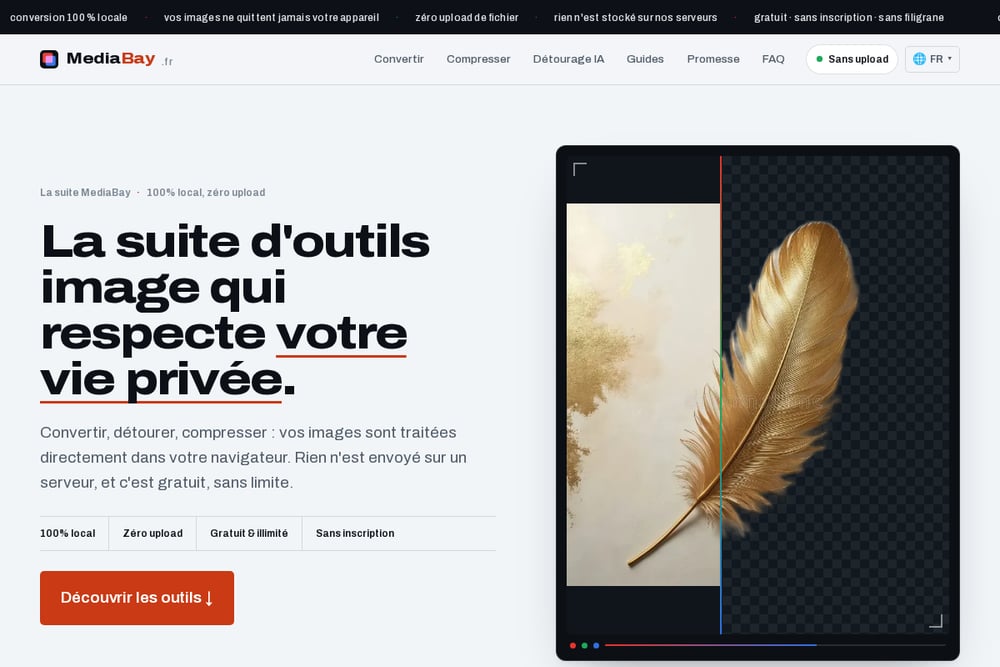 A screenshot of the MediaBay website.
MediaBay is a French-based converter that emphasizes 100% local processing—your files never leave your device. It supports JPG, PNG, WEBP, GIF, HEIC, AVIF, and BMP, and offers batch conversion with a ZIP download. The tool includes preset resize options for Instagram, banners, and web optimization, plus a quality slider. It's ad-supported but free, and the interface is clean and fast. If you want a no-nonsense, privacy-first converter with a few extra resizing presets, MediaBay delivers.
#5 Simple Image Resizer
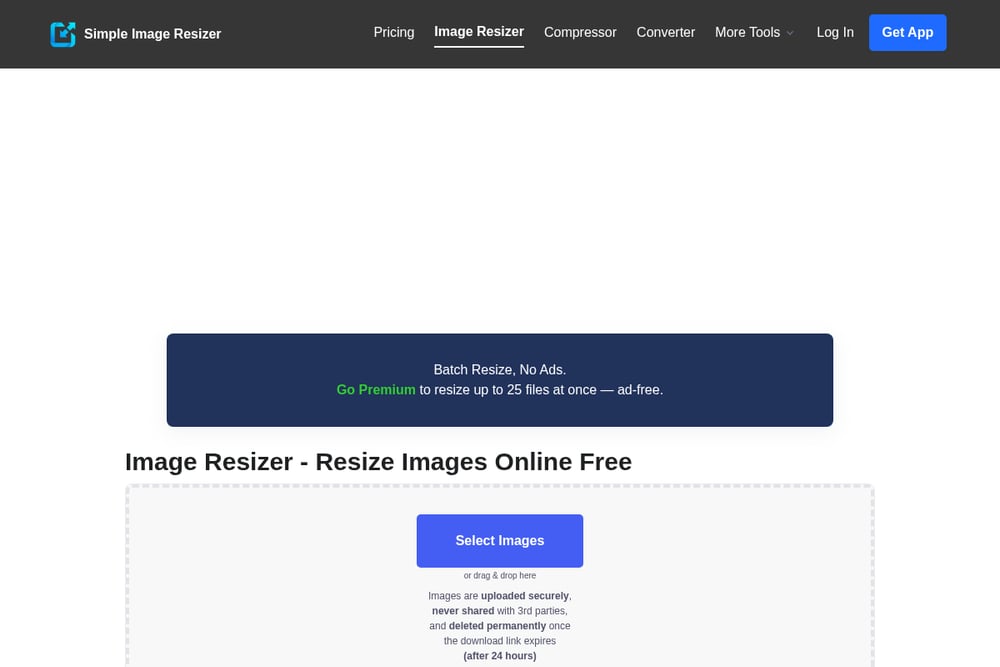 A screenshot of the Simple Image Resizer website.
Simple Image Resizer is a straightforward online converter that supports JPG, PNG, PDF, GIF, BMP, TIFF, WEBP, HEIC, and SVG. It offers batch conversion up to 25 files on premium, and includes resizing and compression options. Files are uploaded to their servers but deleted within 24 hours, which may not suit privacy purists. The free tier has a 3-file limit, and larger files require a premium plan. It's a solid choice if you need a wide format range and don't mind a few limitations.
How to Choose the Right Image Converter
Start by asking: do you need absolute privacy? If yes, pick a tool that processes locally, like FreePixely or MediaBay. If you're a professional dealing with RAW files, Picflow is your best bet. For those who want editing capabilities after conversion, Adobe Express is a natural fit. Consider batch limits, file size caps, and whether you need extra tools like compression or resizing. Finally, test a few with your typical files—speed and interface comfort matter more than you'd think.
Automating Your Image Workflow
For developers, these tools can be integrated into automated pipelines using browser automation or direct API calls where available. For instance, you can use Puppeteer to trigger conversions on FreePixely or Picflow, then download the results. Alternatively, you can build a simple script that uses local libraries like Sharp or ImageMagick, but the browser-based tools offer a no-code solution for quick tasks. The key is to choose a tool that supports batch processing and ZIP downloads, which FreePixely and Picflow do well.
The Bottom Line
In 2026, image conversion is no longer a chore—it's a private, instant, and free experience. Whether you prioritize privacy, format support, or extra editing tools, there's a browser-based solution that fits your workflow. FreePixely stands out as a versatile, privacy-first toolkit that covers all the basics and more. Try a couple of these tools today and see which one makes your life easier.