Zendesk is a common starting point, but plenty of teams outgrow it or want something different. This list covers five help desk tools worth knowing in 2026, each with a distinct approach to ticketing, channels and AI. None is presented as the best. They simply suit different teams, budgets and hosting preferences. Use the facts and quotes to see which fits how you work.
How We Picked These Tools
These tools were picked because each offers a credible alternative to Zendesk for support teams, and each brings a different strength: unified channels, suite integration, self-hosting flexibility, guided migration or AI woven through the workflow. Every fact below comes from the companies' own pages. The order is a plain list, not a quality ranking.
| Provider | Best For |
|---|---|
| LiveAgent | Small and growing support teams that want one inbox across email, chat, phone and social |
| Zoho Desk | Teams already using Zoho apps that want help desk inside a broader software suite |
| Deskpro | Teams that need cloud or self-hosted deployment and per-department configuration |
| HappyFox | Support and IT teams that want guided setup and managed migration included |
| Help Scout | Customer-first teams that want AI woven through inbox, handoffs and trend spotting |
The 5 Tools in Focus
#1 LiveAgent
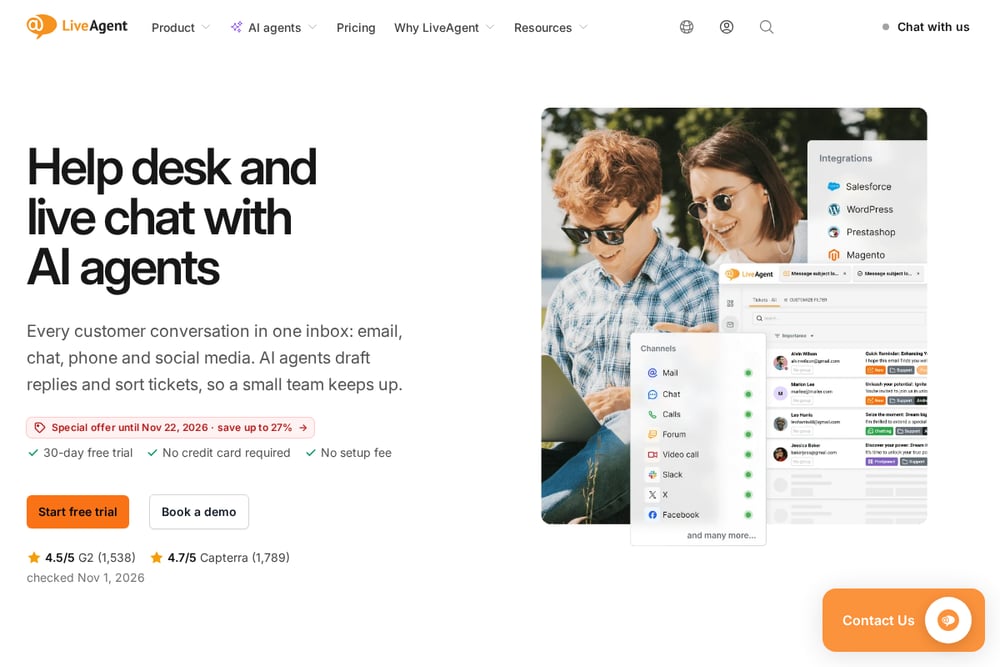 A screenshot of the LiveAgent website.
LiveAgent is cloud help desk software that turns every customer message from email, live chat, phone or social media into a ticket a team can assign, answer and track. It bundles a knowledge base and AI agents into the same inbox, so a small team can keep up with volume. The company positions it for solo operators, startups, agencies, education and enterprise, across industries like e-commerce, SaaS, travel, retail and healthcare. Data can be hosted in the EU, the US or Singapore, and paid plans include free help moving tickets and history from another tool.
#2 Zoho Desk
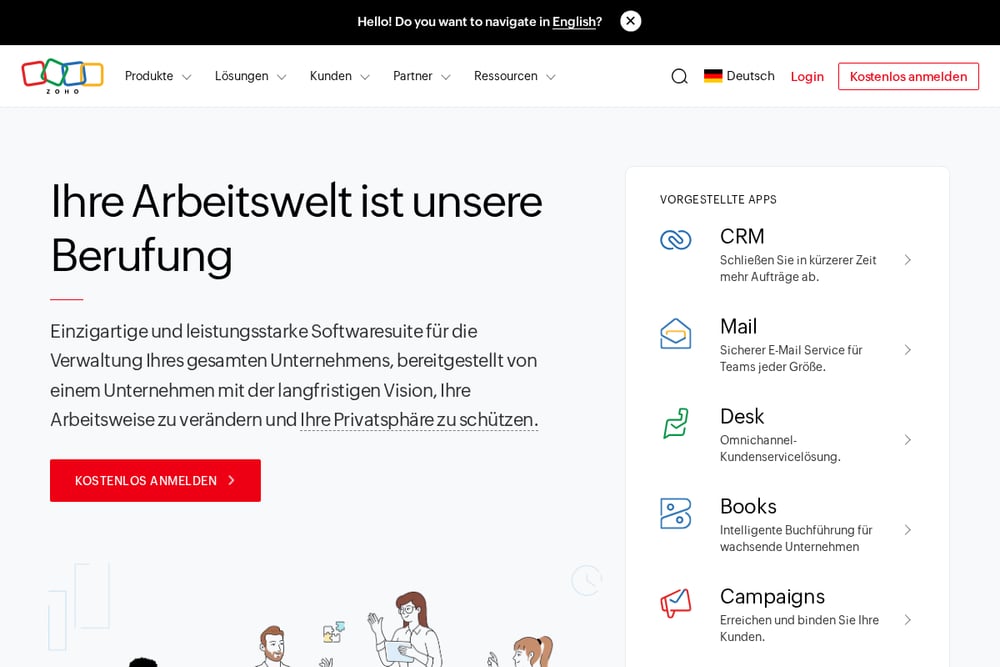 A screenshot of the Zoho Desk website.
Zoho Desk is part of Zoho's larger software suite, which the company describes as an all-in-one set of business applications. The suite spans CRM, finance, email, HR and project tools, and Zoho One is pitched as an operating system for business that connects and automates processes across more than 45 integrated applications. For support teams, that means a help desk can sit alongside the other tools a business already runs. Zoho emphasizes a long-term approach, in-house research and development, and running its own data centers.
#3 Deskpro
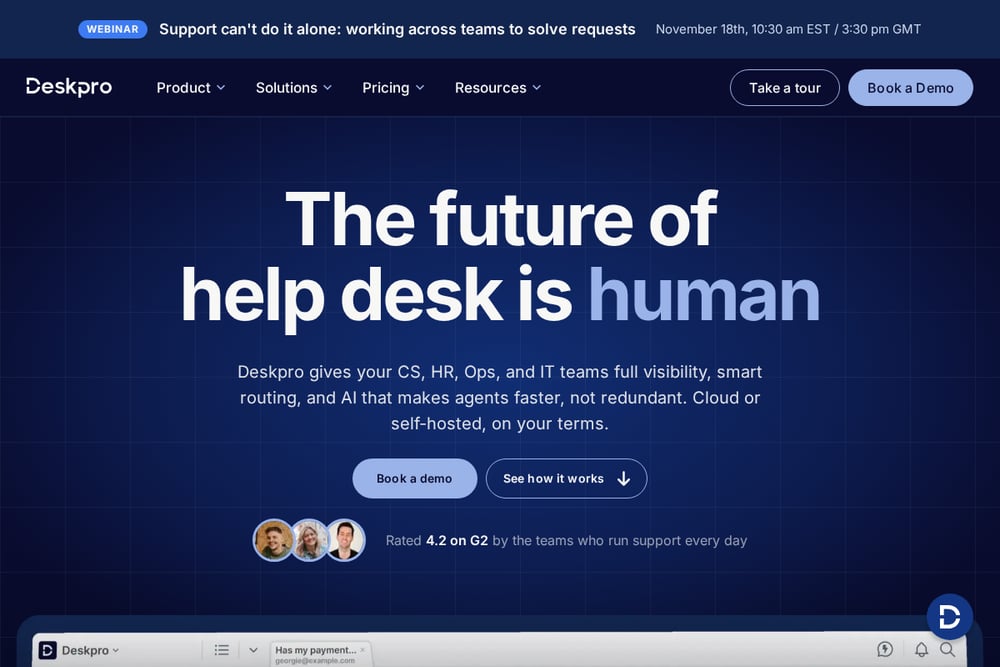 A screenshot of the Deskpro website.
Deskpro is a help desk built to serve several teams at once, including customer support, IT, HR and internal operations. It brings email, forms, voice, SMS, chat, Slack and Teams into one queue, with automation, custom fields and reporting on top. The company offers both Deskpro Cloud and Deskpro Private, so teams can let Deskpro run the infrastructure or keep it in their own hands. Its AI features summarize tickets, suggest replies and draft articles, with agents reviewing every response before it goes out.
#4 HappyFox
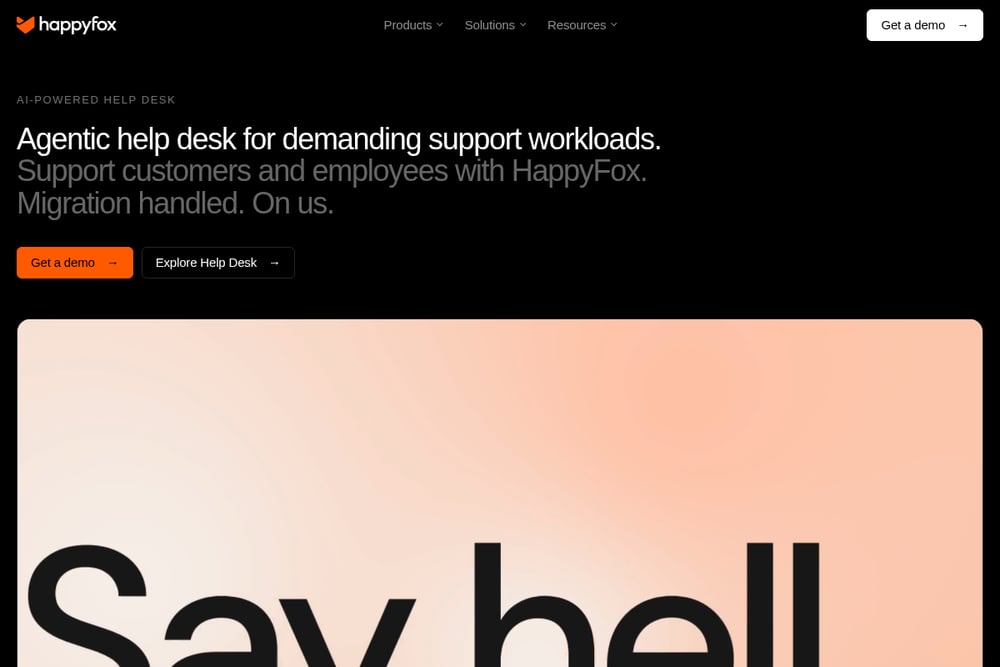 A screenshot of the HappyFox website.
HappyFox is an AI-powered help desk aimed at demanding support workloads, covering both customers and employees. It combines omnichannel intake, ticketing, self-service, automation and reporting, with AI features that summarize tickets, draft replies and surface answers. Autopilot agents update ticket fields and flag duplicates, while a chatbot answers from the knowledge base and hands off to agents with context. HappyFox specialists guide configuration and train teams, and the company handles data, workflow setup, testing and cutover as part of every annual Help Desk subscription.
#5 Help Scout
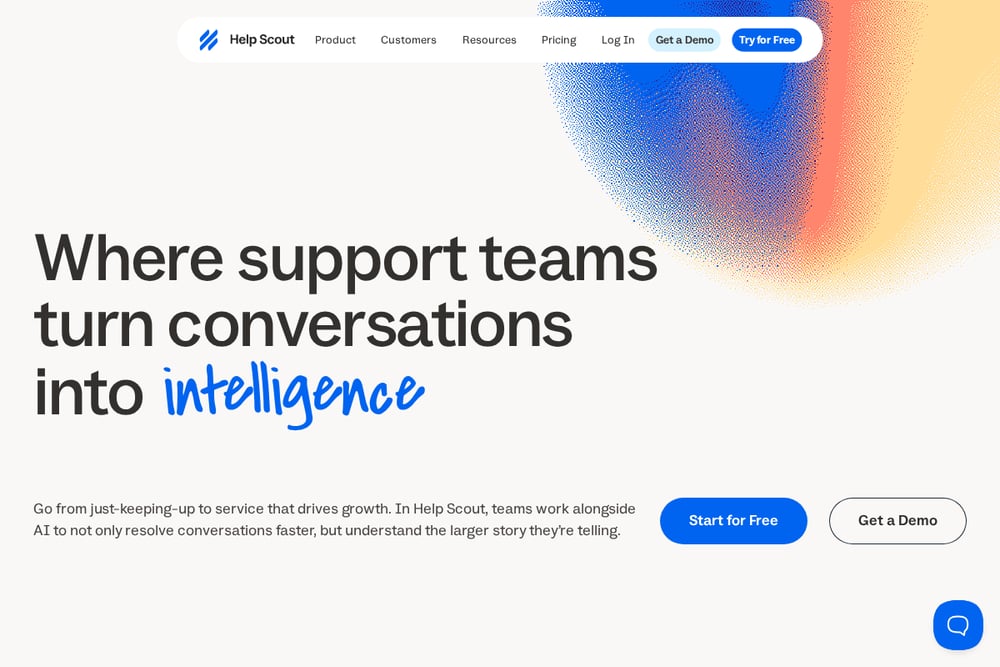 A screenshot of the Help Scout website.
Help Scout is an AI support suite built around four products: Inbox, Envoy, Copilot and Signal. Inbox brings email, SMS, social, chat and voice into one space with automatic assignments and context that carries through handoffs. Envoy powers an AI agent called Scout that answers and escalates, while Copilot generates drafts and triage suggestions and Signal surfaces emerging issues from conversations. The company says it is built for teams that want support software to treat customers like people rather than tickets, and it is HIPAA and SOC 2 Type II compliant.
Which One Should You Choose?
Start with the channels you actually support. If phone and social sit alongside email, look for tools that fold them into one queue. Decide whether you need cloud hosting only or the option to self-host, since that narrows the field quickly. Check how much configuration you need per department, because some tools are built for one support team while others stretch across IT, HR and operations. Consider whether guided setup or managed migration matters to your timeline. Finally, confirm the AI features you want are included in the plan you can afford, and ask how AI usage is billed.
Final Thoughts
Each of these tools approaches help desk work from a different angle, so the right pick depends on how your team operates rather than on any universal winner. If you want a single inbox that folds in email, chat, phone and social with AI helpers, LiveAgent and Help Scout both lean that way. If you need self-hosting or deep per-department configuration, Deskpro gives you that choice. If you want a broad suite that connects to other business apps, Zoho Desk sits inside a larger ecosystem. If migration help and guided setup matter, HappyFox builds that into its annual subscriptions. Compare a shortlist against your actual channels, team size and hosting needs, then run a trial before committing.
Know a company that belongs on this list? Email us at editorial@peekwire.com.