
Your ads might be running while your EU and UK conversion data quietly vanishes. These five tools help you catch broken consent signals before they cost you.
The Silent Data Leak in AI-Built Sites
Google Consent Mode v2 is now a requirement for ads targeting the EEA and UK, yet many sites—especially those built with AI platforms like Lovable, v0, and Framer—are firing tracking tags without a valid consent signal. The result: Google drops or models conversion data instead of measuring it, and the loss is permanent. A consent banner that looks perfect can be purely cosmetic, never wired to the actual tags. This is why diagnostic tools have become essential for any business running Google Ads or Analytics in Europe.
How We Evaluated These Tools
We looked at each tool's ability to detect broken consent signals, the depth of its analysis (checking signals like ad_storage and ad_user_data), ease of use for non-developers, and whether it offers actionable fixes or just a diagnosis. We also considered pricing transparency and whether the tool provides insights specific to AI-built sites, which are a growing source of consent failures.
Here's a quick comparison of the five tools, so you can see which one fits your needs at a glance.
| Provider | Best For |
|---|---|
| Consentik Google Consent Mode V2 Checker | Quick, free diagnostics with no sign-up |
| ConsentGap - is your site silently losing ad data? | AI-built sites with hidden consent issues |
| CookieYes Google Consent Mode Checker | Site owners already using or evaluating CookieYes |
| Concord Google Consent Mode Scanner | Developers needing a technical, crawler-level analysis |
| CookieHub Google Consent Mode Checker | Businesses seeking a CMP with built-in consent checking |
The Tools, Examined
#1 Consentik Google Consent Mode V2 Checker
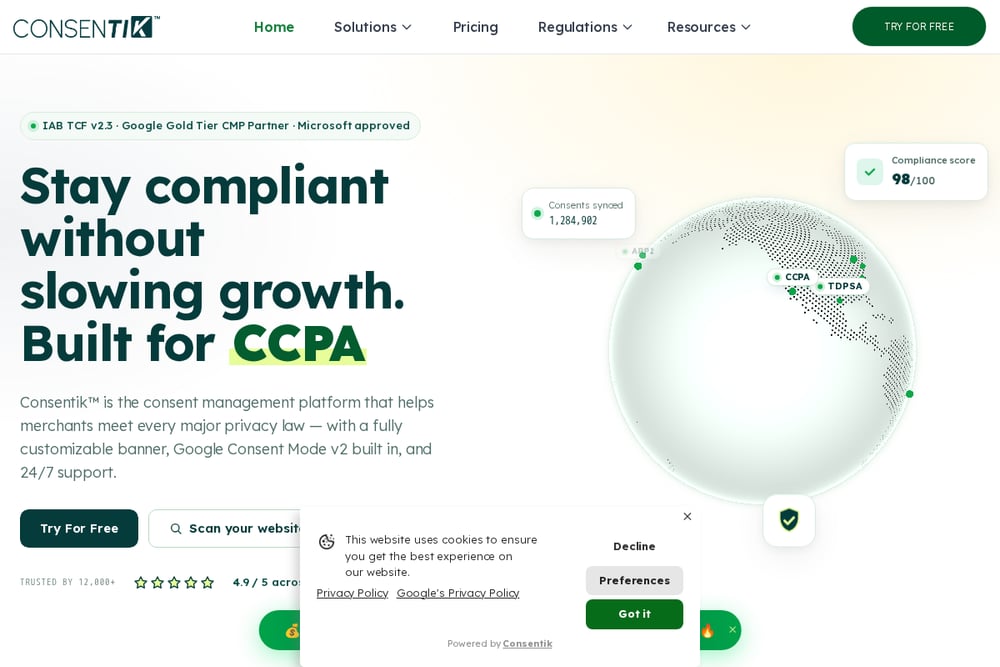 A screenshot of the Consentik website.
Consentik's checker loads your page in a simulated browser and inspects every part of your Consent Mode setup, from default consent to updates for ad_storage and ad_user_data. It's free forever and requires no email, making it a low-friction first stop for any site owner. The tool also offers a clear path to automatic fixes if you want to move beyond diagnosis. For a quick, no-strings-attached scan, this is a solid starting point.
#2 ConsentGap - is your site silently losing ad data?
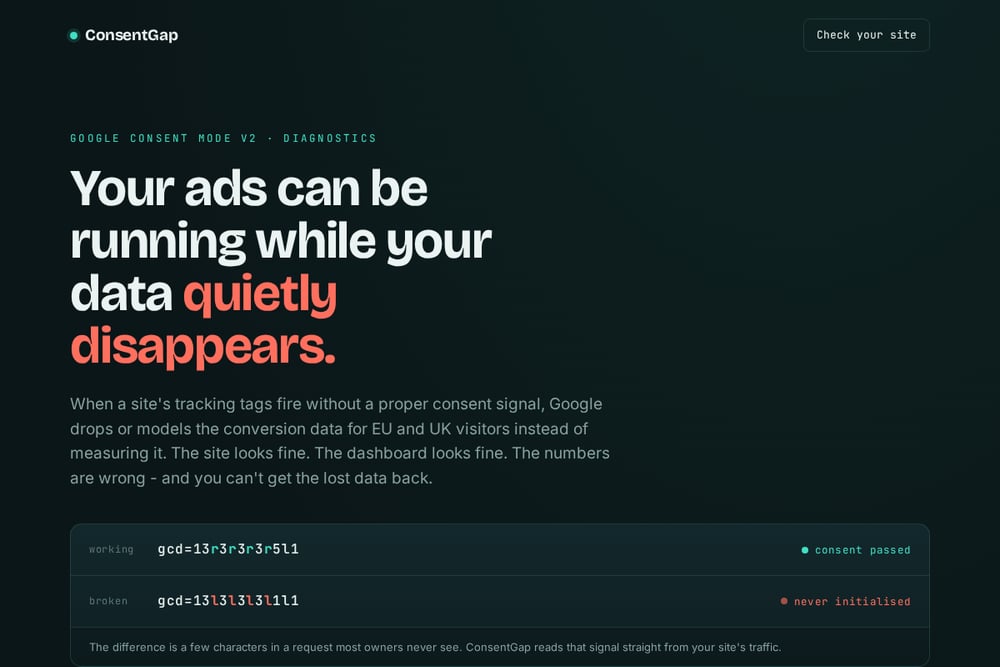 A screenshot of the ConsentGap website.
ConsentGap stands out because it focuses specifically on the silent failure mode that plagues AI-built sites. The founder's study of 500 newly-launched sites found that 93.5% of those with a live Google tag had broken consent—a startling stat that shows how widespread the problem is. You just paste your URL, and the tool reads the live consent signal straight from your site's network requests. It highlights the difference between a working signal (like gcd=13r3r3r3r5l1) and a broken one, making it easy to understand. If you built your site with an AI tool, this is the tool that speaks your language.
#3 CookieYes Google Consent Mode Checker
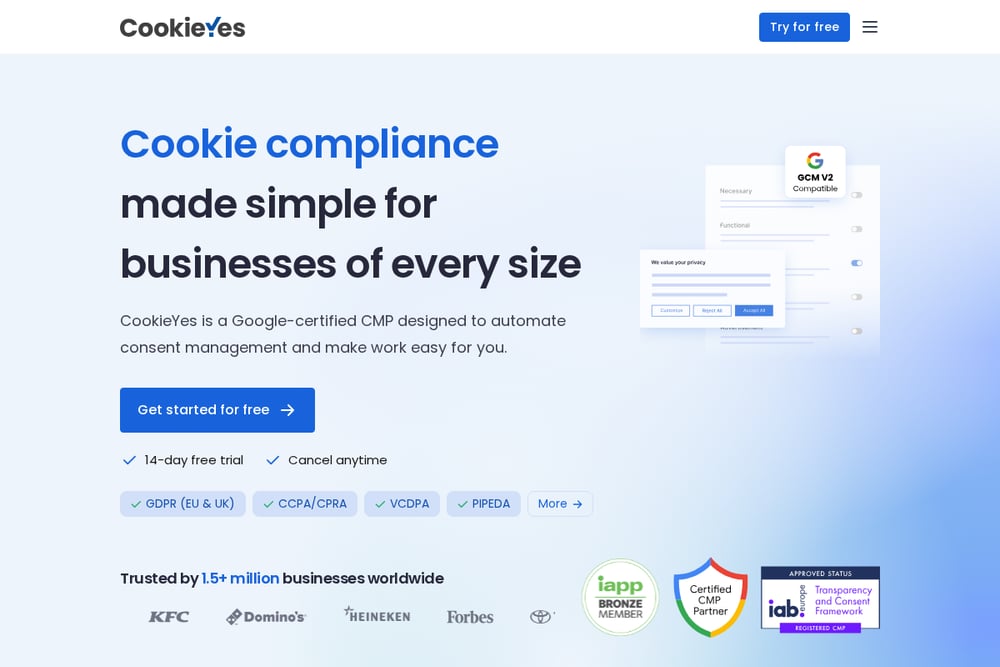 A screenshot of the CookieYes website.
CookieYes offers a free checker that's part of a larger consent management platform, so you get the benefit of their deep expertise in CMPs. The tool is straightforward: enter your URL and it tells you if Consent Mode v2 is correctly implemented. It's a good option if you're already using or considering CookieYes for your cookie banner, as the checker integrates with their broader suite. For a quick sanity check, it's reliable and backed by a well-known name in the industry.
#4 Concord Google Consent Mode Scanner
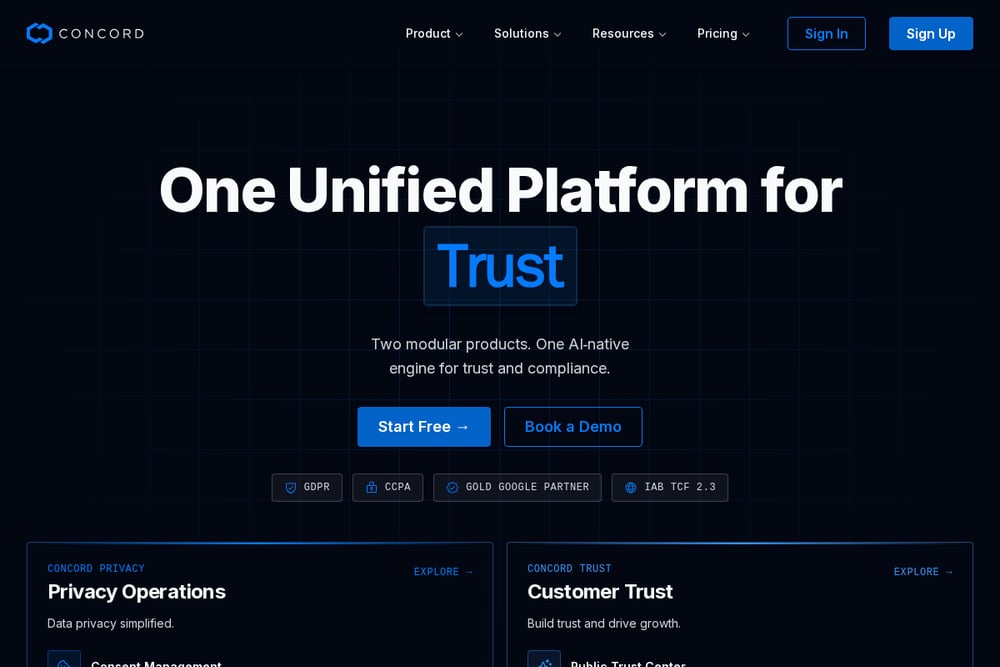 A screenshot of the Concord website.
Concord's scanner goes beyond a simple check by mirroring production conditions and evaluating each Consent Mode signal in real time, just like Google's crawlers do. It verifies default states before any user interaction and flags any blockers that could prevent Consent Mode V2 from working. This makes it a great choice for developers who want a technical, in-depth analysis. The tool also maps results directly to Google's requirements, so you know exactly what to fix.
#5 CookieHub Google Consent Mode Checker
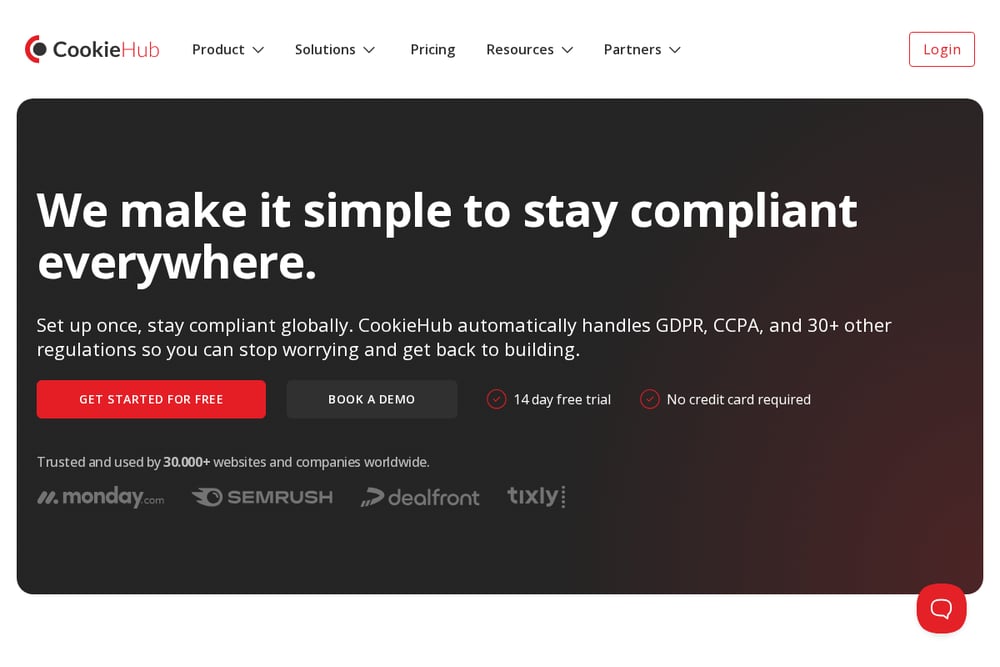 A screenshot of the CookieHub website.
CookieHub's checker is part of a fully-automated consent management platform, and it's designed to ensure your site is compliant with Google Consent Mode V2. The tool scans your site and tells you if the implementation is correct, with a focus on GDPR and UK GDPR alignment. It's a practical option if you're looking for a CMP that also offers a diagnostic tool as part of the package. The free trial lets you test the waters before committing.
How to Choose the Right Consent Diagnostic Tool
Start by considering your technical comfort level. If you're a developer, Concord's crawler-level analysis will give you the deepest insights. If you built your site with an AI tool and just want to know if your data is leaking, ConsentGap's targeted approach is ideal. For a quick, free check without any commitment, Consentik or CookieYes are great first steps. And if you're already using a CMP like CookieHub, their checker is a natural fit. Think about whether you need just a diagnosis or a full fix—some tools offer automatic remediation, while others point you in the right direction.
Automating Consent Checks for Ongoing Protection
To keep your consent setup healthy, you can integrate these tools into your regular workflow. For example, set up a monthly reminder to run a scan with ConsentGap or Concord on your live site. If you use Google Tag Manager, you can also add a custom HTML tag that logs the consent state to the console, giving you a quick visual check. For a more automated approach, some CMPs like CookieYes and CookieHub offer monitoring features that alert you to issues. The key is to make consent checking a habit, not a one-time event.
Don't Let Your Data Disappear
The bottom line is that broken consent is a silent killer of ad performance, and it's more common than you think—especially on AI-built sites. The good news is that you don't have to guess. Tools like ConsentGap and the others in this list give you a clear picture of what's happening on your site. Pick one, run a scan, and fix any issues you find. Your future conversion data will thank you.