
Managing a shared Gmail inbox can feel like herding cats. These five tools help you tame the chaos, assign emails, and keep your team on the same page.
The State of Gmail Shared Inbox Tools
Email remains the backbone of business communication, but when multiple people need to manage the same inbox, things get messy fast. Forwarding threads, accidental reply-alls, and lost messages are all too common. That's why a new wave of Gmail-focused collaboration tools has emerged. These platforms sit on top of the Gmail API, letting you turn a simple mailbox into a shared workspace with assignments, labels, and tracking. Whether you're a small team or a large enterprise, the right tool can save hours every week and keep your customers happy.
How We Evaluated These Tools
We looked at each tool's core functionality, ease of setup, and how well it fits into a Gmail-centric workflow. We considered the range of features, from basic shared inboxes to advanced automation and analytics. We also weighed the user experience, security posture, and pricing transparency. Each tool was assessed on its ability to solve real-world email collaboration problems without adding unnecessary complexity.
Here's a quick look at the five tools we're covering, from the most feature-rich to the most streamlined.
| Provider | Best For |
|---|---|
| Front | Enterprise teams needing a full omnichannel inbox |
| Niviomails | Teams wanting a secure, centralized Gmail dashboard |
| Keeping | Small teams wanting a help desk inside Gmail |
| Drag | Visual teams that prefer a Kanban-style inbox |
| Gmelius | Teams needing AI-powered email collaboration |
The Deep Dive: Five Gmail Shared Inbox Tools
#1 Front
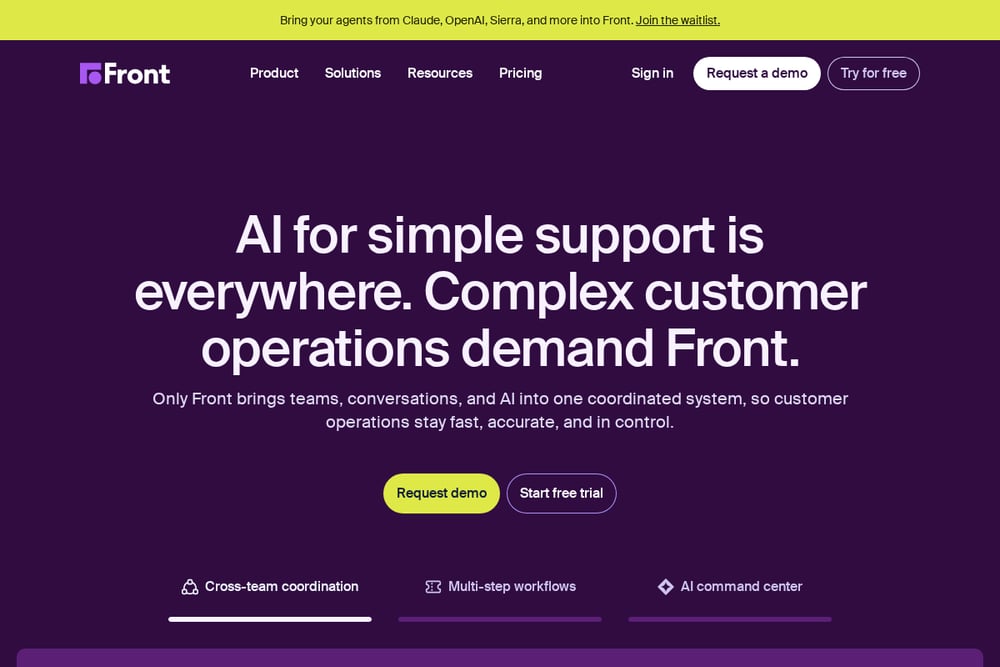 A screenshot of the Front website.
Front is a heavyweight in the shared inbox space, offering a full omnichannel platform that goes beyond Gmail. It lets you manage email, chat, and social messages from one place, with powerful collaboration features like internal comments and mentions. Front's automation capabilities, including its AI-powered Autopilot and Copilot, help you handle routine requests and draft responses. It's a robust choice for teams that need a complete communication hub, not just a Gmail add-on. The platform integrates deeply with your existing tools, making it a central command center for customer-facing teams. If you're looking for a scalable solution that grows with your business, Front is a solid pick.
#2 Niviomails
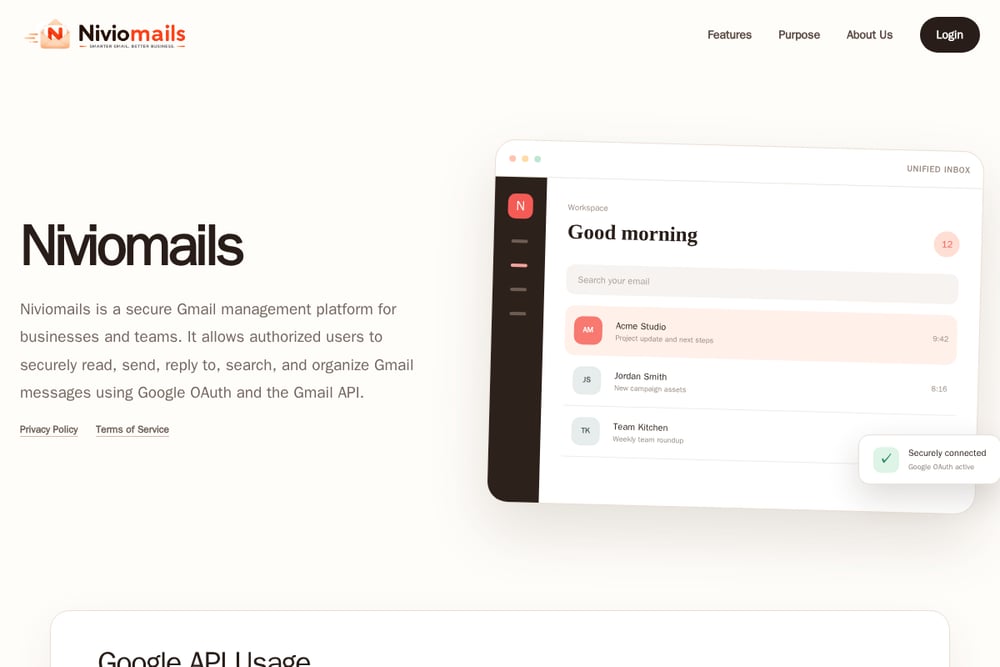 A screenshot of the Niviomails website.
Niviomails is a secure Gmail management platform built specifically for businesses and teams. It offers a unified inbox where you can read, send, search, and organize messages from multiple Gmail accounts, all through a centralized dashboard. The tool uses Google OAuth 2.0 and the Gmail API, so you never have to share your password—it's all about secure, authorized access. You can assign mailbox access to the right users, making it easy to manage shared team mailboxes. Niviomails focuses on simplicity and security, making it a great fit for organizations that want a straightforward solution without the bloat. If you're looking for a clean, secure way to manage Gmail for your team, this is worth a look.
#3 Keeping
 A screenshot of the Keeping website.
Keeping turns your Gmail into a help desk with a simple Chrome extension. It's designed for teams that want to manage customer emails without leaving Gmail, so there's no new interface to learn. You can assign emails to teammates, track response times, and use automation rules to route messages automatically. Keeping is SOC2 compliant, so you can trust it with your data. It's a lightweight option that's perfect for small businesses or support teams that live in Gmail. If you want a quick setup and a familiar environment, Keeping is a strong contender.
#4 Drag
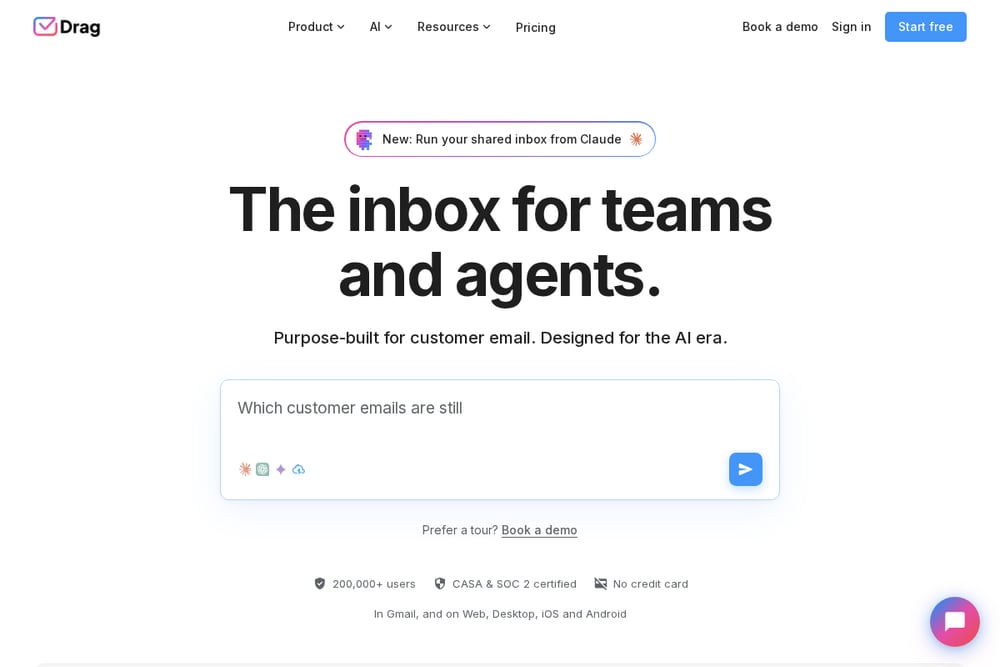 A screenshot of the Drag website.
Drag takes a unique approach by turning your Gmail inbox into a Kanban-style board. You can drag and drop emails into different columns, making it easy to visualize your workflow. It offers shared inboxes, assignments, and automation rules, all within Gmail. Drag also includes analytics and integrations with popular tools like Slack and Trello. It's a great choice for teams that like a visual, board-based approach to email management. If you're tired of a linear inbox and want to see your tasks at a glance, Drag might be your answer.
#5 Gmelius
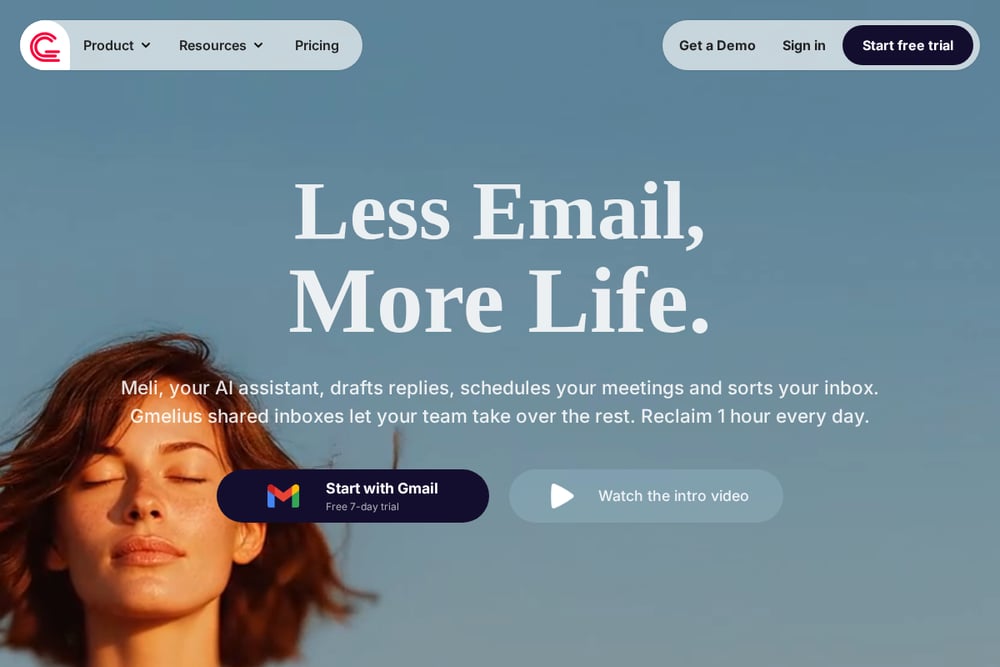 A screenshot of the Gmelius website.
Gmelius is a comprehensive Gmail collaboration suite that includes shared inboxes, shared labels, and email delegation. It also offers AI assistants that can draft replies, sort emails, and even dispatch messages to the right teammate. Gmelius integrates with a wide range of apps and provides analytics to help you understand your email performance. It's a flexible tool that can adapt to various team workflows, from customer support to sales. If you want a feature-rich solution that grows with you, Gmelius is worth considering.
How to Choose the Right Gmail Shared Inbox Tool
Start by thinking about your team's size and how you work. If you're a small team that lives in Gmail, a lightweight tool like Keeping or Drag might be perfect. If you need a more robust solution with automation and analytics, consider Gmelius or Front. Security is also key—make sure the tool uses OAuth and doesn't store your passwords. Finally, think about your budget and whether you need a free trial to test things out. The right tool should feel like a natural extension of your workflow, not a burden.
Automating Your Shared Inbox Workflow
Once you've picked a tool, set up automation rules to handle repetitive tasks. For example, you can automatically assign emails based on keywords or route them to specific team members. Use templates for common responses to save time. Many tools also offer AI features that can draft replies or summarize threads. The goal is to reduce manual work so your team can focus on what matters—building relationships and solving problems.
The Bottom Line
There's no one-size-fits-all solution for shared Gmail inboxes. The best tool depends on your team's needs, your budget, and how you like to work. Whether you choose a simple extension or a full-featured platform, the key is to find something that makes email collaboration easier, not harder. Take advantage of free trials to see what feels right. With the right tool, you can turn your inbox from a source of stress into a well-oiled machine.