
Need to merge, compress, or convert a PDF without paying a dime? These five free online tools have you covered, each with its own strengths.
The Free PDF Tool Landscape
The demand for quick, browser-based PDF utilities has exploded as remote work and digital document sharing become the norm. From students to small business owners, everyone needs to manipulate PDFs without installing heavy software. Free tools have stepped up, offering everything from basic merging to advanced OCR and e-signatures. But not all free tools are created equal—some impose file size limits, watermark outputs, or require sign-ups. Understanding what each service offers helps you pick the right one for your workflow.
How We Evaluated These Tools
We looked at each tool's range of services, from simple merging to full conversion suites. Pricing clarity was key—does the free tier actually cover what you need, or are there hidden costs? We also considered ease of use, whether you can drag-and-drop files without a learning curve. Security and privacy mattered too, especially for sensitive documents. Finally, we assessed each tool's fit for different user types, from casual users to power professionals.
Here's a quick snapshot of the five tools we're highlighting, so you can see at a glance what each one brings to the table.
| Provider | Best For |
|---|---|
| Smallpdf | All-in-one PDF tasks with a generous free daily limit |
| My Free PDF Tools | Free, Easy, and Quick Online PDF tools | Unlimited free PDF processing with no strings attached |
| iLovePDF | Cloud integration and OCR capabilities |
| Adobe Acrobat Online | Professional-grade PDF tools with AI enhancements |
| Drawboard | Privacy-focused users who want in-browser processing |
The Five Tools, Up Close
#1 Smallpdf
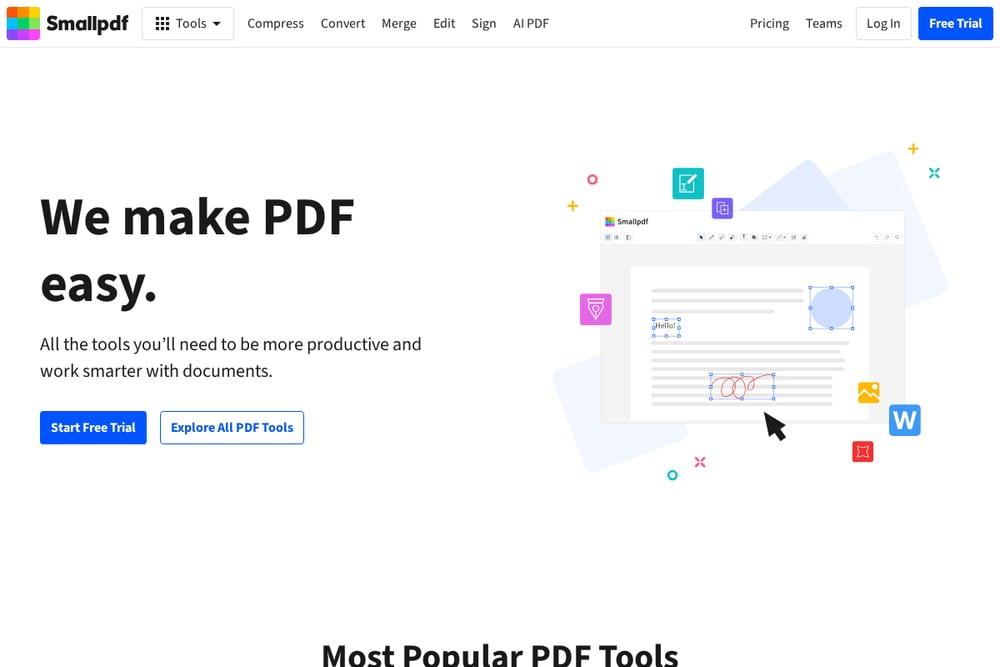 A screenshot of the Smallpdf website.
Smallpdf is a powerhouse with over 40 tools, covering everything from merging and compressing to converting and editing. Its free tier lets you process up to two documents per day, which is perfect for occasional use. The interface is clean and intuitive, with drag-and-drop functionality that feels natural. You can also access it on mobile, making it handy for on-the-go tasks. Smallpdf's cloud-based processing means your device's resources aren't taxed, and files are encrypted and auto-deleted after an hour. It's a solid choice for anyone who needs a reliable, all-in-one PDF solution without a steep learning curve.
#2 My Free PDF Tools | Free, Easy, and Quick Online PDF tools
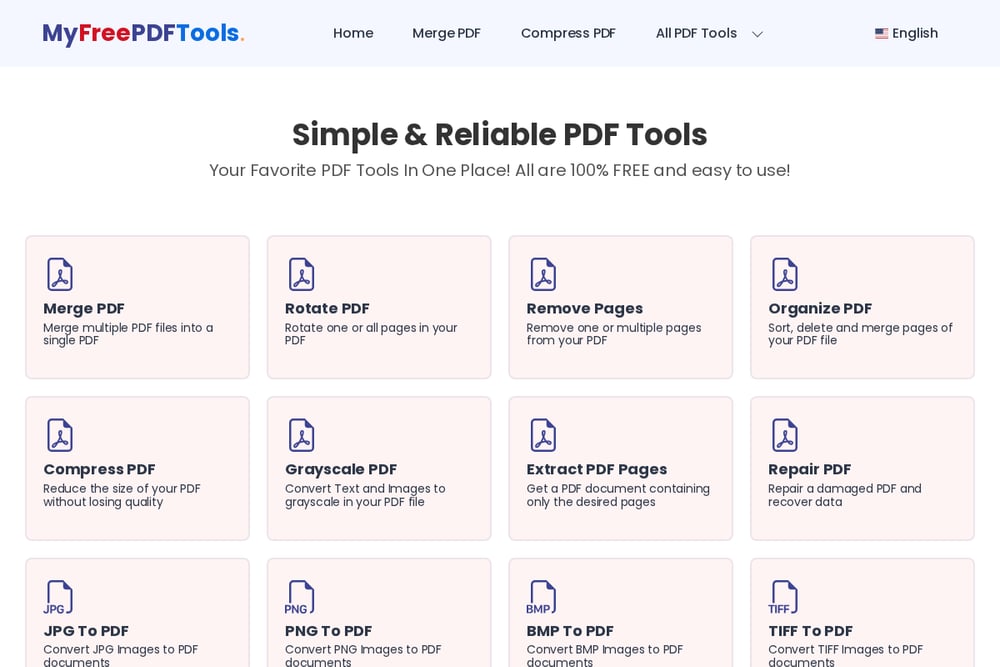 A screenshot of the My Free PDF Tools website.
My Free PDF Tools lives up to its name by offering a 100% free suite of utilities with no limits—no daily caps, no watermarks, no sign-ups. You get a comprehensive set of tools, including merge, compress, rotate, and even repair damaged PDFs. The site also supports a wide range of conversions, from JPG to PDF and Word to PDF, and vice versa. It's refreshingly simple: just upload, process, and download. The lack of corporate branding and a physical location might make some users cautious, but the straightforward functionality is a big plus for budget-conscious users. If you need to handle PDFs frequently without spending a cent, this is your go-to.
#3 iLovePDF
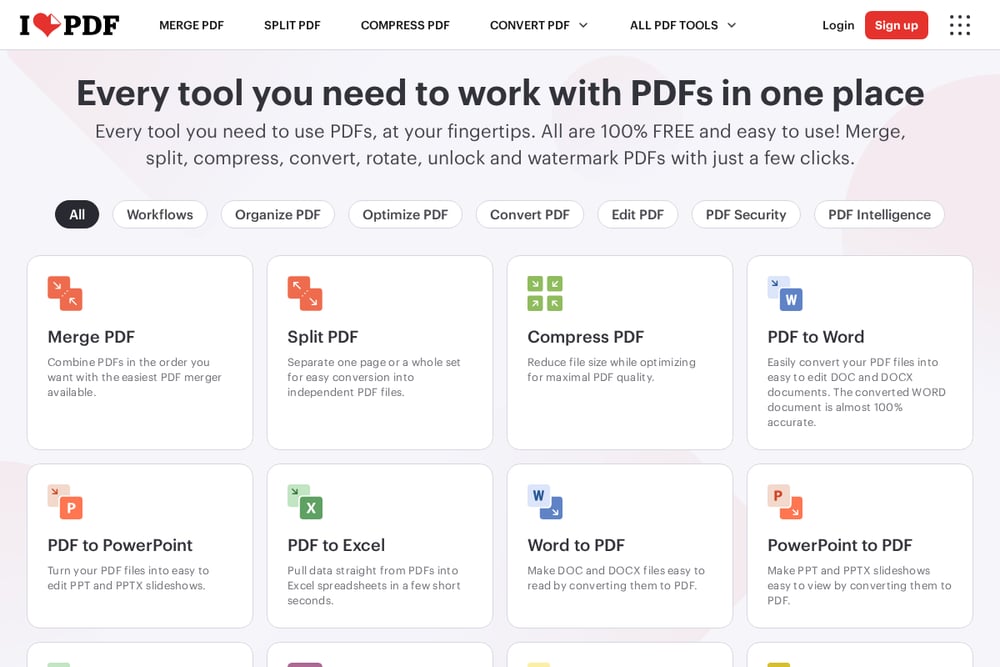 A screenshot of the iLovePDF website.
iLovePDF offers a robust set of tools that rival the big names, including merge, split, compress, and even OCR for scanned documents. The free version allows up to 25 operations per hour, which is generous for most users. It also integrates with Google Drive and Dropbox, making it easy to pull files from your cloud storage. The interface is user-friendly, with clear icons and a logical layout. iLovePDF also provides a desktop app and mobile apps, so you can work across devices. For a free tool, it's surprisingly powerful and reliable, making it a favorite among students and professionals alike.
#4 Adobe Acrobat Online
Adobe Acrobat Online brings the trusted name in PDFs to the web, offering tools like merge, compress, and convert. The free tier is limited—you can use a few tools without an account, but many features require a subscription. However, the quality and reliability are top-notch, as you'd expect from Adobe. The interface is sleek and modern, with AI-powered features like chat with PDF and summaries. If you're already in the Adobe ecosystem, this is a seamless addition. But for casual users, the paywall might be a deterrent. It's best for those who need professional-grade tools and are willing to pay for them.
#5 Drawboard
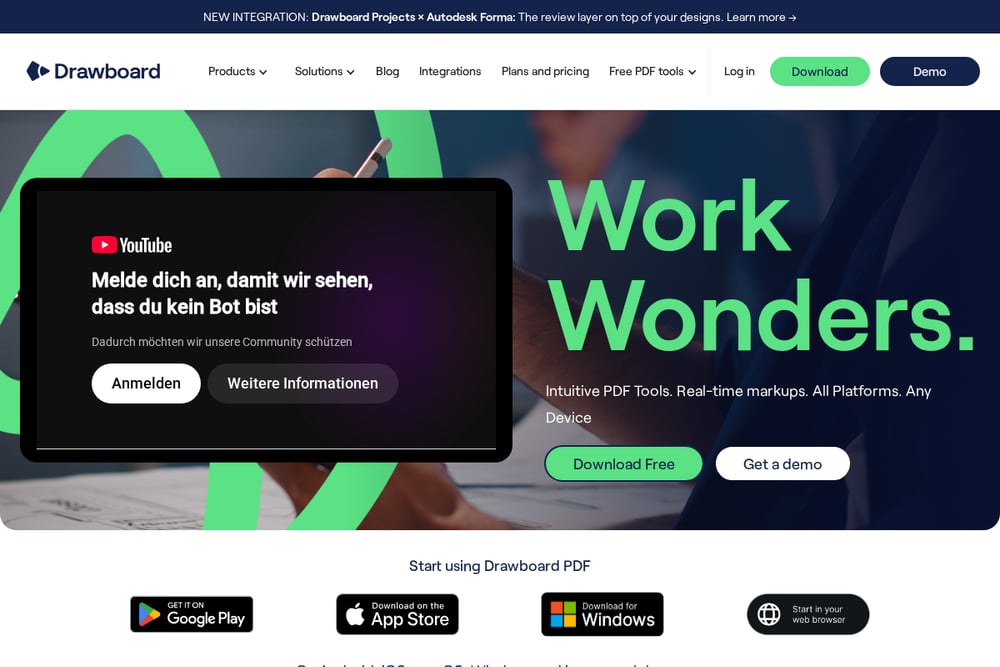 A screenshot of the Drawboard website.
Drawboard stands out by processing files entirely in your browser, meaning your documents never leave your device—a huge privacy win. It offers a focused set of tools, including merge, split, and compress, along with markup features for collaboration. The interface is clean and fast, with no sign-up required for basic tools. Drawboard is particularly popular among architects and engineers who need precise PDF manipulation. However, its toolset is narrower compared to others, so you might need additional software for advanced conversions. If privacy is your top concern, Drawboard is a strong contender.
How to Choose the Right PDF Tool for You
Start by listing the PDF tasks you perform most often—merging, compressing, converting, or editing. If you need a wide range of tools without any cost, My Free PDF Tools is a no-brainer. For those who want a polished interface and don't mind a daily limit, Smallpdf is excellent. If you work with cloud storage, iLovePDF's integrations are a game-changer. Adobe Acrobat Online is worth it if you need advanced features and are okay with a subscription. And if privacy is non-negotiable, Drawboard's local processing is the way to go. Consider your frequency of use, the sensitivity of your documents, and whether you're willing to pay for premium features.
Streamline Your PDF Workflow
You can automate repetitive PDF tasks by combining these tools with automation platforms like Zapier or Make. For instance, you could set up a workflow that automatically compresses PDFs attached to incoming emails using iLovePDF's API. Or, use My Free PDF Tools' simple interface to batch-process files manually without any setup. If you're a developer, you can integrate these tools' APIs into your own applications to handle PDF operations seamlessly. The key is to identify your repetitive tasks and find a way to reduce manual effort, freeing up time for more important work.
The Bottom Line on Free PDF Tools
There's no shortage of free PDF tools, but the best one for you depends on your specific needs. My Free PDF Tools offers unlimited free usage, making it a standout for budget-conscious users. Smallpdf and iLovePDF provide polished experiences with generous free tiers. Adobe Acrobat Online brings professional credibility, while Drawboard prioritizes privacy. Whichever you choose, you can handle your PDF tasks without breaking the bank. Try a few to see which fits your workflow best, and you'll never stress over PDFs again.