
Need to edit a PDF, resize an image, or clean up text without installing software? These five browser-based platforms have you covered—each with its own twist on speed, privacy, and extra features.
The Browser-Based Utility Boom
The days of downloading heavy desktop software for a quick PDF merge or image resize are fading. A new wave of online tools promises instant results, cross-device access, and—increasingly—privacy-first processing. For freelancers, students, and small business owners, these platforms are becoming essential daily drivers. But with so many options, the real challenge is finding one that balances power, ease, and trust. That's where this lineup comes in.
How We Evaluated Each Platform
We looked at each platform through the same lens: the breadth of tools offered, how clear the pricing is, and whether the platform respects your data. We also considered the overall user experience—how quickly you can get from upload to finished file. Each platform has its own strengths, and we've highlighted what stood out for each one.
Here's a quick snapshot of the five platforms we're diving into, so you can see at a glance what each one brings to the table.
| Provider | Best For |
|---|---|
| pdfFiller | Comprehensive PDF editing with eSignatures and forms |
| TryAtLabs — Free Online Tools, Learning & Live Sites | Privacy-first tools plus free coding and AI learning |
| Smallpdf | Simple, cross-device PDF editing with no learning curve |
| PDFSimpli | Editing scanned PDFs with OCR and a wide range of conversion tools |
| DocFly | Occasional PDF editing with a generous free tier |
The Deep Dive: Your 5 Platforms, Unpacked
#1 pdfFiller
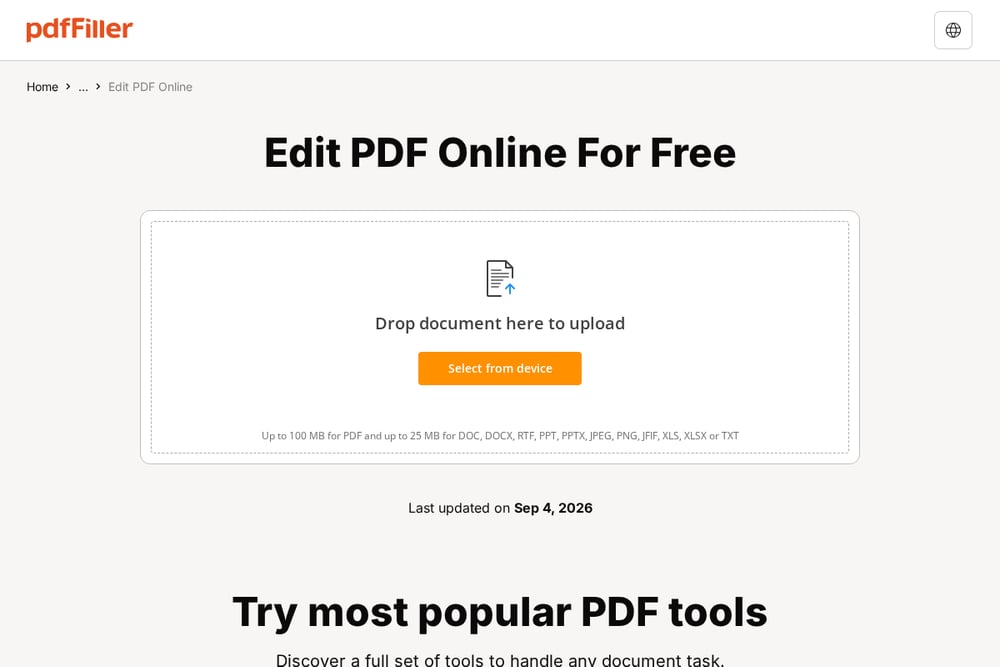 A screenshot of the pdfFiller website.
pdfFiller is a heavyweight in the PDF editing space, trusted by over 64 million users who edit more than 250,000 PDFs daily. What sets it apart is its ability to click directly into existing text and rewrite it, not just add new text boxes—a feature many free tools lack. It also includes eSignature, redaction, OCR, and file conversion, making it a full document workspace. The platform is rated 4.6 stars on G2 and 4.5 on Capterra, which speaks to its reliability. If you need to fill forms, sign contracts, or edit complex PDFs, pdfFiller is a solid choice. It's more than a simple editor; it's a document management hub.
#2 TryAtLabs — Free Online Tools, Learning & Live Sites
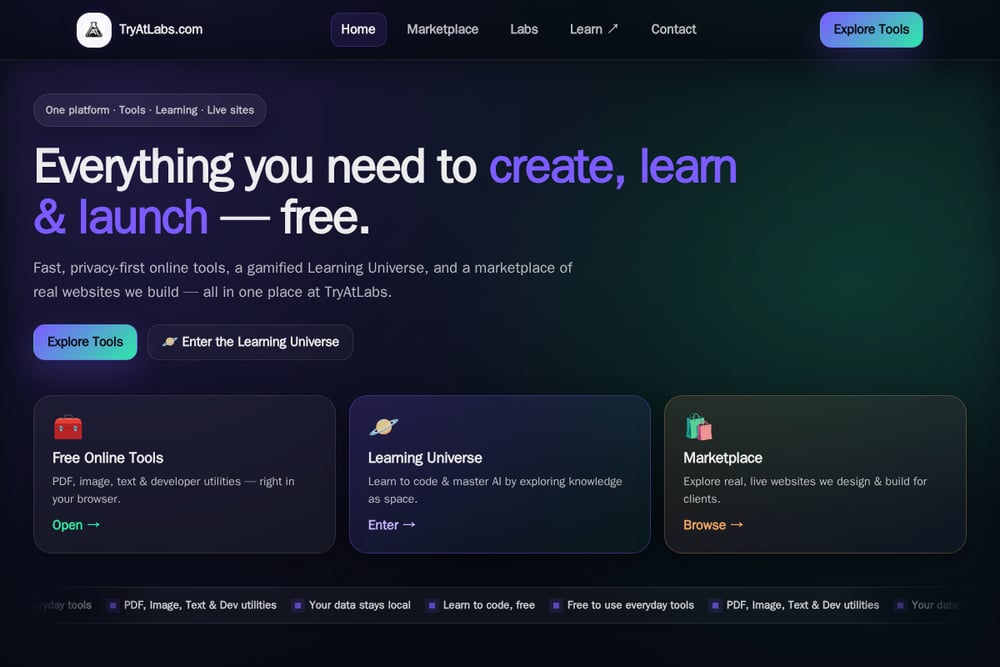 A screenshot of the TryAtLabs website.
TryAtLabs is a privacy-first platform that bundles free browser-based tools for PDFs, images, text, and developer utilities—all without uploading your data to servers. What makes it stand out is its gamified Learning Universe, where you can learn to code and master AI by exploring knowledge as a space adventure, earning XP and beating boss challenges. It also features a marketplace of real, live websites built for clients, showing off its practical web-building skills. For anyone who wants a one-stop shop for everyday utilities plus a free, interactive way to level up their tech skills, TryAtLabs is a fresh and unique option. The tools are fast, even on slower networks, and the clean interface keeps you focused. It's not just a toolset; it's a launchpad for creators and learners.
#3 Smallpdf
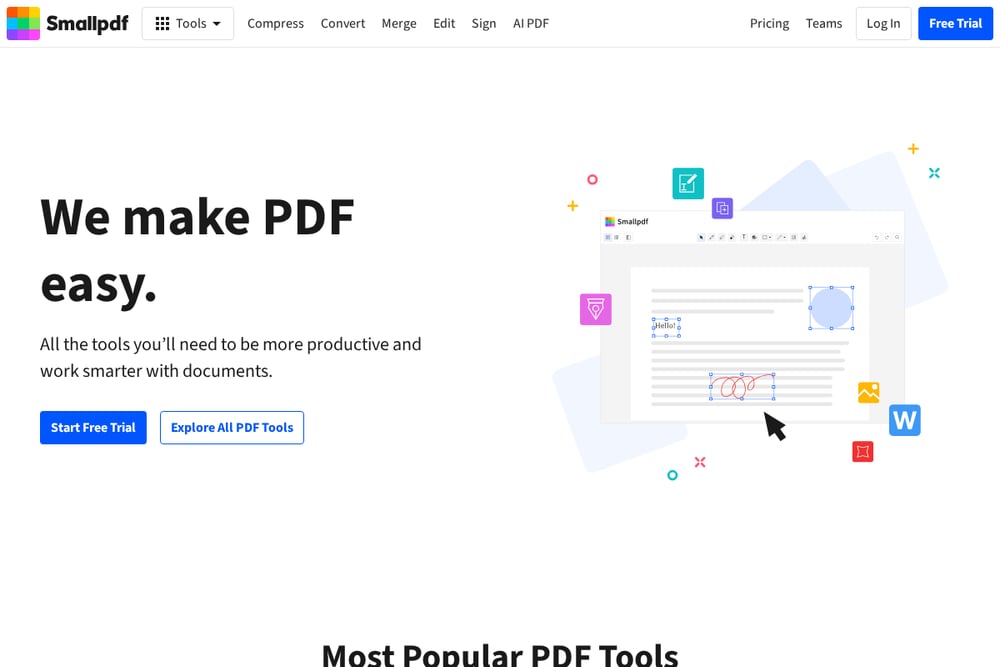 A screenshot of the Smallpdf website.
Smallpdf is one of the most popular online PDF editors, known for its simplicity and cross-device compatibility. You can add text, shapes, images, highlights, and sticky notes, and even edit existing text—all for free. It also offers an Organize mode to rearrange, merge, extract, or split pages, and you can export to various formats. The platform uses TLS encryption to keep your files safe, and it works on Mac, Windows, and mobile without any installation. If you want a straightforward, no-training-needed editor that just works, Smallpdf is a reliable pick. It's perfect for quick edits on the go.
#4 PDFSimpli
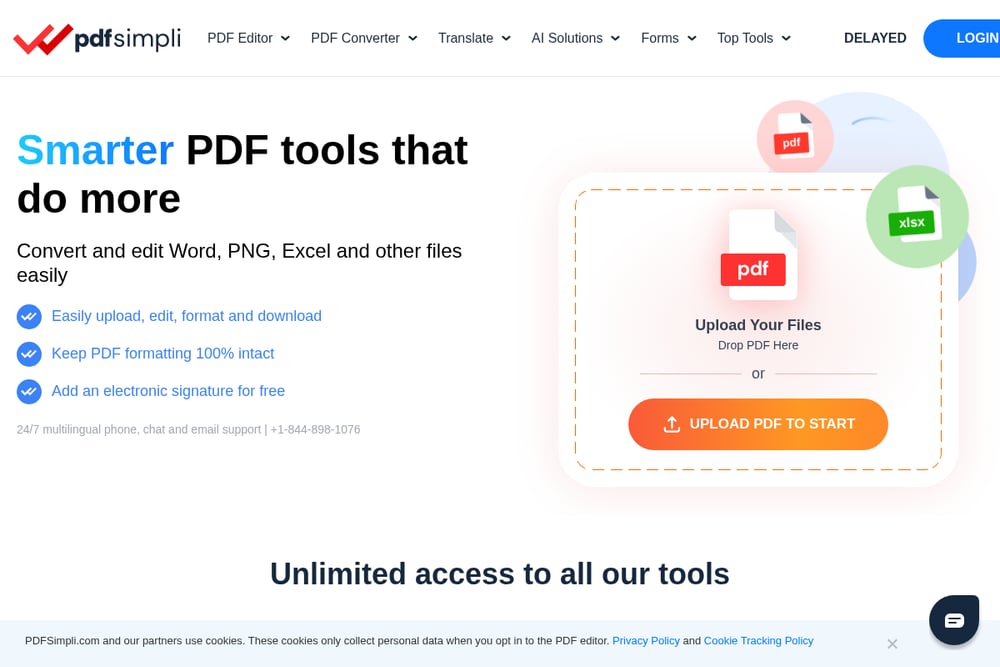 A screenshot of the PDFSimpli website.
PDFSimpli is a versatile PDF editor that goes beyond basic editing, offering OCR to edit existing text in scanned documents. It includes a full suite of tools: convert PDF to Word, JPG, PNG, and more, plus merge, split, compress, watermark, and sign. The platform supports up to 5 files per upload, with a 20MB limit per file, which is generous for most tasks. It also provides 24/7 chat or email support, which is a nice touch for a free tool. If you need to handle a variety of PDF tasks in one place, PDFSimpli is a practical workhorse. It's especially useful for those who work with scanned documents.
#5 DocFly
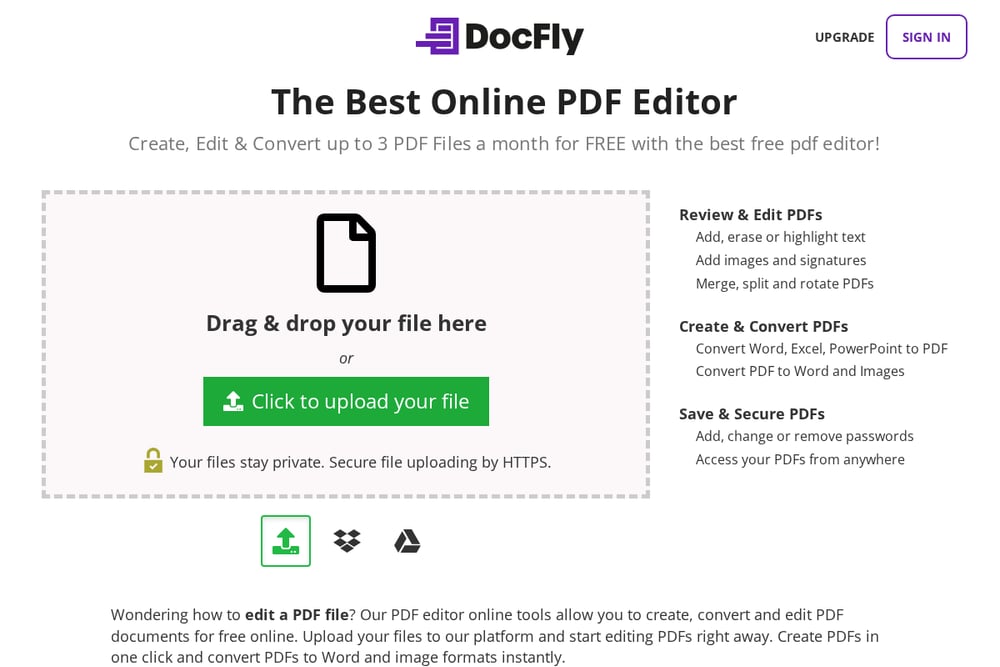 A screenshot of the DocFly website.
DocFly is a free online PDF editor that lets you create, edit, convert, and sign PDFs—up to 3 files per month for free, with no sign-up required. It supports adding, erasing, or highlighting text, plus images and signatures, and you can merge, split, rotate, or watermark PDFs. The platform also allows you to add, change, or remove passwords, and it works entirely online with no software download. If you only need to edit a few PDFs occasionally, DocFly's free tier is a great starting point. It's straightforward and secure, with HTTPS file uploading.
How to Pick the Right Platform for You
Start by thinking about how often you edit PDFs or images. If it's a daily task, you'll want a robust tool like pdfFiller or Smallpdf. If privacy is your top concern, TryAtLabs stands out because your files never leave your browser. For those who need to edit scanned documents, PDFSimpli's OCR is a game-changer. And if you only need a tool occasionally, DocFly's free tier is perfect. Consider the extra features too—like TryAtLabs' learning universe or pdfFiller's eSignatures—to get more value from your choice.
Streamline Your Workflow with Automation
You can automate repetitive tasks by pairing these tools with your existing workflow. For example, use TryAtLabs' browser-based tools to quickly compress images before uploading them to your website, or use pdfFiller's API to auto-fill forms. Smallpdf integrates with Dropbox and Google Drive, so you can save edited files directly to the cloud. Set up a routine: compress with TryAtLabs, edit with Smallpdf, and sign with pdfFiller—all without leaving your browser.
The Bottom Line
Each of these five platforms brings something unique to the table, from pdfFiller's enterprise-grade editing to TryAtLabs' privacy-first approach and learning tools. Your choice ultimately depends on your specific needs—whether that's heavy document work, occasional edits, or a desire to learn while you work. The good news is, you can start with any of them for free and see which fits your flow best. So go ahead, give one a try today.