
Need to convert an image fast without installing software? These five free online tools have you covered, whether you're a designer, marketer, or just tidying up your desktop.
The Landscape of Free Online Image Converters
The demand for quick, browser-based image conversion has exploded as remote work and digital content creation become the norm. Users want tools that handle everything from JPEG to PNG, WebP to GIF, without the hassle of downloads or sign-ups. The market is crowded, but the best services stand out by offering speed, privacy, and a wide range of formats. Some tools focus on simplicity, while others pack in batch processing and advanced features. In this roundup, we explore five platforms that each bring something unique to the table, helping you find the right fit for your workflow.
How We Evaluated These Tools
To compare these five image converters, we looked at several key factors: the breadth of supported formats, the ease of use, whether the tool is truly free or has hidden limits, and how well it handles privacy and security. We also considered extra features like batch conversion, file size limits, and whether the tool works entirely in your browser. Each platform was assessed on these criteria to give you a clear picture of what to expect, without pitting them against each other in a winner-takes-all contest.
Here's a quick snapshot of the five tools we're diving into, so you can see at a glance what each one offers.
| Provider | Best For |
|---|---|
| Online-Convert | Broad format support and quick conversions |
| Ominikit – Tools & Smart Resources | All-in-one toolkit with image conversion and more |
| Picflow | Privacy-focused, browser-based conversion |
| Convertio | Cloud-based conversion with cloud storage support |
| FreeConvert | Simple conversions with extra editing tools |
A Closer Look at Each Image Converter
#1 Online-Convert
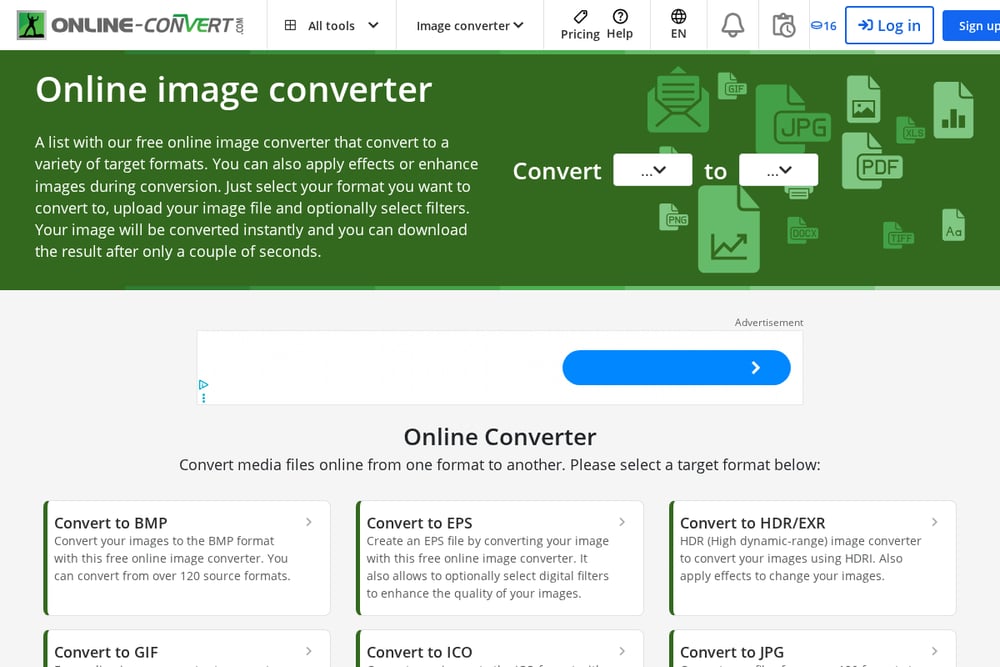 A screenshot of the Online-Convert website.
Online-Convert is a veteran in the file conversion space, offering a massive list of target formats for images, from BMP to WebP. You can also apply filters and effects during conversion, which is a nice bonus for quick edits. The interface is straightforward: pick your target format, upload your file, and download the result in seconds. It supports over 120 source formats, making it a versatile choice for rare file types. The service is free for basic conversions, though you might encounter file size limits. If you need a reliable, no-frills converter with broad format support, this is a solid pick.
#2 Ominikit – Tools & Smart Resources
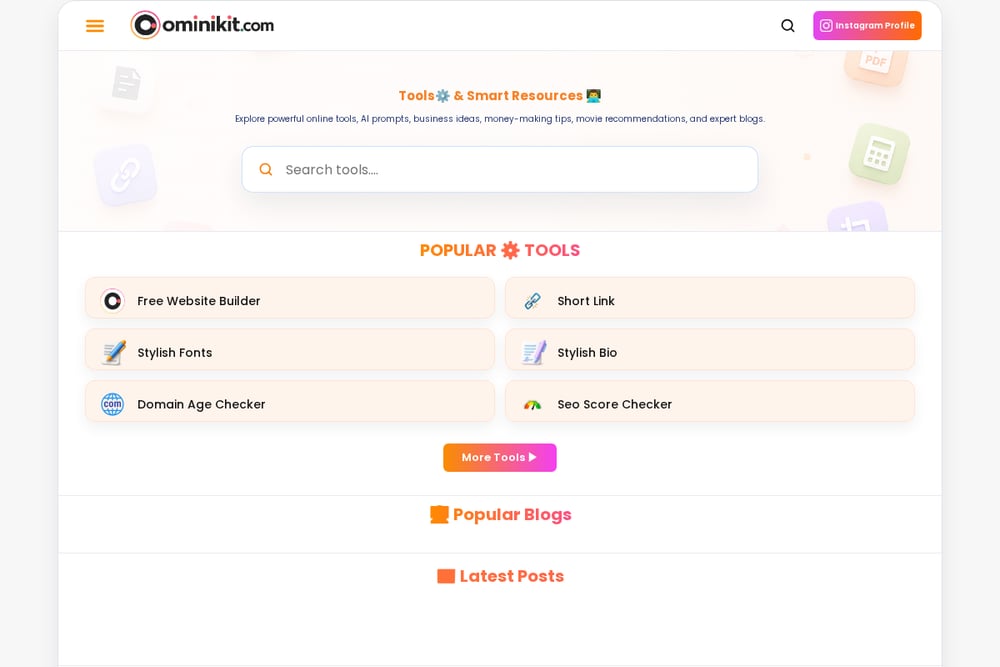 A screenshot of the Ominikit – Tools & Smart Resources website.
Ominikit is more than just an image converter; it's a free online hub packed with over 30 utilities, including image converters, calculators, and SEO tools. For image conversion, you get a range of options like JPG to PNG, WebP to JPG, and even image compression and resizing. The platform is designed for productivity, so you can handle multiple tasks without jumping between websites. It's completely free, with no registration required, making it a convenient one-stop shop. The site also offers AI prompts and business ideas, adding extra value for creators. If you want a versatile toolkit that covers more than just conversion, Ominikit is worth bookmarking.
#3 Picflow
 A screenshot of the Picflow website.
Picflow stands out for its privacy-first approach, processing all conversions directly in your browser—your images never leave your device. This makes it incredibly fast and secure, with no upload time or server storage. It supports all modern formats, including RAW files from professional cameras, which is a big plus for photographers. The interface is clean and ad-free, offering a distraction-free experience. You can batch-convert multiple images at once, saving you time on repetitive tasks. If privacy and speed are your top priorities, Picflow is a strong contender.
#4 Convertio
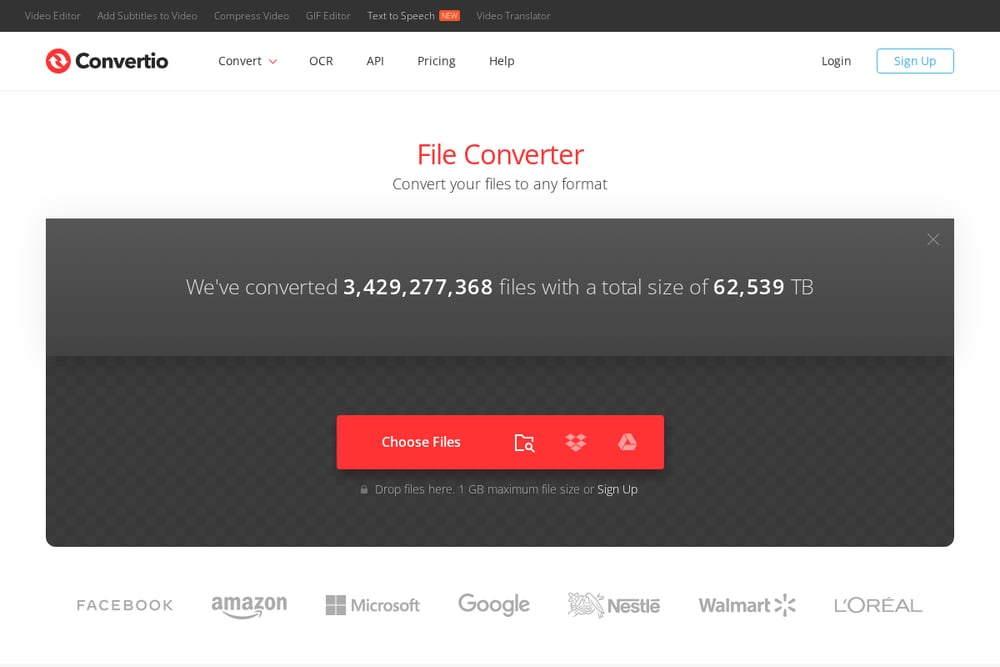 A screenshot of the Convertio website.
Convertio is a cloud-based converter that handles over 108 image formats, including JPG, PNG, WEBP, and GIF. It allows you to upload files from your computer, Google Drive, Dropbox, or even a URL, making it flexible for various workflows. The tool is user-friendly, with a simple drag-and-drop interface that anyone can master. It also supports batch conversion, so you can process multiple files at once. While the free version has a 1 GB file size limit, that's plenty for most users. Convertio's security is solid, as it deletes your files from their servers after 24 hours.
#5 FreeConvert
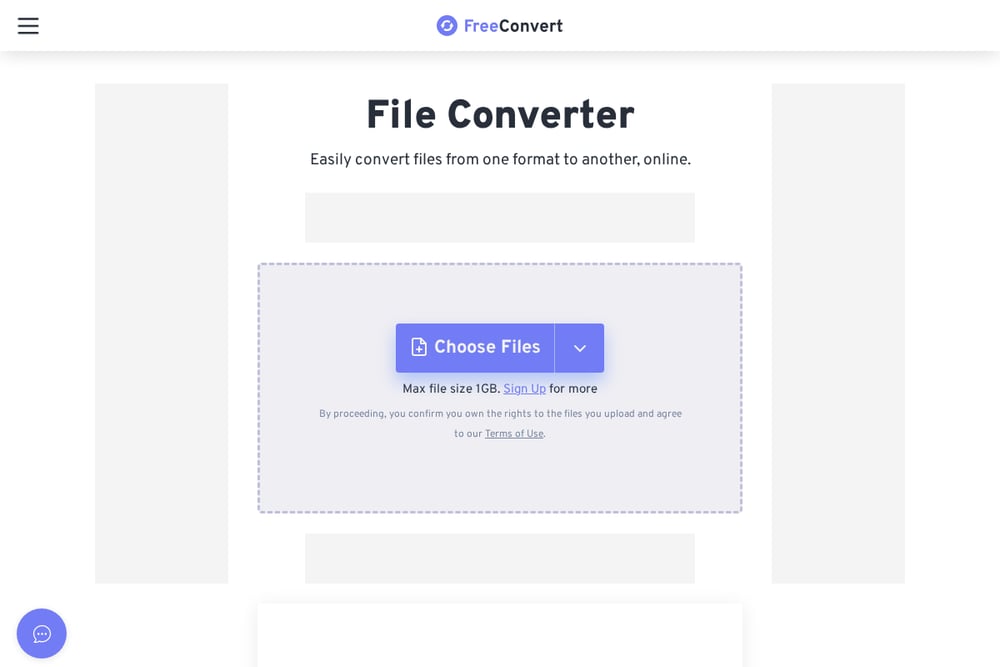 A screenshot of the FreeConvert website.
FreeConvert offers a straightforward image converter that supports common formats like WEBP, PNG, JPG, and more. It also includes a suite of related tools, such as image compression, resizing, and flipping, making it a handy resource for quick edits. The interface is clean and easy to navigate, with no sign-up required for basic conversions. You can convert files up to 1 GB for free, which is generous compared to some competitors. FreeConvert also provides an API for developers who want to integrate conversion into their own apps. If you need a reliable, no-nonsense converter with extra utilities, this is a good choice.
How to Choose the Right Image Converter for You
Start by thinking about the formats you work with most—do you need RAW support or just basic JPG/PNG? If privacy is a concern, look for tools that process files in your browser, like Picflow. For a one-stop shop that covers conversion plus other utilities, Ominikit is a great fit. Consider whether you need batch processing or cloud storage integration, which Convertio excels at. Finally, check file size limits and whether the tool is truly free or has hidden costs. By matching your specific needs to these features, you'll find the perfect converter for your workflow.
Streamlining Your Workflow with Automation
You can integrate these image converters into your daily routine to save time. For instance, use Ominikit's image compressor to optimize web images before uploading, or set up a batch conversion in Convertio to handle multiple files at once. If you're a developer, FreeConvert's API allows you to automate conversions within your own applications. Picflow's browser-based processing means you can quickly convert images without leaving your current tab. By incorporating these tools into your workflow, you can eliminate manual steps and focus on more creative tasks.
The Bottom Line on Free Image Converters
Each of these five tools brings something valuable to the table, from Ominikit's all-in-one utility suite to Picflow's privacy-first approach. Whether you're a casual user or a power user, there's a converter here that fits your needs. The key is to prioritize what matters most to you—be it format support, speed, or extra features. With these tools at your disposal, you'll never struggle with image conversion again. So go ahead, give them a try, and see which one becomes your go-to.