Error monitoring helps web developers catch production issues before users report them. These tools offer different approaches to error tracking, from open source self-hosted options to AI-assisted debugging. Each has its own strengths and suits different workflows.
How We Picked These Tools
We selected tools that provide error monitoring capabilities relevant to web developers, based on their publicly available feature descriptions and pricing information.
| Provider | Best For |
|---|---|
| Sentry | Web developers seeking connected error and performance context |
| Rollbar | Teams wanting automated fix suggestions from production errors |
| Bugsnag | Development teams prioritizing release stability |
| Honeybadger | Developers wanting simple all-in-one monitoring |
| Raygun | Teams interested in AI-assisted error resolution |
| AppSignal | Developers correlating errors with logs and deploys |
| GlitchTip | Developers wanting open source error tracking |
The 7 Tools in Focus
#1 Sentry
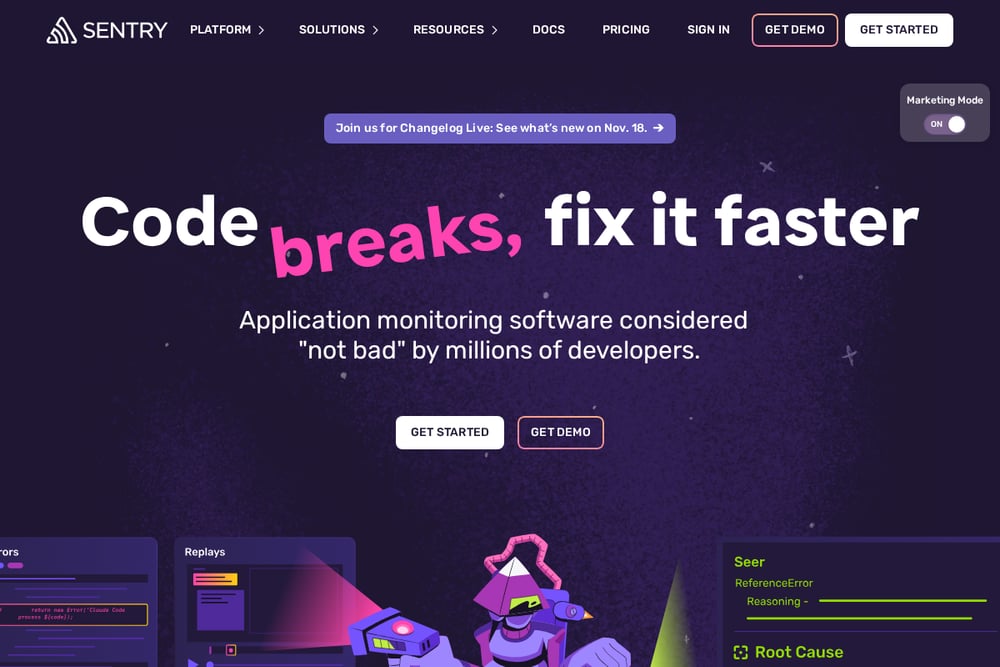 A screenshot of the Sentry website.
Sentry is an application monitoring platform that connects errors, logs, replays, spans, profiles, and metrics through a shared trace. It offers error monitoring, session replay, tracing, profiling, and AI-powered debugging with Seer. Developers can install the SDK with a single command for many frameworks. It suits teams wanting an integrated view of application health.
#2 Rollbar
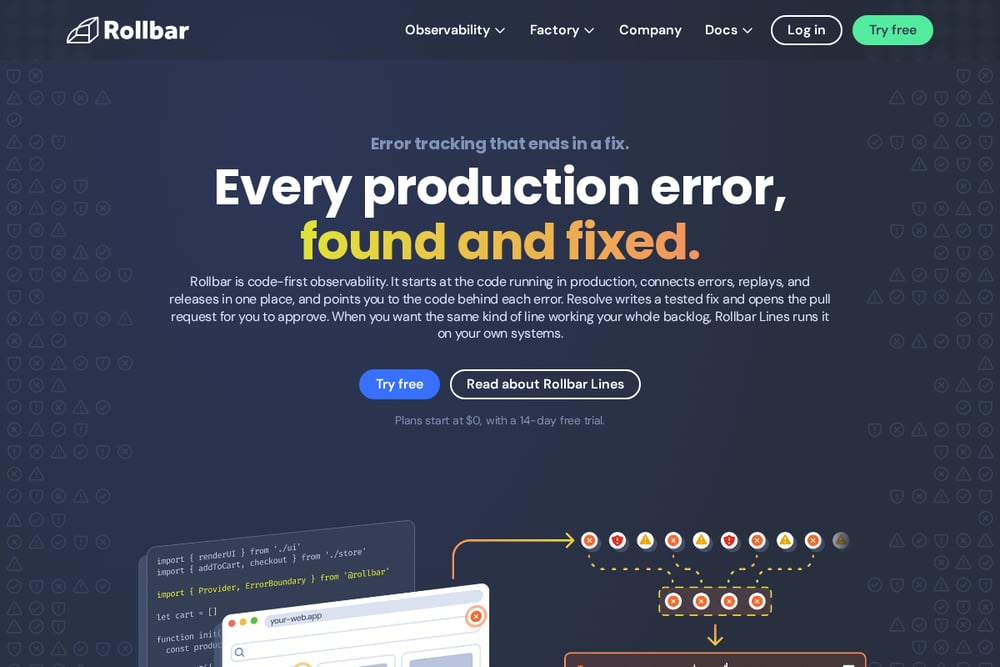 A screenshot of the Rollbar website.
Rollbar is code-first observability that starts at the code running in production. It connects errors, replays, and releases in one place and points to the code behind each error. Resolve writes a tested fix and opens a pull request for approval. It suits teams that want automated fix suggestions alongside error tracking.
#3 Bugsnag
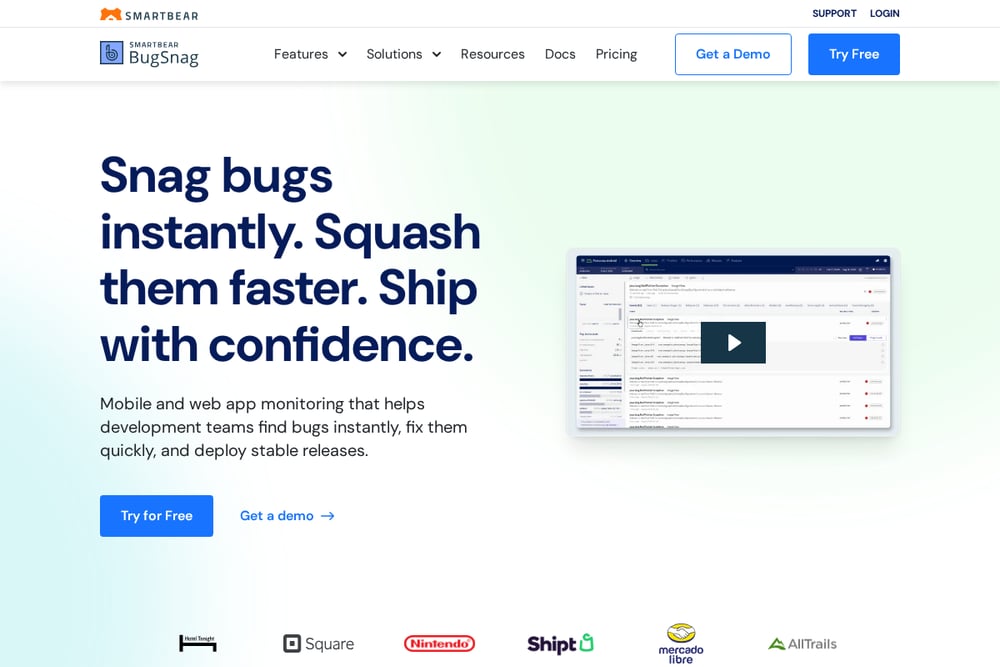 A screenshot of the Bugsnag website.
Bugsnag provides mobile and web app monitoring that helps development teams find bugs instantly and deploy stable releases. It offers error monitoring, performance monitoring, and distributed tracing with stability scores. The platform includes an inbox that shows bugs by severity and user impact. It suits teams focused on release stability and prioritization.
#4 Honeybadger
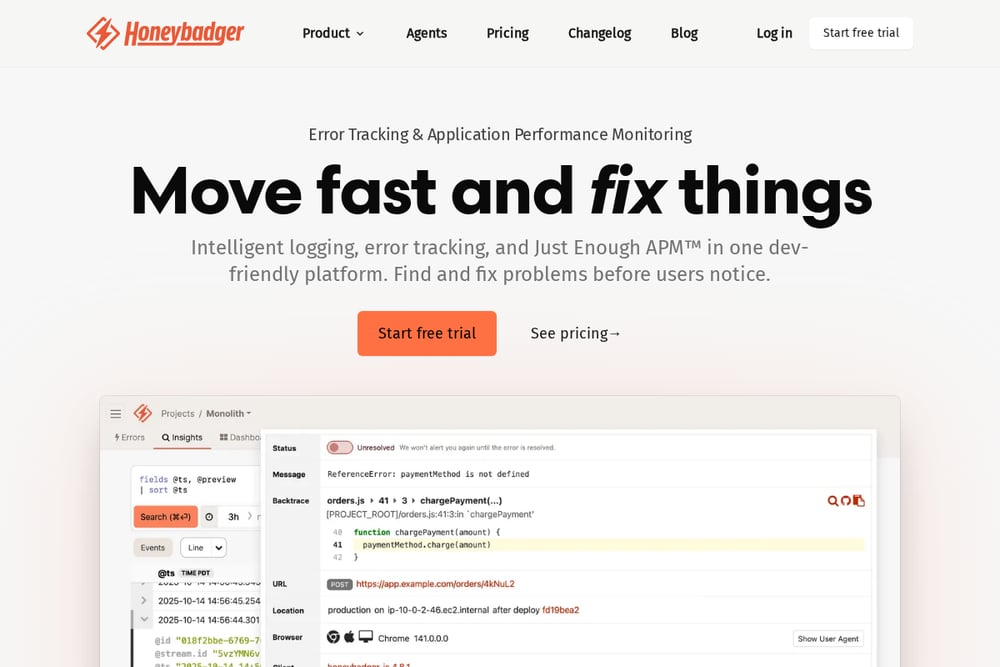 A screenshot of the Honeybadger website.
Honeybadger combines error tracking and application monitoring in one interface. It offers intelligent logging, error tracking, uptime monitoring, cron monitoring, and status pages. The platform includes Just Enough APM with dev-friendly dashboards. It suits developers who want a straightforward, all-in-one monitoring tool.
#5 Raygun
 A screenshot of the Raygun website.
Raygun offers crash reporting, real user monitoring, and application performance monitoring. It includes AI error resolution that auto-prompts an LLM with error context. The platform provides deployment tracking and Core Web Vitals monitoring. It suits teams looking for AI-assisted debugging and front-end performance insights.
#6 AppSignal
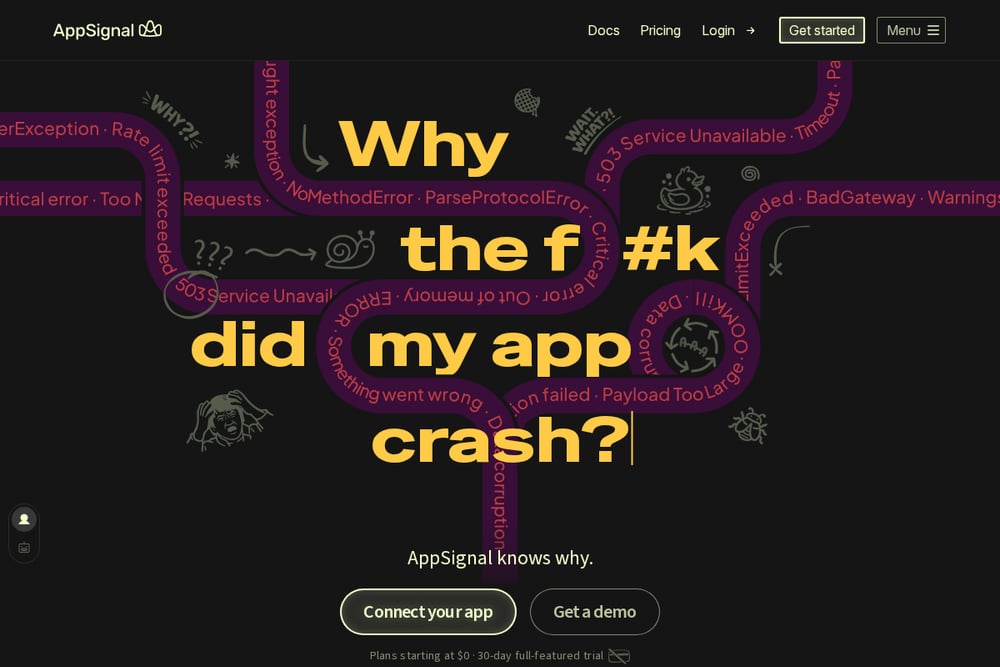 A screenshot of the AppSignal website.
AppSignal provides error tracking and performance monitoring that connects errors to logs, traces, and deploys. It offers log search, live tail, and trace-linked logs. The platform includes an MCP server for AI coding integrations. It suits developers who want to correlate errors with logs and deploys.
#7 GlitchTip
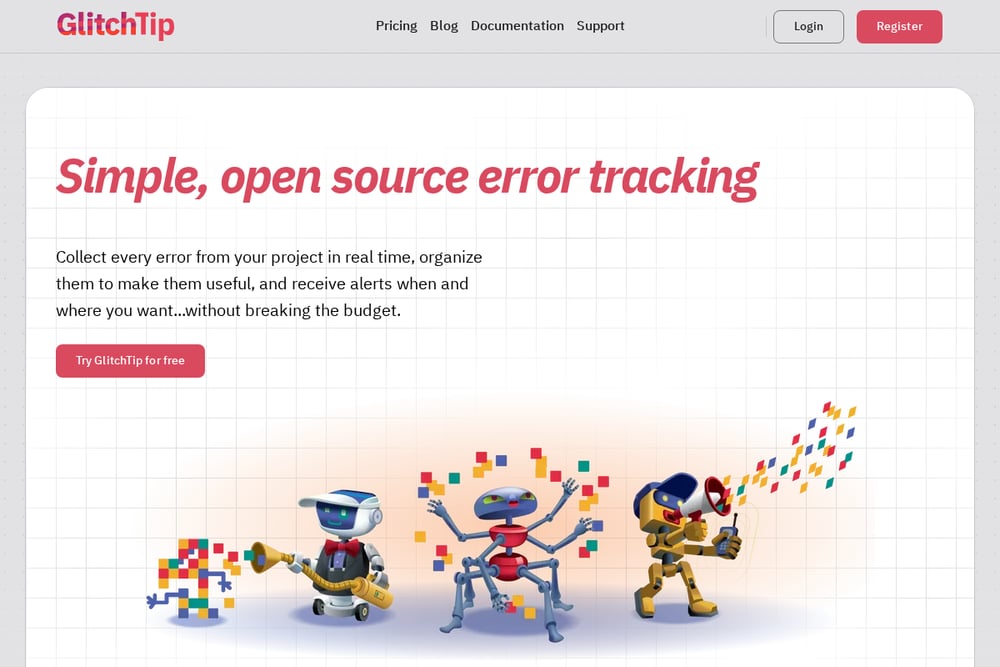 A screenshot of the GlitchTip website.
GlitchTip is an open source error tracking tool that collects errors in real time and sends alerts. It is compatible with Sentry client SDKs and can be self-hosted or hosted by GlitchTip. The platform also offers performance monitoring and uptime monitoring. It suits developers who value simplicity, affordability, and open source freedom.
Which One Should You Choose?
Consider whether you need self-hosted or cloud, how much context you want around each error, and whether AI-assisted fixes fit your workflow. Evaluate pricing and event limits against your expected volume.
Final Thoughts
Each tool approaches error monitoring differently. Some emphasize AI-assisted fixes, others focus on open source flexibility or integrated logging. The right choice depends on your team's priorities and existing stack.
Know a company that belongs on this list? Email us at editorial@peekwire.com.