DocuSign is a common reference point for e-signature workflows, but teams often look at other options for reasons such as pricing structure, developer tooling, or regional compliance. This list covers five e-signature tools that are worth knowing if you are comparing alternatives. Each entry describes what the tool does and who it tends to suit, using only details from the companies' own pages. No tool is presented as the best; the order is a plain list.
How We Picked These Tools
The tools were selected because each offers electronic signature capabilities and is presented by its provider as an option for businesses or teams. The list includes a broad business suite, a document platform with e-signature, a business-focused e-signature service, an open-source-oriented signing product, and a European digital trust platform. Only information from the provided source pages is used, and no company is ranked by quality.
| Provider | Best For |
|---|---|
| Zoho Sign | Teams already using Zoho applications |
| Dropbox Sign | Teams wanting e-signatures inside familiar cloud workflows |
| SignWell | Businesses seeking e-signatures with API and support options |
| DocuSeal | Developers and teams interested in self-hosted or API-driven signing |
| Yousign | Organizations needing European-compliant signing and verification |
The 5 Tools in Focus
#1 Zoho Sign
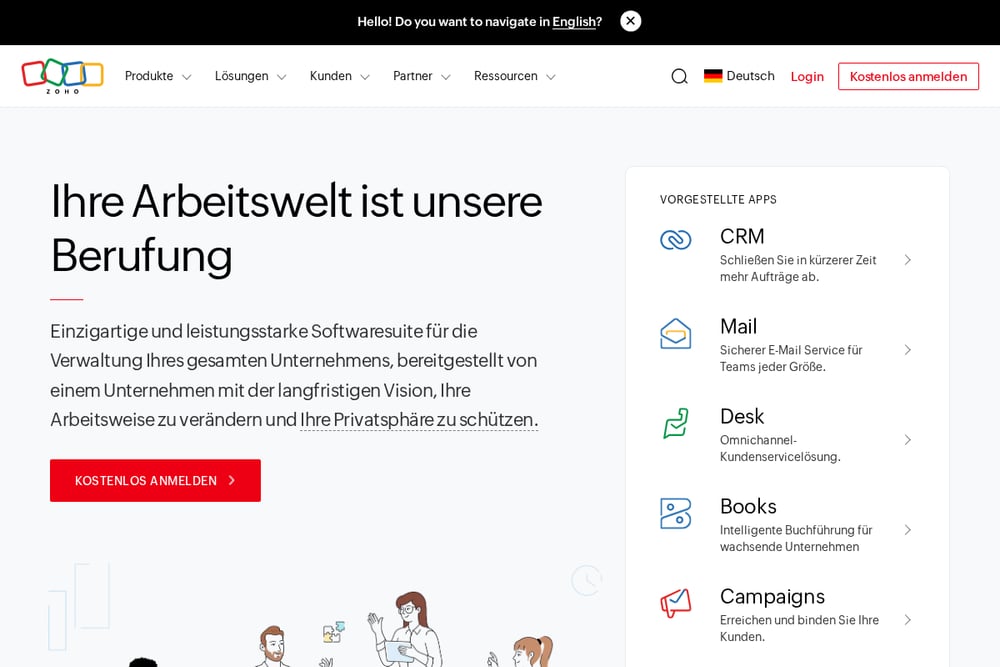 A screenshot of the Zoho Sign website.
Zoho Sign is part of the Zoho software suite, which the company describes as an integrated set of applications for running a business. The broader Zoho One offering is positioned as an operating system for business with many integrated applications. Teams already using Zoho products may find it convenient to keep e-signature within the same vendor ecosystem. The source page focuses on the suite rather than e-signature specifics, so this entry is best treated as a pointer to the Zoho family of tools.
#2 Dropbox Sign
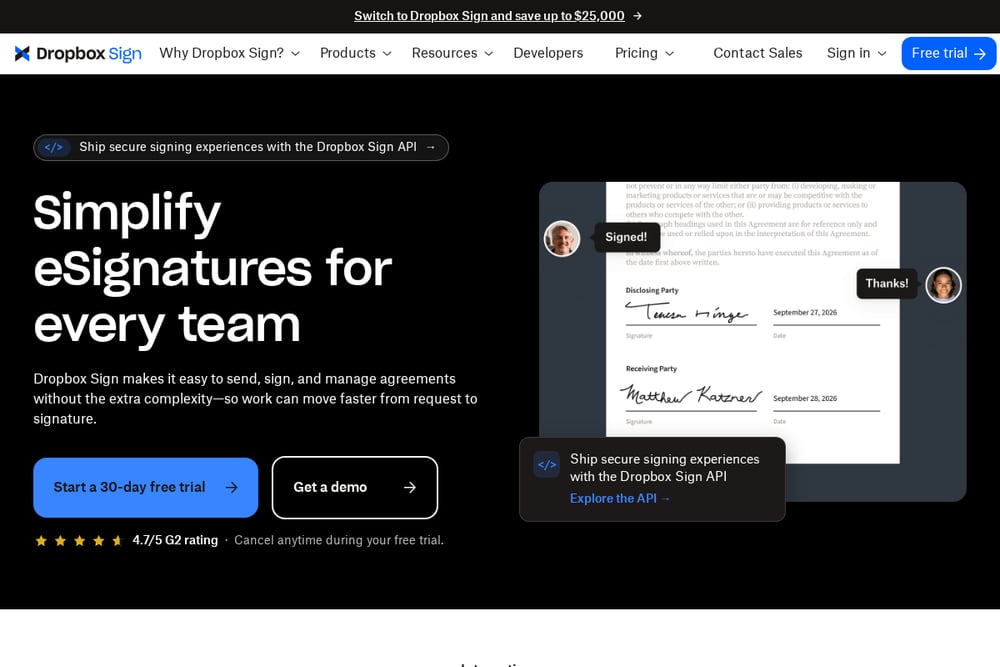 A screenshot of the Dropbox Sign website.
Dropbox Sign is an e-signature product from Dropbox that lets teams send, sign, and manage agreements. It connects with tools such as Dropbox, Google Drive, Salesforce, and OneDrive, and it offers an API for embedding signing into websites or apps. The product is positioned for teams that want to fit e-signatures into existing workflows without extra complexity. It may suit organizations already using Dropbox or those looking for a straightforward signing experience with audit trails.
#3 SignWell
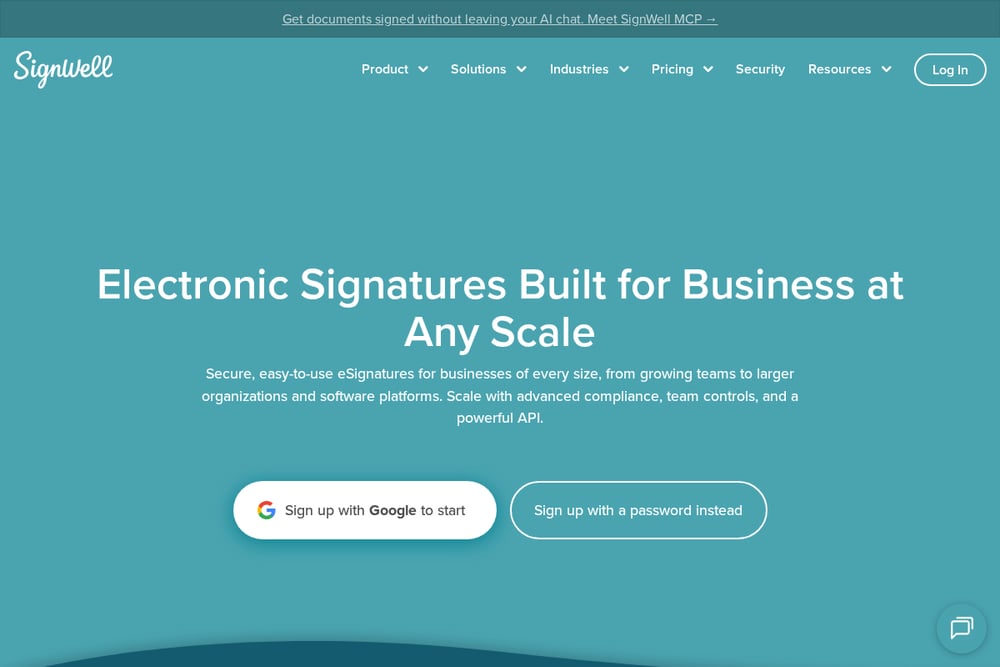 A screenshot of the SignWell website.
SignWell provides electronic signatures for businesses of various sizes, from growing teams to larger organizations and software platforms. It includes document workflows, audit reports, custom templates, and an API for embedding signing into products. The service emphasizes human support on every plan and integrations with tools such as Close, QuickBooks Online, and Xero. It may suit teams that want a business-focused e-signature tool with developer options and hands-on support.
#4 DocuSeal
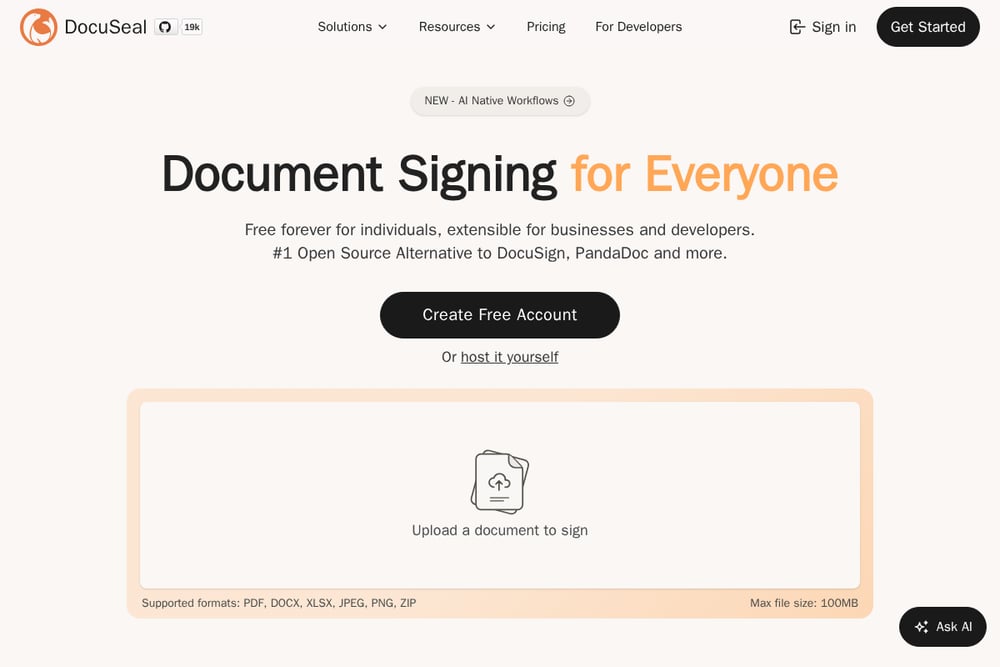 A screenshot of the DocuSeal website.
DocuSeal is an e-signature product that describes itself as an open-source alternative to DocuSign and other tools. It offers document signing, an API, embedded signing, and self-hosted deployment options. The product supports multiple file formats and is positioned as free for individuals with extensibility for businesses and developers. It may suit developers and teams that want self-hosting or API-driven signing workflows.
#5 Yousign
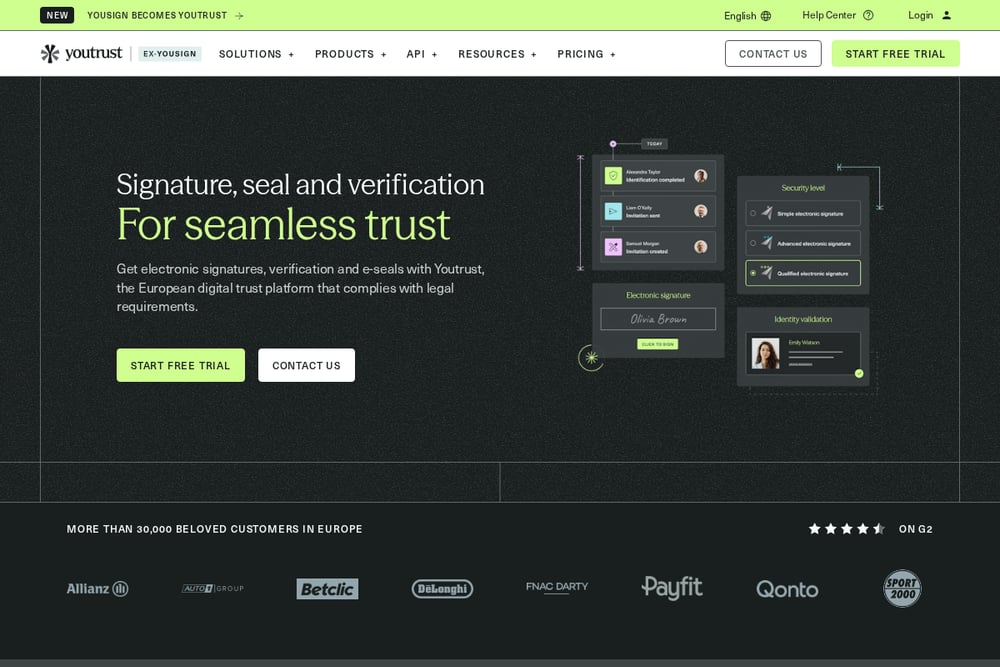 A screenshot of the Yousign website.
Yousign, now presented as Youtrust, is a European digital trust platform offering electronic signatures, identity verification, and electronic seals. It provides an app for sending and signing documents and an API for integrating document integrity checks into business tools. The service emphasizes compliance with European regulations such as eIDAS. It may suit organizations that need a European-focused e-signature and verification platform.
Which One Should You Choose?
When comparing e-signature tools as alternatives to DocuSign, start with your workflow needs. If you already use a broad business suite, check whether e-signature is included or integrates tightly. If your team works inside cloud storage or CRM tools, look for native integrations. If you need to embed signing into your own product, review API options and pricing. For teams with data residency or self-hosting requirements, consider deployment models. Finally, check compliance needs for your region and the level of support you expect.
Final Thoughts
Each tool on this list approaches e-signatures from a different angle: suite integration, cloud workflow fit, business-focused API and support, open-source and self-hosting options, or European compliance and verification. There is no single best choice for every team. Use the criteria above to match a tool to your own workflow, compliance needs, and technical requirements.
Know a company that belongs on this list? Email us at editorial@peekwire.com.