
Sending a file with exposed emails or phone numbers is a liability. These five tools strip personal data out of PDFs, Word docs, and images so you can share with confidence.
The Redaction Landscape in 2026
Document redaction has moved from manual black bars to automated detection. With privacy regulations tightening and data breaches making headlines, businesses and individuals need tools that can find and remove personal information quickly. The market now offers everything from free browser-based utilities to AI-powered platforms that handle bulk files. You want a tool that not only hides data but truly removes it, and that works across formats you actually use. The right choice depends on your volume, your file types, and how much control you need over the process.
How We Evaluated These Tools
We looked at each tool's ability to handle multiple file formats, the accuracy of automated detection, and the clarity of their pricing. We also considered how well each fits different user needs, from occasional one-off redactions to high-volume document processing. For each tool, we noted what stood out in terms of ease of use, security features, and whether they offer a free tier that's actually useful. The goal was to give you a clear picture of what each service excels at, not to crown a single winner.
Here's a quick look at the five tools we're covering, from the free and simple to the AI-powered and collaborative.
| Provider | Best For |
|---|---|
| Redactable | AI-powered bulk redaction for teams |
| Redact PII from PDFs, Word, Excel & Images — DokMine | Free, format-preserving redaction for individuals and small teams |
| Smallpdf | Quick, free redaction on any device |
| Xodo | Fast, secure PDF redaction with cloud storage integration |
| iLovePDF | All-in-one PDF toolkit with redaction included |
The Five Tools, Closely Examined
#1 Redactable
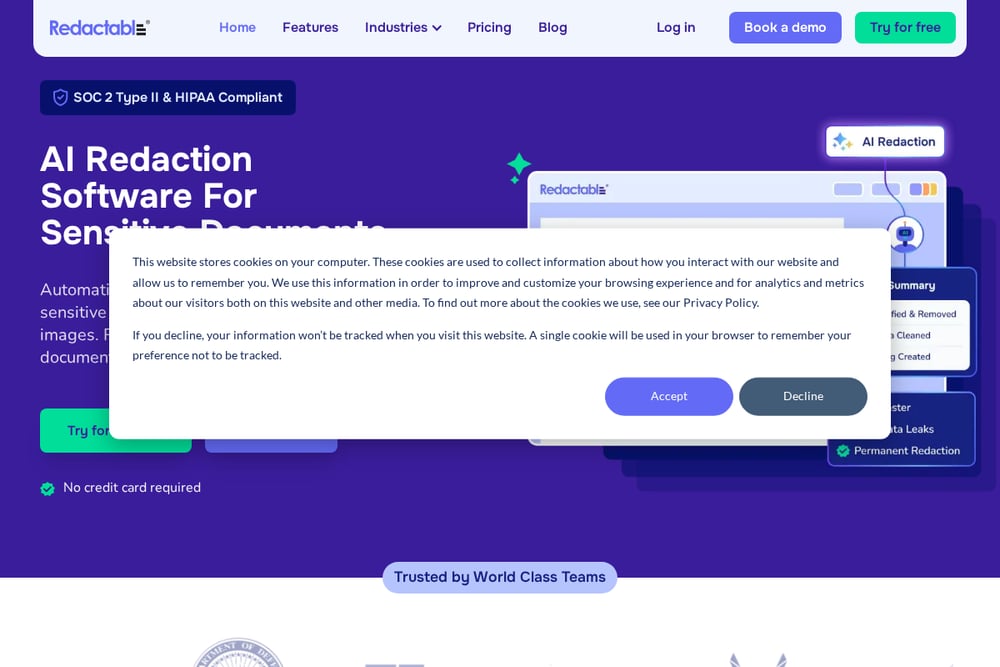 A screenshot of the Redactable website.
Redactable uses AI to automatically detect and permanently redact sensitive information like names, social security numbers, and other PII. It's built for teams that handle legal, medical, or government documents, and it promises to cut redaction time by 98% compared to manual methods. The platform includes OCR for scanned documents, real-time collaboration, and automatic audit trails, making it a strong fit for compliance-heavy workflows. It's SOC 2 Type II and HIPAA compliant, which adds a layer of trust for regulated industries. If you're drowning in FOIA requests or court filings, this tool can turn weeks of work into hours. The trade-off is that it's a paid platform, but the time savings can justify the cost.
#2 Redact PII from PDFs, Word, Excel & Images — DokMine
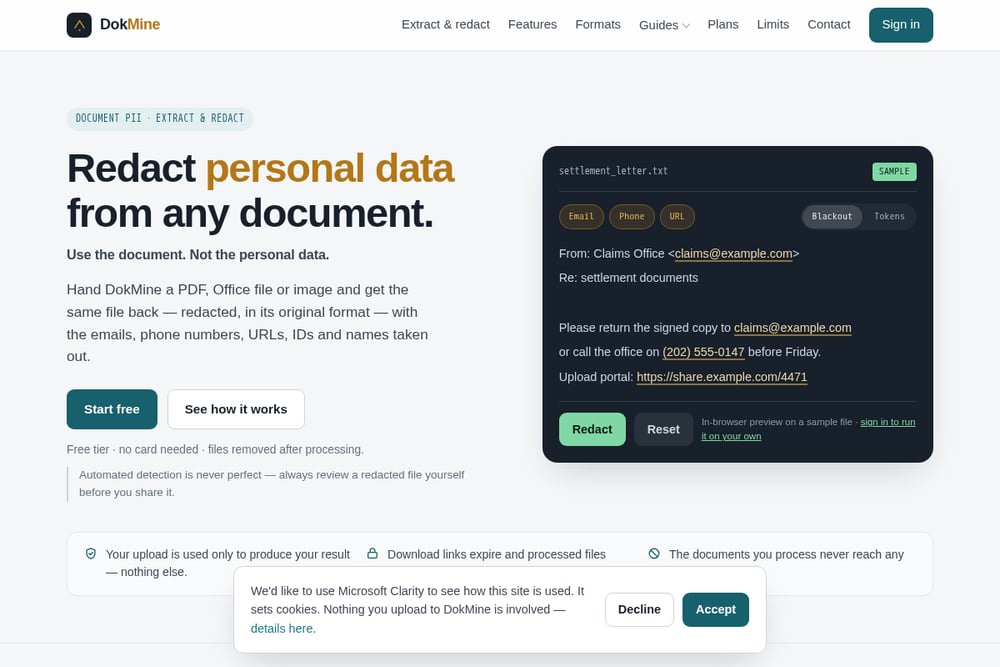 A screenshot of the DokMine website.
DokMine is a free, no-card SaaS tool that automatically redacts emails, phone numbers, URLs, IDs, and names from PDFs, Office files, and images. You upload a file and get it back in its original format—a .docx stays a .docx, a .pdf stays a .pdf—with layout intact. You can choose between blackout or token replacement, so the document still reads naturally. It also offers an extraction mode to list all found contacts and links, which is handy for auditing what a document set exposes. Files are removed after processing, and your uploads never reach analytics providers. The free tier is generous, and the in-browser preview lets you test it before signing in.
#3 Smallpdf
 A screenshot of the Smallpdf website.
Smallpdf is a well-known online tool that offers a dedicated Redact PDF feature, letting you permanently remove sensitive information from PDFs, images, Word, Excel, and PowerPoint files. It's free to use with no signup required, and files are automatically deleted after one hour. The tool uses true redaction, meaning the data is completely eliminated, not just covered with a black box. It's trusted by over a billion people since 2013, and it's GDPR compliant with TLS encryption. If you need a quick, no-fuss way to redact a document on any device, Smallpdf is a solid choice. The main limitation is that it's primarily PDF-focused, so you might need to convert files first.
#4 Xodo
 A screenshot of the Xodo website.
Xodo offers a free online Redact PDF tool that lets you permanently black out sensitive text or entire pages. It's powered by Apryse, which means enterprise-grade security with AES-256 encryption at rest and TLS 1.2+ in transit. The tool is fast, processing files in seconds, and works across all platforms—Windows, Mac, Linux, Android, and iOS. You can upload from your device, Google Drive, Dropbox, or Xodo Drive, making it easy to integrate into your workflow. For those who need offline redaction, Xodo also offers a desktop app called PDF Studio. It's a straightforward, reliable option if you just need to redact PDFs without extra bells and whistles.
#5 iLovePDF
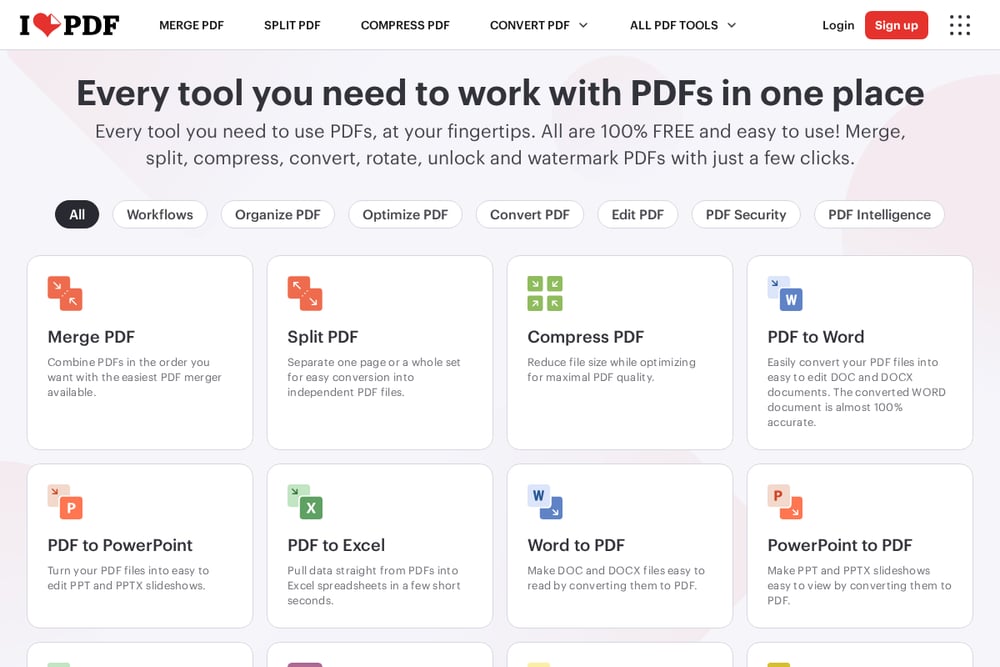 A screenshot of the iLovePDF website.
iLovePDF is a comprehensive PDF toolkit that includes a Redact PDF tool, allowing you to black out text permanently. It's part of a larger suite of over 25 tools, so you can also merge, split, compress, and convert PDFs in the same place. The redaction tool is free to use, and the company emphasizes security and privacy. It's a good choice if you need a multi-purpose PDF solution and want to handle redaction alongside other document tasks. The interface is clean and easy to navigate, making it accessible for beginners. However, like Smallpdf, it's PDF-centric, so you may need to convert other file types first.
How to Choose the Right Redaction Tool
Start by thinking about the file types you handle most. If you work with PDFs exclusively, any of these tools will work, but if you need to redact Word docs or Excel sheets, DokMine is the only one that returns the file in its original format. Consider your volume: occasional redaction might be fine with a free tool like Smallpdf or Xodo, but if you're processing hundreds of documents, an AI-powered option like Redactable could save you days. Also, think about security requirements—if you're in a regulated industry, look for compliance certifications like SOC 2 or HIPAA. Finally, test the free tiers to see which interface feels intuitive to you. The best tool is the one you'll actually use consistently.
Automating Your Redaction Workflow
For a streamlined workflow, start by using DokMine's extraction mode to scan a batch of documents and identify what personal data is present. Then, run the redaction mode to automatically remove those items, choosing token replacement to keep the document readable. If you need to process files regularly, set up a folder where you drop documents, and use DokMine's batch processing to handle them all at once. For teams, Redactable offers real-time collaboration and audit trails, so you can automate redaction while keeping a record of what was removed. Always review the redacted output before sharing, as automated detection is never perfect.
The Bottom Line
Redacting personal data doesn't have to be a manual chore. Whether you're a solo professional sharing a contract or a legal team processing FOIA requests, there's a tool here that fits your needs. DokMine stands out for its free, format-preserving approach, while Redactable offers the heavy-duty AI power for large-scale operations. Smallpdf, Xodo, and iLovePDF provide reliable, accessible options for quick PDF redactions. Try a couple, see which one feels right, and make it part of your document workflow. Your data—and your recipients' privacy—will thank you.