
Every DJ knows the sinking feeling when a USB drive isn't recognized or a CDJ throws an error mid-set. Technical failures are inevitable, but panicking doesn't have to be. I've scoured the web to find the most practical, no-nonsense resources
Why Every DJ Needs a Troubleshooting Toolkit
The live DJ environment is unforgiving. With complex digital setups, temperamental USB drives, and aging club equipment, something will eventually go wrong. A 2020 survey by Digital DJ Tips found that over 80% of DJs have experienced a technical failure during a performance. The difference between a minor hiccup and a career-damaging meltdown often comes down to preparation and access to reliable, step-by-step guidance. That's where dedicated online resources step in, offering everything from pre-gig checklists to emergency repair flows.
How I Ranked These Resources
I evaluated each resource based on four key criteria: practical usability (can you find a fix in under two minutes?), depth of content (does it cover common errors like E-8302 or USB formatting?), credibility (is it built by experienced DJs or official brands?), and accessibility (is it free and easy to use without an account?). The goal was to find tools that solve real problems fast, not just theoretical advice.
Here's a quick look at the top five resources, ranked from broadest utility to most specialized rescue tool.
| Provider | Best For |
|---|---|
| Digital DJ Tips | Comprehensive DJ training and pre-gig preparation |
| Pioneer DJ Blog | Official guidance on Pioneer CDJ and DJM troubleshooting |
| PIRATE.COM Support | Quick, visual setup guides for CDJs and mixers |
| Save My Gig | DJ Booth Intelligence | Pre-gig preparation, emergency guidance, gear knowledge, and professional DJ workflows |
| Get DJ Gigs | Equipment protection and long-term maintenance advice |
Detailed Reviews of the Top 5 DJ Troubleshooting Resources
#1 Digital DJ Tips
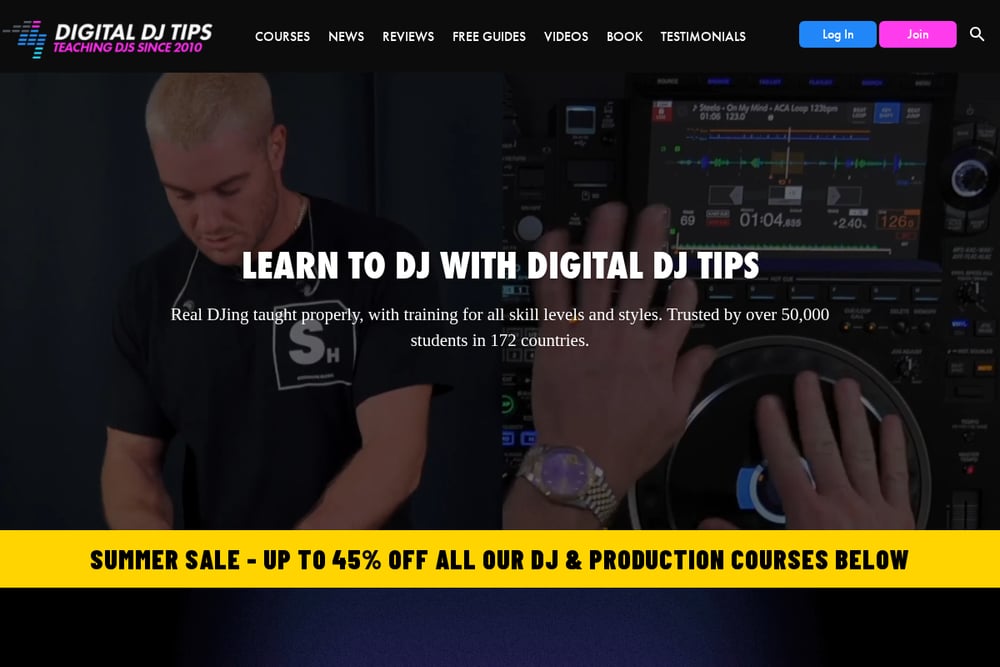 A screenshot of the Digital DJ Tips website.
Digital DJ Tips is a comprehensive training hub that goes beyond basic troubleshooting. Their blog post 'How I Survived Serious Technical Problems At My Last Gig' offers a real-world pre-gig checklist covering software updates, drive formatting, and cable checks. The site also features in-depth courses and reviews, making it a one-stop shop for DJs who want to level up their technical knowledge. It's ideal for those who prefer learning through detailed articles and structured training.
#2 Pioneer DJ Blog
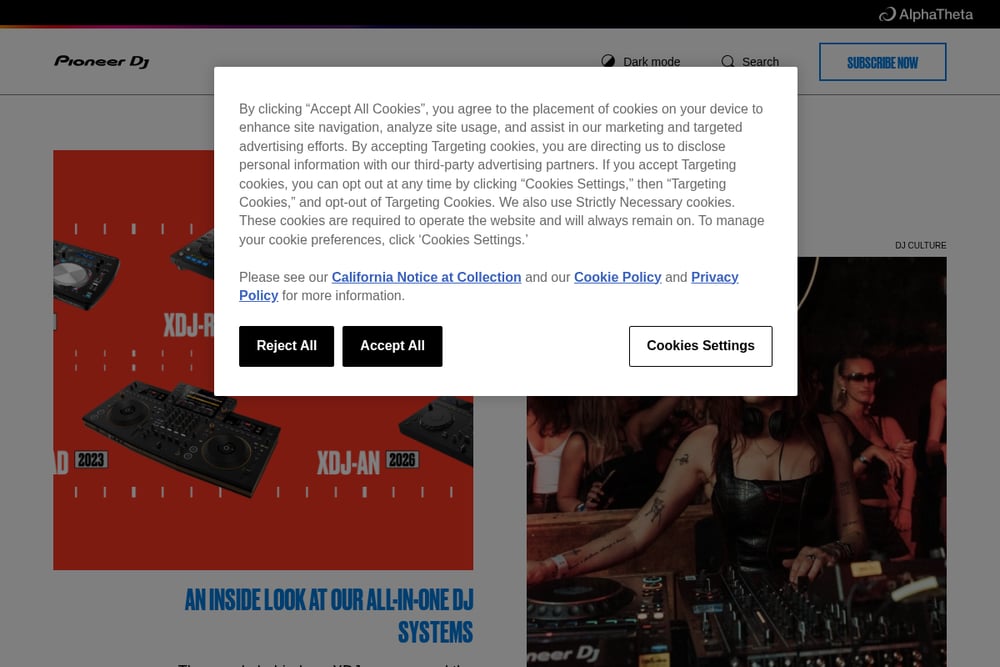 A screenshot of the Pioneer DJ Blog website.
The official Pioneer DJ Blog provides authoritative advice directly from the industry's leading hardware manufacturer. Their article '9 common DJ issues and how to deal with them' covers everything from equipment failure to interpersonal conflicts, emphasizing the importance of staying calm. It's a trusted source for understanding how to handle issues on Pioneer gear, which dominates most club booths. The blog also features tips from seasoned pros like Eddie Richards, adding real-world credibility.
#3 PIRATE.COM Support
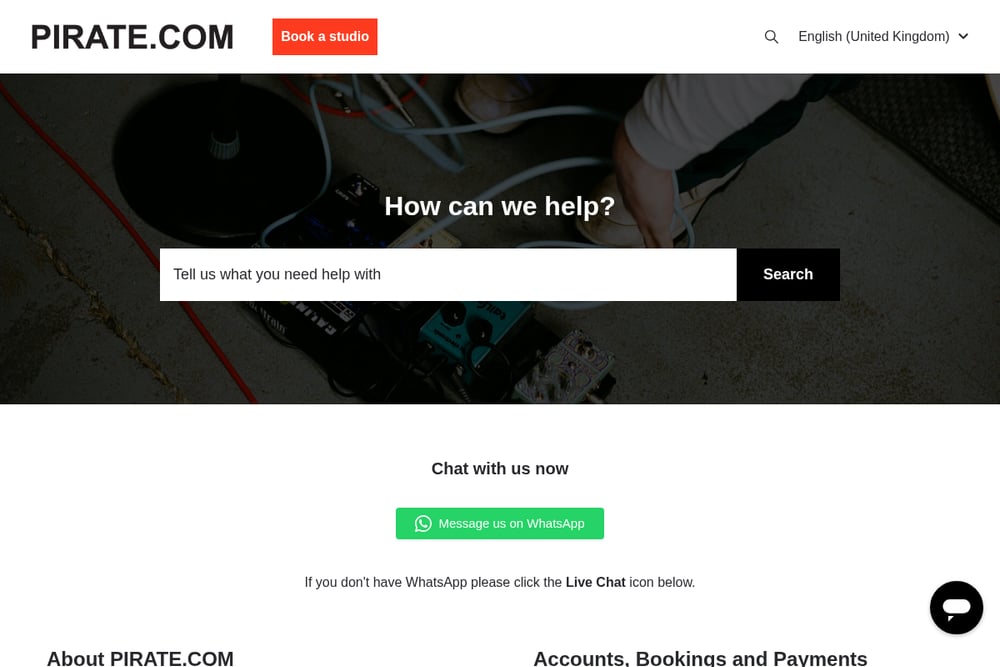 A screenshot of the PIRATE.COM Support website.
PIRATE.COM Support offers a highly practical, step-by-step equipment setup guide tailored to their studio spaces, but the principles apply universally. Their guide walks you through power connections, speaker routing, CDJ audio outputs, and channel input settings with clear, actionable steps. It's especially useful for DJs who need a quick refresher on cabling and mixer configuration before a gig. The support articles are concise and focused on getting you up and running fast.
#4 Save My Gig | DJ Booth Intelligence
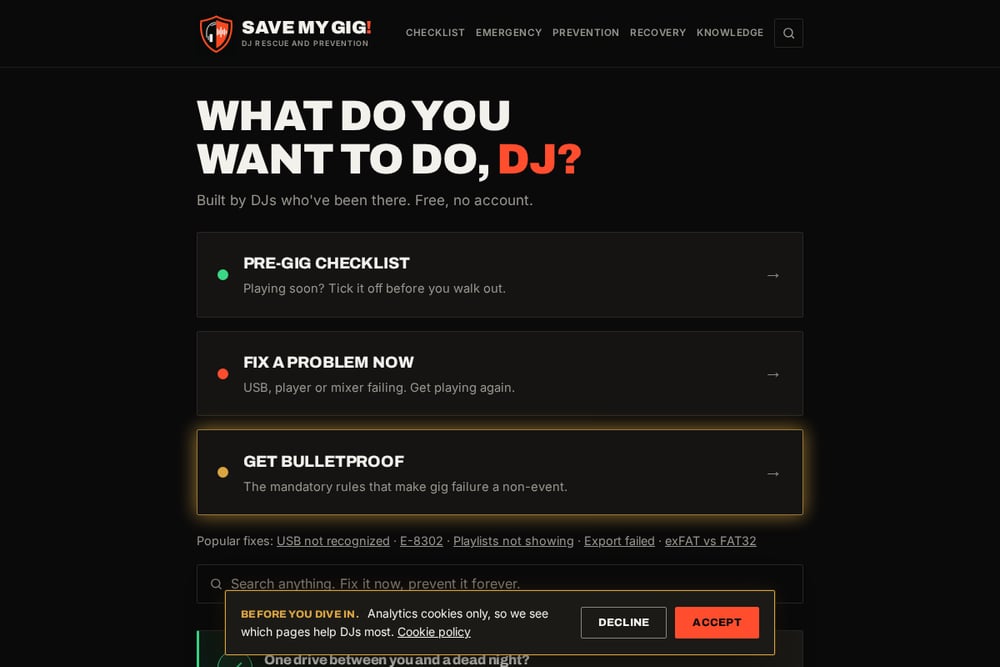 A screenshot of the Save My Gig website.
Save My Gig is a free, no-account website built by DJs specifically for emergency troubleshooting. It covers critical fixes like 'USB not recognized', error E-8302, playlists not showing, and exFAT vs FAT32 formatting. The site also includes a hardware field manual and a rescue flow that works offline once opened, making it a lifesaver when you have no internet in the booth. It's the most focused resource for solving live performance problems without any fluff or sign-up barriers.
#5 Get DJ Gigs
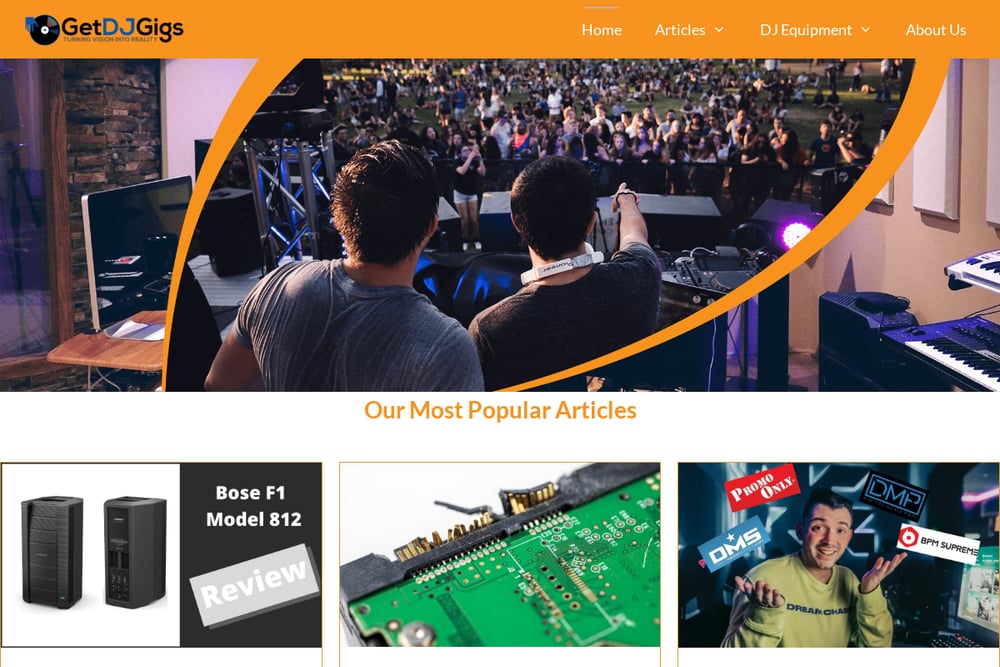 A screenshot of the Get DJ Gigs website.
Get DJ Gigs offers a broader perspective on equipment care with their 'DJ Equipment Care Guide: Protection and Repair Options'. While not a dedicated troubleshooting site, it provides valuable tips on protecting gear with flight cases, cleaning, and basic repair options. It's a good resource for DJs looking to extend the life of their equipment and avoid problems before they start. The site also covers buying guides and tips for aspiring professionals.
How to Choose the Right Resource for Your Situation
If you're in the middle of a gig with a USB that won't load, Save My Gig is your first stop because it's built for emergencies and works offline. For pre-gig preparation and deep learning, Digital DJ Tips offers the most comprehensive training. If you need official guidance on Pioneer gear, the Pioneer DJ Blog is your go-to. PIRATE.COM Support is perfect for quick setup refreshers, while Get DJ Gigs helps with long-term gear care. Match the resource to your immediate need: rescue, prevention, or maintenance.
Build a Bulletproof Pre-Gig Workflow
Combine these resources into a simple workflow. Before every gig, run through the pre-gig checklist from Digital DJ Tips. Use the PIRATE.COM setup guide to double-check your cabling. Bookmark Save My Gig on your phone and download the rescue flow for offline access. After the gig, review the Pioneer DJ Blog for any new common issues. This routine turns reactive panic into proactive confidence.
Your Gig, Your Responsibility
Technical failures are part of the DJ life, but they don't have to ruin your set. By bookmarking these five resources, you're building a safety net that covers everything from emergency USB fixes to long-term gear care. Save My Gig stands out as the most specialized rescue tool, while the others provide broader education and support. Take five minutes today to explore each one, and you'll be ready for whatever the booth throws at you.