
If you're tired of wasting material on every cut, these five cutting optimization tools can help you save money and time. From simple linear cutters to advanced nesting engines, here's what you need to know.
The Cutting Optimization Landscape
Cutting optimization software has become essential for industries ranging from woodworking and metal fabrication to glass processing and furniture making. These tools solve the classic cutting stock problem, helping you minimize waste and maximize yield from sheets, bars, and pipes. With the rise of cloud-based and desktop solutions, you now have more choices than ever, whether you're a hobbyist or a large manufacturer. The market is crowded, but each tool brings its own strengths, from user-friendly interfaces to powerful algorithms and developer components.
How We Evaluated These Tools
We looked at each solution based on its core functionality, ease of use, platform compatibility, and the range of materials it supports. We also considered pricing transparency and whether the tool offers a free trial or a free version. For each product, we noted what stood out in terms of its target audience, from industrial professionals to hobbyists, and how well it integrates into existing workflows. Our goal was to give you a clear picture of what each tool does best, without pitting them against each other.
Here's a quick snapshot of the five cutting optimization software solutions we're featuring, with their primary strengths and ideal use cases.
| Provider | Best For |
|---|---|
| CutOptim | Quick, browser-based optimization with off-cut management |
| Optimal Programs - Glass, wood, sheet, stock, linear bar, pipe, 2D, 1D, cutting optimization | Cross-platform desktop cutting and nesting with developer components |
| optiCutter | Free linear cutting calculations with CSV import |
| CutList Optimizer | Panel cutting optimization with edge banding support |
| 1D-Solutions | Dedicated 1D cutting optimization with developer DLL |
Detailed Look at Each Cutting Optimization Software
#1 CutOptim
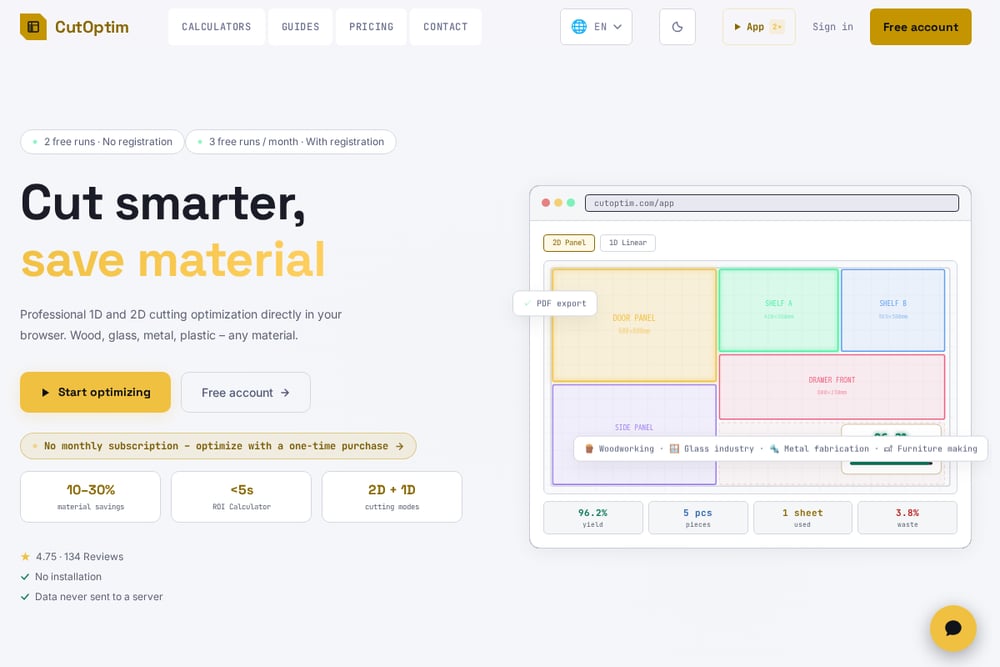 A screenshot of the CutOptim website.
CutOptim is a browser-based cutting optimizer that handles both 1D and 2D cutting problems, making it a versatile choice for wood, glass, metal, and plastic. It offers a free tier with three runs per month, and a one-time purchase option for unlimited use, which is a refreshing alternative to subscription models. The tool includes an off-cut inventory feature, allowing you to reuse leftover material for future jobs, and it exports cutting plans as PDF or CSV. With a 4.75-star rating and over 134 reviews, it's clearly popular among users. You can try it free without registration, and it promises 10-30% material savings. For a quick, no-install solution, CutOptim is hard to beat.
#2 Optimal Programs - Glass, wood, sheet, stock, linear bar, pipe, 2D, 1D, cutting optimization
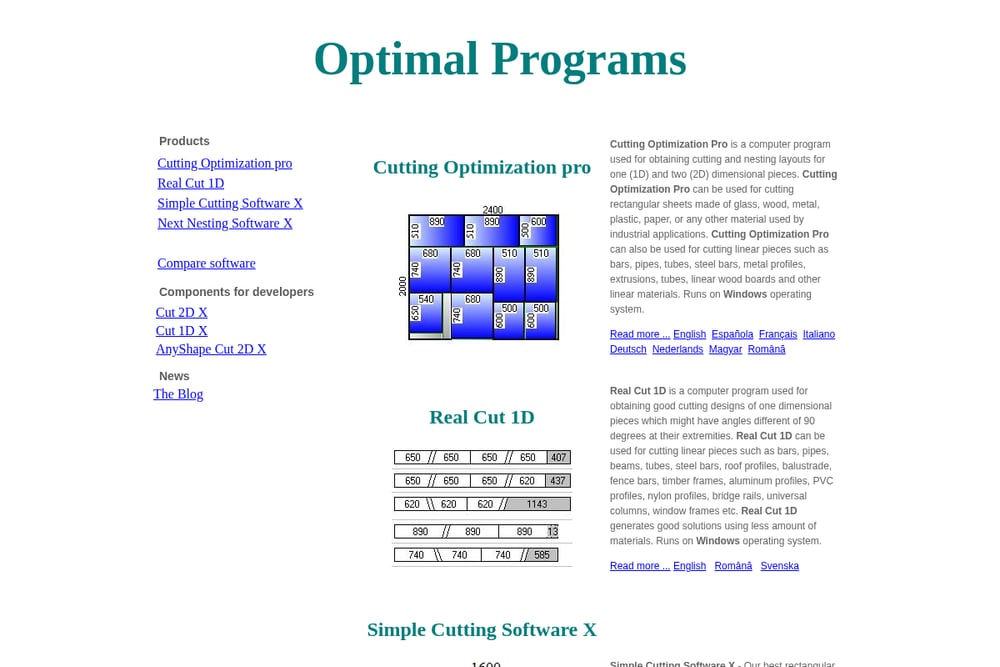 A screenshot of the Optimal Programs website.
Optimal Programs offers a suite of desktop applications for cutting and nesting optimization, including Cutting Optimization Pro, Real Cut 1D, and Simple Cutting Software X. These tools cover both 1D and 2D cutting for materials like glass, wood, metal, and plastic, and they run on Windows, macOS, and Linux. The software is designed for industrial and hobbyist users alike, with multilingual support and developer components like Cut 2D X for automation. Real Cut 1D even handles angled cuts, which is a niche feature for specialized applications. If you need a robust, cross-platform solution with developer integration, this is a solid pick.
#3 optiCutter
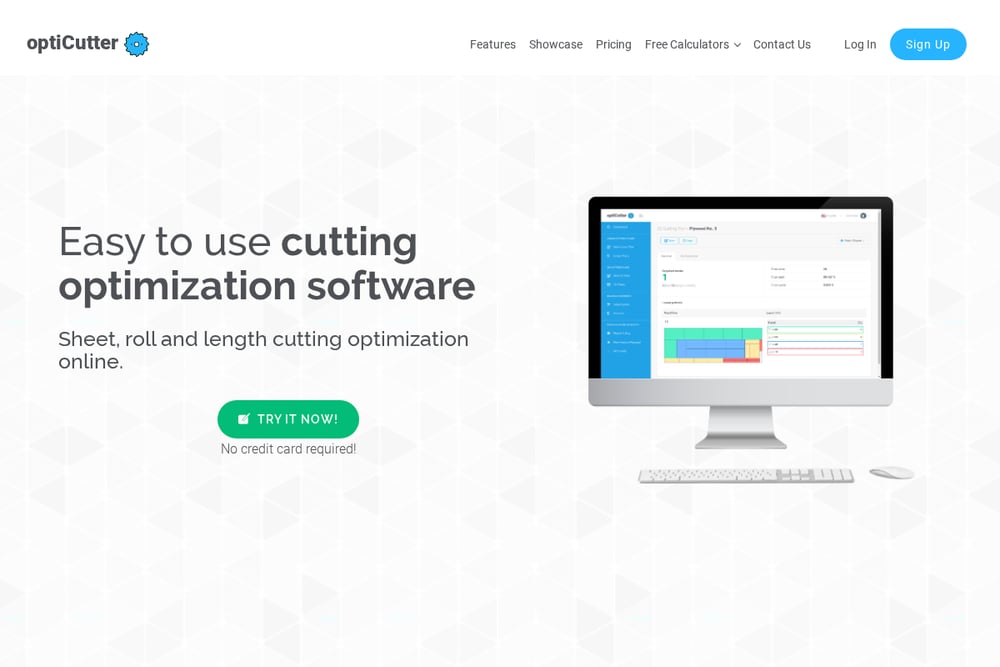 A screenshot of the optiCutter website.
optiCutter provides a free linear cutting list calculator that solves the cutting stock problem for lumber, pipes, tubes, and bars. You can specify material length, kerf, and part lengths, and it will find the best cutting layout to minimize waste. The tool supports various units, including metric and fractional inches, and allows you to import data from CSV or Excel. It also offers options for angle/miter cuts and cost minimization, making it useful for both simple and complex projects. While the free version is limited, premium plans unlock more advanced features. For a straightforward, web-based linear cutter, optiCutter is a handy resource.
#4 CutList Optimizer
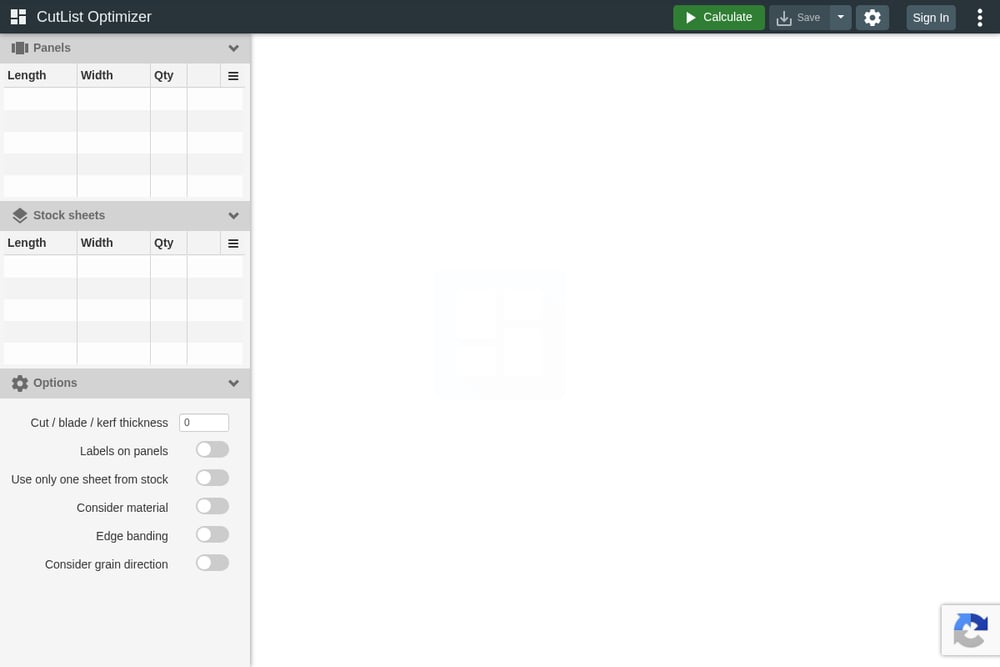 A screenshot of the CutList Optimizer website.
CutList Optimizer is a web-based tool that focuses on 2D panel cutting, allowing you to optimize the layout of rectangular pieces on stock panels. It includes features like cut thickness, edge banding, and orientation matters, which are crucial for woodworking and furniture making. The interface is clean and modern, with options to save projects, export PDFs, and even share data via URL. It offers a free version with basic functionality, and a Pro version with additional features. If you're looking for a dedicated panel optimizer with a user-friendly interface, this is worth checking out.
#5 1D-Solutions
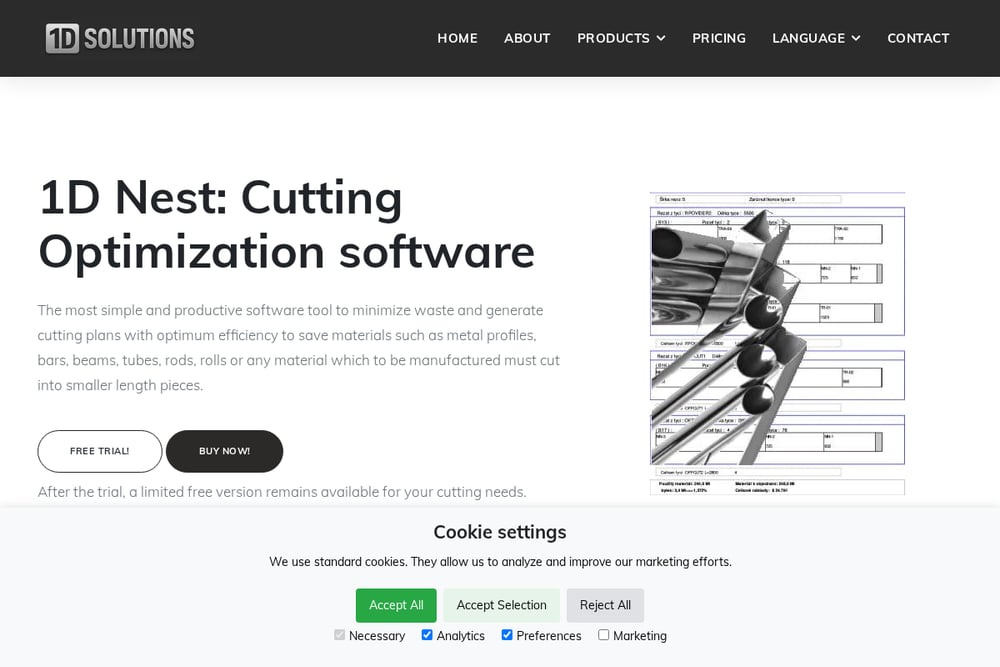 A screenshot of the 1D-Solutions website.
1D-Solutions offers 1D-Nest, a cutting optimization software specifically for linear materials like metal profiles, bars, beams, and tubes. It's designed to be simple and easy to use, with a free trial and a limited free version available after the trial. The software is available for Windows, and there's also a CutLib DLL for developers who want to integrate cutting optimization into their own applications. Pricing is straightforward with a single PC license at $171 and an enterprise license at $675, both lifetime with free support. If you need a dedicated 1D optimizer with developer options, 1D-Solutions is a reliable choice.
How to Choose the Right Cutting Optimization Software
Start by identifying the materials you work with most—whether it's sheets, bars, or both—and the complexity of your cuts. If you need a quick, no-install solution for occasional use, a web-based tool like CutOptim or optiCutter might be enough. For professional or industrial use, consider a desktop application like Optimal Programs or 1D-Solutions, which offer more advanced features and developer components. Also, think about your operating system: if you're on macOS or Linux, make sure the software supports it. Finally, check if the tool offers a free trial or a free version so you can test it before committing.
Streamlining Your Workflow with Automation
Many of these tools offer automation capabilities, such as importing data from CSV or Excel, which can save you time on data entry. For developers, components like Cut 2D X from Optimal Programs or CutLib DLL from 1D-Solutions allow you to embed cutting optimization directly into your own software. This can be a game-changer if you're building a custom solution for your business. Even without coding, you can automate your cutting process by using the software's batch processing features to handle multiple jobs at once. By integrating these tools into your workflow, you can reduce waste and increase efficiency.
Final Thoughts
Choosing the right cutting optimization software depends on your specific needs, from the materials you cut to the platforms you use. Whether you're a hobbyist looking for a free online calculator or a manufacturer needing a robust desktop solution, there's a tool on this list for you. Take advantage of free trials and free versions to see which one fits your workflow best. Remember, the goal is to minimize waste and save money, so pick the tool that helps you achieve that most effectively. Happy cutting!