
If you run a crew, you know the chaos of scheduling, tracking hours, and chasing payments. These five platforms aim to bring order to your operations, each with a unique twist.
The State of Crew Management Software
The crew scheduling software market is booming, with the airline segment alone projected to grow from $1.63 billion in 2024 to $4.09 billion by 2033. But for small businesses in construction, cleaning, and landscaping, the real challenge is finding a tool that handles scheduling, time tracking, and payroll without breaking the bank. Many platforms are built for enterprise, leaving smaller crews with clunky spreadsheets or expensive per-user fees. The right software acts like air traffic control for your field teams, keeping everyone aligned and accountable. As the industry evolves, expect more integrated solutions that combine scheduling with invoicing and payments.
How We Evaluated These Platforms
We looked at each platform's core functionality, focusing on scheduling ease, time tracking accuracy, and payroll integration. Pricing transparency was a key factor, especially for small businesses watching every dollar. We also considered how well each tool handles invoicing and payments, since getting paid faster is a universal need. Mobile accessibility for field crews and customer portal features were weighed heavily. Finally, we assessed the learning curve and whether the platform scales with your business without hidden costs.
Here's a quick snapshot of the five platforms we're diving into, each with its own strengths for crew-based businesses.
| Provider | Best For |
|---|---|
| Aspire Crew Control | Field service contractors needing route optimization and electronic proposals. |
| Crewster — Schedule. Track. Done. | Small businesses wanting a simple, flat-rate solution for scheduling and payroll. |
| Workyard | Contractors needing GPS time tracking and project progress updates. |
| SaberTask | Service businesses needing a customer portal and quality control features. |
| Knowify | Trade contractors needing QuickBooks integration and job costing. |
The Five Platforms, Closer Look
#1 Aspire Crew Control
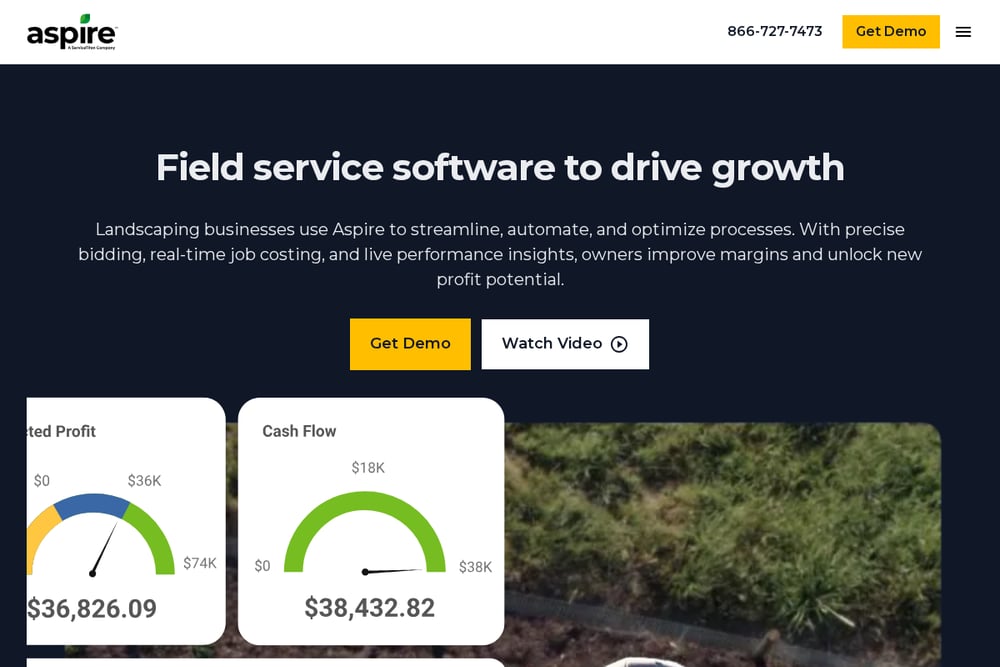 A screenshot of the Aspire Crew Control website.
Aspire Crew Control is a cloud-based business management solution built for field service contractors. It offers electronic proposals, scheduling, route optimization, and mobile time tracking, all in one platform. You can send invoices via text or email and accept electronic payments, which speeds up your cash flow. The route optimization feature helps your crews spend less time driving and more time on the job. With plans starting at $39 per month, it's an affordable option for growing operations. Aspire also provides customer notifications to keep clients informed and satisfied.
#2 Crewster — Schedule. Track. Done.
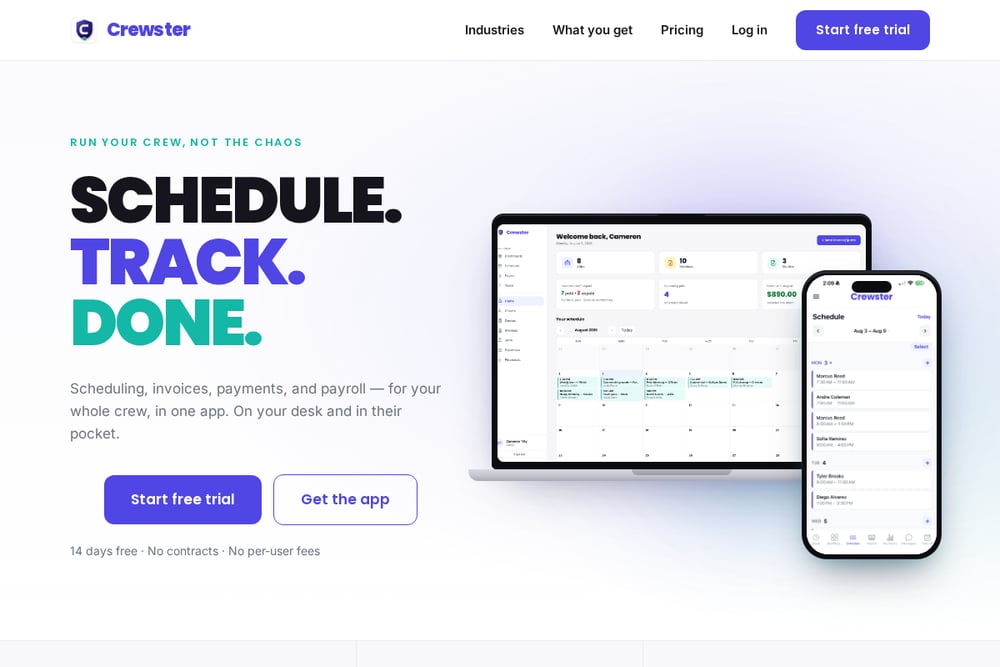 A screenshot of the Crewster website.
Crewster is an all-in-one app that combines scheduling, time tracking, invoicing, and payroll for small businesses with crews. It offers a flat pricing model with no per-user fees, so you can add as many team members as you need without extra costs. The app lets you assign shifts, add job sites and notes, and your crew sees their week instantly, eliminating those 6 AM group texts. Crewster also includes a customer portal where clients can view quotes, pay invoices online, and request new work. You can build quotes on-site, turn them into invoices in one tap, and collect deposits up front. It's built for industries like construction, cleaning, landscaping, and retail, and works with any payroll service.
#3 Workyard
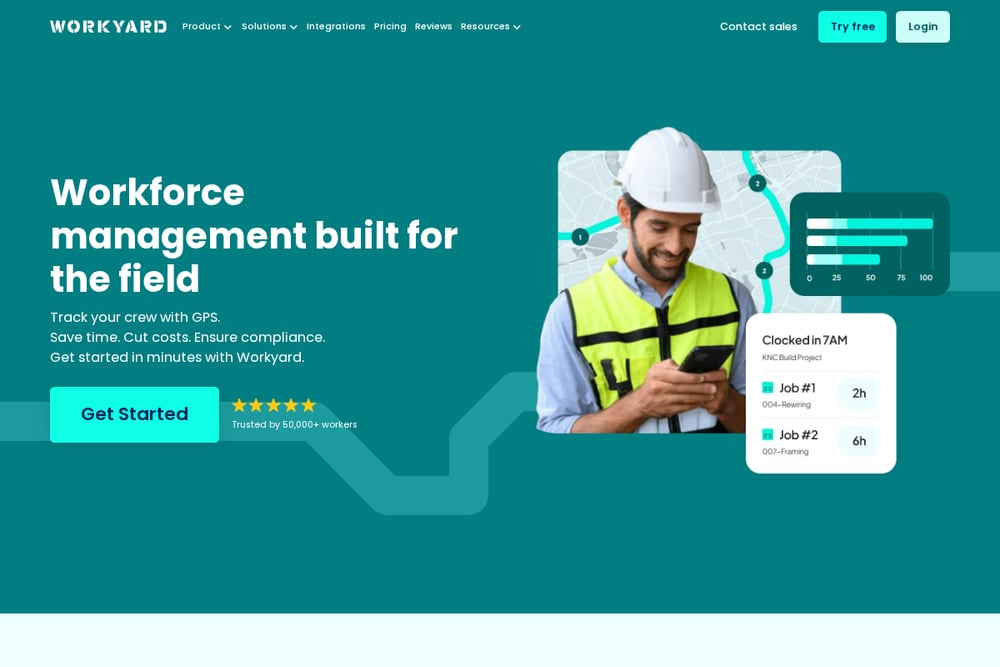 A screenshot of the Workyard website.
Workyard is a time tracking and job management platform designed for contractors and field teams. It offers GPS time tracking, a time clock kiosk, and supervisor time tracking to ensure accurate hours. You can schedule tasks, track project progress in real time, and use smart forms to replace paper workflows. Workyard also includes safety management and equipment tracking, making it a comprehensive tool for construction and other trades. The platform integrates with payroll systems, so you can export hours directly. It's a solid choice for businesses that need robust time tracking and project oversight.
#4 SaberTask
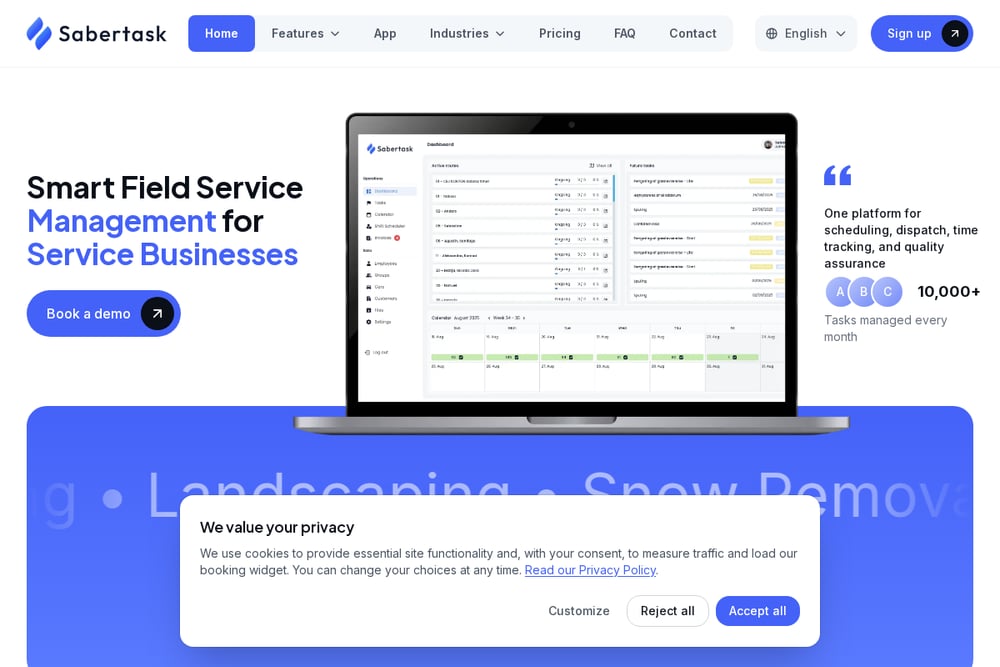 A screenshot of the SaberTask website.
SaberTask is a crew scheduling software that focuses on live dashboards, employee management, and customer portals. It's designed for industries like cleaning, landscaping, and facility management, with features like task scheduling and quality control. The platform includes invoicing and billing tools, plus a customer portal for self-service. SaberTask also offers a mobile app for field teams, keeping everyone connected. It's a good fit for businesses that want to streamline dispatch and improve customer communication. The software aims to replace fragmented tools with one operating view.
#5 Knowify
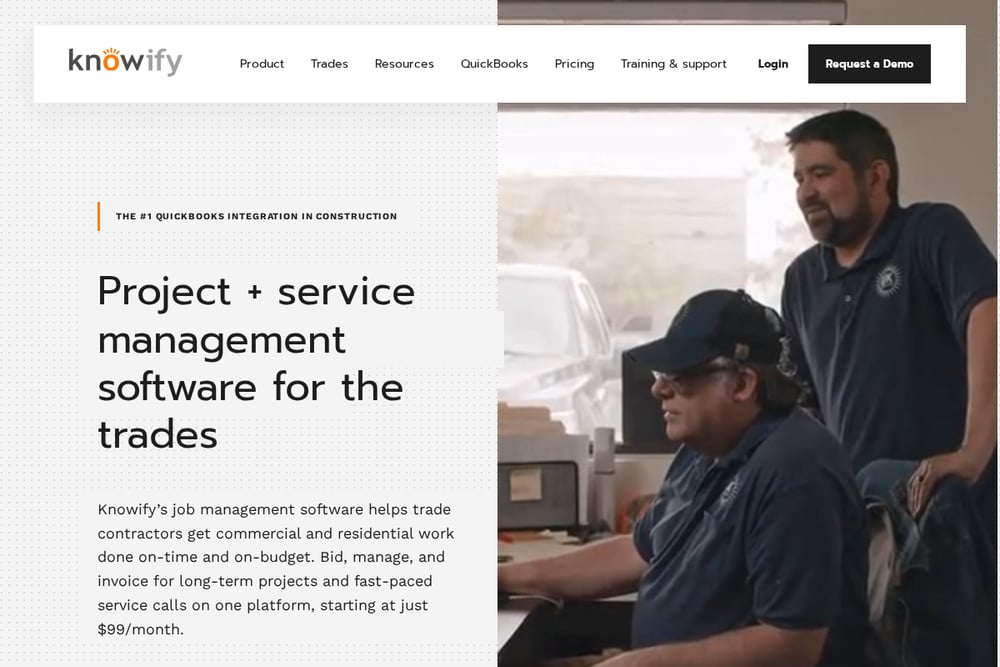 A screenshot of the Knowify website.
Knowify is a project management and scheduling tool built specifically for trade contractors. It handles estimating, proposals, contracts, change orders, and RFIs, all in one system. The platform integrates with QuickBooks, allowing you to track costs automatically as you schedule. Knowify offers phase-level scheduling and a resource board with equipment and crew visibility. It also includes a mobile app for field teams, making it easier to manage projects on the go. For trade contractors who need job costing and service work in one place, Knowify is a strong contender.
How to Choose the Right Platform for Your Crew
Start by identifying your biggest pain point: is it scheduling chaos, time tracking inaccuracies, or slow payments? If you need a simple, flat-rate solution that covers scheduling and payroll, Crewster might be your best bet. For route optimization and electronic proposals, Aspire Crew Control stands out. If GPS time tracking is critical, Workyard has you covered. SaberTask excels in customer portals and quality control, while Knowify is ideal for trade contractors needing deep QuickBooks integration. Consider your industry, team size, and budget, and take advantage of free trials to see which fits your workflow.
Automating Your Crew Workflow
Imagine this: you post a shift schedule in Crewster, and your crew sees it instantly on their phones. They clock in and out from the job site, and the app tracks their hours automatically. At the end of the week, you export verified hours and gross pay directly to your payroll service. Meanwhile, you send a quote to a client, they approve it online, and you collect a deposit before the job starts. That's the power of an integrated platform—no more manual data entry or chasing payments. With tools like Crewster, you can automate the entire cycle from scheduling to getting paid.
The Bottom Line
The right crew management software can transform your operations, saving you hours each week and improving cash flow. Whether you choose Crewster for its flat pricing, Aspire for route optimization, or Knowify for job costing, the key is to find a tool that fits your specific needs. Take the time to evaluate each platform, and don't be afraid to test them out. Your crew will thank you, and so will your bottom line.