
You've got one great draft. Now get it in front of everyone—without the busywork. These five tools turn a single piece of content into a week's worth of posts.
The Content Repurposing Landscape in 2026
Content teams are drowning in platform-specific demands. What worked as a blog post needs a LinkedIn version, a Twitter thread, a newsletter blurb, and a TikTok caption. Manually rewriting for each channel eats hours. AI-powered repurposing tools have stepped in to automate the grunt work. They analyze your original text or video, extract key points, and reformat them for different audiences and tones. The market has split into two camps: text-to-social converters and video-to-clip engines. Some tools focus on speed and simplicity, while others offer deep integration with scheduling and analytics. For solo creators and small businesses, the sweet spot is a tool that balances ease of use with enough flexibility to match your brand voice.
How We Evaluated These Tools
We looked at each tool's core functionality—does it actually save you time? We considered the range of supported platforms, from X and LinkedIn to TikTok and newsletters. Pricing transparency mattered, especially for freelancers and small teams. We also weighed the learning curve: can you paste a URL and get a usable post in under a minute? Finally, we checked for extra features like tone control, language options, and automation capabilities. Each tool brings a different strength to the table, and we've highlighted what stood out for each.
Here's a quick snapshot of the five tools, their best use cases, and what makes each one unique.
| Provider | Best For |
|---|---|
| Repurpose | Automated video distribution across multiple platforms |
| Repurposing — turn one draft into content for every platform | Quick text repurposing for social media and newsletters |
| Quso AI | Turning long videos into short clips for social media |
| Typeface | Enterprise teams needing on-brand content at scale |
| Masset | Content teams that want analytics and workflow management |
The Five Tools, Closely Examined
#1 Repurpose
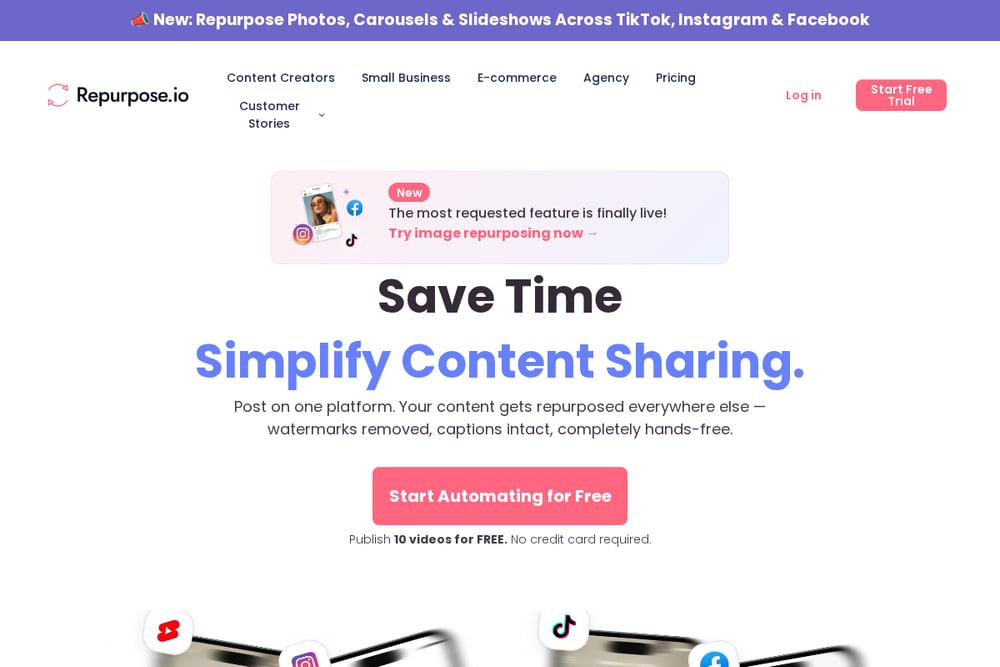 A screenshot of the Repurpose website.
Repurpose is the heavyweight champion of automated video repurposing. It connects to your YouTube channel and automatically distributes your content to TikTok, Instagram, Facebook, and more—watermarks removed, captions intact. You record once, and the tool handles the rest, saving you hours of manual uploading. It's built for creators who produce regular video content and want to maximize reach without extra effort. The platform also supports image repurposing, a recent addition that expands its utility. If you're a podcaster or YouTuber looking to clone your content across every major platform, this is your workhorse.
#2 Repurposing — turn one draft into content for every platform
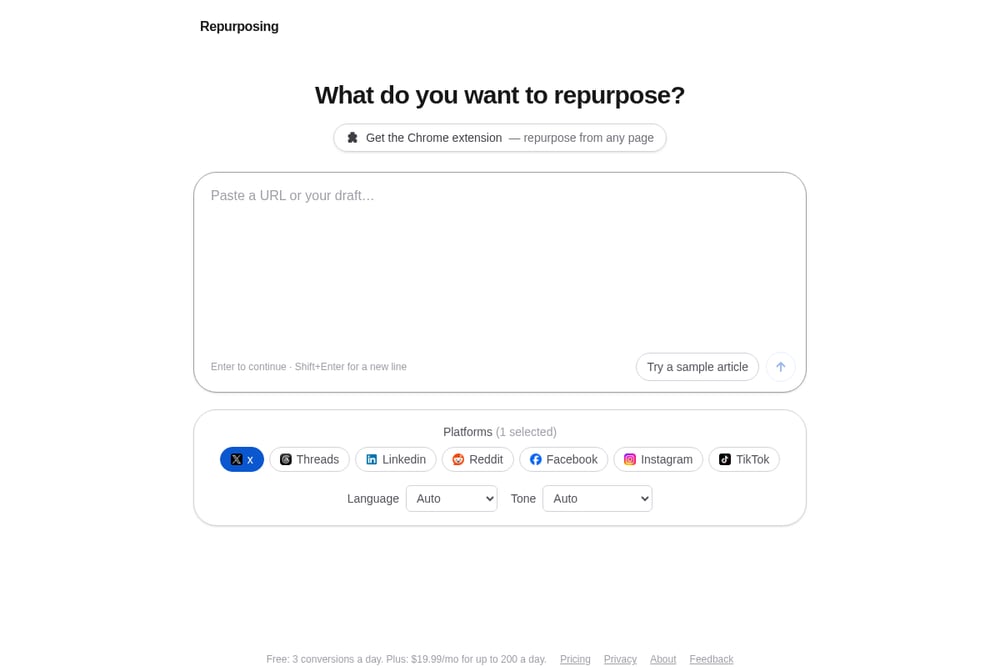 A screenshot of the Repurposing website.
Repurposing is the featured tool here, and it nails the text-to-social use case. You paste a URL or raw text, pick your target platforms—X, LinkedIn, Reddit, Facebook, Instagram, TikTok—and it generates a tailored version for each. You can also adjust the language and tone, from professional to witty, so your content doesn't sound robotic. The free tier gives you three conversions a day, which is perfect for testing. The paid plan at $19.99 per month unlocks up to 200 conversions daily, making it a budget-friendly option for solo creators. It's the fastest way to turn one blog post into a week of social updates.
#3 Quso AI
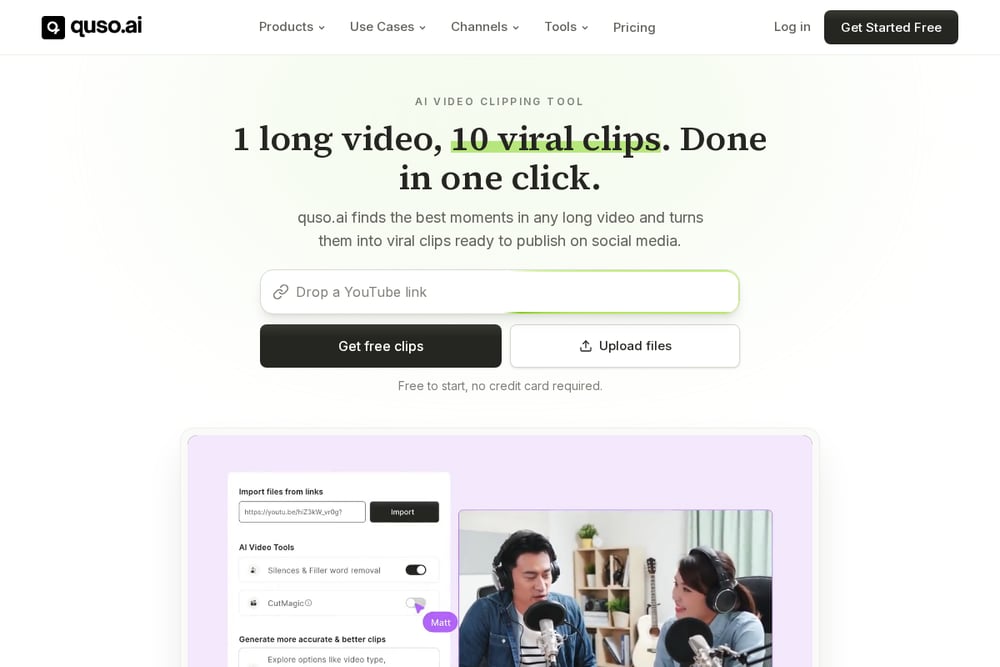 A screenshot of the Quso AI website.
Quso AI focuses on turning long-form video into a week of clips. It automatically finds the best moments in your footage and creates short, shareable videos for TikTok, Instagram Reels, and YouTube Shorts. Beyond clipping, it offers AI subtitles, captions, and hashtags to boost engagement. You can also schedule posts directly from the platform, which streamlines your entire content workflow. It's a solid choice for video-first creators who want to repurpose without learning complex editing software. The tool also includes analytics to track what's working, so you can refine your strategy.
#4 Typeface
 A screenshot of the Typeface website.
Typeface is an enterprise-grade AI content platform that goes beyond simple repurposing. It helps large teams turn blog posts into social media content, whitepapers into blog series, and webinars into written summaries. The tool emphasizes brand consistency, ensuring that every repurposed piece matches your company's voice and guidelines. It's designed for marketing teams that need to scale content production without sacrificing quality. Typeface also offers a range of AI writing and image generation features, making it a comprehensive content suite. If you're managing a multi-channel content operation, this is the heavy lifter.
#5 Masset
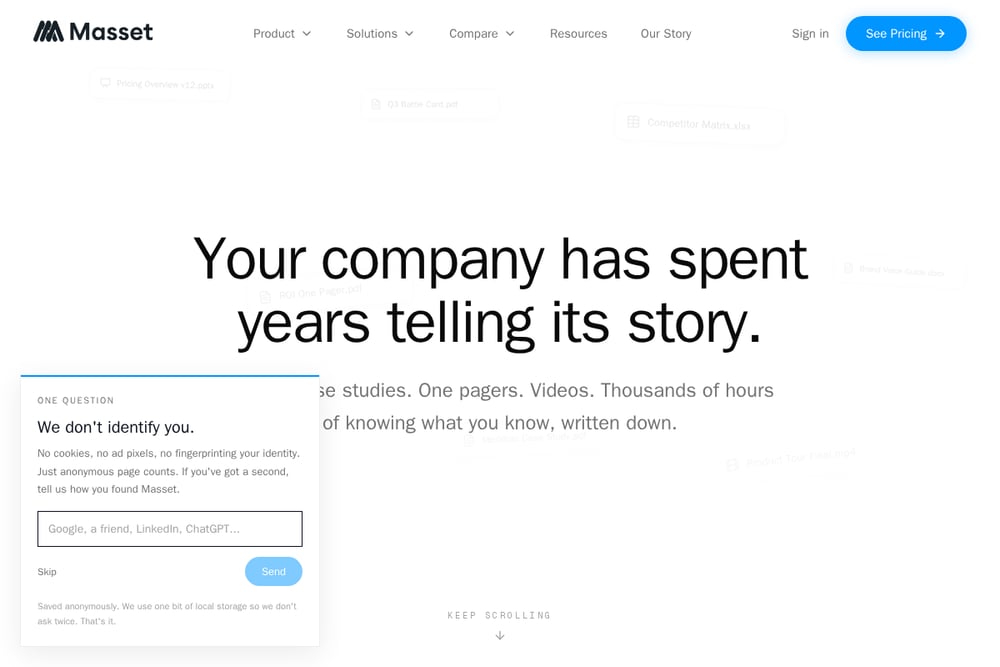 A screenshot of the Masset website.
Masset positions itself as a content CRM, centralizing your repurposing efforts alongside analytics and workflow management. It helps you track which pieces of content are performing and automatically suggests repurposing opportunities. The tool integrates with your existing CMS and Slack, making it easy to collaborate with your team. It's less about instant conversion and more about strategic content operations. If you're looking to build a sustainable repurposing system rather than just a quick fix, Masset offers a structured approach. It's ideal for content managers who want to measure ROI and optimize their pipeline.
How to Choose the Right Repurposing Tool
Start by asking what your primary content format is. If you're a podcaster or YouTuber, Repurpose or Quso AI will save you the most time. If you write blog posts or newsletters, Repurposing is your fastest path to social media. Consider your budget: Repurposing offers a generous free tier, while Repurpose and Quso AI have free trials but require a subscription for full automation. Think about your team size—Typeface and Masset are built for collaboration, while the others are more solo-friendly. Finally, test the tone and language options. You want a tool that can match your brand voice, not just spit out generic posts. Try a few with your own content and see which one feels like a natural extension of your workflow.
Building a Repurposing Workflow That Runs Itself
The dream is to write once and let the tool handle the rest. For text-based content, you can use Repurposing to generate platform-specific posts, then schedule them with a social media management tool. For video, Repurpose can automatically push your YouTube uploads to other platforms, so you never have to manually upload again. Quso AI can clip your long videos and schedule the shorts, creating a hands-off pipeline. The key is to set up a consistent trigger—like publishing a new blog post or video—and let the repurposing tool do its magic. Over time, you'll build a content engine that multiplies your reach without multiplying your workload.
The Bottom Line
Content repurposing isn't just a nice-to-have anymore; it's a necessity for staying visible across platforms. The right tool can turn one hour of creation into a week of posts, freeing you to focus on what you do best. Whether you're a solo creator or a marketing team, there's a tool here that fits your workflow. Start with the free tier of Repurposing to see how easy it is to transform your drafts. Then, as you scale, consider adding a video repurposing tool like Repurpose or Quso AI. The goal is to work smarter, not harder—and these tools are your shortcut.