
If you're a contractor tired of digging through camera rolls and email threads to find that one crucial job site photo, these five platforms are about to change your workflow. Each one brings something different to the table, so let's see which fits your team best.
The State of Construction Photo Documentation
Construction projects generate thousands of photos, but without a dedicated system, those images become a liability rather than an asset. Disorganized photos lead to disputes, missed deadlines, and rework that eats into your margins. That's why photo documentation software has become a must-have for modern contractors. These tools don't just store images—they add context with GPS, timestamps, and notes, turning raw photos into verifiable project records. The market has responded with a range of solutions, from simple capture apps to full project management suites. For you, the challenge is finding the one that matches your team's size, tech comfort, and daily workflow.
How We Evaluated These Tools
We looked at each platform through the lens of a busy contractor: how easily can you capture and organize photos on site? Does the tool offer clear pricing and a free trial? How well does it handle team collaboration and client sharing? We also considered the learning curve—because if your crew can't adopt it, it won't help. Each product was assessed on these same factors, and what stood out for each is highlighted below.
Here's a quick snapshot of the five platforms we're diving into, so you can see at a glance what each one brings to the table.
| Provider | Best For |
|---|---|
| SiteCam | Teams that want a simple, photo-centric app with instant reporting |
| SiteLens | Construction Photo Management & Project Documentation | Contractors seeking an all-in-one photo management and project documentation platform |
| Raken | Contractors who want photo documentation integrated with daily reports and project management |
| CompanyCam | Field teams that want a user-friendly app with strong sharing and AI features |
| Timemark | Contractors who need timestamped, GPS-verified photo proof for dispute resolution |
The Five Tools, Up Close
#1 SiteCam
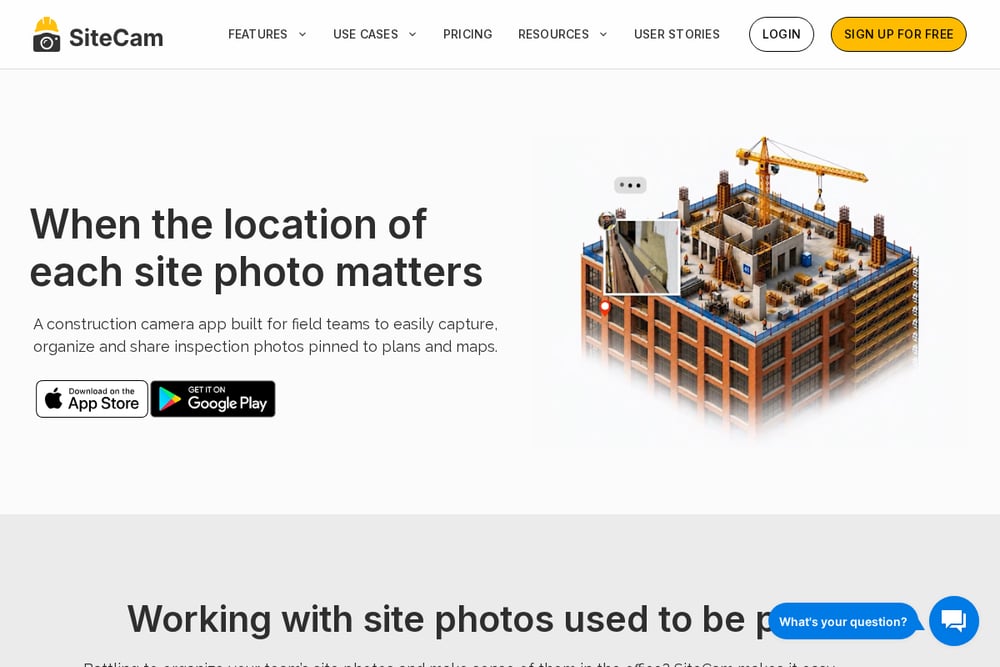 A screenshot of the SiteCam website.
SiteCam is a dedicated construction photo app that centralizes all your site photos, pinning them to plans and maps for easy reference. You can add notes and #Tags to every image, making it simple to search and organize as you go. The platform syncs instantly with your team, so the office always has the latest shots. It also lets you generate professional photo reports in just a few clicks, ready to share as a URL or PDF. For contractors who want a straightforward, photo-first solution without extra project management clutter, SiteCam delivers. Its focus on simplicity and speed makes it a strong contender for daily field use.
#2 SiteLens | Construction Photo Management & Project Documentation
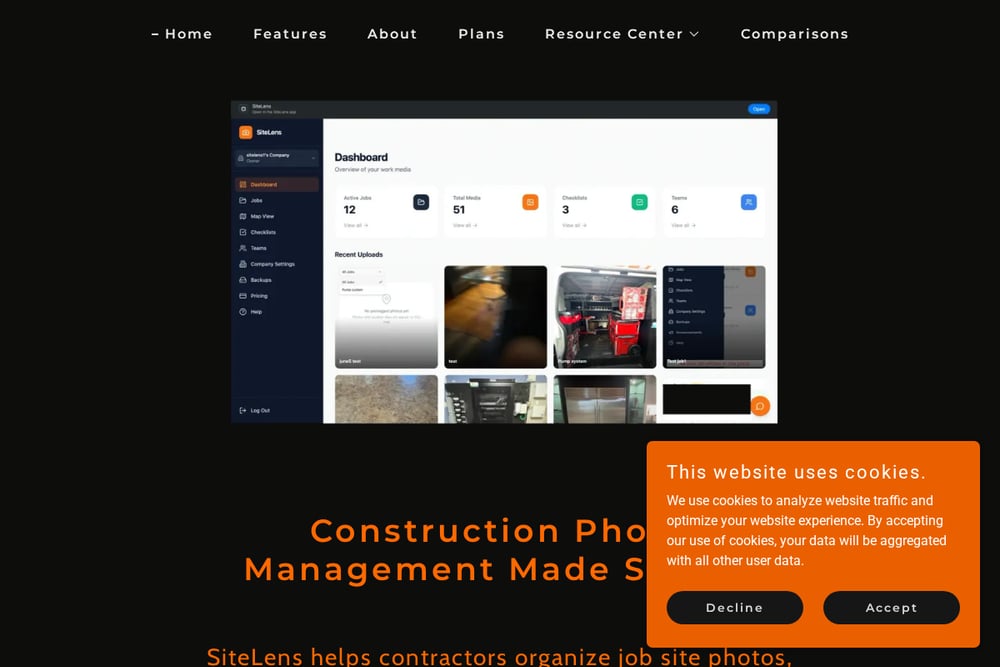 A screenshot of the SiteLens website.
SiteLens is built specifically for contractors who need to organize job site photos, document progress, and collaborate with their team from one secure platform. It offers GPS photo tracking, cloud backup, inspections, and checklists, so you can manage every stage of a project without switching between apps. The platform is available on iPhone, iPad, and Android, making it easy for your crew to capture and upload photos from the field. You can access your photos anytime, track project milestones, and keep documentation organized from start to finish. For contractors who want a comprehensive yet user-friendly tool, SiteLens covers all the bases. Its focus on secure cloud storage and team collaboration makes it a reliable choice for any construction business.
#3 Raken
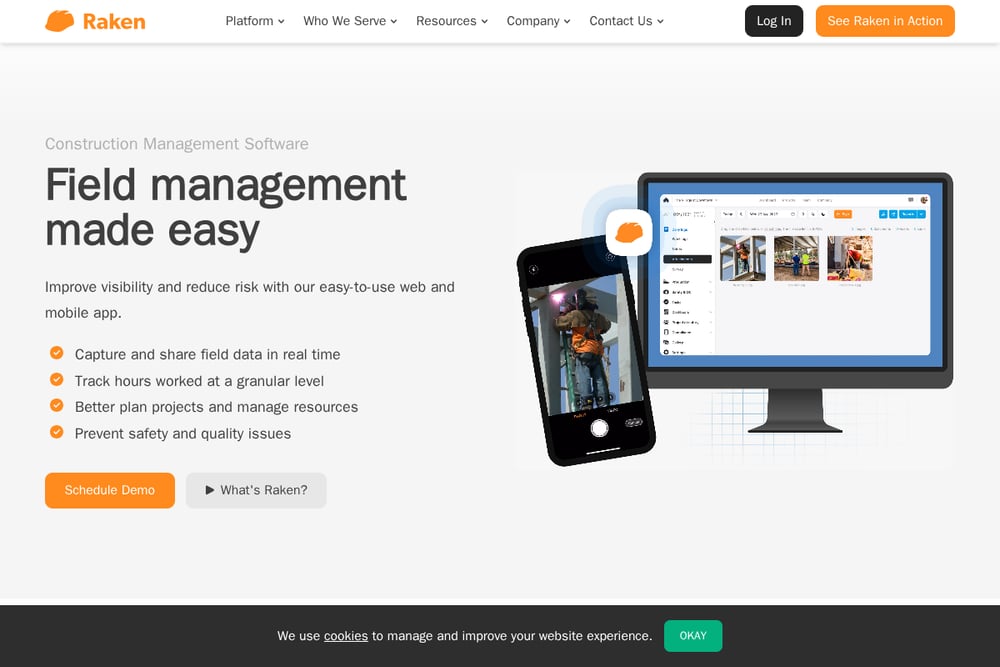 A screenshot of the Raken website.
Raken is a full-featured construction management platform that includes robust photo documentation as part of its daily reporting suite. You can attach photos to daily reports, which automatically syncs with your team and clients, keeping everyone informed. It also offers tasks, messaging, and time tracking, so you can manage your entire project from one tool. The photo documentation feature is designed to be quick and intuitive, letting you capture and annotate images on the go. For contractors who need more than just photo storage, Raken integrates seamlessly with other construction software. It's a solid pick if you're looking to streamline your entire field reporting process.
#4 CompanyCam
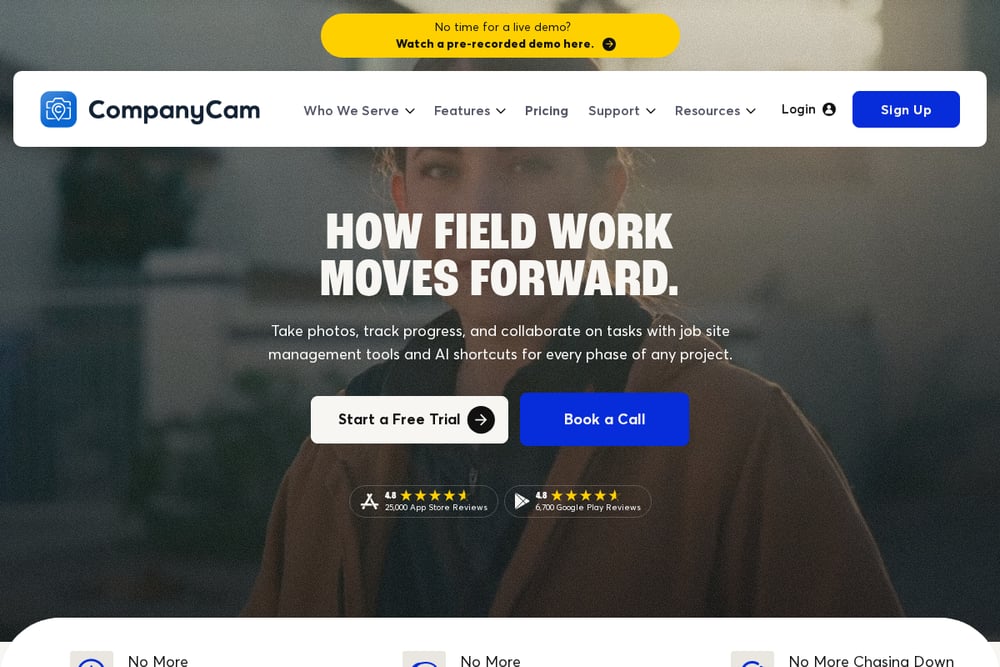 A screenshot of the CompanyCam website.
CompanyCam is a popular choice among field teams for its ease of use and powerful sharing capabilities. You can capture photos and videos, annotate them, and organize them into project galleries that are easy to share with clients and subs. The app includes in-app communication, so you can discuss specific photos without leaving the platform. It also offers AI-powered features that help you create reports and checklists faster. For contractors who want a tool that feels familiar and works across trades, CompanyCam is a reliable option. Its integrations with tools like Jobber and QuickBooks make it a flexible addition to your tech stack.
#5 Timemark
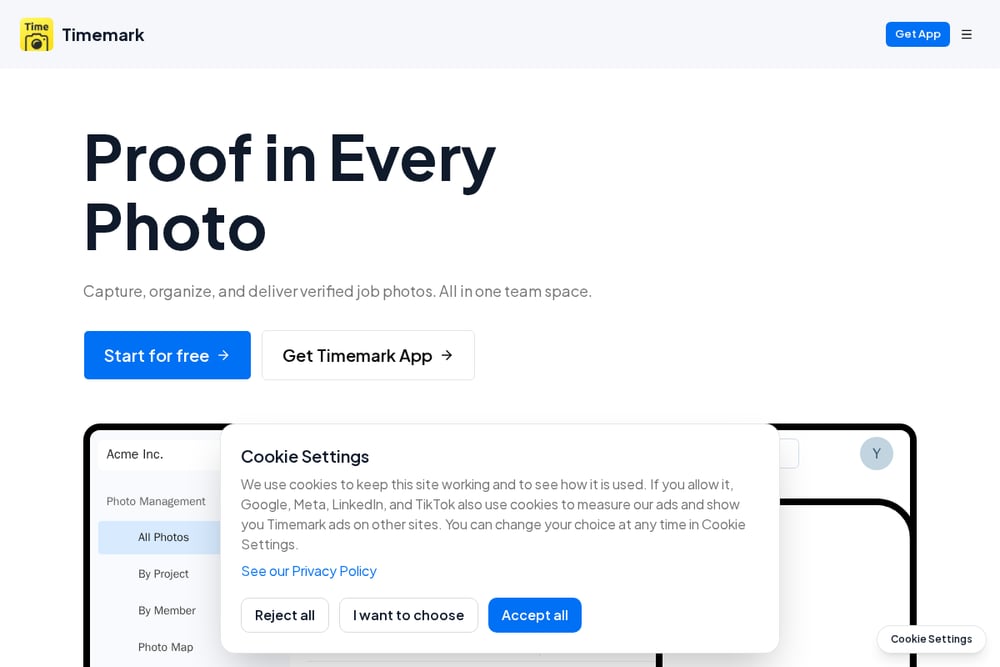 A screenshot of the Timemark website.
Timemark focuses on photo proof and verification, automatically tagging your photos with timestamp and GPS data. This makes it a powerful tool for avoiding disputes and getting paid faster, as you have undeniable evidence of your work. The app organizes photos by project, team, or crew, so you can find any image in seconds. It also includes digital checklists and time tracking, making it a versatile field tool. For contractors who deal with frequent disputes or need to prove work completion, Timemark's verification features are a game-changer. Its auto-organization and real-time sync keep your team on the same page.
How to Choose the Right Tool for Your Crew
Start by thinking about your biggest pain point: is it disorganized photos, slow reporting, or disputes over work? If you need a simple, photo-first app, SiteCam or CompanyCam might be your best bet. If you want to combine photo documentation with daily reports and project management, Raken is a strong contender. For those who need ironclad proof of work, Timemark's GPS and timestamp features are invaluable. And if you're looking for a comprehensive platform that covers everything from photo organization to inspections, SiteLens offers a balanced solution. Try a few free trials with your team to see which one feels most natural on the job site.
Automating Your Documentation Workflow
Once you pick a tool, set up a simple workflow: have your crew capture photos at key milestones, add notes or tags, and let the app auto-sync to the cloud. Use the platform's reporting features to generate weekly updates for clients without manual effort. For inspections, create checklists that trigger photo requirements, ensuring nothing is missed. With automation, you'll save hours each week and have a complete, searchable record of every project.
The Bottom Line
The right photo documentation tool can save you time, reduce disputes, and keep your projects on track. Whether you prioritize simplicity, comprehensive features, or proof of work, there's a platform here that fits your needs. Start with a free trial, get your team on board, and watch your documentation headaches disappear.