
Your website is trapped in a visual builder, and AI can't touch it. These five services break it free.
The Shift from Drag-and-Drop to AI-Editable Code
The web development landscape is splitting into two camps: teams that prompt AI to ship changes in seconds, and teams still wrestling with CMS settings panels. Visual builders like Webflow and WordPress gave non-developers power, but they created a wall—AI tools like Claude Code and Cursor can't read proprietary blobs. As AI coding accelerates, the demand for clean, version-controlled code has exploded. Services that migrate sites from CMS to code are becoming the bridge, letting you keep your design but unlock AI-speed edits. The gap between AI-ready and CMS-locked teams is widening weekly, and these services are the escape hatch.
How We Evaluated Each Service
We looked at service scope—can they handle full migrations or just design-to-code? Pricing clarity—do you know what you'll pay upfront? Local fit—do they serve US-based teams with US-centric support? AI integration—how well do they connect to AI coding tools? And speed—how fast can you go from locked-in to shipping? Each service brings a different strength, from full-service migration to DIY AI builders.
Here's a quick look at the five services, from full-service migration to AI-native builders.
| Provider | Best For |
|---|---|
| Webstudio | Teams wanting a visual editor with clean code export |
| MigrateLab | Escape Your CMS. Ship with AI. | Teams ready to ditch visual builders for AI-prompted code |
| CodeDesign.ai | Building a new AI-generated site from scratch |
| Codia AI | Converting design files into AI-editable code |
| Replit | Building a new site from scratch with AI assistance |
The Five Services, Closer Look
#1 Webstudio
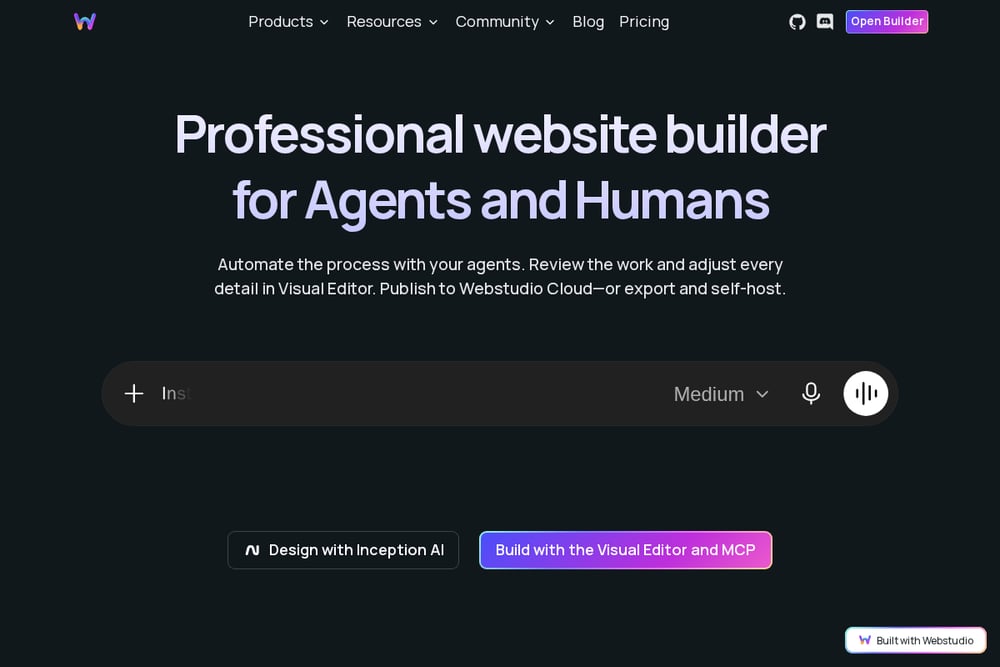 A screenshot of the Webstudio website.
Webstudio offers a visual builder that's open-source and exports clean code, but their CMS migration service is the standout. They'll move you from any CMS—Webflow, WordPress, or others—to a headless setup, handling data transformations and complex collections. Pricing scales with data volume, from $200 for small sites to $2,000 for large ones, with timelines from days to weeks. It's a solid choice if you want to keep a visual editing layer but gain code ownership. Their team handles the heavy lifting, so you can focus on building. Check their migration page for details.
#2 MigrateLab | Escape Your CMS. Ship with AI.
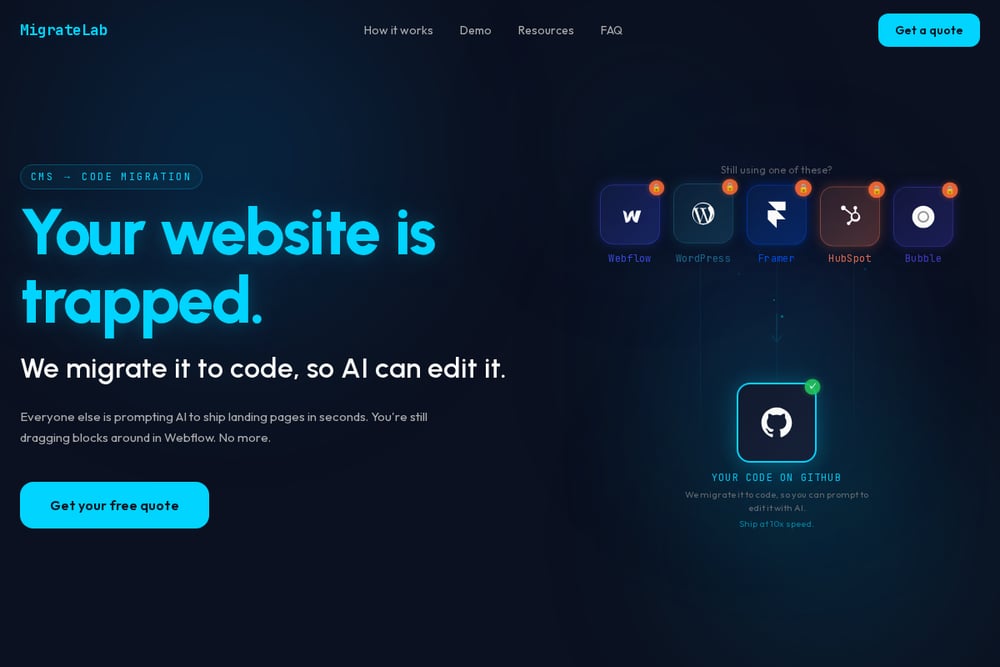 A screenshot of the MigrateLab website.
MigrateLab is laser-focused on one thing: breaking your site out of Webflow, WordPress, Framer, HubSpot, or Bubble and handing you clean code on GitHub. They position this as the key to AI editing—once your site is in code, tools like Claude Code can change a hero headline and background color in seconds, as their demo shows. The service emphasizes speed, with a promise of shipping at 10x speed, and full code ownership. They argue that CMS version history is a joke, while git tracks every change forever. If you're tired of 20-click edits and want to prompt your way to updates, this is your escape. Their pitch is direct: your website is trapped, and they're the key.
#3 CodeDesign.ai
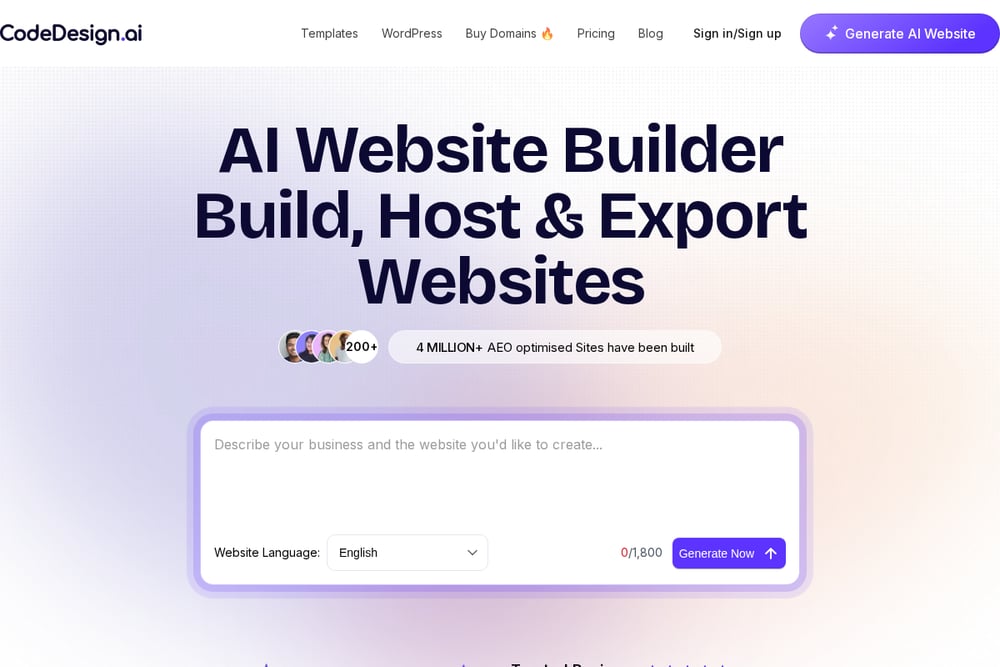 A screenshot of the CodeDesign.ai website.
CodeDesign.ai is an AI website builder that generates sites from text prompts, with over 4 million sites built. It's not a migration service per se, but it lets you create a new site from scratch and export code, which can be a workaround if you're starting fresh. The platform includes a chat-based editor where you can describe changes, and it supports WordPress integration for those who need it. Pricing is subscription-based, with a 7-day money-back guarantee. It's a good option if you want to rebuild rather than migrate, and you're comfortable with a new design. Their Trustpilot rating of 4.8/5 suggests user satisfaction.
#4 Codia AI
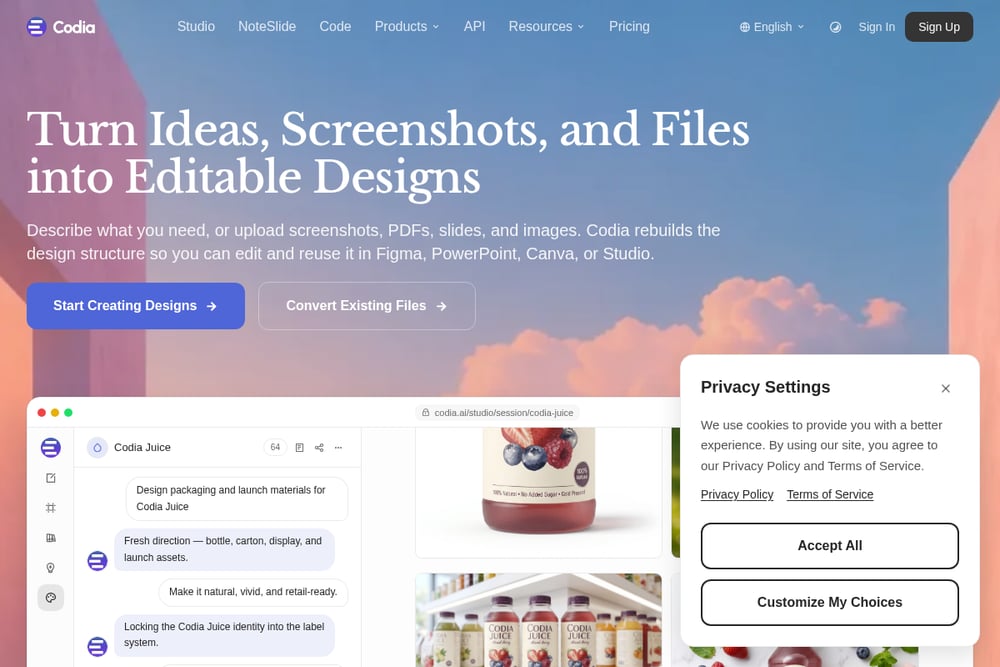 A screenshot of the Codia AI website.
Codia AI turns designs—from Figma, screenshots, or PDFs—into clean, framework-native code like React, Vue, or SwiftUI. It's a design-to-code tool, not a CMS migration service, but it's perfect if you have a design locked in a visual tool and want code. You upload a design, pick your framework and styling, and get production-ready components. The output mirrors how senior engineers write code, making it easy for AI tools to edit. It's a great fit for teams that want to rebuild their site from design files rather than migrate existing CMS content. Pricing starts at $29 per month for the Pro plan.
#5 Replit
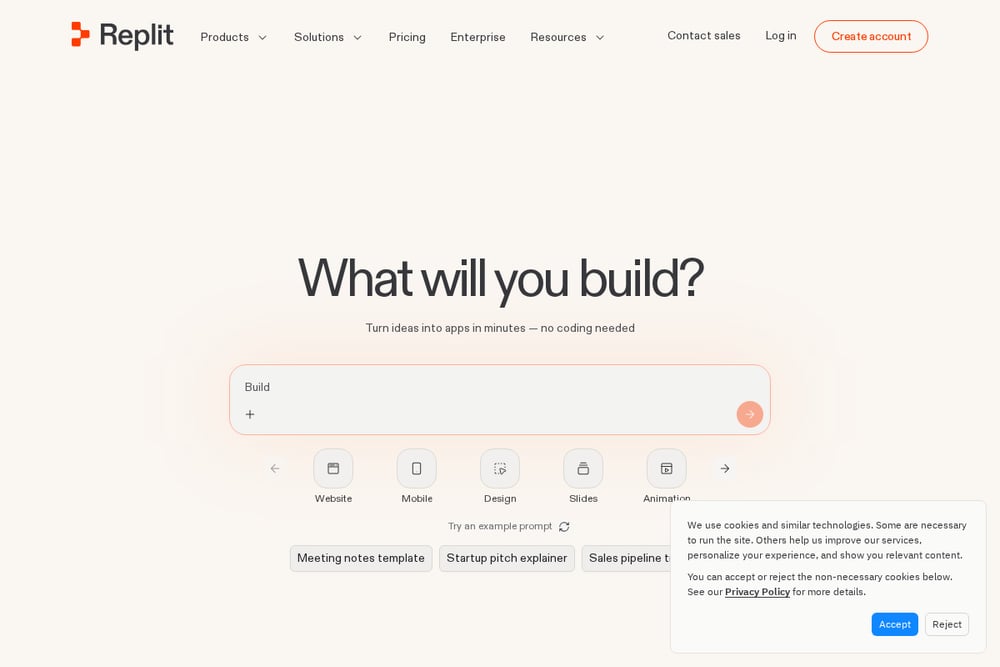 A screenshot of the Replit website.
Replit is an AI-powered development platform that lets you build websites from natural language descriptions. It's not a migration service, but it's a powerful alternative if you're willing to rebuild. You can describe what you want, and Replit generates a working site, with a click-to-edit interface that's easier than drag-and-drop. It supports custom domains and mobile editing, making it flexible for quick projects. For teams that want to start fresh with AI-native development, Replit is a strong contender. It's more of a builder than a migrator, but it gets you to code quickly.
How to Choose the Right Escape Route
First, decide if you want to migrate your existing site or rebuild from scratch. If you love your current design and content, MigrateLab or Webstudio are your best bets—they handle the migration for you. If you're open to a fresh start, CodeDesign.ai or Replit can generate a new site in minutes. Consider your budget: MigrateLab and Webstudio have project-based pricing, while CodeDesign and Replit are subscription-based. Think about your team's skills—if you want to keep a visual editor, Webstudio is ideal; if you're ready to go full code, MigrateLab is the direct path. Finally, check how well each service integrates with AI tools like Claude Code or Cursor, since that's the whole point.
Automating Your Post-Migration Workflow
Once your site is in code, you can set up an automation workflow: use GitHub Actions to run tests on every push, then auto-deploy to Netlify or Vercel. Connect a bot like Claude Code to your repo, and you can prompt changes that get committed and deployed automatically. For content updates, use a headless CMS like Sanity or Contentful, and trigger builds via webhooks. This turns your website into a living system that updates itself with minimal human intervention.
The Bottom Line
The era of dragging blocks is ending. Whether you migrate with MigrateLab or Webstudio, or rebuild with CodeDesign, Codia, or Replit, the goal is the same: get your site into code so AI can work its magic. Each service offers a different path, but they all lead to faster shipping and full ownership. Don't let your website stay trapped—pick a route and start your escape today.