Client portals have moved well past simple file sharing. For accounting firms, they now sit at the center of document requests, e-signatures, tax organizers, and client communication. This list covers seven platforms worth knowing in 2026, each with a different center of gravity. Some lean toward full practice management, others toward secure document exchange or audit-style request tracking. None is presented as the best choice; the right fit depends on how your firm works.
How We Picked These Tools
These tools were selected because each offers a client-facing portal or client collaboration layer built with accounting and bookkeeping workflows in mind. The list spans practice management suites, document management platforms, and request-tracking tools so firms can compare different approaches. Every fact below is drawn from the companies' own pages, and the order is a plain list, not a quality ranking.
| Provider | Best For |
|---|---|
| Karbon | Firms wanting a portal tied to full practice management |
| Client Hub | Firms that want to turn client communication into tracked actions |
| Canopy | Firms consolidating many tools into one connected suite |
| SmartVault | Firms centered on secure document management and sharing |
| Liscio | Firms wanting organized documents and simpler client requests |
| Financial Cents | Small and growing firms consolidating their workflow stack |
| Suralink | Audit and advisory teams tracking document requests |
The 7 Tools in Focus
#1 Karbon
 A screenshot of the Karbon website.
Karbon is an accounting practice management platform that brings work, clients, and revenue into one system. Its client portal is positioned as a way to elevate service delivery with what the company calls an accounting client portal built for premium client experiences. Around the portal, Karbon layers email management, document management, eSignatures, billing, and tax organizers. It suits firms that want client collaboration connected to the rest of their workflow rather than standing alone.
#2 Client Hub
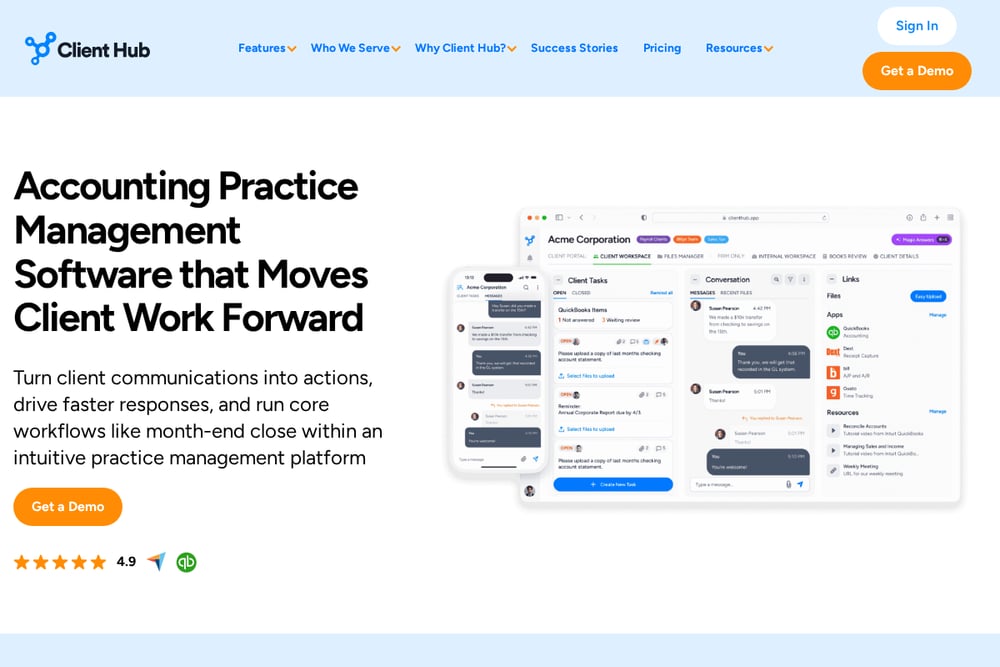 A screenshot of the Client Hub website.
Client Hub is accounting practice management software focused on moving client work forward. It converts emails and messages into trackable actions and runs workflows like month-end close inside the platform. The client experience is mobile-ready, and the platform supports tax workflows from organizer through delivery, including eSignatures. It suits firms that lose time chasing clients for information and answers.
#3 Canopy
 A screenshot of the Canopy website.
Canopy is an all-in-one practice management suite built around client management as its foundation. Firms pick modules for client portal, client communication, documents and e-signatures, onboarding, and more. Canopy Coworker, its AI layer, is included in every plan and works across tasks, workflows, and clients. It suits firms that prefer one login and a connected workflow over juggling separate apps.
#4 SmartVault
 A screenshot of the SmartVault website.
SmartVault is document management software built for accountants, with a branded client portal for document sharing, requests, and collaboration. It supports a connected tax prep workflow from engagement through delivery and audit-ready storage. Features include eSignatures, file sharing with access controls, and AI-powered document requests. It suits firms whose core need is secure, organized client document exchange.
#5 Liscio
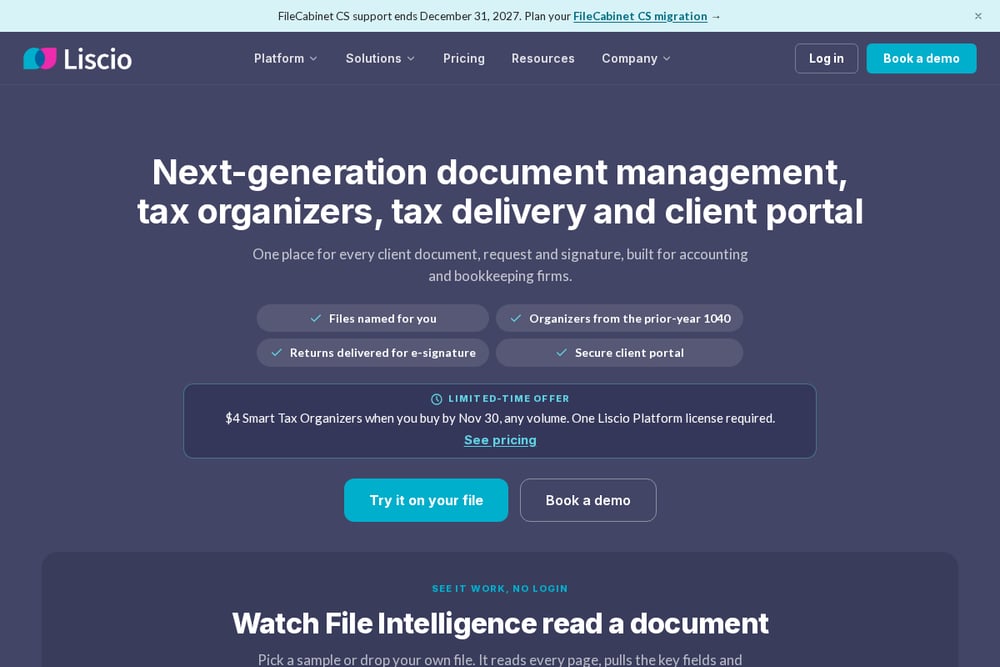 A screenshot of the Liscio website.
Liscio combines document management, tax organizers, tax delivery, and a secure client portal for accounting and bookkeeping firms. Its File Intelligence reads tax and accounting documents, suggests consistent filenames, and builds request lists from prior-year returns. Secure messages, e-signatures, and client checklists sit alongside the portal. It suits firms that want organized files and simpler document requests in one place.
#6 Financial Cents
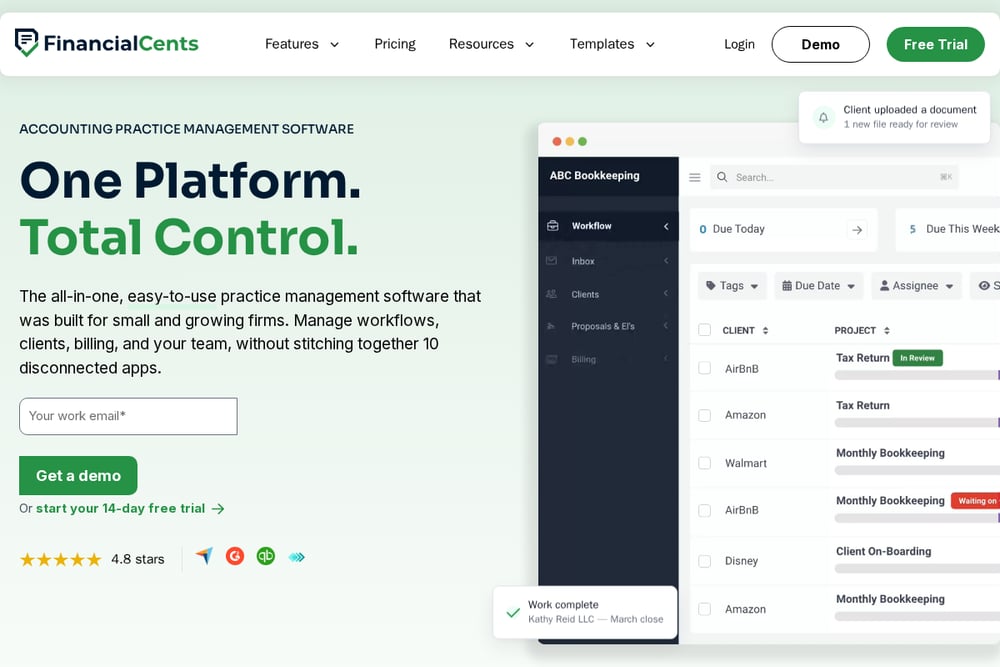 A screenshot of the Financial Cents website.
Financial Cents is practice management software built for small and growing firms. It brings workflows, clients, billing, and team management together, with client requests, client organizers, and e-signatures among its client-facing tools. The platform is designed to replace a stack of disconnected apps. It suits smaller firms that want client collaboration inside their workflow tool.
#7 Suralink
 A screenshot of the Suralink website.
Suralink focuses on request list management, letting teams request, organize, and track PBC documents in real time. It adds secure file sharing, a workpaper suite, and a client data vault where clients can see submission history. AI features check client uploads against requests and support financial statement reviews. It suits audit, tax, and advisory teams that live and die by document request tracking.
Which One Should You Choose?
Start with the job your portal must do. If client document exchange is the core need, look at platforms built around document management and secure sharing. If you want the portal connected to scheduling, billing, and team workflow, a practice management suite may fit better. Firms with heavy audit or advisory request lists should weigh request tracking and submission history. Consider how clients will experience the portal, whether mobile access matters, and whether e-signatures and tax organizers are built in. Finally, check how the portal connects to the accounting and tax tools your firm already runs.
Final Thoughts
The seven platforms here approach the client portal from different directions. Some treat it as one module inside a broader practice management system, while others build the whole product around document requests and secure sharing. That variety is the point: a firm chasing documents across email has different needs from one that wants a single login for billing, workflow, and client communication. Read each entry against your own process, then shortlist the ones whose center of gravity matches yours. The list is meant to inform a comparison, not to crown a winner.
Know a company that belongs on this list? Email us at editorial@peekwire.com.