Small development teams often need CI/CD that is quick to set up, predictable to pay for, and flexible enough to grow with the codebase. This list covers seven tools that are worth knowing when you are evaluating options for a small team in 2026. Each entry describes what the tool does and who it tends to suit, using only the provided source pages. The order is a plain list, not a quality ranking.
How We Picked These Tools
Tools were included if their provided source pages describe CI/CD or automation capabilities that can be adopted by a small team, and if the pages contain verifiable statements about features, pricing, or deployment options. No tool is presented as better than another; the list is meant to help a small team compare approaches such as hosted pipelines, self-hosted agents, and visual pipeline builders.
| Provider | Best For |
|---|---|
| GitHub Actions | Small teams already hosting code on GitHub |
| Travis CI | Small teams wanting minimal configuration syntax |
| CircleCI | Small teams wanting a hosted platform with many integrations |
| Buildkite | Small teams wanting control over their own build compute |
| Semaphore | Small teams wanting open-source CI with pay-as-you-go pricing |
| Buddy | Small teams wanting visual pipelines and deployment automation |
| Codefresh | Small teams already using Codefresh CI or evaluating Octopus Deploy |
The 7 Tools in Focus
#1 GitHub Actions
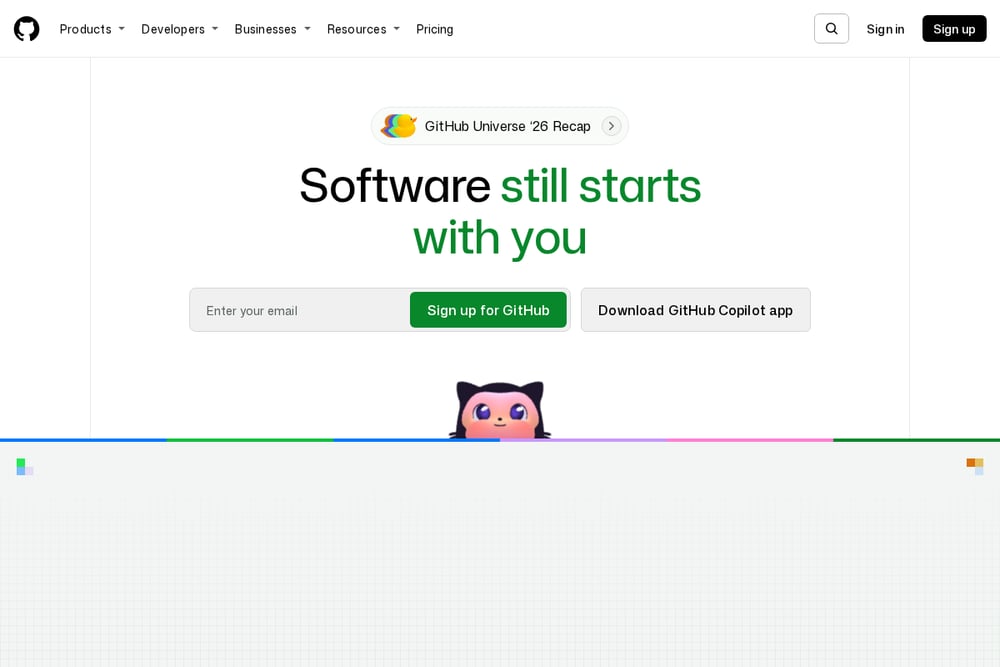 A screenshot of the GitHub Actions website.
GitHub Actions is described on GitHub's homepage as CI/CD and automation that lives alongside repository hosting, code review, and collaboration. Because it is part of the GitHub platform, a small team already using GitHub for source control can keep pipelines close to the code and pull requests. The homepage also lists related capabilities such as code quality analysis, code security, and secret protection. It suits teams that want automation integrated with their existing GitHub workflow.
#2 Travis CI
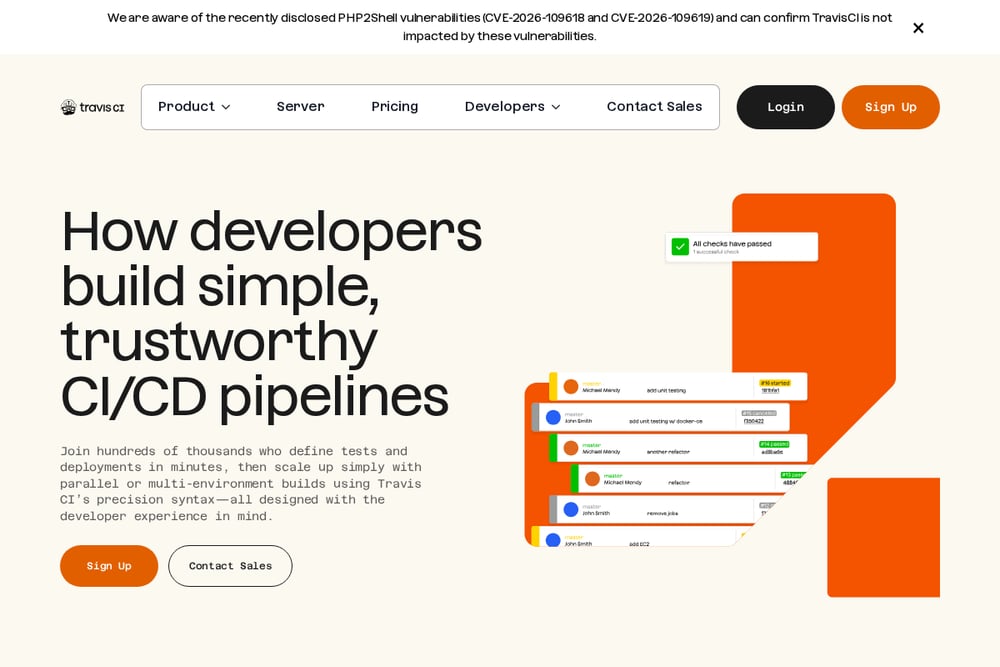 A screenshot of the Travis CI website.
Travis CI presents itself as a way for developers to build simple, trustworthy CI/CD pipelines with preconfigured environments for many languages. The homepage emphasizes a minimal syntax that can use up to 50% less YAML or JSON, and it shows examples for Python, JavaScript, Java, C/C++, PHP, Rust, Go, C#, and Ruby. It also describes scaling with parallel or multi-environment builds. It suits small teams that want a straightforward, language-aware pipeline configuration.
#3 CircleCI
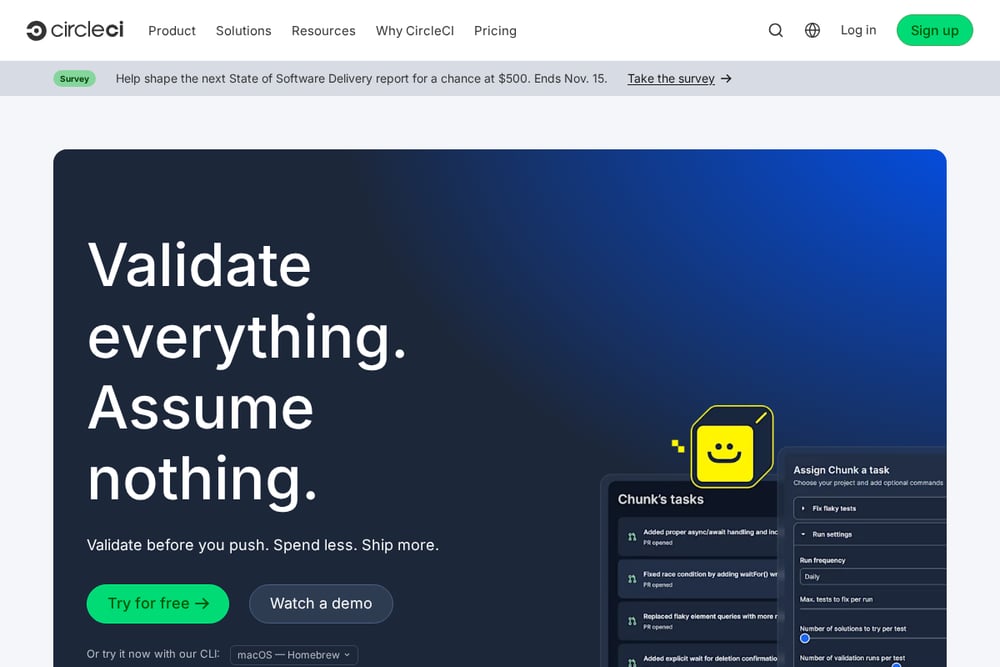 A screenshot of the CircleCI website.
CircleCI describes itself as a platform for validating code before it is pushed, with CI/CD that keeps code tested and ready to ship. Its homepage lists features such as execution environments, build optimization, autoscaling, and integrations with GitHub, GitLab, and Bitbucket. It also highlights support for many application types and deployment targets. It suits small teams that want a hosted CI/CD platform with a broad set of integrations and configuration options.
#4 Buildkite
 A screenshot of the Buildkite website.
Buildkite offers programmable CI orchestration with pipelines, flexible compute, and self-hosted or hosted agents. Its homepage emphasizes unlimited parallelism for fast feedback and dynamic pipelines with wait, block, and trigger steps. It also describes test optimization features such as intelligent test splitting and flaky test isolation. It suits small teams that want control over their own compute and a highly customizable pipeline model.
#5 Semaphore
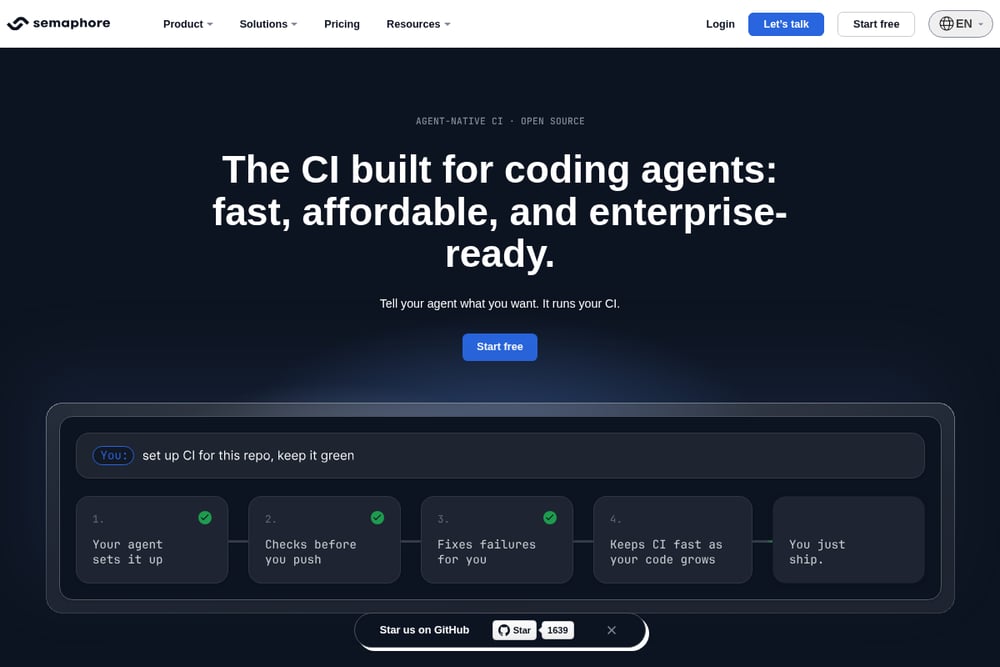 A screenshot of the Semaphore website.
Semaphore describes itself as agent-native CI that is open source and built for coding agents. Its homepage says you can tell your agent what you want and it sets up CI for the repo, checks changes before you push, and helps keep CI fast as code grows. It also states that every organization starts with $15 of free usage every month and that there are no per-seat fees. It suits small teams interested in an open-source CI option with pay-as-you-go pricing.
#6 Buddy
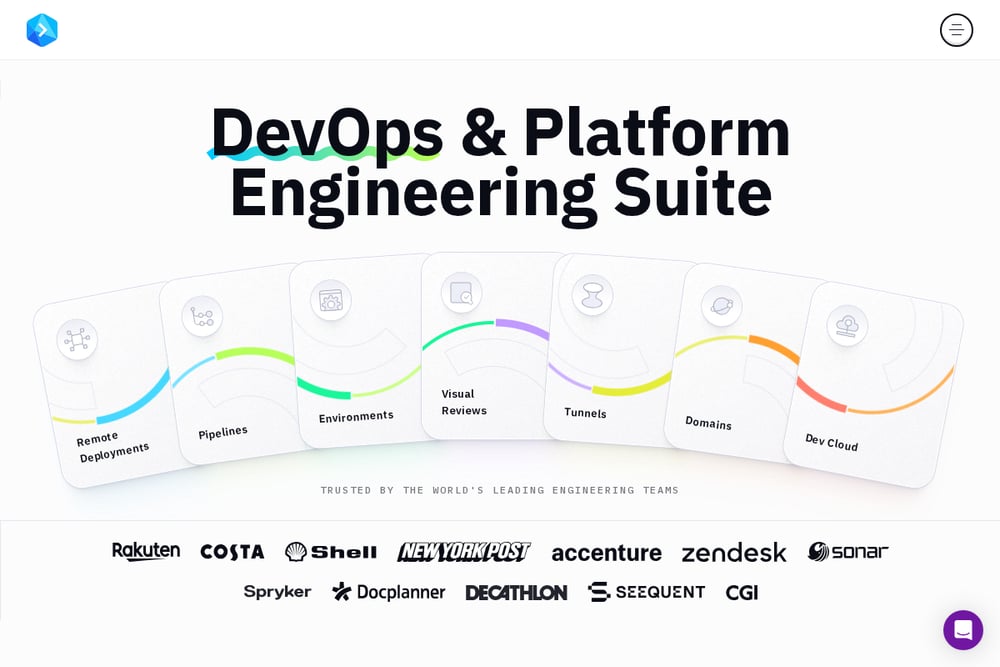 A screenshot of the Buddy website.
Buddy presents a DevOps and platform engineering suite with pipelines, deployments, environments, visual reviews, tunnels, domains, and a dev cloud. Its homepage emphasizes deployments to many targets, one-click rollback, and the ability to design pipelines with either a UI or YAML. It also describes running actions in containers on Intel, ARM, Linux, Windows, Mac, or NixOS. It suits small teams that want a visual, deployment-focused workflow with support for many targets.
#7 Codefresh
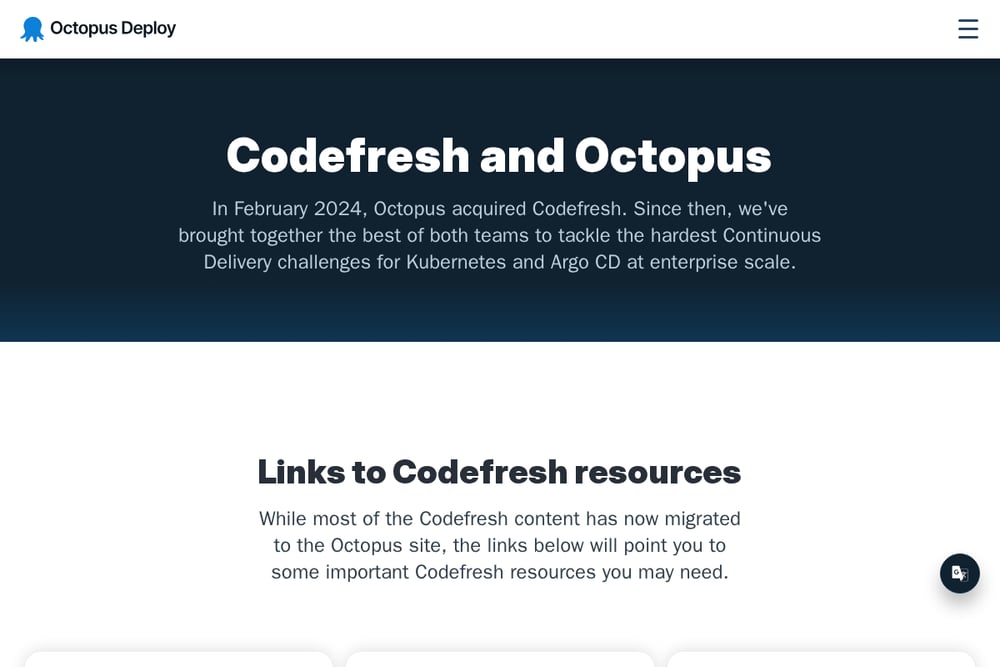 A screenshot of the Codefresh website.
Codefresh is now part of Octopus Deploy, and its page states that Codefresh CI remains available for customers and continues to be developed and supported within the Octopus Deploy portfolio. The page also says existing Codefresh pipelines keep working with no breaking changes. It points users to Codefresh documentation and step templates, which remain accessible. It suits small teams that already use Codefresh CI or are looking at the Octopus Deploy portfolio for Kubernetes and Argo CD delivery.
Which One Should You Choose?
Start by looking at where your code already lives and how much control you want over build machines. If your team is already on GitHub, an integrated option may reduce context switching. If you want to run builds on your own infrastructure, look for tools that support self-hosted agents. If predictable costs matter, compare pricing models such as pay-as-you-go versus per-seat fees. For teams that prefer visual configuration, check whether the tool offers a UI alongside YAML. Finally, confirm that the tool supports the languages and deployment targets your team uses.
Final Thoughts
There is no single right answer for every small team. GitHub Actions, Travis CI, CircleCI, Buildkite, Semaphore, Buddy, and Codefresh each describe different strengths, from tight GitHub integration to self-hosted compute, open-source CI, visual pipelines, and Kubernetes-focused delivery. Use the facts above to match a tool to your team's existing workflow, budget model, and appetite for managing infrastructure, then try the option that fits before committing.
Know a company that belongs on this list? Email us at editorial@peekwire.com.