Startups rarely have a dedicated analytics department, so the tools they pick need to be quick to set up, affordable to grow with, and usable by people who are not full-time analysts. The five tools below take different routes to that goal: some lean on open source, some on code, and some on a broad suite of connected apps. This list is not a ranking of quality. It is a short set of options worth knowing as you decide how your team will explore its data.
How We Picked These Tools
We looked for tools whose own published material describes self-service analytics, fast setup, or flexible deployment that suits small and growing teams. Each entry is backed by quotes taken directly from the company's site. We did not test the products or compare performance, and the order is a plain list rather than a judgment of which is better.
| Provider | Best For |
|---|---|
| Metabase | Startups that want a free self-hosted starting point |
| Preset | Startups that want managed open-source analytics |
| Lightdash | Code-first teams building on a governed semantic layer |
| Evidence | Startups that want analytics managed like software |
| Zoho Analytics | Startups that want analytics inside a broader app suite |
The 5 Tools in Focus
#1 Metabase
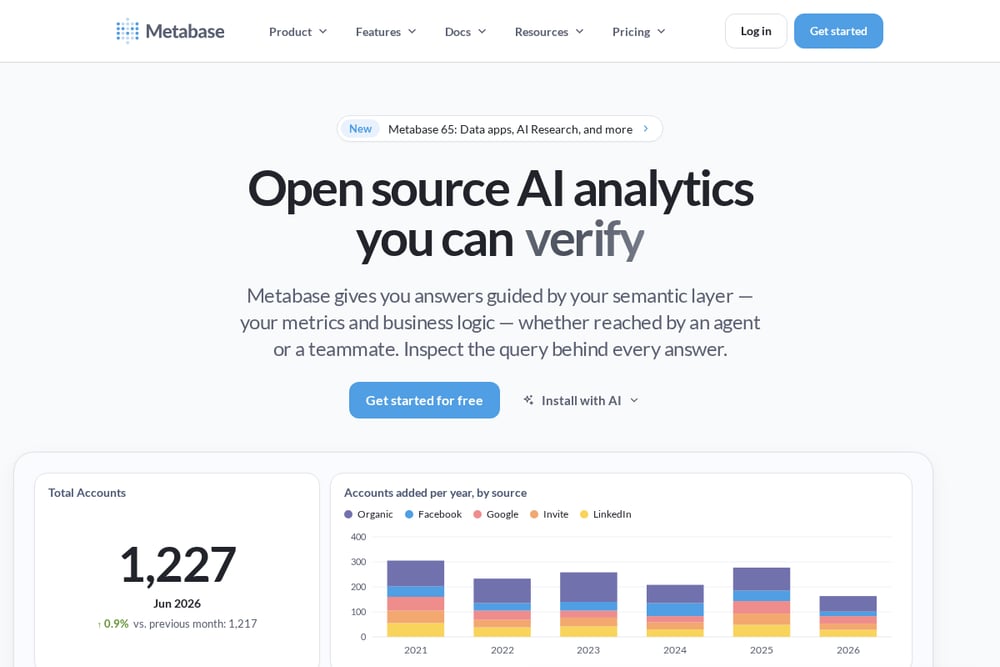 A screenshot of the Metabase website.
Metabase is a business intelligence tool built around self-service analytics, letting teams explore data without waiting on a specialist. It offers a free, self-hosted open-source version that runs locally, plus a query builder, SQL editor, and dashboards. The company describes its AI features as answers guided by a semantic layer, with the query behind every answer open to inspection. It suits startups that want to start simple and keep control of their own data infrastructure.
#2 Preset
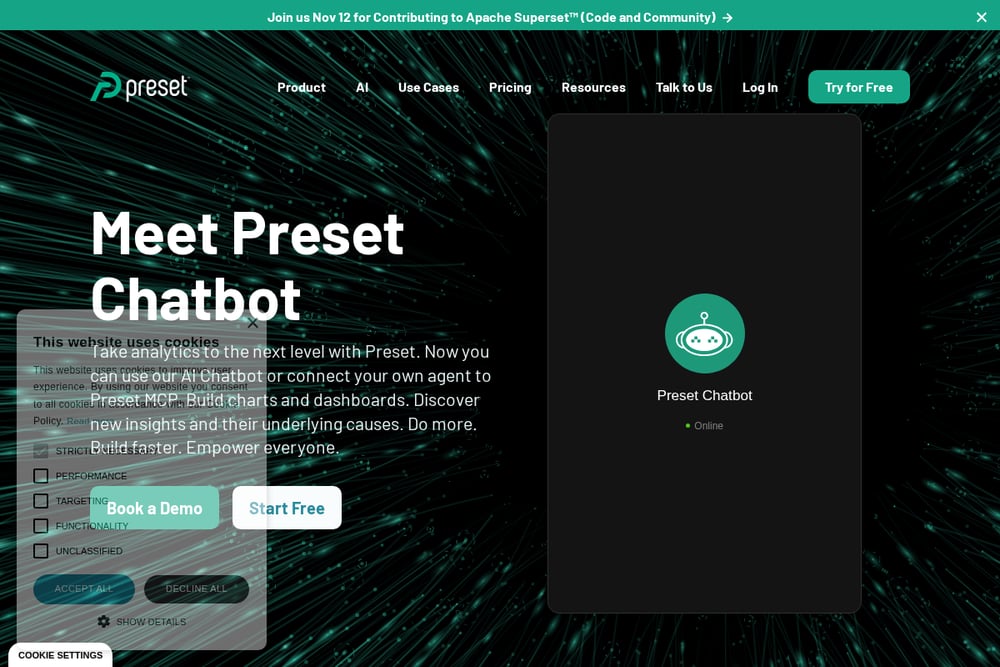 A screenshot of the Preset website.
Preset is a managed service built on Apache Superset, offering cloud-hosted, private cloud, on-prem, and embedded analytics options. It provides a drag-and-drop interface for business users alongside a SQL IDE for analysts who want to run ad-hoc queries. The company says its dataset-centric approach lets people create dashboards quickly. It suits startups that want open-source-based analytics without running the infrastructure themselves.
#3 Lightdash
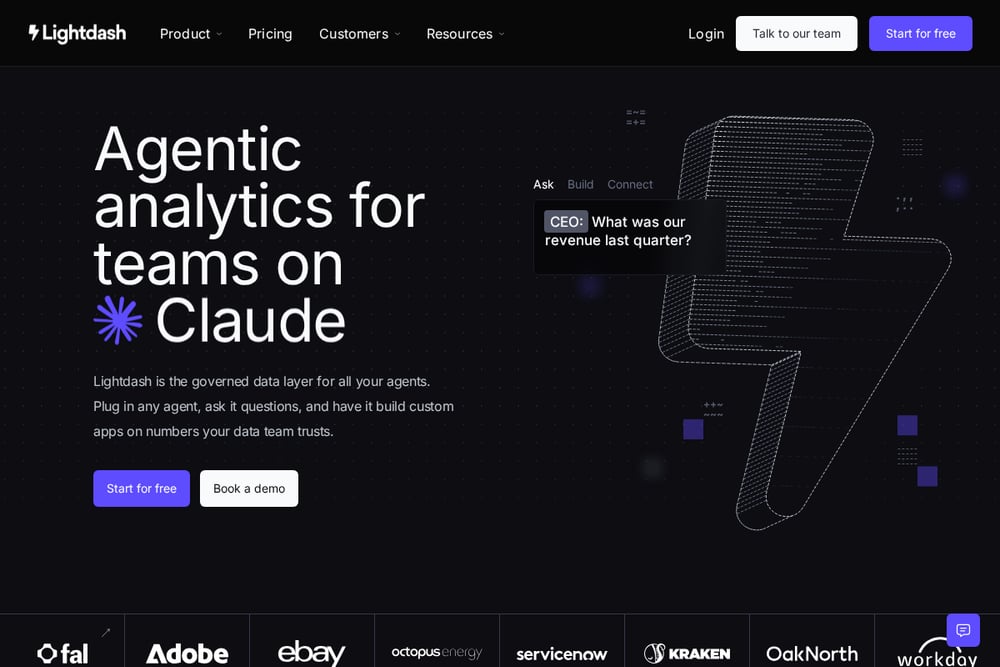 A screenshot of the Lightdash website.
Lightdash positions itself as a governed data layer for AI agents, letting teams ask questions in tools they already use and build apps on metrics their data team trusts. Metrics and business context are defined as code, and the platform learns from what teams build, flagging gaps and drafting fixes for approval. It also offers dashboards, a metrics catalog, and embedded analytics. It suits startups whose data team works in code and wants agents to answer questions on governed numbers.
#4 Evidence
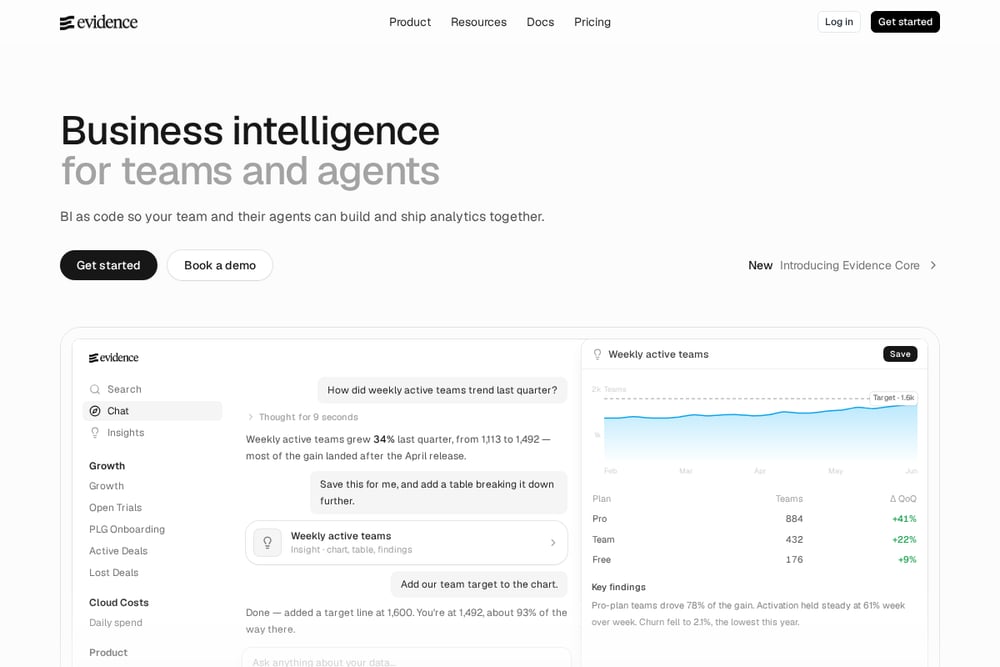 A screenshot of the Evidence website.
Evidence treats business intelligence as code, letting teams define their entire BI platform in a repository and ship analytics with an editor or a coding agent. Reports and dashboards are authored with Markdown, SQL, and components, and the platform includes an analytics agent that answers questions and builds reports. It also supports scheduled emails, page-level access control, and exports. It suits startups that want version-controlled analytics and are comfortable working in a repo.
#5 Zoho Analytics
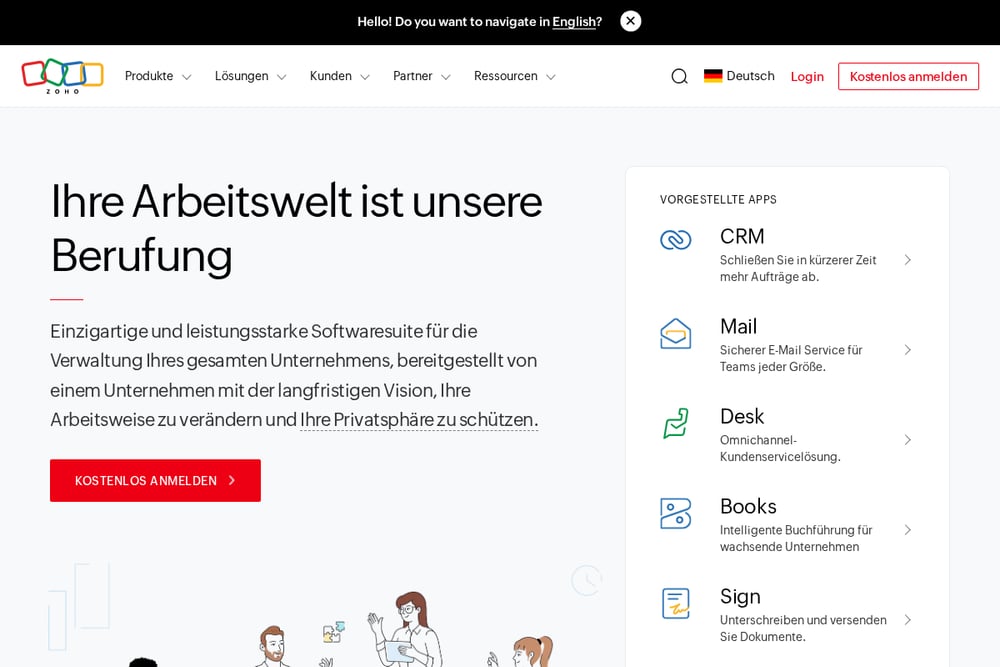 A screenshot of the Zoho Analytics website.
Zoho Analytics sits within Zoho's broader software suite, which the company describes as an all-in-one set of integrated applications for running a business. Zoho One bundles many integrated apps so teams can manage, connect, and automate business processes. The company emphasizes a long-term approach and a focus on research and development, running its own data centers. It suits startups that want analytics alongside a wider set of connected business apps from one vendor.
Which One Should You Choose?
Start with how your team works. If nobody wants to manage servers, a managed service may fit better than a self-hosted one. If your data team already lives in a repository, a code-based approach can keep analytics close to how you build software. If you want analytics next to other business apps, a suite may reduce the number of vendors you deal with. Check how each tool connects to the databases you already use, and confirm what the free or entry options actually include before committing.
Final Thoughts
These five tools reach the same destination by different roads: self-service exploration, managed open source, governed metrics as code, analytics as code, and analytics inside a wider app suite. None is universally better; the right fit depends on your team's skills, your existing data stack, and how much infrastructure you want to own. Use this list as a starting point for your own evaluation rather than as a verdict.
Know a company that belongs on this list? Email us at editorial@peekwire.com.