
Your lab results are only as useful as the system you use to understand them. These five platforms turn scattered PDFs into clear, actionable health insights.
The Biomarker Tracking Landscape
The market for personal health data tools has exploded as more people seek to understand their labs beyond the standard 'in range' flag. These platforms range from simple loggers to comprehensive analytics dashboards, each with a unique approach to data import, interpretation, and guidance. Some focus on AI-powered extraction, others on community or professional sharing, and a few on integrating recovery signals like sleep and HRV. The common thread is a shift from passive data collection to active healthspan management, where users expect trend analysis and personalized next steps.
How We Evaluated These Platforms
We looked at each platform's ability to import lab data from various sources, the depth of its interpretation and guidance, the clarity of its pricing model, and how well it supports long-term trend tracking. We also considered the user experience for non-technical individuals and the availability of export or sharing features. Each platform was assessed on these factors independently, highlighting what stood out in its approach.
Here's a quick look at the five platforms and what they bring to the table.
| Provider | Best For |
|---|---|
| Healthmatters | Comprehensive lab history and trend analysis |
| BioTrace | Track Labs. Improve Healthspan. | Actionable weekly guidance and recovery integration |
| Node Health: Biomarker Tracker | AI-powered lab scanning on iPhone |
| Carrot Care | Evidence-based insights for performance and longevity |
| Biomarker Tracker | Data-driven health scoring and lab partnerships |
Detailed Look at Each Platform
#1 Healthmatters
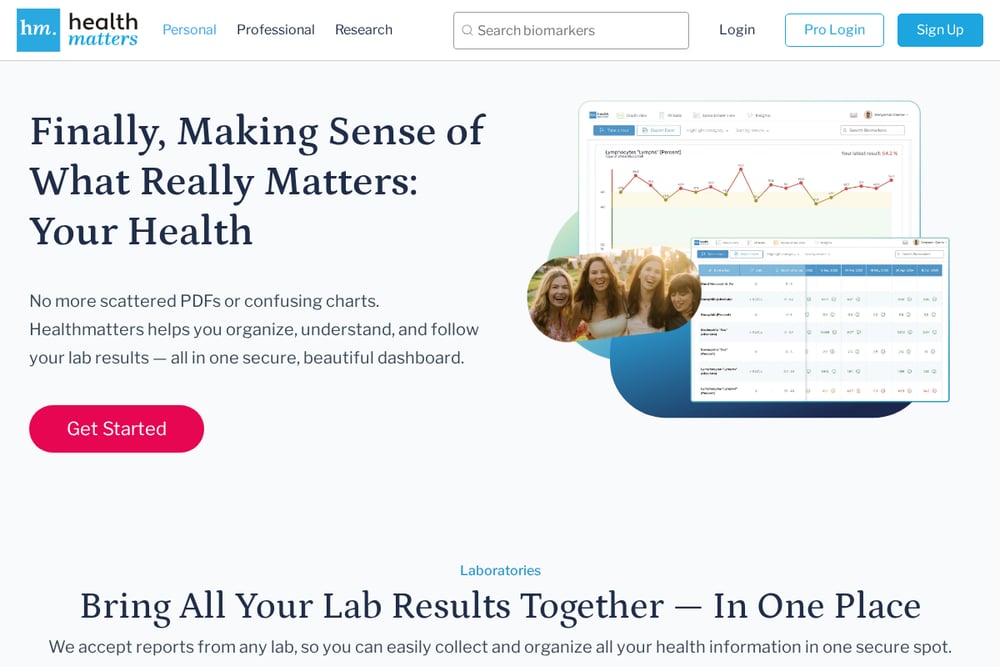 A screenshot of the Healthmatters website.
Healthmatters is a robust, web-based dashboard that lets you upload lab reports from any provider and organizes them into a clean, searchable history. It excels at trend visualization, allowing you to compare results side-by-side and track changes over time. The platform offers customizable reference ranges and secure sharing with practitioners, making it a favorite for those who want a comprehensive, long-term view. Its pricing is transparent, with an annual plan and a lifetime option, and it includes a professional tier for clinicians. If you're tired of digging through PDFs, Healthmatters brings everything into one secure place. You can import from any lab, and the platform supports CSV exports for your records.
#2 BioTrace | Track Labs. Improve Healthspan.
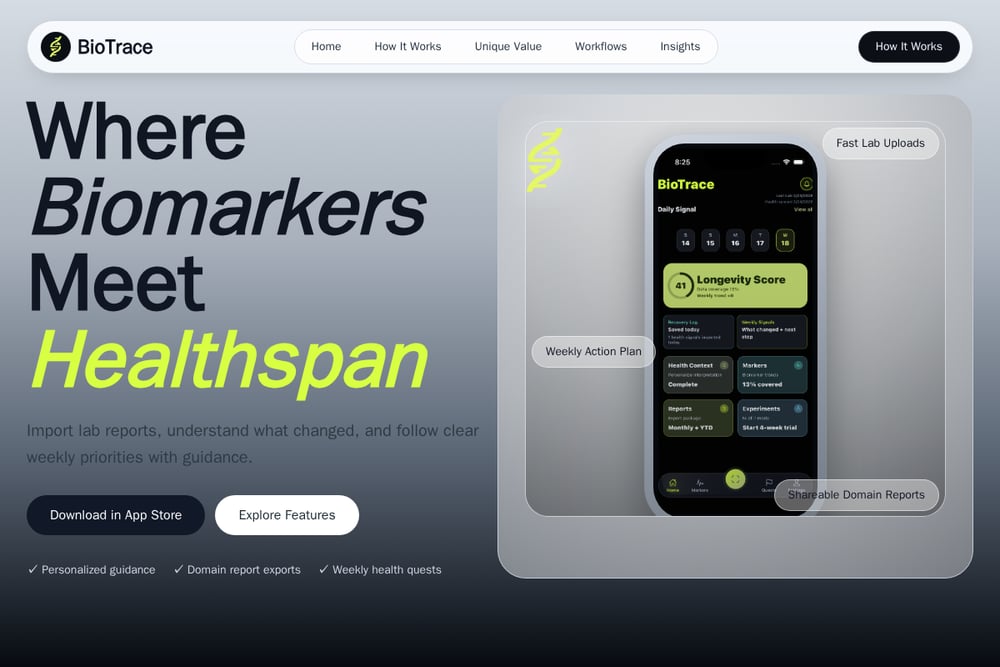 A screenshot of the BioTrace website.
BioTrace is a mobile-first app that combines lab report import with recovery signal tracking, such as sleep and HRV, to give you a weekly action plan. It uses OCR to quickly upload lab results, then organizes them by health domain, like cardiovascular or metabolic. What sets BioTrace apart is its educational guidance: it explains what changed and why, and offers weekly 'quests' to build consistent healthspan habits. You can export shareable PDF/CSV reports, making it easy to discuss results with your doctor. The app also supports Apple Health sync and N-of-1 experiment tracking for those who like to test interventions. It's designed to reduce noise and focus on actionable insights, not just data storage.
#3 Node Health: Biomarker Tracker
Node Health is an iPhone app that uses AI to scan and extract lab values from photos or PDFs, handling almost any format. It supports over 230 biomarkers and offers personalized reference ranges based on your age, sex, and life stage, including optimal ranges. The app keeps your original lab documents organized alongside your data, and you can optionally sync via iCloud for backup. It's a solid choice if you want a straightforward, on-device tracker with no web dashboard. The free version is limited, but in-app purchases unlock more features. For Apple users who want a simple, private way to log labs, Node Health is a strong contender.
#4 Carrot Care
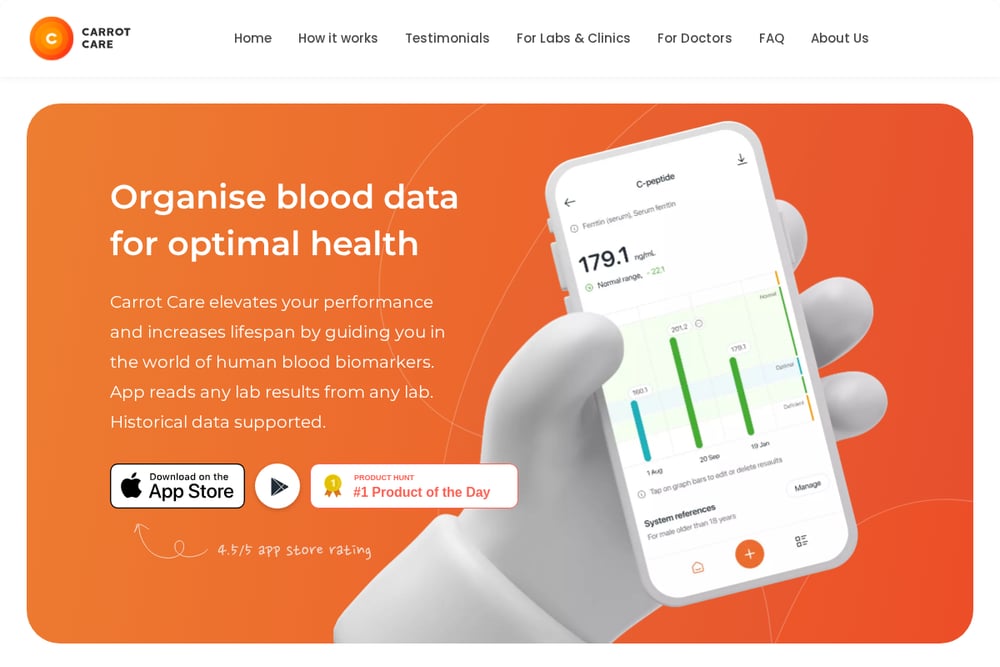 A screenshot of the Carrot Care website.
Carrot Care is an iPhone app that reads lab results from any lab using OCR and organizes over 1,000 biomarkers. It provides evidence-based guidance on what to test and helps you identify deficiencies or hormonal imbalances. The app's AI analyzes your health patterns and offers personalized insights, with a focus on performance and longevity. It supports historical data, so you can track trends over time. Users praise its comprehensive biomarker library and responsive team. If you're looking for a deep dive into your bloodwork with a performance edge, Carrot Care is worth exploring.
#5 Biomarker Tracker
 A screenshot of the Biomarker Tracker website.
Biomarker Tracker is a data-driven health analytics platform that aims to help users understand and improve their health through blood biomarkers. It provides a health score, risk assessment, and recommended actions based on your data. The platform partners with labs to offer blood test panels, and it uses big data analytics to identify trends. It's particularly focused on preventive medicine and lifestyle disease management. While its interface is more utilitarian, it offers a structured approach to health optimization. If you're in Southeast Asia or want a lab-partnered service, this could be a fit.
How to Choose the Right Biomarker Tracker
Start by considering where you get your labs and how you want to interact with the data. If you prefer a mobile app with AI scanning, Node Health or Carrot Care are strong options. If you want a comprehensive web dashboard for long-term trend analysis, Healthmatters is hard to beat. For those who want weekly guidance and recovery integration, BioTrace offers a unique workflow. Think about whether you need exportable reports for your doctor, and whether you want to track lifestyle metrics alongside labs. Also, consider your budget: some platforms offer free tiers, while others require a subscription. Finally, test the import process with a sample report to see which feels most seamless.
Automating Your Health Data Workflow
The most efficient way to use these tools is to set up a routine: after each lab test, upload the report immediately and let the app extract the data. For BioTrace, you can connect Apple Health to automatically pull in recovery metrics like sleep and HRV, creating a weekly guidance cycle. Healthmatters allows you to export your full history in CSV, which you can use for your own analysis or share with a practitioner. Node Health and Carrot Care use OCR to speed up data entry, so you can snap a photo and move on. By automating the import and interpretation, you free up time to focus on the actions that improve your health.
The Bottom Line
Each of these platforms offers a distinct path to understanding your biomarkers, from simple logging to full healthspan coaching. The right choice depends on your personal health goals, preferred device, and how much guidance you want. BioTrace stands out for its weekly action plans and recovery integration, making it ideal for those who want to turn data into daily habits. Healthmatters remains the gold standard for comprehensive data organization. Whichever you choose, the key is to start using it consistently—your future self will thank you.