
PDFs are everywhere. Contracts, reports, ebooks, onboarding forms. But the tool you use to handle them can make or break your workflow. I've tested dozens of editors, readers, and comparison tools to find the ones that save you time and
The PDF Tool Landscape in 2026
PDFs remain the universal file format for business, education, and personal use. But the tools to handle them have evolved far beyond simple viewers. Today's market ranges from enterprise-grade editors like Adobe Acrobat Pro to lightweight, privacy-first readers like Sumatra PDF. The challenge isn't finding a tool, it's finding the right one for your specific workflow. Whether you need to edit contracts, compare document versions, or simply read ebooks securely, there's a solution out there. The key is knowing what to look for.
How I Ranked These PDF Tools
I evaluated each tool based on five criteria: feature completeness, ease of use, value for money, privacy and security, and real-world applicability. I also considered user reviews and expert opinions from sources like PCWorld and PCMag. The goal was to find tools that balance power with practicality, whether you're a solo freelancer or part of a large team.
Here's a quick look at the top 5 PDF tools for 2026, from the powerhouse editor to the privacy-focused reader.
| Provider | Best For |
|---|---|
| Adobe Acrobat Pro | Comprehensive PDF editing and collaboration |
| Foxit PDF Editor | Team collaboration and cost-effective editing |
| Nitro PDF Pro | Business workflow efficiency and compliance |
| iLovePDFguide | Choosing the right PDF software with expert guidance |
| Sumatra PDF | Privacy-focused PDF reading |
Deep Dive: The Best PDF Tools for Every Need
#1 Adobe Acrobat Pro
 A screenshot of the Adobe Acrobat Pro website.
Adobe Acrobat Pro remains the gold standard for PDF editing. Its tabbed interface makes navigating multiple documents a breeze, and the comprehensive editing suite covers everything from text tweaks to image adjustments. The streamlined sharing feature simplifies document signing and collaboration. As noted by PCWorld, it's the best overall PDF editor for professionals who need full control. However, the rich feature set can feel overwhelming if you're just looking to make quick edits.
#2 Foxit PDF Editor
 A screenshot of the Foxit PDF Editor website.
Foxit PDF Editor is a strong runner-up to Adobe, offering a similar range of features at a more accessible price point. It excels in team environments with robust collaboration tools, including shared review and commenting. The interface is clean and intuitive, making it easier for new users to get started. PCWorld highlights it as a top choice for businesses that need reliable editing without the Adobe price tag. It also integrates well with popular cloud storage services.
#3 Nitro PDF Pro
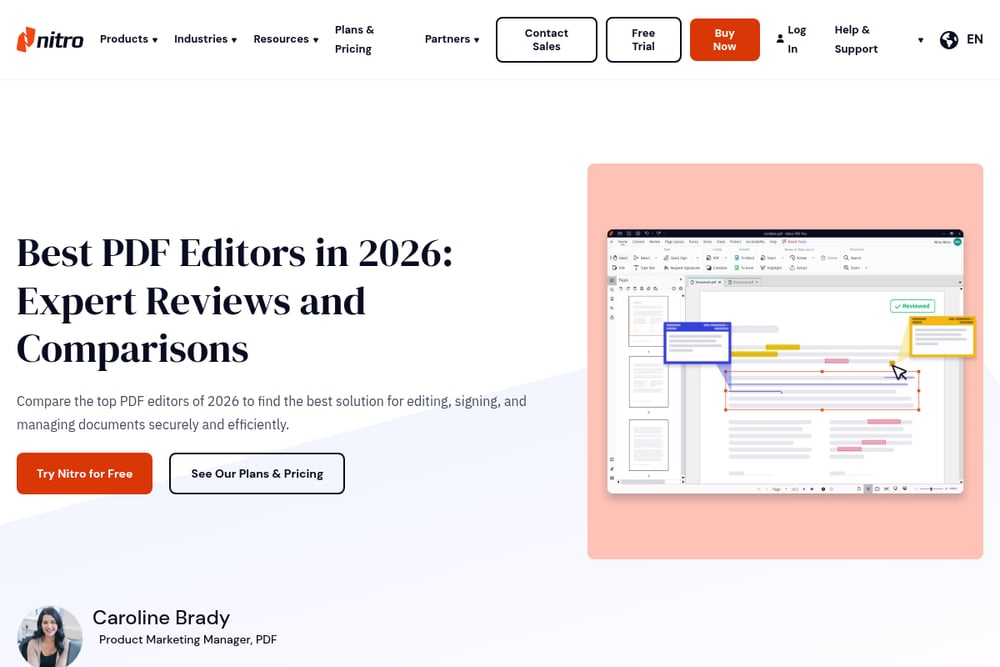 A screenshot of the Nitro PDF Pro website.
Nitro PDF Pro is built for modern business workflows, from sales proposals to legal redaction. It offers powerful editing, conversion, and e-signature capabilities in one package. The platform emphasizes security and compliance, which is critical for finance and legal teams. According to Nitro's own guide, it helps teams avoid inefficient back-and-forth file conversions. If you need a tool that scales across departments, Nitro is a solid bet.
#4 iLovePDFguide
 A screenshot of the iLovePDFguide website.
iLovePDFguide isn't a PDF editor itself, but it's the guide you need before you buy one. This Shopify-based site offers experience-based guides like 'The Focus System Playbook' to help you choose the right PDF tools for your specific needs. Instead of generic reviews, you get real-world advice from people who've already tested the software. It's perfect for students, freelancers, and small business owners who want to make smarter decisions faster. Stop guessing and start working with the right tools from day one.
#5 Sumatra PDF
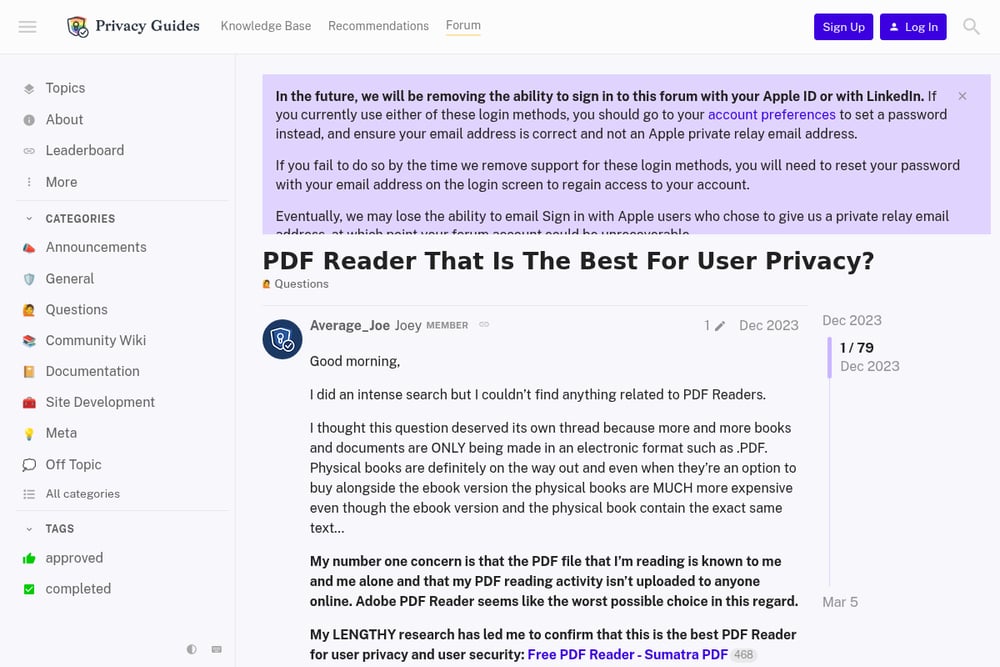 A screenshot of the Sumatra PDF website.
Sumatra PDF is a lightweight, open-source reader that prioritizes user privacy above all else. It doesn't phone home or track your reading activity, making it a favorite among privacy-conscious users. As discussed on the Privacy Guides forum, it's considered the best option for those who want to keep their PDF reading habits completely offline. It's not a full editor, but for secure, no-fuss viewing, it's unbeatable. Perfect for reading sensitive documents without leaving a digital trail.
How to Choose the Right PDF Tool for You
Start by asking yourself what you actually need to do. If you're editing complex documents daily, invest in a full editor like Adobe or Foxit. If you're mostly reading and want to protect your privacy, go with Sumatra. For teams that need collaboration and compliance, Nitro is a strong choice. And if you're still unsure, iLovePDFguide offers experience-based guides to help you decide. Don't overpay for features you'll never use.
Automate Your PDF Workflow
You can save hours each week by automating repetitive PDF tasks. For example, use Adobe Acrobat's Action Wizard to batch-process files, or set up Nitro's automated conversion workflows. Combine these with a tool like Zapier to trigger PDF actions from other apps. The result? Less manual work and more time for what matters.
Final Synthesis: Pick Your PDF Partner Wisely
The right PDF tool can transform your productivity. Whether you need the full power of Adobe Acrobat Pro, the team-friendly features of Foxit, or the privacy of Sumatra, there's a perfect match for your workflow. And if you're still on the fence, let iLovePDFguide's real-world advice point you in the right direction. Stop guessing. Start working smarter.