
Looking for the best way to teach your child Python or Scratch? You have plenty of options, but not all coding platforms are created equal. Whether you want live classes, self-paced tutorials, or a mix of both, this roundup breaks
Why Kids Coding Platforms Are Booming
The demand for coding education for kids has exploded in recent years. Parents and educators recognize that skills like Python and Scratch build problem-solving abilities and open doors to future careers. Platforms now range from free tutorials to structured live classes, each with a unique approach. The key is finding the right fit for your child's age, learning style, and goals.
How We Ranked These Platforms
We evaluated each platform based on curriculum quality, ease of use for beginners, depth of Python and Scratch content, and overall value. We also considered parent reviews and the ability to keep kids engaged over time. The result is a list that balances structured learning with flexibility.
Here is a quick look at how the top five coding platforms stack up for teaching Python and Scratch to kids.
| Provider | Best For |
|---|---|
| CodeWizardsHQ | Live Python classes for teens |
| Create & Learn | Free Scratch tutorials for beginners |
| Coding with Kids | Structured coding academy with flexible options |
| CS4Everyone | Self-paced Python and Scratch tutorials |
| The Code Zone | Online code clubs for Scratch to Python transition |
Deep Dive: The Top 5 Coding Platforms for Kids
#1 CodeWizardsHQ
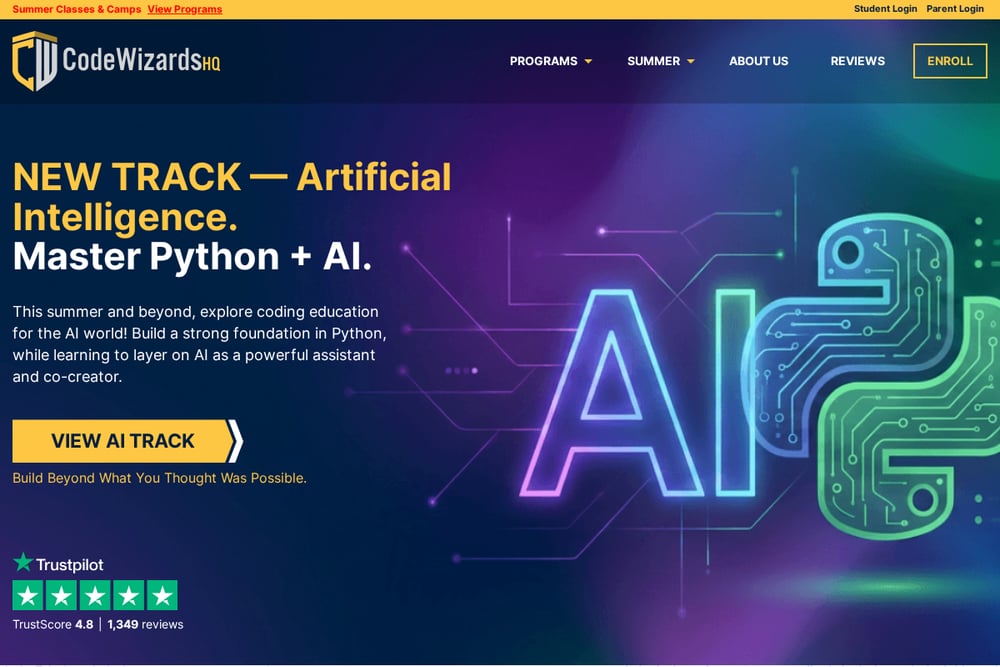 A screenshot of the CodeWizardsHQ website.
CodeWizardsHQ offers live, online Python classes for kids ages 11-18, with a structured curriculum that builds from basics to advanced topics like AI. Their game-based approach keeps students engaged while learning real coding syntax. The platform also provides summer camps and tracks for AP CS prep. It is a solid choice for parents who want a comprehensive, long-term program.
#2 Create & Learn
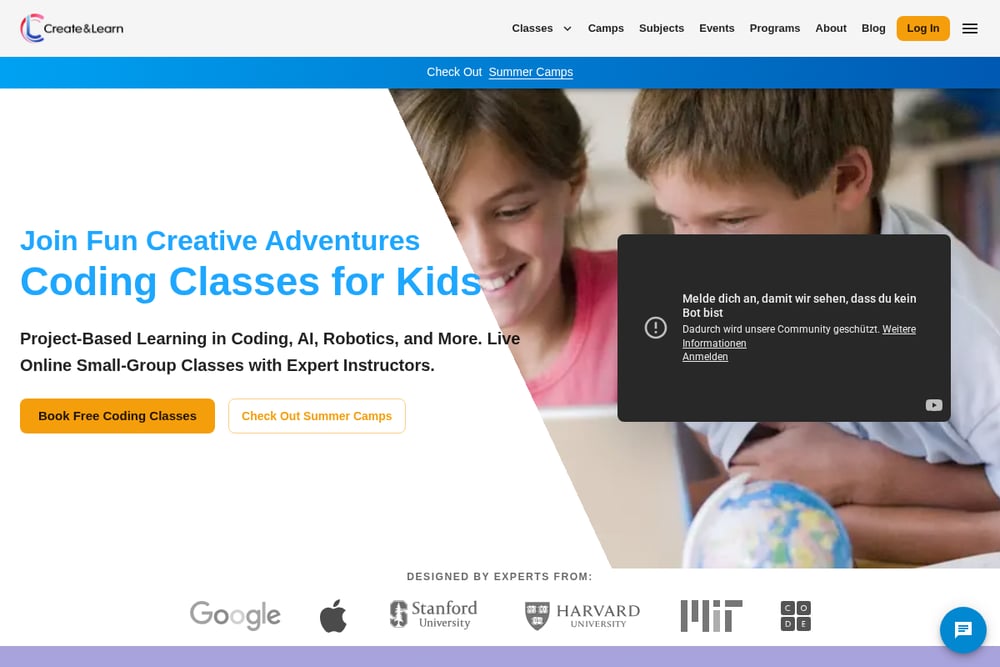 A screenshot of the Create & Learn website.
Create & Learn provides a free Scratch tutorial for kids that guides them step by step through building a flying cat project. Their blog post is packed with practical advice, from picking backgrounds to using motion blocks. For deeper learning, they offer award-winning live classes designed by experts from Google, Stanford, and MIT. It is a great starting point for beginners.
#3 Coding with Kids
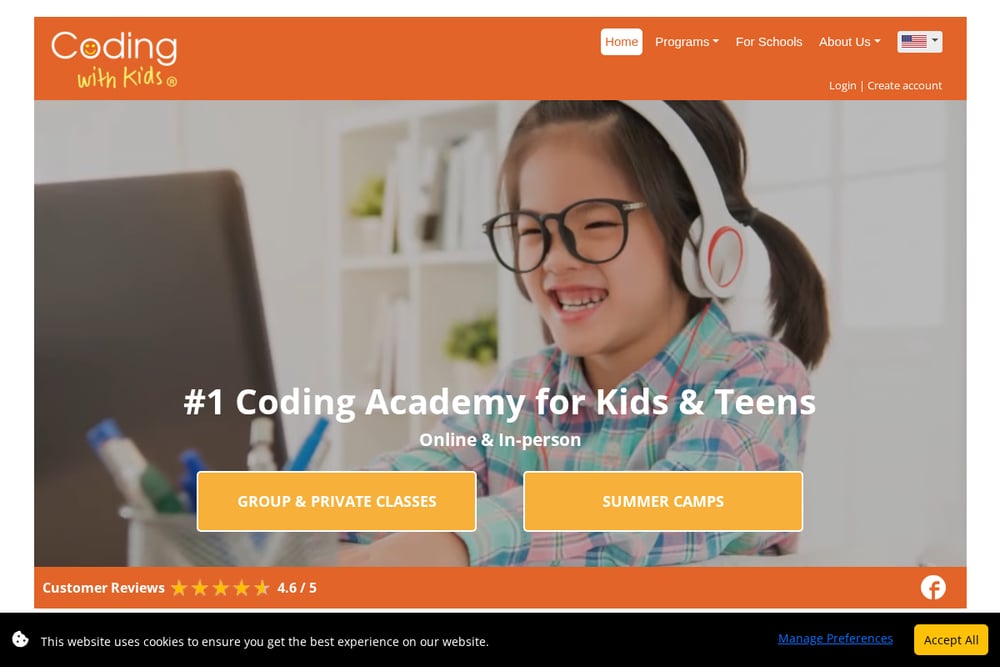 A screenshot of the Coding with Kids website.
Coding with Kids is a comprehensive academy offering both group and private classes for ages 5-18, with a focus on Python and Scratch. Their Coder's Ladder program provides a progressive curriculum that adapts to each student's pace. They also run summer camps and enrichment classes in-person and online. With over 66,000 students taught, they have a proven track record.
#4 CS4Everyone
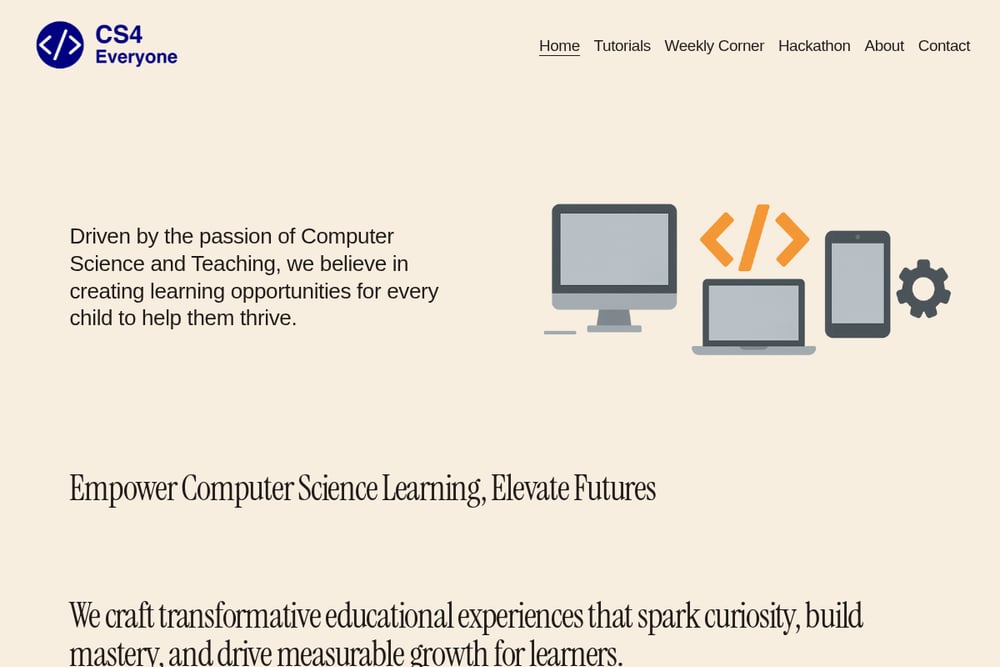 A screenshot of the CS4Everyone website.
CS4Everyone is an educational platform that offers Python and Scratch tutorials for children, aiming to spark curiosity and build mastery. The site provides resources and newsletters to support learning and growth for young learners. It is a straightforward option for parents seeking self-paced tutorials without live instruction. The focus on both Python and Scratch makes it versatile for different ages.
#5 The Code Zone
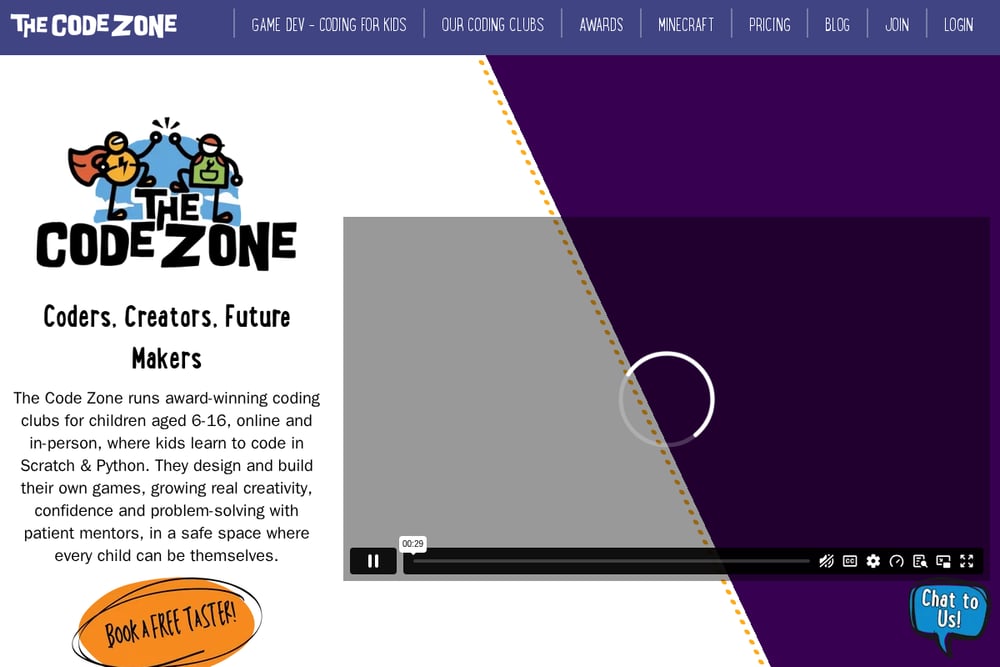 A screenshot of the The Code Zone website.
The Code Zone offers online code clubs where kids ages 6-14 learn Scratch and Python through guided hacks and game development. Their approach helps children transition from block-based coding to real Python syntax with mentor support. The platform emphasizes creativity and problem-solving in a club-like setting. It is a good fit for kids who enjoy collaborative learning.
How to Choose the Right Coding Platform for Your Child
Start by considering your child's age and experience level. For young beginners (ages 6-10), platforms like Create & Learn or The Code Zone offer gentle introductions with Scratch. For older kids (ages 11-18) ready for Python, CodeWizardsHQ provides live classes with a clear progression. If you prefer self-paced learning, CS4Everyone is a solid choice. Also think about whether you want live instruction or independent study, and check if the platform offers free trials or tutorials to test the waters.
Automate Your Child's Learning Journey
Set a weekly schedule using a calendar app to block out time for coding practice. Use a platform like CS4Everyone for self-paced tutorials, and pair it with a progress tracker to monitor completed lessons. For live classes, automate reminders for upcoming sessions to ensure consistency. This routine helps build a habit without constant oversight.
Final Thoughts on Choosing a Kids Coding Platform
The best coding platform for your child depends on their learning style and your goals. For structured live classes, CodeWizardsHQ and Coding with Kids lead the pack. For free or low-cost self-paced options, Create & Learn and CS4Everyone are excellent starting points. The Code Zone offers a unique club environment that bridges Scratch and Python. Whichever you choose, the key is to start small, stay consistent, and let your child's curiosity drive the learning.