
You have written a great book, but now you need visuals that make it look like a bestseller before anyone reads a single page. 3D book rendering services turn your flat cover art into a realistic, eye-catching image that you
Why 3D Book Rendering Matters in 2026
The publishing industry has shifted dramatically toward digital marketing, and a flat book cover image no longer cuts it. Readers scrolling through Amazon or Instagram are drawn to 3D mockups that show the book as a physical object, complete with depth and texture. According to recent studies, promotional images with 3D renders can increase click-through rates by up to 40 percent. Whether you are launching a new title or refreshing an old one, a realistic 3D render helps your book stand out in a crowded marketplace.
How I Ranked These Services
I evaluated each service based on ease of use, quality of output, customization options, and value for money. Ease of use was critical for authors who may not have design experience, while quality focused on realistic lighting and shadows. Customization included the ability to adjust camera angles, book sizes, and backgrounds. Finally, I considered whether the service offered free options or affordable pricing for indie authors.
Here is a quick comparison of the top 3D book rendering services to help you decide which one fits your needs.
| Provider | Best For |
|---|---|
| Boxshot | Full creative control over 3D book renders |
| DIY Book Covers | Quick and easy book mockups for authors |
| Pacdora | Free, browser-based 3D book mockups with video export |
| Bremer Studios | Custom 3D book rendering with hypertextures |
| Insofta Development | Free hardcover and paperback mockups with spine and back cover |
Detailed Reviews of the Best 3D Book Rendering Services
#1 Boxshot
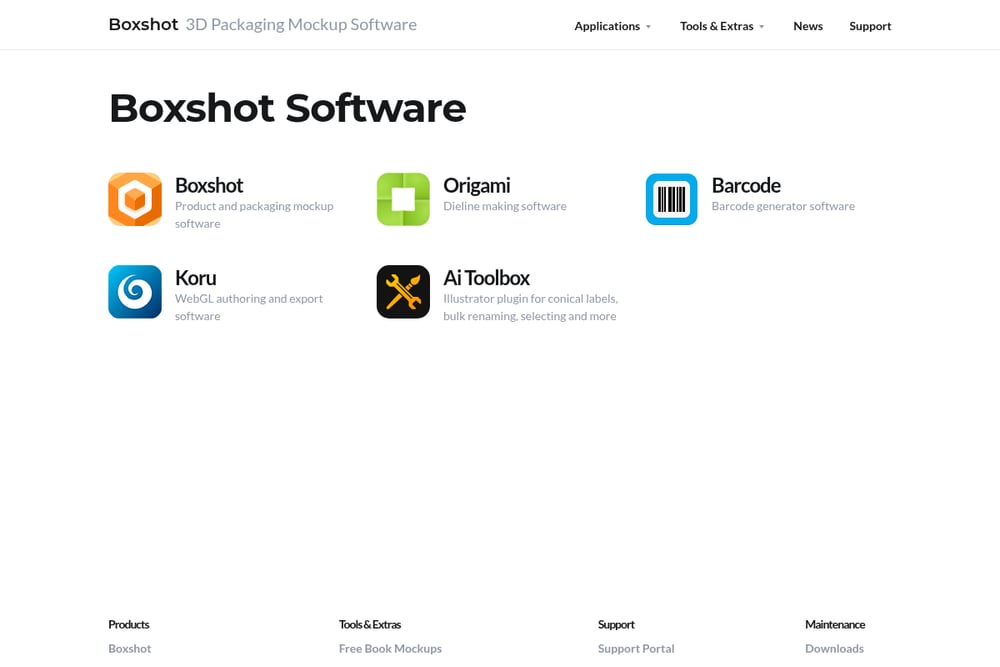 A screenshot of the Boxshot website.
Boxshot offers a powerful 3D book cover mockup tool that gives you full control over camera angles, lighting, and shadows. You can upload your artwork and adjust the scene in real time, with path tracing algorithms that create realistic light bounces. The free online version is great for quick renders, while the desktop software lets you customize dust jackets and open books. This is the best choice if you need professional-grade renders without hiring a designer.
#2 DIY Book Covers
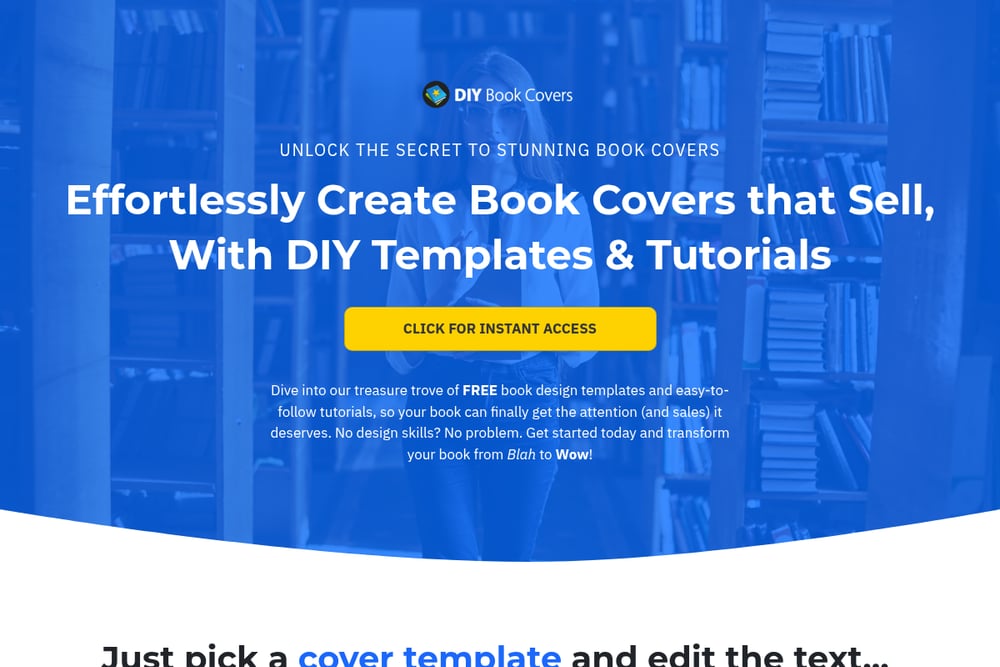 A screenshot of the DIY Book Covers website.
DIY Book Covers provides an easy-to-use 3D book cover creator that requires no graphic design skills. You pick a template, upload your cover, and the tool generates a professional-looking mockup instantly. It also offers free templates for social media graphics and ad boxes, making it a one-stop shop for author marketing. If you want to create promo images quickly without learning complex software, this is your go-to.
#3 Pacdora
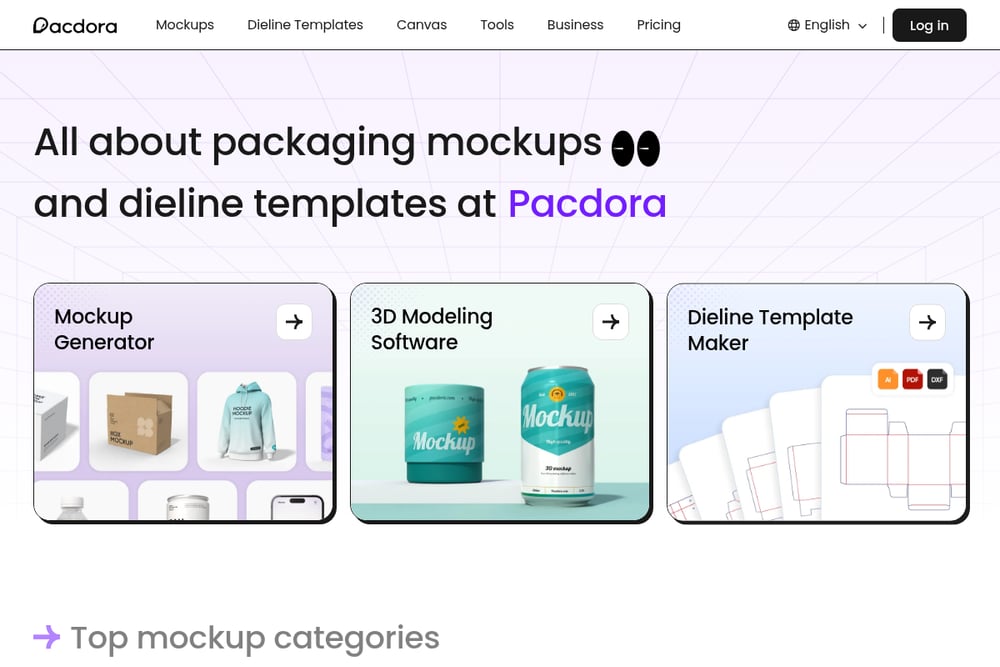 A screenshot of the Pacdora website.
Pacdora is a free online 3D book mockup generator that lets you upload your design and download it as a PNG or MP4 video. You can choose from multiple book sizes like 6x9 or 8.5x11, and customize colors and backgrounds in just three steps. It is trusted by leading companies and works entirely in your browser, so there is no software to install. This is ideal for authors and designers who want a fast, no-fuss solution for social media and advertising.
#4 Bremer Studios
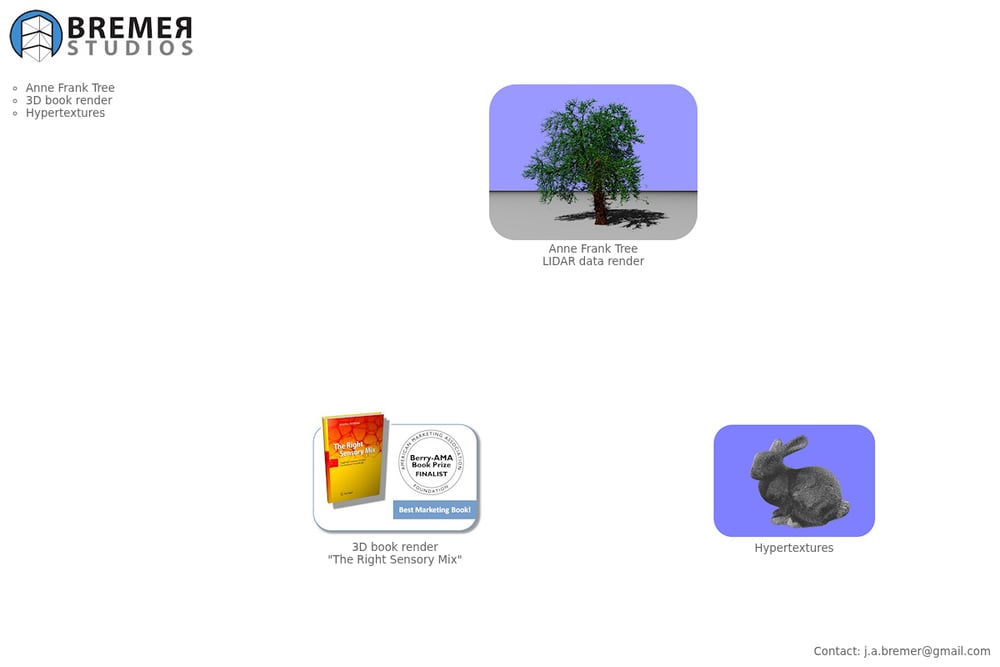 A screenshot of the Bremer Studios website.
Bremer Studios specializes in high-end 3D book rendering, hypertextures, and LIDAR data rendering for clients who need custom, detailed visuals. Unlike template-based tools, they offer a bespoke service where you can get unique textures and realistic lighting tailored to your book. This is a great option if you have a complex project that requires more than a standard mockup. You can contact them via email to discuss your specific needs.
#5 Insofta Development
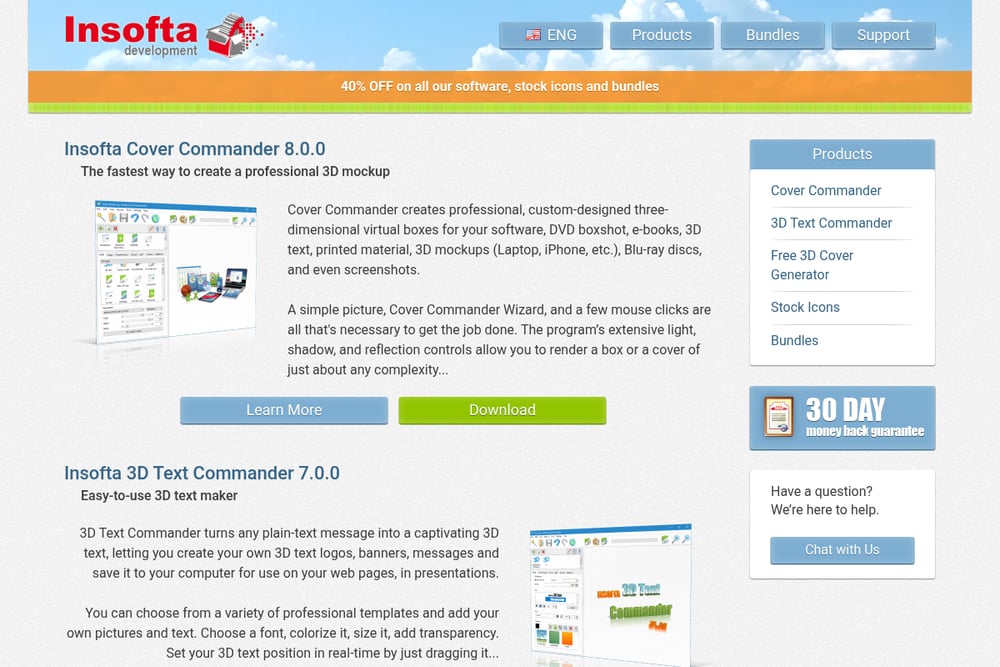 A screenshot of the Insofta Development website.
Insofta Development offers a free online 3D book cover mockup maker that supports both paperback and hardcover templates. You can upload images for the front, spine, and back, and adjust camera angles, shadows, and reflections. The tool also includes an Auto-fit option to match your artwork proportions. For more advanced needs, their Cover Commander software provides higher resolution renders and additional control.
How to Choose the Right 3D Book Rendering Service
Start by considering your skill level and how much time you want to invest. If you are a beginner, look for a template-based tool like DIY Book Covers or Pacdora that guides you step by step. For more control over lighting and angles, Boxshot or Insofta Development give you professional results. If you need a completely custom render with unique textures, a service like Bremer Studios is worth the investment. Also think about where you will use the images: social media ads may need video exports, while author websites might require high-resolution stills.
Automate Your Book Marketing Workflow
You can streamline your promotional process by combining a 3D book rendering service with scheduling tools. First, create your mockup using a service like Pacdora or Boxshot, then export the image. Next, use a social media scheduler like Buffer or Hootsuite to plan your posts across platforms. Finally, set up email campaigns with your 3D render using Mailchimp to announce your book launch. This workflow saves you time and ensures consistent branding across all channels.
Your Next Step to Better Book Visuals
Choosing the right 3D book rendering service depends on your specific needs, but any of these five options will elevate your book's presentation. Start with a free tool like Pacdora or Insofta Development to test the waters, then upgrade to Boxshot or DIY Book Covers as your marketing grows. For a truly unique look, Bremer Studios offers custom work that can set your book apart. The key is to start creating today and see how a 3D render transforms your promotional efforts.