
Whether you need a quick social media header, a promotional banner for your site, or a full-blown campaign graphic, the right tool can save you hours. I've tested five banner creation platforms to see which ones deliver speed, quality, and
The State of Banner Design Tools in 2026
The banner design space has exploded with AI-powered features and drag-and-drop simplicity. Today, you don't need a graphic design degree to produce professional-looking banners. Tools like Canva and Adobe Express have democratized design, while niche players offer specialized templates for events, social media, and print. The challenge is finding the right balance between ease of use and creative control. This roundup cuts through the noise to help you pick the best fit for your workflow.
How I Ranked These Banner Builders
I evaluated each platform on five key criteria: ease of use for beginners, template variety and quality, customization depth, export options (including print-ready files), and overall value for the price. I also considered unique features like AI generation, team collaboration, and integration with other tools. Each tool was tested for creating a standard 728x90 banner and a social media graphic.
Here's a quick look at the five banner builders I reviewed, ranked from best overall to a solid niche option.
| Provider | Best For |
|---|---|
| Canva | All-around banner creation with the largest template library |
| Adobe Express | Users who want Adobe-quality design without the complexity |
| PosterMyWall | Event and promotional banners with built-in scheduling |
| Sammons Creative | Ultra-fast banner creation with minimal effort |
| MyCreativeShop | Print-ready banners and signage for events and retail |
Deep Dive: The Top 5 Banner Builders
#1 Canva
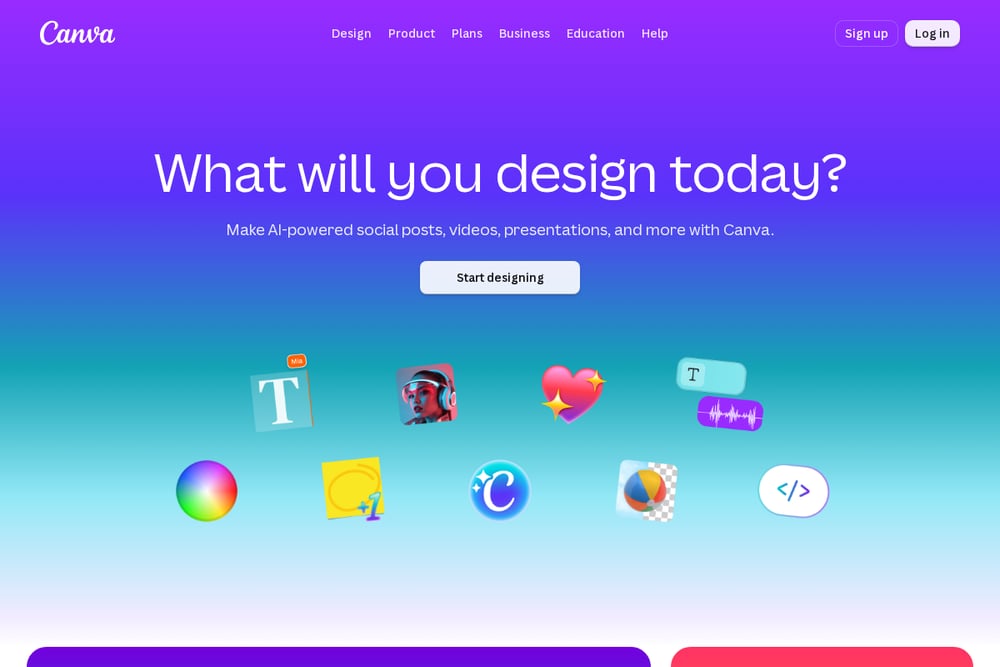 A screenshot of the Canva website.
Canva remains the king of accessible design for a reason. Its massive library of over 250,000 banner templates means you can start with a professional layout and customize it in seconds. The drag-and-drop editor is intuitive, and features like background removal and brand kits make it a powerhouse for teams and solo creators alike. You can export banners in any format, from web-optimized PNGs to print-ready PDFs. For most users, Canva is the fastest path from idea to finished banner.
#2 Adobe Express
Adobe Express brings the power of Adobe's design ecosystem into a free, browser-based tool. It offers thousands of professional templates and integrates seamlessly with Adobe Fonts and Adobe Stock. The standout feature is its AI-powered tools, like generative fill and text-to-image, which let you create custom graphics from a simple prompt. While it lacks some of the advanced features of Photoshop, it's perfect for quick, high-quality banners without a steep learning curve. If you already use Adobe products, this is a natural fit.
#3 PosterMyWall
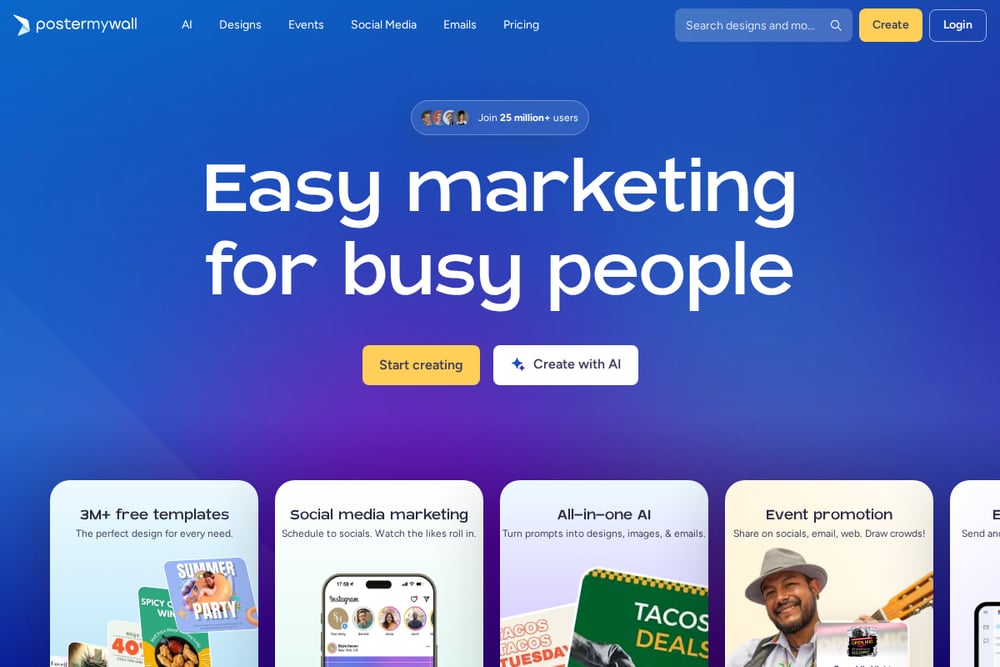 A screenshot of the PosterMyWall website.
PosterMyWall specializes in event and promotional banners, making it a go-to for businesses, churches, and schools. Its template library is heavily focused on flyers, posters, and social media graphics, with easy tools for adding text, images, and animations. The platform also includes a built-in video editor and social media scheduler, which is handy for managing campaigns. It's less flexible for general graphic design than Canva, but for event-driven banners, it's hard to beat.
#4 Sammons Creative
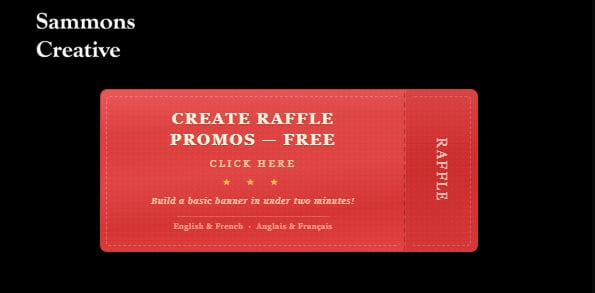 Image of button linked to the RafflePromos banner builder tool on Sammons Creative.
Sammons Creative offers a unique twist: a tool called RafflePromos that builds basic banners in under two minutes. It's designed for speed, not depth, making it ideal for quick social media headers or simple promotional graphics. The site also showcases graphic design and photography portfolios, giving you a sense of the creator's style. While it lacks the template variety of larger platforms, its simplicity is a strength for users who need a no-fuss solution. If you want a banner fast without any design frills, this is worth a look.
#5 MyCreativeShop
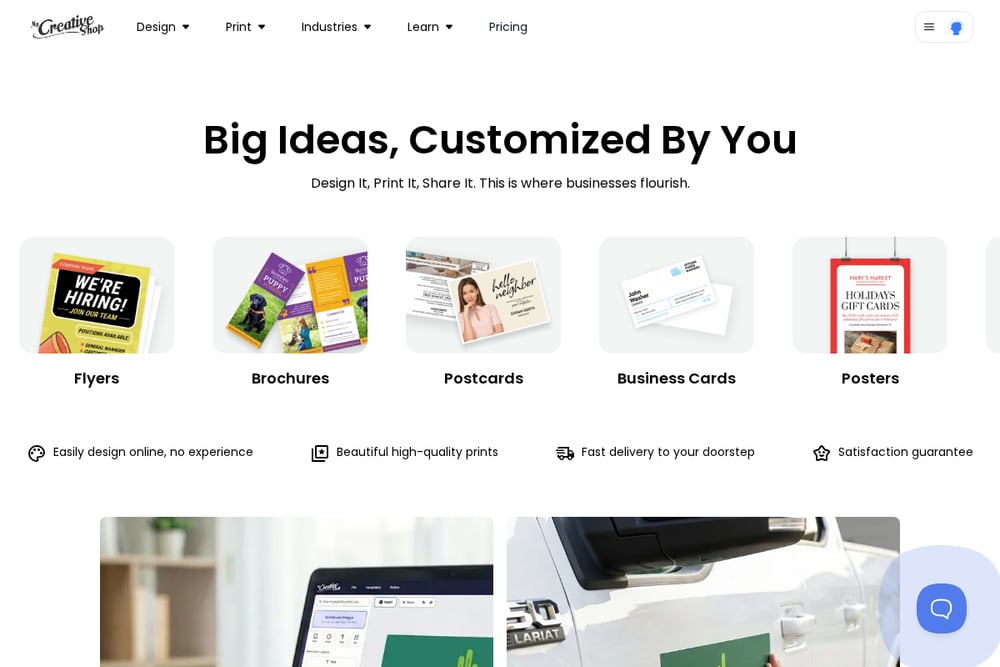 A screenshot of the MyCreativeShop website.
MyCreativeShop focuses on print-ready banners and signage, making it a solid choice for physical marketing materials. Its templates are optimized for fabric banners, yard signs, and retractable displays, with precise dimensions and bleed settings built in. The editor is straightforward, though not as polished as Canva or Adobe Express. It's a niche tool, but if you need a banner for a trade show or storefront, it delivers exactly what you need without guesswork.
How to Choose the Right Banner Builder for You
Start by asking where your banner will live. For web and social media, Canva or Adobe Express offer the best flexibility and template variety. If you're printing banners for an event, MyCreativeShop's print-specific templates save you setup time. Need something done in two minutes? Sammons Creative's RafflePromos tool is your fastest option. Consider your budget too: most tools have free tiers, but premium features like AI generation or team collaboration may require a subscription. Test two or three platforms with a simple banner to see which workflow feels most natural.
Automate Your Banner Workflow
You can speed up banner creation by combining these tools with automation platforms like Zapier or Make. For example, set up a trigger that automatically creates a new Canva banner from a Google Sheets row of event details. Or use Adobe Express's API to generate banners on the fly for your blog posts. Even simple steps like saving your brand colors and logos as a template can cut your design time in half. The goal is to reduce repetitive tasks so you can focus on the creative decisions that matter.
The Final Verdict
No single banner builder fits every need, but Canva is the clear winner for its balance of ease, features, and template depth. Adobe Express is a close second for those who want AI-powered creativity. For niche needs like event banners or print signage, PosterMyWall and MyCreativeShop are excellent choices. And if you just need a banner in under two minutes, Sammons Creative's RafflePromos tool is a surprisingly effective shortcut. Pick the one that matches your most common task, and you'll be designing banners in no time.