
Missed appointments drain revenue and disrupt your day. These five platforms help you automate reminders, streamline booking, and keep your calendar full.
The State of Appointment Reminder Software
Appointment-based businesses—from dental clinics to home service pros—lose billions each year to no-shows. Automated reminder systems have become essential tools, sending SMS, email, and voice messages to reduce missed visits. Modern platforms go beyond simple alerts, offering online booking, payment collection, and two-way texting. As competition heats up, choosing the right tool can mean the difference between a packed schedule and empty slots.
How We Evaluated These Platforms
We assessed each platform on core features like reminder channels (SMS, email, voice), ease of use, and integration capabilities. Pricing transparency and scalability for growing businesses also factored in. We looked at how well each serves specific industries, from healthcare to field services. Finally, we considered the depth of automation—whether you can set up triggers, custom templates, and follow-ups without manual effort.
Here’s a quick snapshot of the five platforms, their standout traits, and who they’re best for.
| Provider | Best For |
|---|---|
| Appointment Reminder | Businesses wanting a simple, secure, and proven reminder system |
| Easy To Use SMS Appointment Reminder Software | Small to mid-sized businesses seeking an affordable, all-in-one reminder and booking tool |
| Apptoto | Professionals who want deep calendar integration and advanced communication tools |
| Square Appointments | Businesses already using Square that want reminders plus payment and scheduling in one place |
| Curogram | Medical practices and clinics that require HIPAA-compliant patient reminders |
Detailed Look at Each Platform
#1 Appointment Reminder
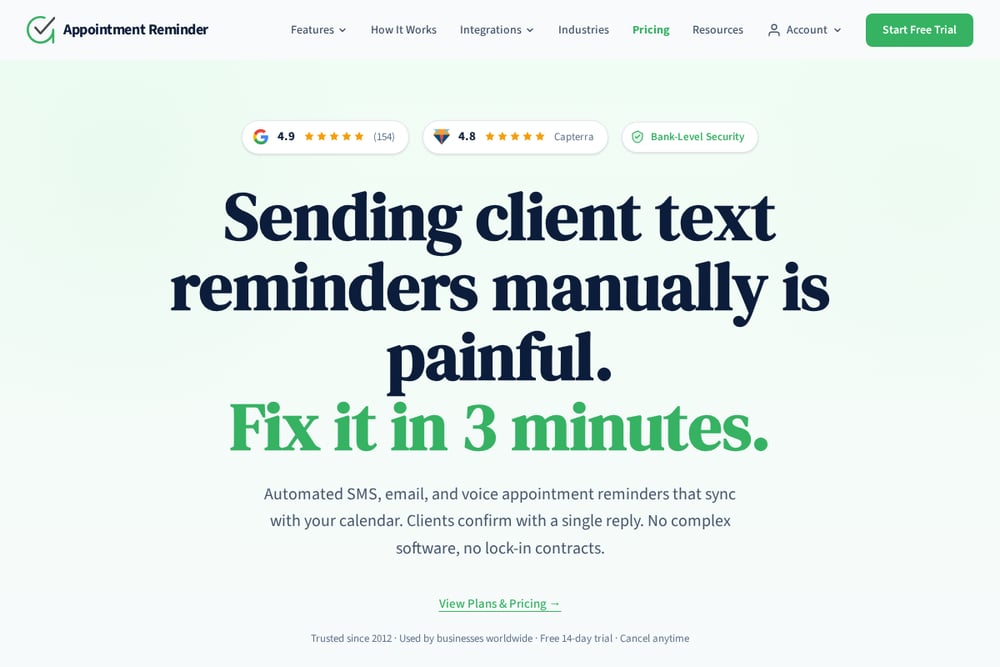 A screenshot of the Appointment Reminder website.
Appointment Reminder offers automated SMS, email, and voice reminders that sync with your calendar, letting clients confirm with a single reply. It’s been trusted since 2012 and boasts a 4.9 rating on Capterra, with bank-level security and no lock-in contracts. The platform is designed for quick setup—you can fix your manual texting pain in about three minutes. It’s a solid choice for businesses that want a straightforward, reliable system without complex software. The free 14-day trial lets you test it risk-free, and you can cancel anytime. For a no-frills, effective reminder solution, this one delivers.
#2 Easy To Use SMS Appointment Reminder Software
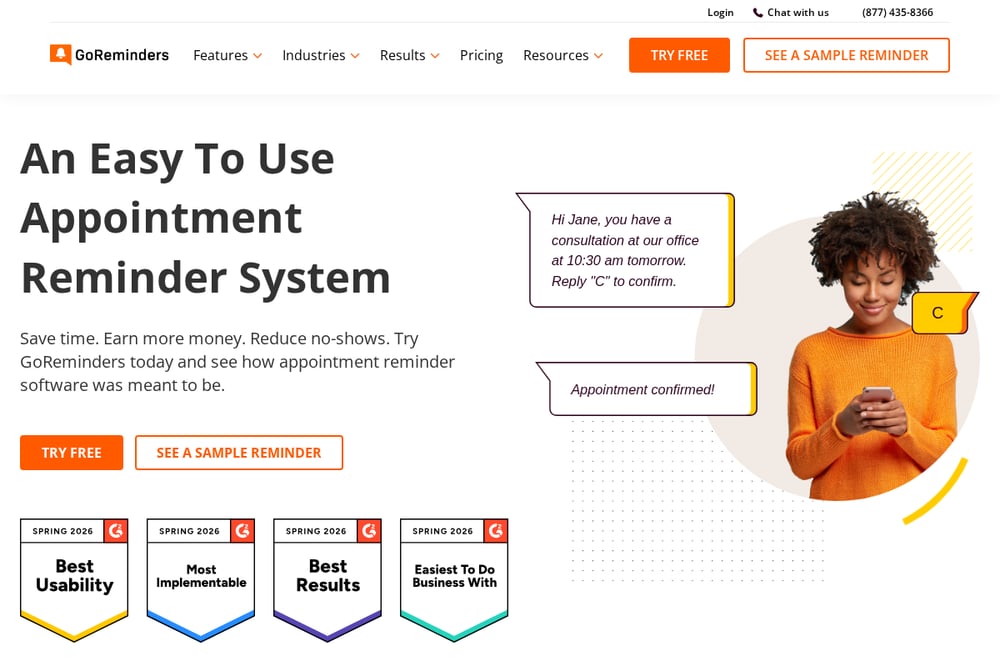 A screenshot of the Easy To Use SMS Appointment Reminder Software website.
GoReminders is an easy-to-use appointment reminder system that automatically sends text and email reminders, reducing no-shows by up to 80%. You can customize message templates with tags for client names and appointment details, and it integrates with calendars and website builders. The platform also includes appointment booking, so clients can schedule via a custom link, and you can send text blasts for promotions. It’s designed to save time and earn more money, with a free trial and no credit card required. The interactive AI demo lets you see the app in action before you sign up. For a user-friendly, all-in-one solution, GoReminders is a strong contender.
#3 Apptoto
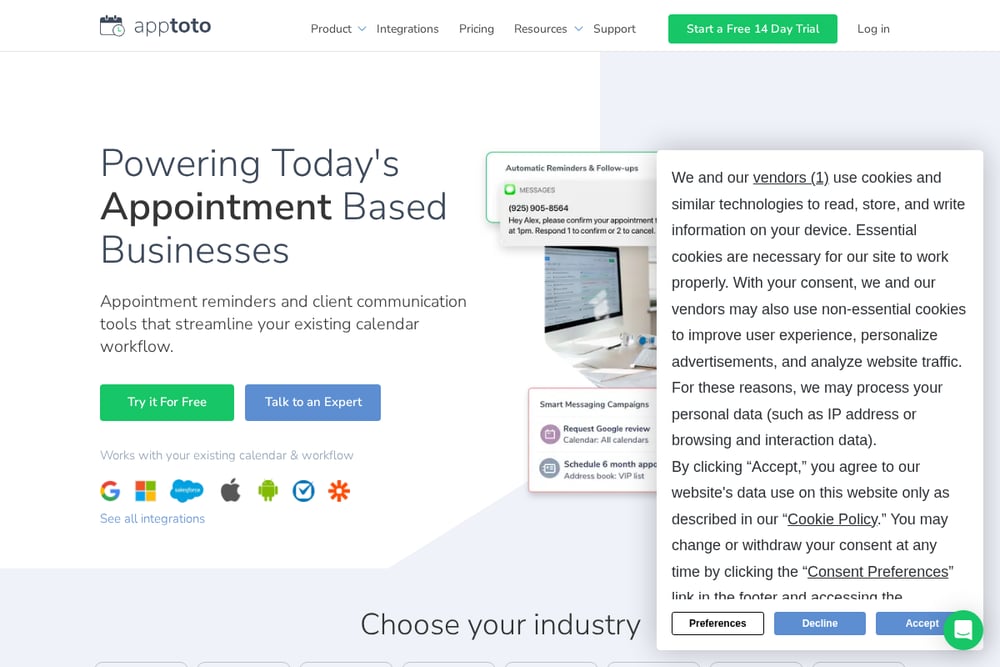 A screenshot of the Apptoto website.
Apptoto powers appointment-based businesses with automated reminders and confirmations via SMS, email, and voice, all synced with your existing calendar. It goes beyond reminders with features like online scheduling, two-way business texting, and reputation management to collect reviews. You can also handle payments and deposits directly through the platform, making it a comprehensive client communication hub. Apptoto integrates with Google Calendar, iOS, Android, and Zapier, so it fits into your workflow seamlessly. It’s a great fit for industries like legal, financial, and healthcare that need robust automation. The 14-day free trial lets you explore its full feature set.
#4 Square Appointments
 A screenshot of the Square Appointments website.
Square Appointments offers free SMS and email appointment reminders as part of its broader scheduling and payment ecosystem. It’s ideal for businesses already using Square for payments, as it integrates seamlessly with your point-of-sale system. You can manage appointments, send automated reminders, and even collect deposits or payments at booking. The platform is designed for a range of industries, from beauty salons to home services, and scales with your business. While it’s not a dedicated reminder tool, its all-in-one nature simplifies operations. If you’re already in the Square universe, this is a no-brainer.
#5 Curogram
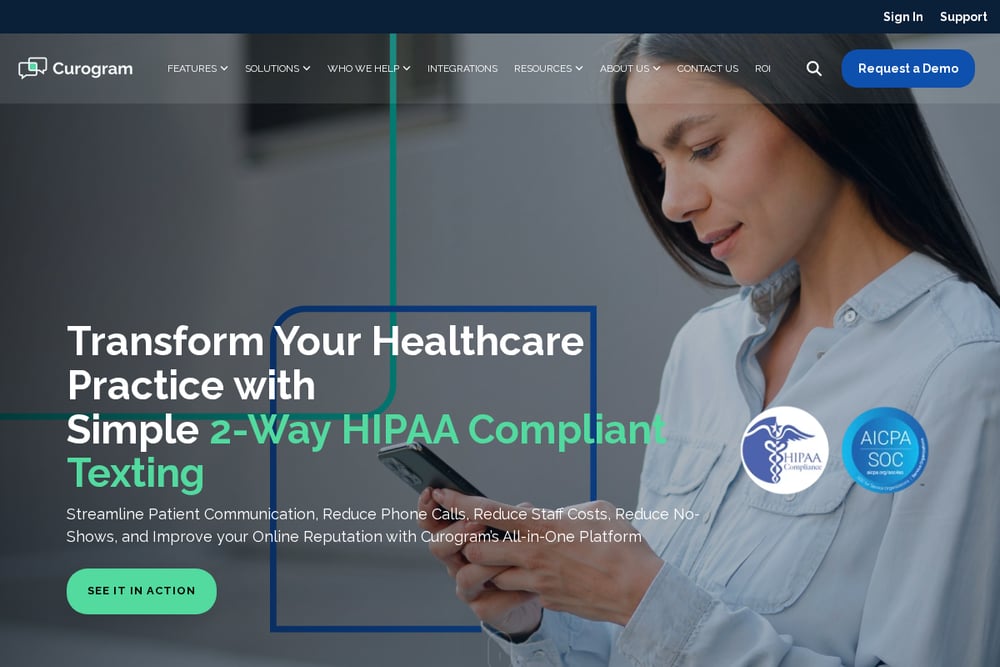 A screenshot of the Curogram website.
Curogram is a HIPAA-compliant patient appointment reminder system tailored for medical practices. It sends automated, customizable reminders via SMS, email, or phone, helping reduce no-shows and improve patient preparation. Beyond reminders, it offers two-way secure texting, online forms, and text-to-pay requests, making it a full patient engagement platform. It integrates with major EMR systems and supports multi-location practices, imaging centers, and specialty clinics. Curogram also includes reputation management and missed-call-to-text features to capture leads. For healthcare providers needing compliance and robust patient communication, this is a top pick.
How to Choose the Right Appointment Reminder Platform
Start by identifying your biggest pain point—is it no-shows, manual booking, or payment collection? Consider the channels you need: SMS, email, voice, or all three. Look for integrations with your existing calendar, CRM, or EMR system to avoid workflow disruptions. Evaluate pricing models—some charge per message, others per user, and some offer free tiers. Finally, test with a free trial to see if the interface feels intuitive and if support is responsive. The right platform should save you time, not add complexity.
Automation Workflow: From Booking to Reminder
Once you choose a platform, set up your automation workflow. First, sync your calendar so appointments automatically trigger reminders. Customize your message templates with client names and appointment details. Decide on the reminder schedule—typically 24 hours and 1 hour before the appointment. Enable two-way texting so clients can confirm or reschedule with a simple reply. For no-shows, set up automatic follow-up messages to rebook. Finally, integrate with your payment system to collect deposits at booking, reducing last-minute cancellations.
Final Synthesis: Picking Your Winner
Each of these platforms brings something unique to the table. If you want a dedicated, easy-to-use reminder system with booking built in, GoReminders is a strong choice. For a security-focused, no-frills option, Appointment Reminder excels. Apptoto offers the deepest calendar integration and communication features. Square Appointments is perfect if you’re already in the Square ecosystem. And for healthcare, Curogram’s HIPAA compliance is non-negotiable. Assess your specific needs, try a few free trials, and you’ll find the perfect fit to keep your schedule full and your revenue growing.