
You reach for your phone dozens of times a day. What if each unlock made you smarter? These five apps turn your distraction habit into a vocabulary workout.
The Rise of Lock-Screen Learning
The average person unlocks their phone over 100 times daily, and most of those moments vanish into doomscrolling. A new wave of apps flips that reflex into a micro-lesson: you must answer a quick vocabulary question before your favorite social app opens. This approach, called lock-screen language learning, blends behavioral psychology with spaced repetition. Instead of carving out study time, you learn in the seconds you already spend reaching for Instagram or TikTok. The result is a growing niche that promises both focus and fluency, one unlock at a time.
How We Evaluated These Apps
We looked at each app's core approach to locking apps and teaching vocabulary. We considered the range of languages supported and the quality of audio or pronunciation. We examined how well the app integrates with your daily phone habits, from lock-screen widgets to system-level blocks. We also weighed pricing models, including free tiers and trial periods. Finally, we assessed the overall user experience, from setup simplicity to the depth of the learning library.
Here’s a quick look at the five apps we tested, from the most polished to the most niche.
| Provider | Best For |
|---|---|
| LearnScreen | iPhone users who want a hands-off, system-level lock |
| LexiLock: Scroll less. Learn more. | Balancing language learning with screen-time reduction |
| Vocabulary Builder by Lockcard | Learners who want to save words from real-world content |
| WordLock | Android users who want a simple, ad-supported lock |
| Lockscreen English | English learners who want a passive lock-screen approach |
The Five Apps, Closer Look
#1 LearnScreen
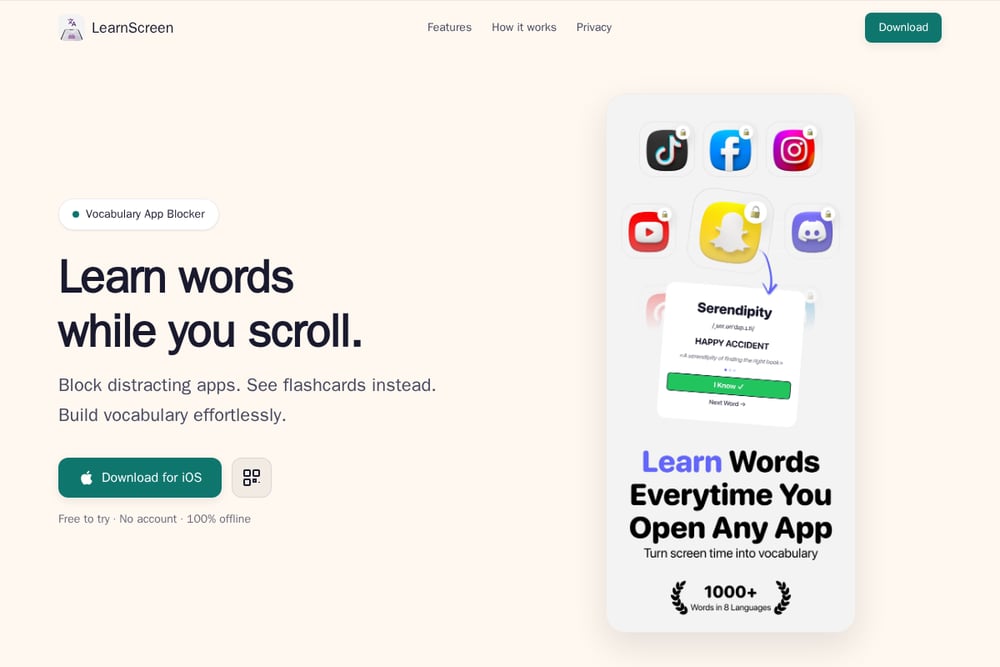 A screenshot of the LearnScreen website.
LearnScreen uses Apple's Screen Time shield to place a flashcard directly over the app you're trying to open, creating a system-level block that's hard to bypass. It focuses on passive learning, meeting you with a word every time you reach for a distraction, and it uses the Leitner spaced repetition system to time your reviews. The app is designed for iPhone users who want a seamless, no-fuss way to learn a language without opening a separate study app. Its strength lies in its simplicity and the scientific backing of active recall. If you want a set-and-forget solution that runs itself, this is your pick. LearnScreen is a top contender for iOS users.
#2 LexiLock: Scroll less. Learn more.
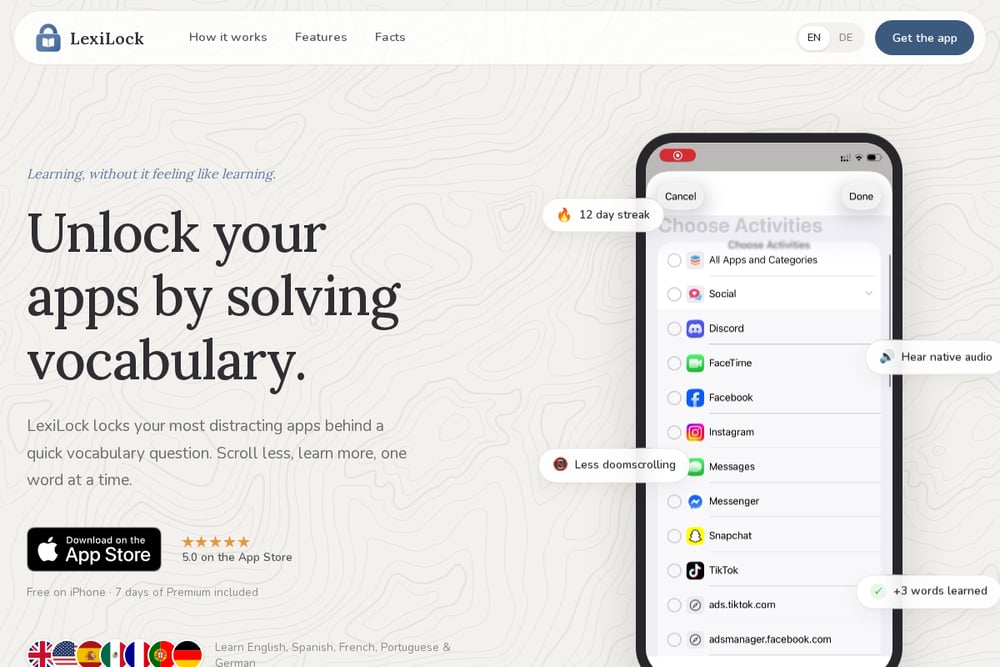 A screenshot of the LexiLock website.
LexiLock locks your distracting apps behind a quick vocabulary question, turning every app opening into a tiny lesson. You choose which apps to lock—Instagram, TikTok, YouTube—and before they open, you solve a word with native audio pronunciation. It supports English, Spanish, French, Portuguese, and German, with over 45 lessons and a free tier that includes a 7-day premium trial. The app is rated 5.0 on the App Store and emphasizes building streaks, like a 12-day streak, to keep you motivated. It's a polished, user-friendly option that makes learning feel like a game, not a chore. LexiLock is perfect for anyone who wants to learn a language while cutting down on doomscrolling.
#3 Vocabulary Builder by Lockcard
 A screenshot of the Vocabulary Builder by Lockcard website.
Lockcard takes a different approach: you save words from real content—YouTube, articles, PDFs—and then meet them on your lock screen and notifications. It uses spaced repetition and AI to personalize your learning, with flashcards and a chat tutor to explain words in context. The app supports multiple languages and is designed for iPhone, with a 4.7 rating from over 150 users. It's ideal for people who want to build vocabulary from their own reading and watching habits, rather than a fixed curriculum. If you're a content consumer who wants to turn what you already read into long-term memory, this is a strong choice. Vocabulary Builder by Lockcard offers a unique, context-driven experience.
#4 WordLock
 A screenshot of the WordLock website.
WordLock is an Android app that locks your apps behind a vocabulary challenge, requiring you to read a word, check its meaning, and listen to its pronunciation. It supports English, Korean, Japanese, Spanish, and more, using text-to-speech for audio. You can set custom cooldown times and lock schedules, and it tracks your progress with Google login. The app is free with ads, and it's a straightforward tool for students and language learners who want a simple, no-frills lock. It's a solid option for Android users who want to learn words while managing their app usage. WordLock is a practical choice for Android.
#5 Lockscreen English
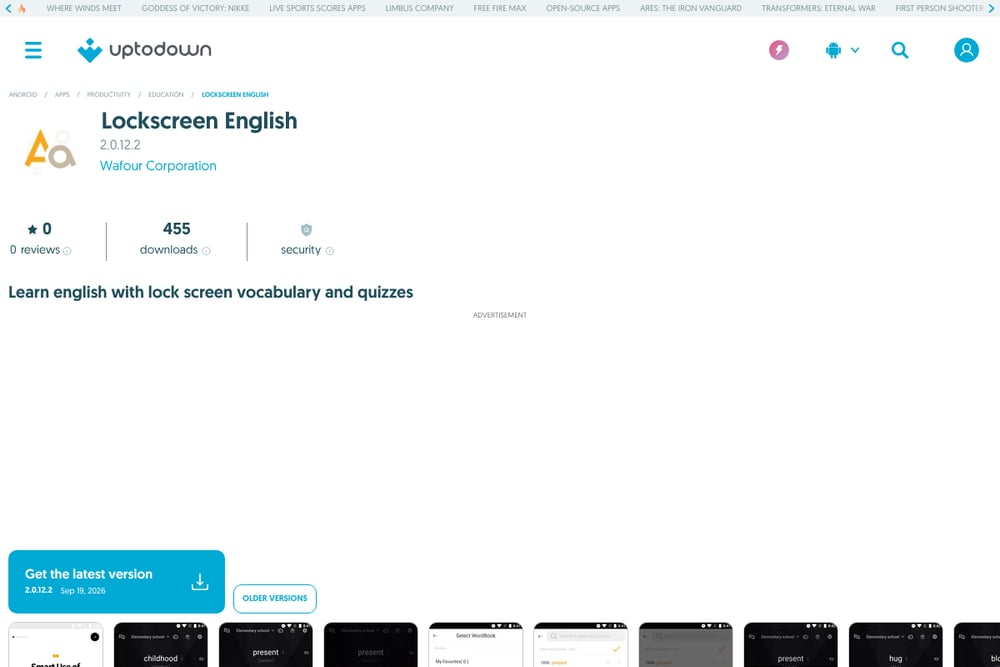 A screenshot of the Lockscreen English website.
Lockscreen English is an Android app that displays English words on your lock screen, reinforcing vocabulary every time you unlock your phone. It uses visual and linguistic processing to help you learn, with example sentences written by native speakers for real-world context. You can create custom word lists and adjust the difficulty from beginner to advanced, hiding words you've mastered. The app is free to download and focuses on passive learning, making it a good choice for beginners who want to build a foundation. It's a niche tool, but it's effective for those who want to learn English specifically. Lockscreen English is a dedicated option for English learners.
How to Choose the Right App Lock Vocabulary Builder
Start by deciding whether you want a system-level block (like LearnScreen) or a simpler app-level lock (like LexiLock or WordLock). Consider which languages you want to learn—LexiLock and WordLock offer multiple, while Lockscreen English is English-only. Think about your phone platform: LearnScreen and LexiLock are iPhone-only, while WordLock and Lockscreen English are Android. Evaluate the learning style: do you prefer a structured curriculum (LexiLock) or saving words from your own content (Lockcard)? Finally, check the pricing—most offer free tiers, but premium features vary, so pick one that fits your budget and habit.
Automating Your Learning Workflow
To get the most out of these apps, set them up once and let them run. Start by choosing the apps you want to lock—your most distracting ones. Then, set a daily goal, like learning five new words, and let the app handle the rest. Use the streak feature to stay motivated, and review your progress weekly. For a deeper workflow, combine a lock-screen app with a spaced repetition system like Anki, but for most people, the app alone is enough. The key is consistency: every unlock is a chance to learn, so let the app automate your practice.
The Bottom Line
Lock-screen learning is a clever way to turn a bad habit into a productive one. Each of these five apps offers a unique twist, from LexiLock's gamified streaks to LearnScreen's system-level integration. If you're an iPhone user who wants a polished, multi-language experience, LexiLock is a great starting point. For Android users, WordLock provides a straightforward solution. And if you're a content consumer, Lockcard's context-based approach is worth exploring. Whichever you choose, you'll be scrolling less and learning more, one word at a time.