
Need to make your words pop on screen without opening heavy software? These five online tools turn plain text into eye-catching motion, and they're all free to start.
The State of Online Text Animation Tools
The demand for quick, polished video content has exploded across social media, presentations, and ads. Animated text generators fill a specific niche: they let you create titles, captions, and logos with motion effects in minutes, no design degree required. Most tools now offer browser-based editing, instant export to GIF or video formats, and a library of pre-built styles. The market ranges from simple one-click generators to full-featured platforms with AI and template ecosystems. For creators, the key is finding a balance between ease of use, customization depth, and export flexibility.
How We Evaluated These Tools
We looked at each tool's range of text styles and animations, the quality of export options (GIF, WebM, MP4), and how easy it is to get started without a learning curve. We also considered pricing transparency—whether the free tier is genuinely usable or just a teaser—and how well each tool fits common use cases like social media posts, video intros, or quick branding. Finally, we checked for unique features that set each apart, such as transparent backgrounds, 3D depth, or AI-assisted design.
Here's a quick snapshot of the five tools we tested, from the most feature-rich to the simplest.
| Provider | Best For |
|---|---|
| Renderforest | All-in-one video creation and branding |
| Free 3D Text Generator Online | Animated Text Effects Maker | Quick, free, no-signup animated text for social media |
| TextStudio | Detailed 3D text animation and customization |
| Adobe Express | Seamless integration with Adobe's design tools |
| Textanim | Simple, fast, multi-line text animations |
The Five Tools, Closer Look
#1 Renderforest
 A screenshot of the Renderforest website.
Renderforest is a full creative suite that goes far beyond text animation, offering video templates, logo makers, and even AI video generation. Its animated text generator is part of a larger ecosystem, so you can start with a text effect and then drop it into a complete video project. The tool shines for marketers and small businesses that need polished, on-brand content without hiring a designer. You get a wide range of typography templates and the ability to customize colors, fonts, and motion. The free plan lets you export with a watermark, but paid plans unlock HD downloads and more assets. If you're looking for a one-stop shop for video content, Renderforest is a strong choice.
#2 Free 3D Text Generator Online | Animated Text Effects Maker
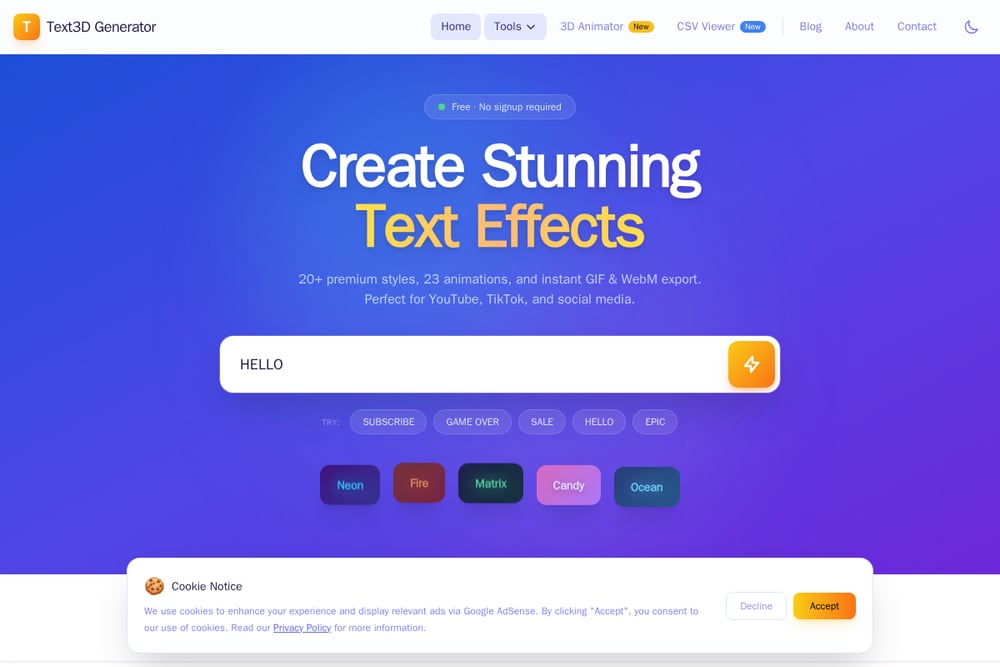 A screenshot of the Free 3D Text Generator Online | Animated Text Effects Maker website.
This tool is a hidden gem for creators who want instant, professional-looking animated text without any signup or watermark. It offers 45 distinct styles—from Neon and Fire to Matrix and Cinematic—plus 23 animations like Word Pop, Typewriter, and Glitch. You can export with transparent backgrounds as GIF, high-quality WebM, or MP4, which is perfect for overlaying on videos in Premiere Pro or DaVinci Resolve. The interface is dead simple: type your text, pick a style, and download. It's 100% free with unlimited downloads, making it ideal for YouTubers, TikTokers, and social media managers who need quick, eye-catching captions. The only downside is the lack of advanced customization like camera controls or 3D depth, but for most social content, it's more than enough.
#3 TextStudio
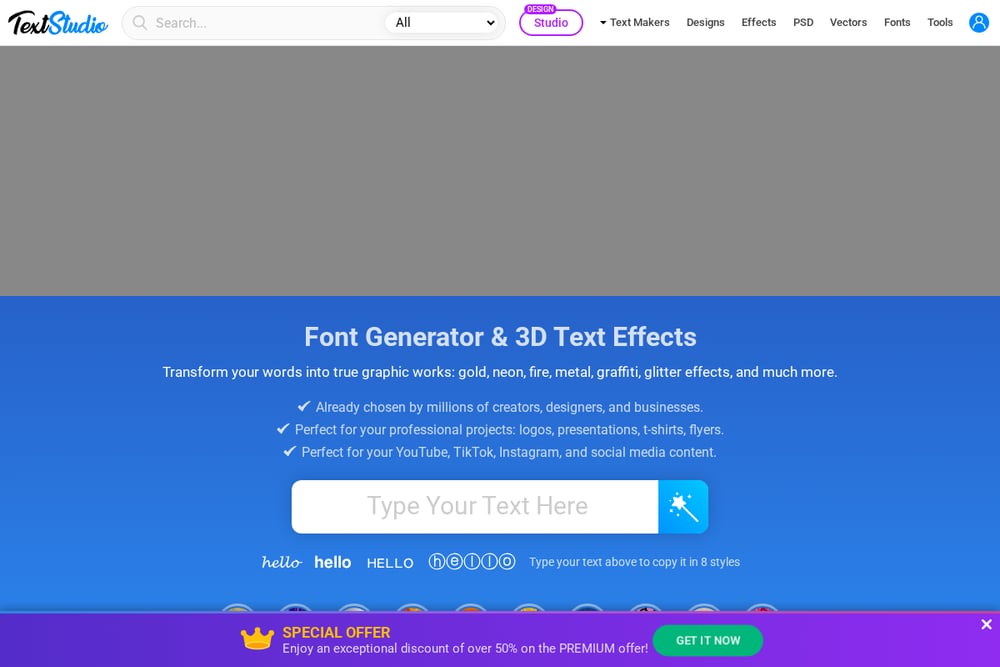 A screenshot of the TextStudio website.
TextStudio is a veteran in the text effects space, offering a wide range of classic and 3D animated text generators. It's particularly strong for creating custom GIFs with a focus on typography—you can control camera, lighting, and materials in its 3D animator. The tool is browser-based and requires no installation, which is a big plus for quick projects. You'll find hundreds of pre-made effects, from burning fire to golden 3D, and you can export as GIF or even 3D models. The interface is a bit more technical than some rivals, but it rewards you with deeper control. It's a great pick for designers who want to fine-tune every detail of their text animation.
#4 Adobe Express
Adobe Express brings the power of Adobe's design ecosystem to a free, web-based tool. Its animated text generator is integrated into a broader design app, so you can add motion to text and then combine it with images, icons, and layouts. The tool is incredibly user-friendly, with drag-and-drop simplicity and a huge library of templates. You can animate text for social posts, stories, and even print projects. The free plan is generous, though some premium templates and assets require a subscription. If you're already using Adobe products, this is a seamless addition to your workflow. For beginners, it's an approachable way to create professional-looking animated text without a steep learning curve.
#5 Textanim
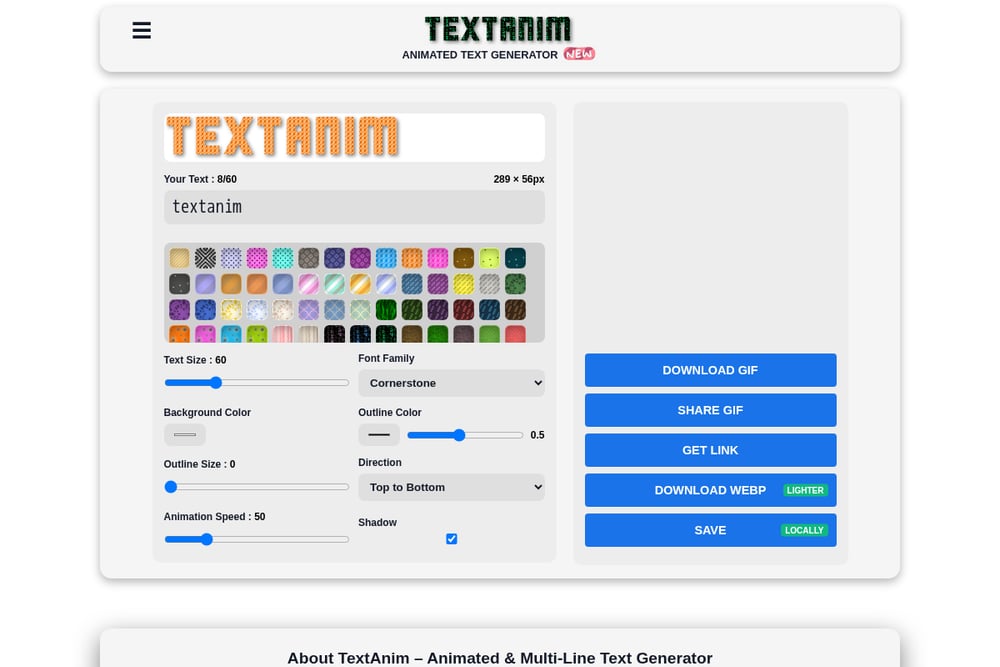 A screenshot of the Textanim website.
Textanim is a straightforward, no-frills animated text generator that focuses on getting the job done. It supports multi-line text up to 60 characters per line, which is handy for titles or quotes. You can adjust font, size, outline, background patterns, and animation direction—all in a clean, simple interface. The tool exports to GIF or WebP, with WebP being lighter and faster for web use. It's perfect for quick projects where you don't need fancy 3D effects or a huge style library. The downside is that the design feels dated, and the animation options are more basic than competitors. Still, for a free tool with no signup, it's reliable and effective.
How to Pick the Right Animated Text Generator
Start by thinking about where you'll use the animation. For social media posts and stories, a tool with transparent GIF export and quick styles is key. If you're editing videos in professional software, look for WebM or high-quality video export. Consider your skill level: some tools are one-click wonders, while others offer deep customization. Also, check the pricing model—some free tiers are truly free, while others watermark your exports. Finally, think about whether you need extra features like templates, AI assistance, or integration with other design tools. The right tool is the one that fits your workflow without slowing you down.
Streamlining Your Text Animation Workflow
To speed up your content creation, you can combine these tools with automation. For example, use a tool like Zapier or Make to trigger text animation generation based on new blog posts or social media updates. You could also set up a template in Adobe Express or Renderforest and use their APIs to generate variations automatically. For bulk tasks, consider using a script to call the export endpoints of tools like Textanim or TextStudio. The goal is to reduce manual steps so you can focus on the creative direction. Even simple automation, like saving your favorite styles as presets, can save you minutes per project.
The Bottom Line
Each of these five tools has its own strengths, and the best choice depends on your specific needs. If you want a free, no-signup solution for quick social media text, the Free 3D Text Generator is a standout. For deeper 3D control, TextStudio is your friend. Renderforest offers a full video suite, Adobe Express integrates with the Adobe ecosystem, and Textanim is a reliable basic option. Try a couple of them with your own text to see which feels right. The good news is that you don't have to commit—most are free to use, so you can mix and match based on the project.