
Building a website used to mean wrestling with code, hiring a developer, or spending hours tweaking templates. Not anymore. AI website builders have flipped the script, letting you generate a full, business-ready site from a simple prompt. Whether you are
The AI Website Builder Boom: Why Everyone Is Ditching Traditional Builders
The website builder industry has undergone a seismic shift. What started as drag-and-drop simplicity has evolved into AI-driven creation where you describe your business and a complete site appears in seconds. According to recent market data, the global website builder platform market is projected to grow significantly through 2030, fueled by small businesses and solopreneurs who need an online presence fast. AI eliminates the blank-page paralysis and the steep learning curve of traditional builders. Instead of choosing from 900 templates and customizing for hours, you now answer a few questions or type a sentence, and the AI generates a tailored layout, copy, and even images. This shift is democratizing web design, but it also means you need to choose carefully. Not all AI builders are created equal. Some excel at ecommerce, others at design flexibility, and a few are just repackaged template builders with a chatbot slapped on top. The key is finding the one that matches your specific needs, whether that is speed, customization, or long-term scalability.
How I Ranked the Top AI Website Builders
To separate the real game-changers from the hype, I evaluated each platform on five core criteria. First, AI generation quality: how well does the builder interpret a prompt and produce a usable, attractive site? Second, ease of use: can a complete beginner launch a site without frustration? Third, customization and control: once the AI builds your site, can you tweak every element, or are you locked into a rigid structure? Fourth, features and scalability: does the platform offer essential tools like ecommerce, SEO, and analytics, and can it grow with your business? Fifth, value for money: considering both the entry-level price and what you get for it, including hosting and domain. I built test sites on each platform, pushed the AI to its limits, and compared the results head-to-head.
Here is a quick snapshot of how the five AI website builders stack up against each other, from the most powerful and flexible to the most budget-friendly starter option.
| Provider | Best For |
|---|---|
| Wix AI Website Builder | Businesses that want a professional AI-built site with deep customization and built-in business tools. |
| Hostinger AI Website Builder | Small business owners who want an affordable, fast AI site builder with reliable hosting included. |
| WebWave AI Website Builder | Designers and agencies who want AI-assisted site creation with pixel-level customization. |
| Home | Currently not suitable for building a website; consider it only if you want to register the domain for future use. |
| hosting.com AI Sitebuilder | Beginners who need a simple, low-cost AI-built website with minimal customization needs. |
The Top 5 AI Website Builders: Full Reviews
#1 Wix AI Website Builder
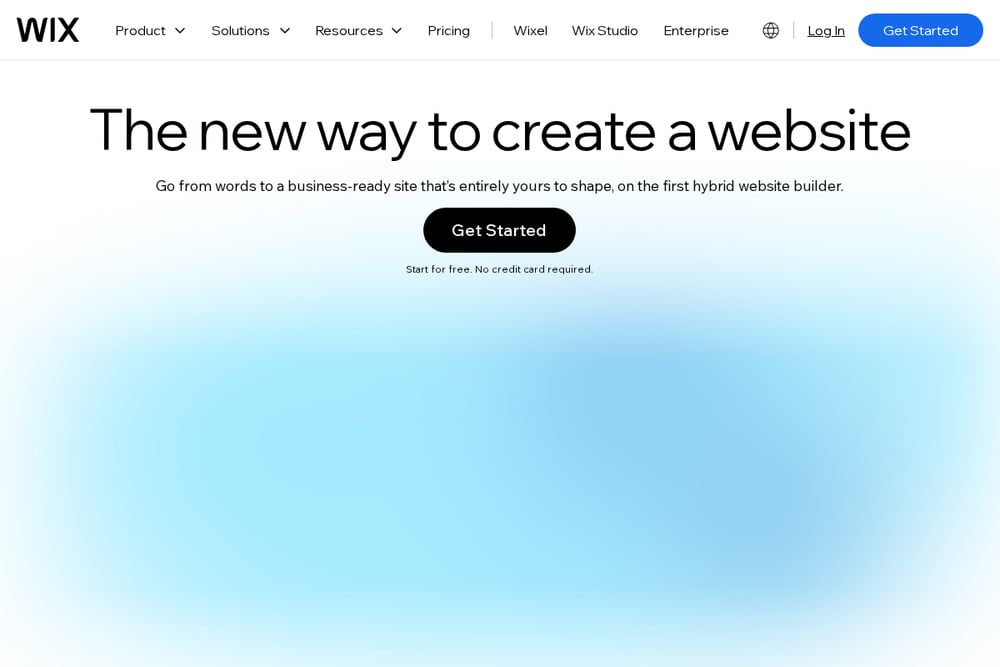 A screenshot of the Wix AI Website Builder landing page showing the prompt interface and sample site preview.
Wix has long been a heavyweight in the website builder space, and its AI builder is the most polished and feature-rich option I tested. You start by describing your business in a chat, and Wix's AI generates a complete site with relevant sections, placeholder text, and even suggested images. What sets Wix apart is the depth of customization: you can switch to the classic Wix Editor to tweak every pixel, or use Aria, the built-in AI agent, to regenerate sections or rewrite copy on the fly. The platform also includes robust ecommerce tools, a scheduling system, and a full CRM, making it ideal for businesses that plan to scale. The AI-generated sites are consistently professional, though the initial output sometimes needs a few tweaks to match your exact brand voice. For anyone who wants a powerful, all-in-one solution that combines AI speed with traditional flexibility, Wix is the clear winner.
#2 Hostinger AI Website Builder
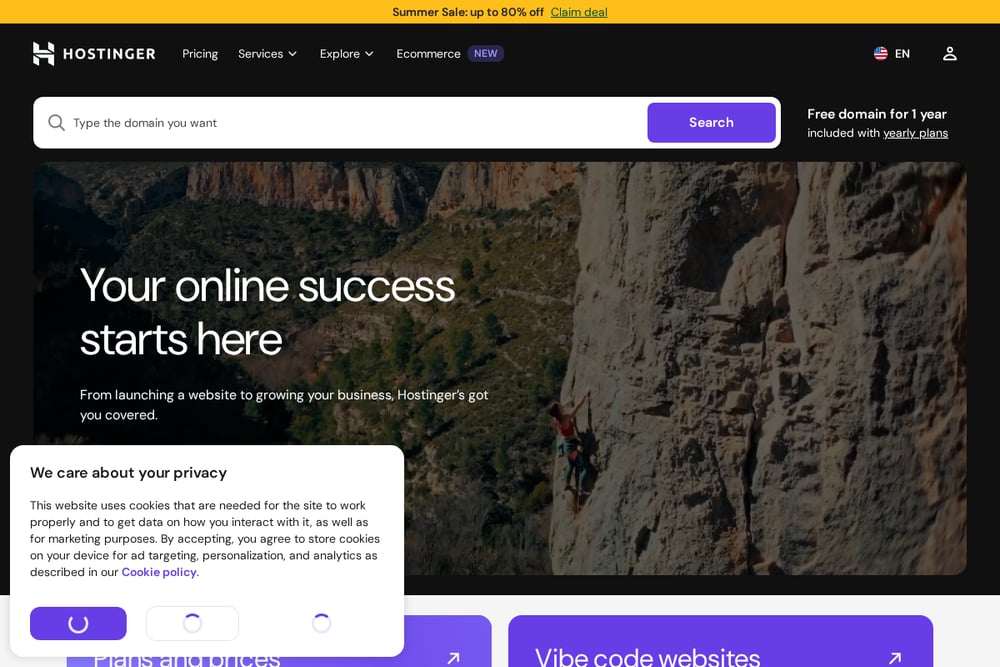 A screenshot of the Hostinger AI Website Builder page highlighting the Horizons AI tool and pricing.
Hostinger's AI Website Builder, powered by its Horizons tool, is a surprisingly strong contender that focuses on speed and simplicity. You describe what you want, and Horizons builds a complete site in seconds, complete with drag-and-drop editing, managed WordPress hosting, and even AI-powered tools for CRM and booking forms. The platform is built on Hostinger's reliable hosting infrastructure, so you get fast load times and solid uptime right out of the gate. The AI generation is quick and produces clean, modern layouts, though the customization options are slightly less granular than Wix. Where Hostinger shines is value: its entry-level pricing is aggressive, and you get a free domain and SSL certificate included. The AI assistant can also help with content creation and SEO suggestions, making it a great choice for budget-conscious small business owners who want a no-fuss launch.
#3 WebWave AI Website Builder
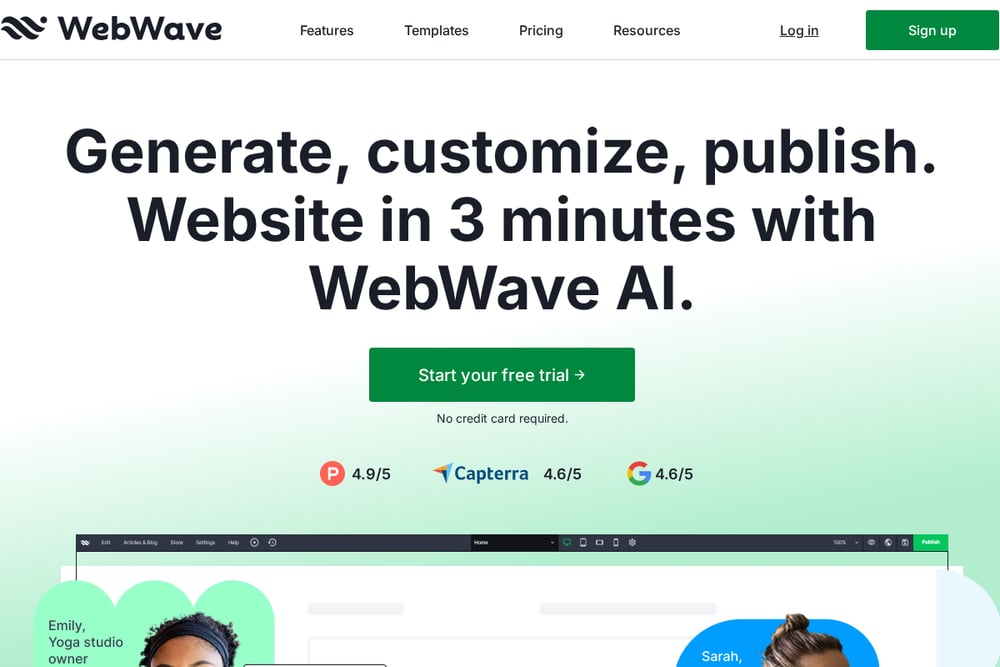 A screenshot of the WebWave AI Website Builder interface showing the AI Assistant and drag-and-drop editor.
WebWave takes a unique approach by combining AI generation with a pixel-perfect drag-and-drop editor that feels more like a design tool than a typical website builder. The AI Assistant can generate entire pages or individual sections based on your prompts, selecting images from its library and applying your site's color scheme automatically. What makes WebWave stand out is the level of creative control: you can place, resize, and style every element exactly where you want it, similar to working in Figma or Photoshop. The AI is great for getting started quickly, but the real power lies in the manual editing capabilities. This makes WebWave ideal for designers and agencies who want AI speed without sacrificing design freedom. The trade-off is a slightly steeper learning curve for complete beginners, and the ecommerce features are not as robust as Wix or Hostinger.
#4 Home
 A screenshot of the Home (thedigitalinsignia.com) website showing the domain parking page with Hostinger promotions.
The website thedigitalinsignia.com is currently a domain parking page that promotes Hostinger's web hosting services, including WordPress, AI website builder, and VPS hosting. While the domain name suggests a digital marketing agency, the actual page offers no information about any specific business, its services, or its target audience. The page functions primarily as a placeholder, directing visitors to Hostinger's hosting plans and AI tools. For someone looking to build a website, this domain does not provide a usable builder or any unique value. It is essentially a blank slate with a hosting upsell. Unless the owner develops the site into a full-fledged business, this option offers no practical utility for creating a website.
#5 hosting.com AI Sitebuilder
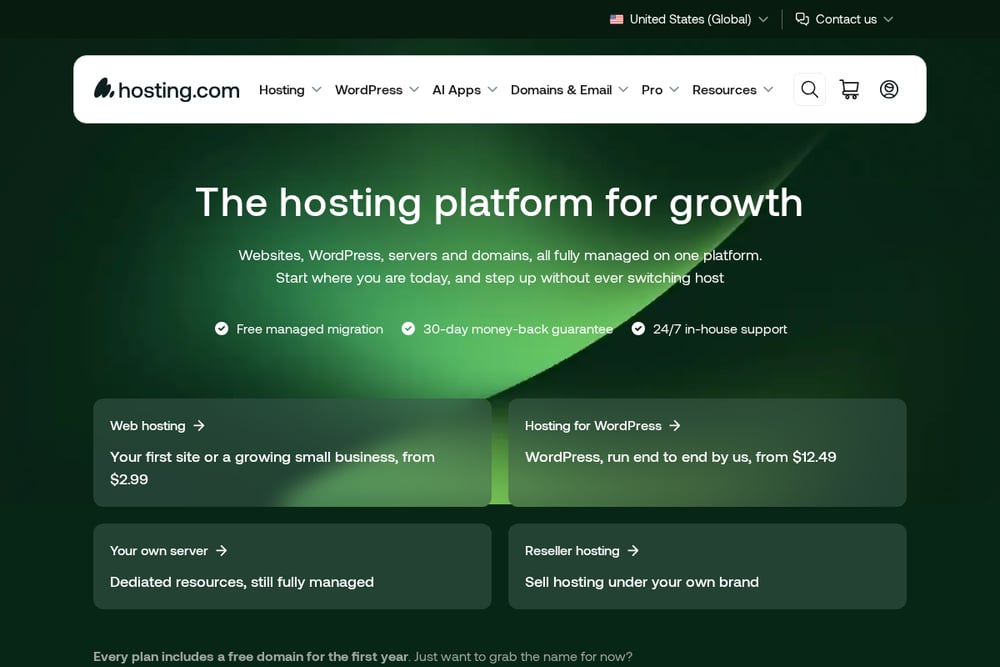 A screenshot of the hosting.com AI Sitebuilder page showing the template selection and pricing plans.
hosting.com's AI Sitebuilder is a straightforward, no-frills option that gets you online quickly with minimal effort. You pick a plan, choose a template or let the AI generate a site based on a few questions, and then customize the layout and content using a simple editor. The platform offers a range of industry-specific templates, from beauty salons to restaurants, and the AI does a decent job of creating a coherent starting point. However, the customization options are limited compared to Wix or WebWave, and the AI generation feels more template-driven than truly generative. The pricing is competitive, starting at $4.99 per month, and it includes hosting and a dashboard for managing visitors and orders. For a very basic site or a landing page, it works, but power users will quickly hit its limits.
How to Choose the Right AI Website Builder for Your Needs
Start by asking yourself what you really need from a website. If you plan to sell products online, prioritize builders with strong ecommerce features like Wix or Hostinger. If design flexibility is your top concern and you have some experience, WebWave gives you the most creative control. For absolute beginners on a tight budget, hosting.com offers the lowest barrier to entry, but be prepared for limited growth potential. Avoid any option that is just a parked domain with no actual builder, like the Home entry in this list. Always take advantage of free trials or money-back guarantees to test the AI generation quality and editor before committing. And remember: the best builder is the one that lets you launch quickly without locking you into a platform you will outgrow in six months.
Automate Your Website Workflow with AI
Once your AI-built site is live, you can automate routine tasks to save even more time. Use the built-in AI assistants to generate blog posts, update product descriptions, or create new landing pages for promotions. Connect your site to email marketing tools like Mailchimp or Reach to automatically send newsletters to new subscribers. Set up automated booking systems for service-based businesses, and use CRM integrations to capture leads without manual data entry. Many AI builders also offer SEO automation, suggesting meta titles and descriptions based on your content. The goal is to let the AI handle the repetitive work so you can focus on growing your business.
The Bottom Line: Which AI Website Builder Should You Pick?
After testing all five platforms, the choice comes down to your priorities. Wix AI Website Builder is the most powerful and versatile option, earning the top spot for its combination of AI speed, deep customization, and comprehensive business tools. Hostinger AI Website Builder is the best value pick, offering reliable hosting and a fast AI builder at an affordable price. WebWave is the designer's choice, perfect for those who want AI assistance without sacrificing creative control. hosting.com AI Sitebuilder works for simple, low-budget projects, but it lacks the depth of the top contenders. The Home entry is essentially a placeholder and should be avoided if you actually want to build a website. Whichever you choose, the era of AI-powered site creation is here, and these tools make it easier than ever to get your business online.