
You became a teacher to inspire young minds, not to spend your weekends buried in lesson plans and grading. The good news? AI is finally delivering on its promise to help. After testing dozens of tools, I've narrowed down the
Why AI Is Finally a Teacher's Best Friend
For years, the promise of AI in education felt like a distant dream. But in 2026, the reality is here: teachers are using generative AI to cut lesson planning time in half, differentiate instruction for diverse learners, and automate the grading grind. The best tools don't replace your expertise; they amplify it. From all-in-one platforms like MagicSchool to specialized helpers like Gradescope, the landscape is rich with options. The challenge is no longer finding a tool, but finding the right one for your unique classroom needs.
How We Chose the Top 5
I evaluated each tool based on four criteria: time savings (how much it reduces your weekly workload), ease of use (can you start using it in under 10 minutes?), classroom impact (does it improve student outcomes?), and cost (is there a robust free tier or reasonable price?). I also prioritized tools that are built specifically for K-12 educators, not generic AI repurposed for schools. Every tool on this list has been tested by real teachers and proven to deliver results.
Here's a quick comparison of the five tools to help you see which one fits your needs best.
| Provider | Best For |
|---|---|
| MagicSchool | All-in-one lesson planning and curriculum alignment |
| Brisk Teaching | Versatile content creation and differentiation |
| HMH AI Tools | Curriculum-connected differentiation with admin controls |
| The Prompt Teacher | AI Tools & Resources for K–8 Teachers | Free AI prompts and guidance for K-8 teachers |
| Gradescope | Efficient grading and assessment feedback |
The Deep Dive: Each Tool Unpacked
#1 MagicSchool
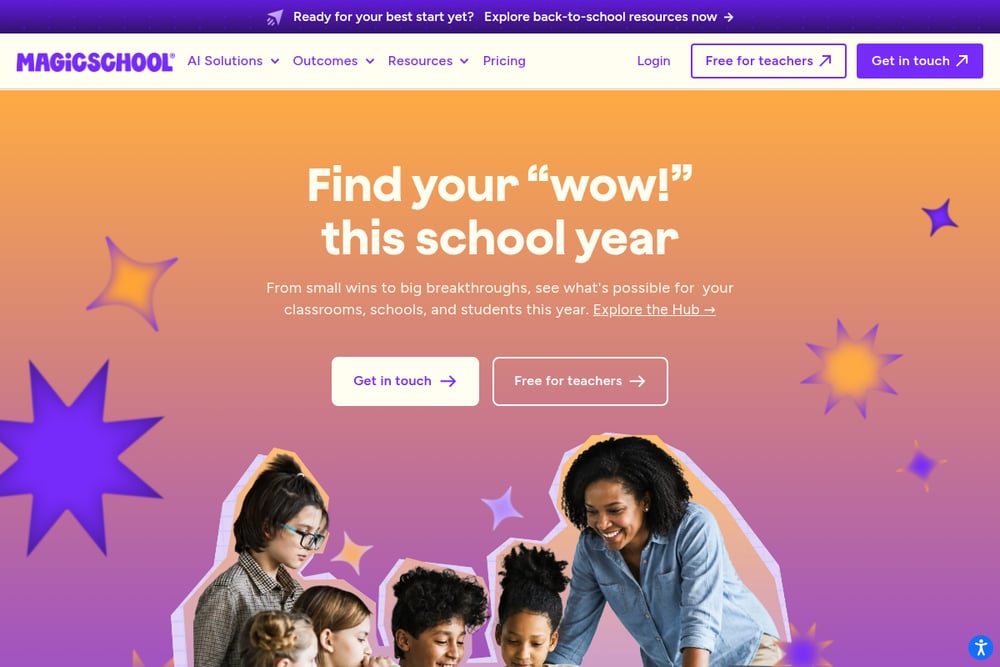 A screenshot of the MagicSchool website.
MagicSchool is the all-in-one AI platform built specifically for educators. Its Lesson Plan Generator lets you input a topic and instantly receive a standards-aligned plan with objectives, activities, and closure. The tool also offers an 80/20 approach where AI handles the heavy lifting and you refine the final 20 percent. Teachers praise its integration of collaborative strategies like think-pair-share and gallery walks. It's designed to align with state standards, so you don't have to cross-check manually. For new teachers especially, MagicSchool provides a structured starting point that builds confidence.
#2 Brisk Teaching
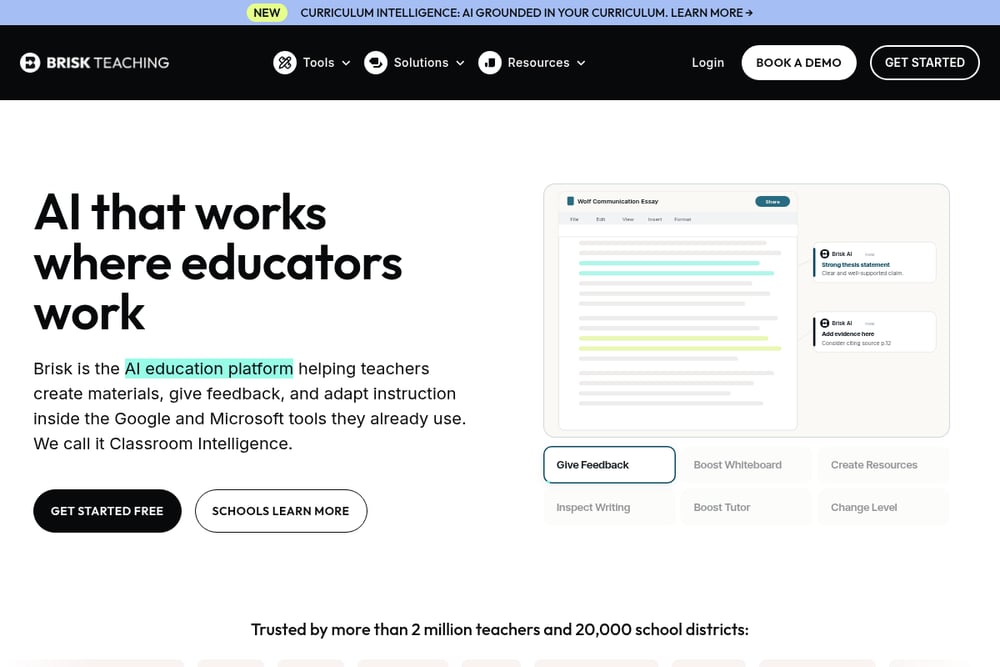 A screenshot of the Brisk Teaching website.
Brisk Teaching is often called the Swiss Army knife of educational AI tools. It can generate quizzes, slide shows, leveled questions, guided notes, and even writing feedback in seconds. The tool also creates custom AI learning activities like subject-area tutors and historical figure chats. Teachers love how it handles re-leveling content for different reading levels and languages. Brisk's free tier is robust, making it accessible for any classroom budget. It's the go-to for teachers who want one tool that does it all.
#3 HMH AI Tools
 A screenshot of the HMH AI Tools website.
HMH AI Tools are built directly into the HMH curriculum, so they feel like a natural extension of your existing materials. They help you adapt and differentiate content based on proven learning science. The HMH Assist feature acts like an instructional partner, offering real-time suggestions for personalizing learning. Administrators can control access and align tools with district initiatives, which is a big plus for school-wide adoption. HMH also prioritizes data privacy with a Zero Data Retention agreement with OpenAI. If your school already uses HMH programs, this is the most seamless AI integration you'll find.
#4 The Prompt Teacher | AI Tools & Resources for K–8 Teachers
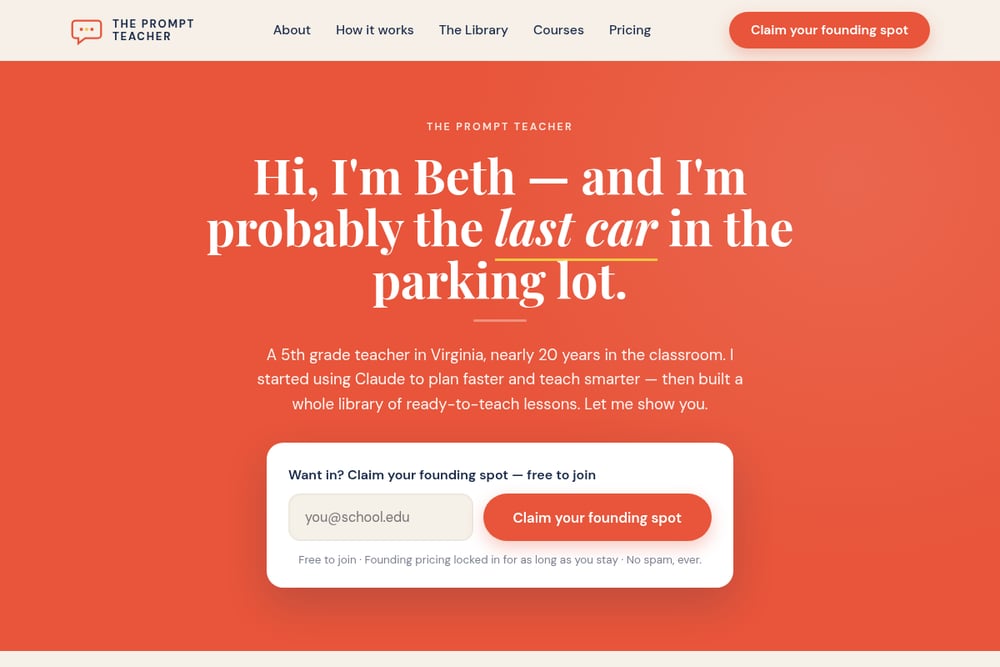 A screenshot of The Prompt Teacher website.
The Prompt Teacher is a resource site run by veteran teacher Beth, who shares her real-world experience using Claude AI in the classroom. You'll find free, ready-to-use prompts for lesson planning, differentiation, and workflow streamlining. Beth's approach is practical and no-nonsense, focusing on what actually works for K-8 educators. The site is perfect for teachers who want to start using AI but feel overwhelmed by the options. It's less a tool and more a trusted guide that helps you get your Sundays back. If you're looking for a human perspective on AI in education, start here.
#5 Gradescope
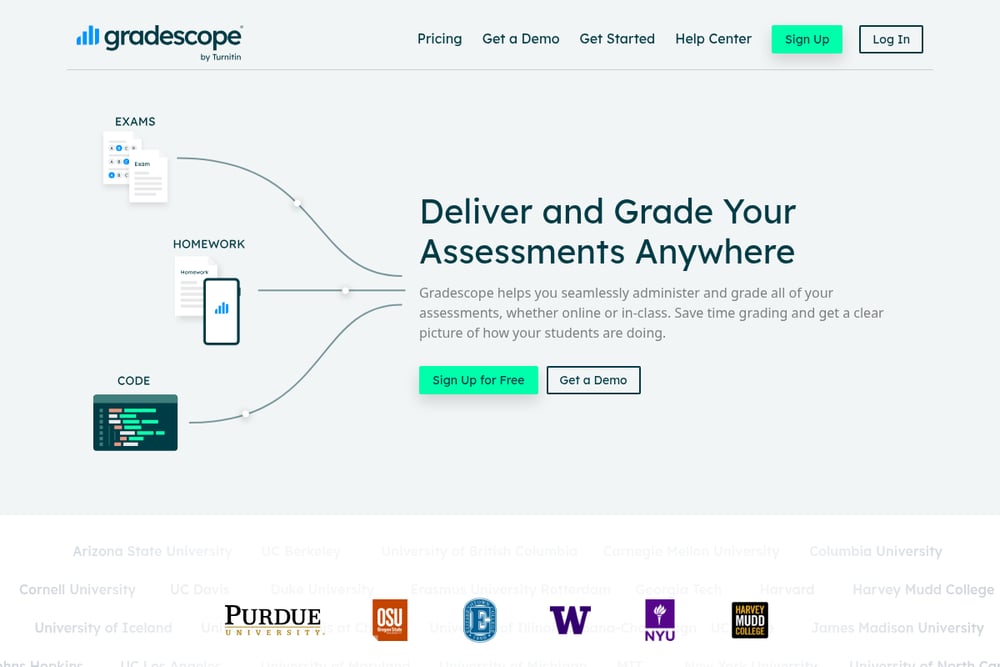 A screenshot of the Gradescope website.
Gradescope uses AI-assisted grading to help you assess assignments, exams, and even handwritten work much faster. It integrates with most learning management systems and supports rubric-based grading for consistent feedback. Originally developed at UC Berkeley, it's especially powerful for math and science teachers who deal with complex problem sets. The tool also tracks student progress over time, giving you insights you can use to adjust instruction. While it requires some initial setup, the time saved on grading is substantial. For teachers drowning in papers, Gradescope is a lifesaver.
How to Pick the Right AI Tool for Your Classroom
Start by identifying your biggest pain point. If lesson planning eats up your weekends, go with MagicSchool or The Prompt Teacher. If grading is your nemesis, Gradescope is your answer. For teachers who want one tool that does everything, Brisk Teaching is a solid bet. If your school already uses HMH curriculum, their AI tools are a no-brainer. And if you're just dipping your toes into AI, The Prompt Teacher offers a gentle, human-guided entry point. Remember, the best tool is the one you'll actually use.
Automate Your Week: A Simple Workflow
Here's how you can combine these tools to reclaim your time: On Sunday, use MagicSchool to generate your week's lesson plans in 20 minutes. During the week, use Brisk Teaching to create differentiated materials on the fly. On Friday, use Gradescope to grade assignments in half the usual time. Throughout the month, check The Prompt Teacher for new prompts and tips to refine your approach. This workflow cuts your planning and grading time by up to 5 hours per week.
Your Next Step: Start Small, Win Big
You don't need to adopt all five tools at once. Pick one that addresses your biggest challenge and try it for a week. The goal isn't to become an AI expert; it's to get your Sundays back and feel more energized in the classroom. The teachers who are thriving in 2026 aren't the ones using the most tools, but the ones using the right tools consistently. Start with The Prompt Teacher for free prompts, or jump straight into MagicSchool for full lesson planning. Either way, you'll wonder why you didn't start sooner.