
Tired of turning lecture slides into messy notes? These five AI tools turn your own materials into structured study guides, quizzes, and mastery trackers—so you can actually learn, not just highlight.
The Rise of AI Study Companions
The study aid space is exploding with AI tools that promise to cut hours of manual note-taking. Most students upload PDFs, slides, or even photos, and get back summaries, flashcards, and practice questions. But not all tools are equal—some focus on curriculum alignment, others on visualization, and a few on deep mastery tracking. The key differentiator is whether the tool works from your own materials or pulls generic content. As of 2026, the market is crowded, but the best tools feel like a personal tutor, not just a search engine.
How We Evaluated These Tools
We looked at each tool's ability to turn uploaded lecture materials into structured study guides, the depth of quiz generation, and how well they track your mastery over time. Pricing clarity and free trial availability also mattered, as did the ease of exporting notes for offline review. We also considered whether the tool adapts to your specific syllabus or just gives generic content. Each tool was tested with sample lecture slides and notes to see how quickly and accurately it produced usable study materials.
Here’s a quick snapshot of the five tools, ranked by overall usefulness for the average college student.
| Provider | Best For |
|---|---|
| RemNote Study Guide Maker | Active learning and long-term retention |
| Atlas | Students who want a structured, all-in-one study hub |
| Flint K12 AI Study Guide Maker | High school students prepping for AP/IB exams |
| StudyPDF Study Guide Maker | Budget-conscious students needing quick study guides |
| NoteGPT AI Study Guide Maker | Visual learners who want infographic-style guides |
The Five Tools, Closer Look
#1 RemNote Study Guide Maker
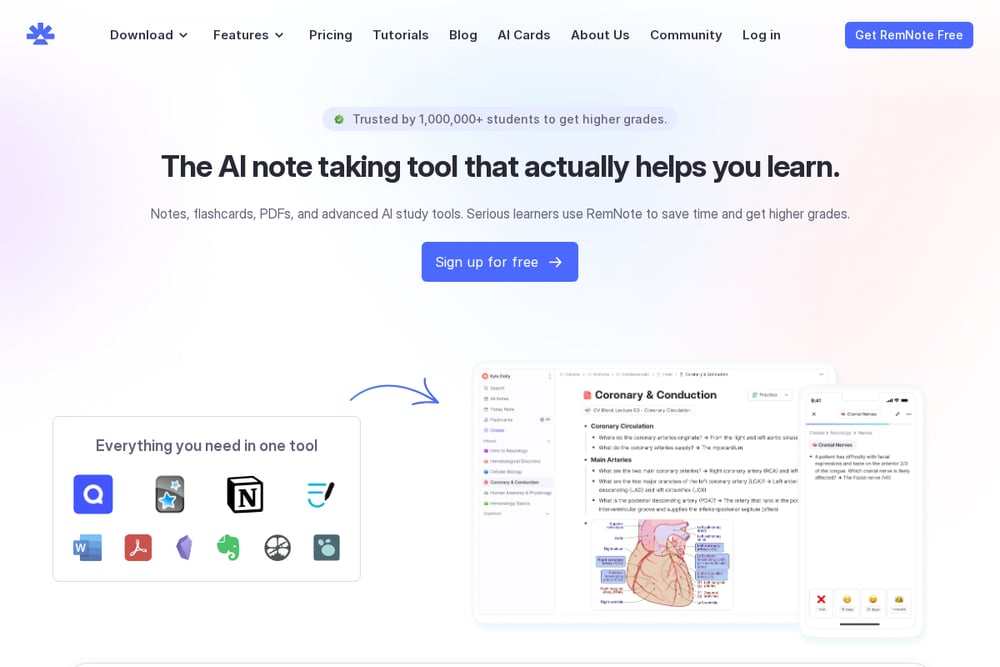 A screenshot of the RemNote Study Guide Maker website.
RemNote turns your PDFs and notes into a full study system with flashcards, practice quizzes, and spaced repetition built in. It goes beyond a simple guide—it actively tests you and tracks which topics you've mastered. The AI Tutor feature lets you ask questions about your own materials, which is a huge plus for exam prep. With over a million students using it, the community and polish are evident. Pricing is freemium, with a free tier that covers most needs. If you want an all-in-one study companion, this is it.
#2 Atlas
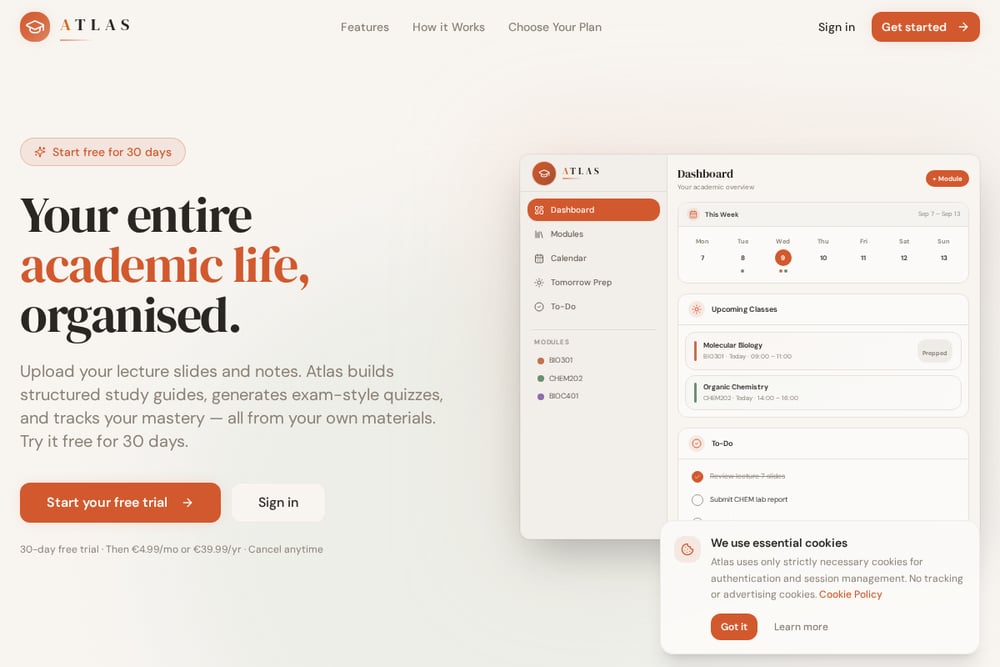 A screenshot of the Atlas website.
Atlas is your intelligent study companion that turns uploaded lecture slides and notes into structured study guides, quizzes, and mastery tracking. It reads every document you upload and synthesizes topic-by-topic lessons, key definitions, and formula sheets—all from your own materials, not generic internet content. The dashboard gives you a clear academic overview with modules, calendar, and to-do lists, so you always know what's next. You can start a free 30-day trial, then pay a modest monthly or yearly fee. The mastery tracking shows exactly which topics you've conquered and which need more work. It's like having a personal tutor that knows your syllabus inside out.
#3 Flint K12 AI Study Guide Maker
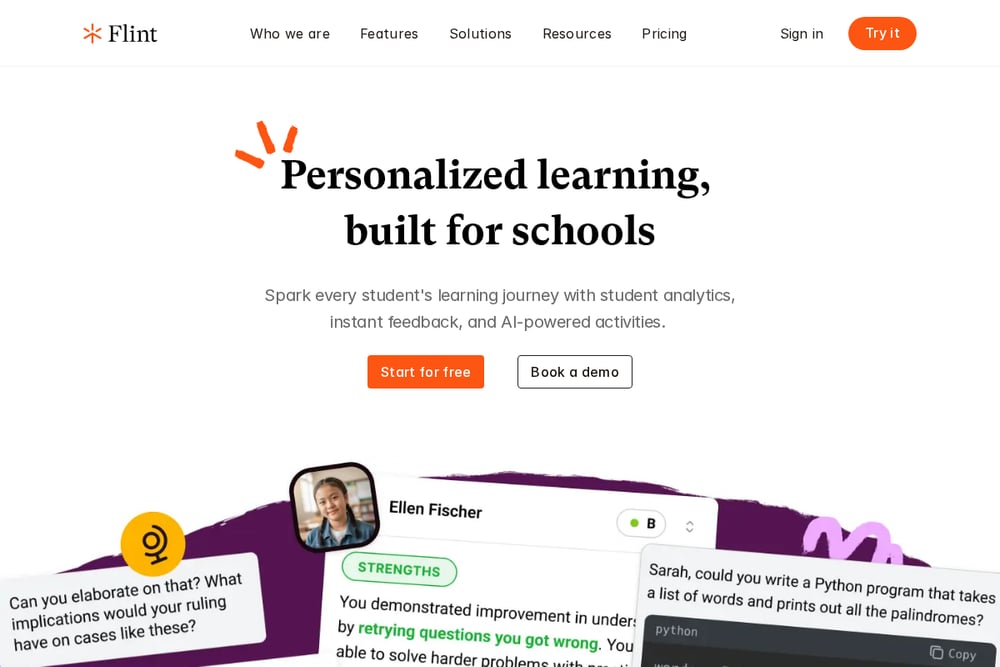 A screenshot of the Flint K12 AI Study Guide Maker website.
Flint K12's tool is designed with curriculum alignment in mind, making it a strong choice for AP and IB exam prep. You upload your notes, slides, or even grading rubrics, and it creates a study guide that matches your course syllabus. It highlights key concepts and generates quiz questions to test your knowledge. The self-study mode lets you ask follow-up questions and request practice problems for tricky units. It's free to try, which is great for students on a budget. If you're in a content-heavy class, this tool helps you prioritize what to study.
#4 StudyPDF Study Guide Maker
 A screenshot of the StudyPDF Study Guide Maker website.
StudyPDF offers a free AI study guide maker that works from any document—slides, PDFs, or lecture notes. It builds organized guides with key concepts, summaries, and practice questions in seconds. The tool also includes AI flashcards, mind maps, and cheat sheets, making it a versatile study companion. It's 100% free to use, which is a huge plus for students. The interface is clean and straightforward, though it lacks the deep mastery tracking of some rivals. If you need a quick, no-cost way to turn notes into study materials, this is a solid pick.
#5 NoteGPT AI Study Guide Maker
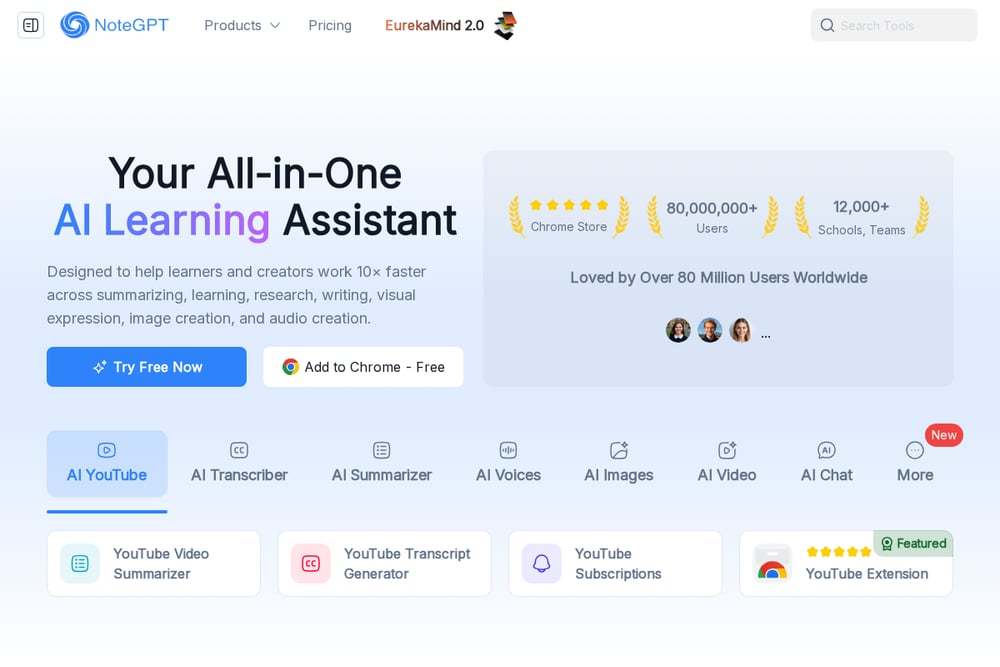 A screenshot of the NoteGPT AI Study Guide Maker website.
NoteGPT focuses on creating visually engaging study guides from your text, files, or even YouTube links. It transforms plain notes into infographic-style guides that are easy to scan and remember. The tool supports multiple file types up to 50MB, including PDFs, PPTs, and DOCX. It's great for cross-discipline learning, as it handles complex topics from any subject. The free version has limits, but the paid plans are affordable. If you're a visual learner, this tool makes studying feel less like a chore.
How to Pick the Right Study Guide Maker
Start by thinking about your study habits. If you want active recall and spaced repetition, RemNote is your best bet. If you need a structured hub that tracks your mastery across modules, Atlas is a strong contender. For high schoolers focused on AP/IB, Flint K12's curriculum alignment is a game-changer. If you're on a tight budget, StudyPDF's free tier is hard to beat. And if you learn best with visuals, NoteGPT's infographic approach will keep you engaged. Try the free trials or free tiers first—see which one feels natural to you.
Automating Your Study Workflow
Imagine this: you upload your lecture slides after class, and within minutes you have a structured study guide with key definitions and practice questions. Atlas and RemNote go further by tracking your mastery and suggesting what to review next. You can set up a weekly routine where you upload new materials, review the generated guides, and take the quizzes. The tools handle the organization, so you just focus on learning. Some even let you export notes to PDF or Anki for offline study. This turns a chaotic semester into a streamlined process.
The Bottom Line
AI study guide makers are no longer a novelty—they're essential for students who want to study smarter, not harder. Each of these five tools has its strengths, but Atlas stands out for its all-in-one approach that turns your own materials into a personalized study system. Whether you're cramming for finals or keeping up with weekly lectures, there's a tool here that fits your style. Start with a free trial, upload your next set of notes, and see the difference for yourself.