
If you're still scrubbing through hours of podcast footage to find that one viral moment, you're wasting time you'll never get back. These five AI tools turn long episodes into platform-ready clips in minutes, so you can focus on creating, not editing.
The Rise of AI-Powered Clip Creation
The demand for short-form video has exploded, and podcasters are feeling the pressure to produce clips for TikTok, Instagram Reels, and YouTube Shorts. Manually editing each episode is a time sink, often taking up to 20 hours a week. AI clip generators have stepped in to automate the process, using machine learning to detect highlights, generate captions, and format videos for each platform. These tools are becoming essential for creators and brands who want to maximize their reach without burning out. The market is crowded, but each tool brings a unique approach to solving the same problem.
How We Evaluated These Tools
We looked at each tool's core features, focusing on how well they detect viral moments, the quality and variety of caption styles, and the ease of exporting to different platforms. We also considered the learning curve, pricing transparency, and whether the tool offers a free trial or a generous free tier. For each tool, we noted what stood out in terms of service scope, pricing clarity, and fit for different types of creators. The goal was to highlight the strengths of each option, not to declare a single winner.
Here's a quick snapshot of the five AI podcast clip generators we're featuring, so you can see at a glance what each one brings to the table.
| Provider | Best For |
|---|---|
| OpusClip | Creators and marketers who want an all-in-one video repurposing tool with advanced features. |
| KlipCraft - Find Your Viral Moments | Brands and creators who want AI that adapts to their unique voice and niche. |
| Choppity | Podcasters who want a dedicated tool with built-in scheduling and content planning. |
| Flowjin | Podcasters with audio-only episodes who want to create engaging video clips. |
| Taja AI | Solopreneurs and businesses that want a complete content repurposing and optimization suite. |
The Deep Dive: Five AI Clip Generators Compared
#1 OpusClip
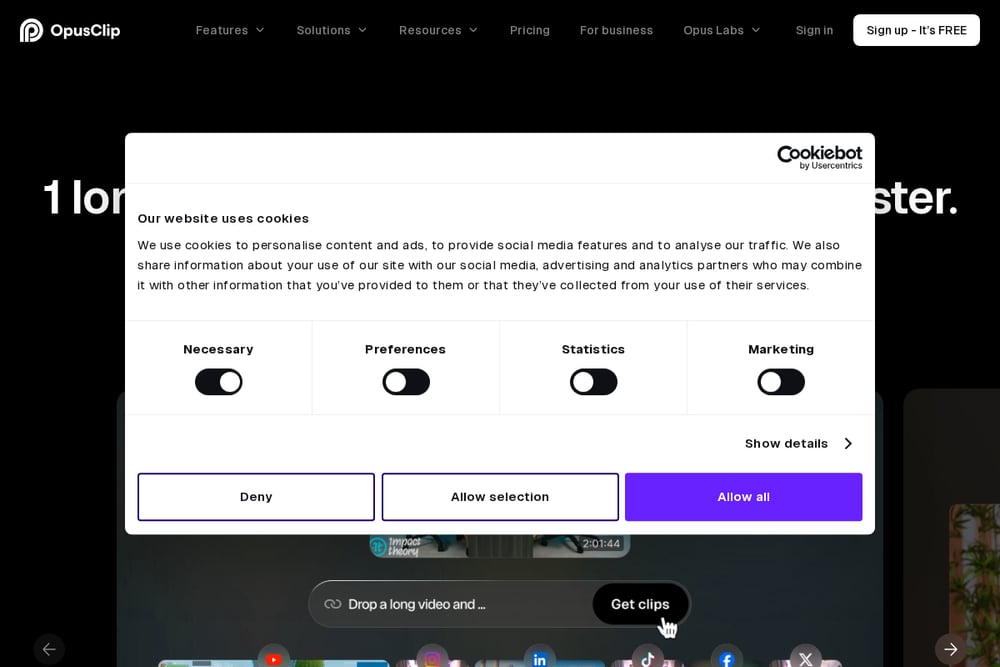 A screenshot of the OpusClip website.
OpusClip is a powerhouse in the AI clip generation space, known for its ability to turn long videos into viral shorts with just one click. It offers a suite of features including animated captions, AI reframing, and a social scheduler, making it a comprehensive solution for creators and marketers. The tool's AI Producer can even polish raw footage into a ready-to-post video, which is a game-changer for those who want a hands-off approach. With support for multiple platforms and a free tier, OpusClip is a solid choice for anyone looking to scale their content production. You can start with their free plan and upgrade as your needs grow.
#2 KlipCraft - Find Your Viral Moments
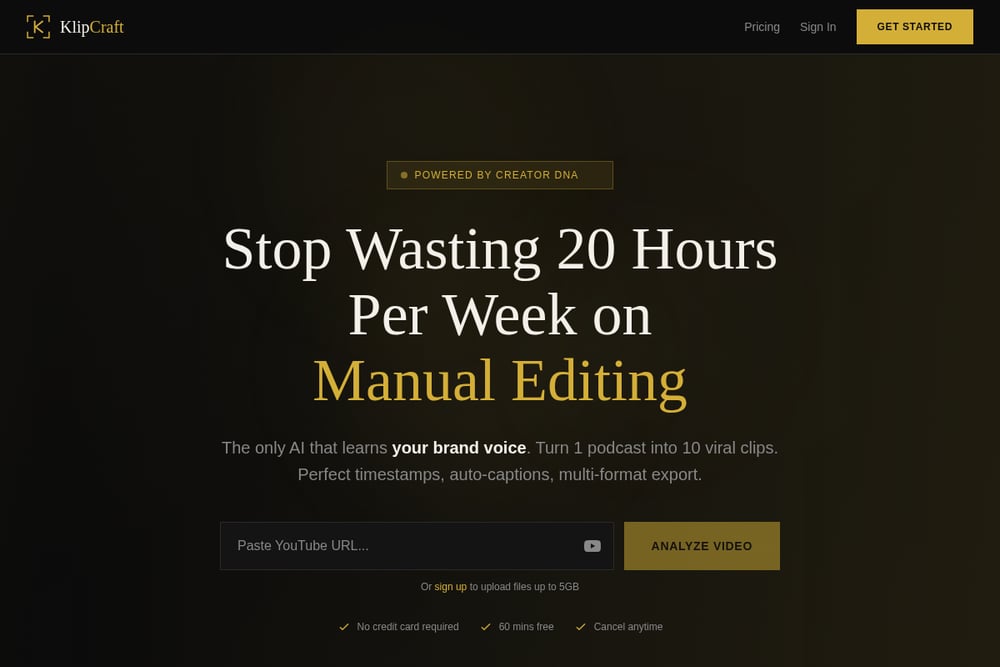 A screenshot of the KlipCraft website.
KlipCraft stands out with its unique 'Creator DNA' feature, which learns your brand voice and niche to detect moments that match your specific style. Whether you're a business looking for tactical frameworks or an entertainer seeking compelling stories, KlipCraft tailors its analysis to your needs. It boasts 100% timestamp accuracy, 16+ caption styles, and exports optimized for TikTok, YouTube Shorts, and Instagram Reels. You can paste a YouTube link, upload files up to 5GB, or connect Google Drive, and get clips in about two minutes. The free 60-minute trial with no credit card required makes it easy to test. If you want a tool that truly understands your brand, KlipCraft is worth a look.
#3 Choppity
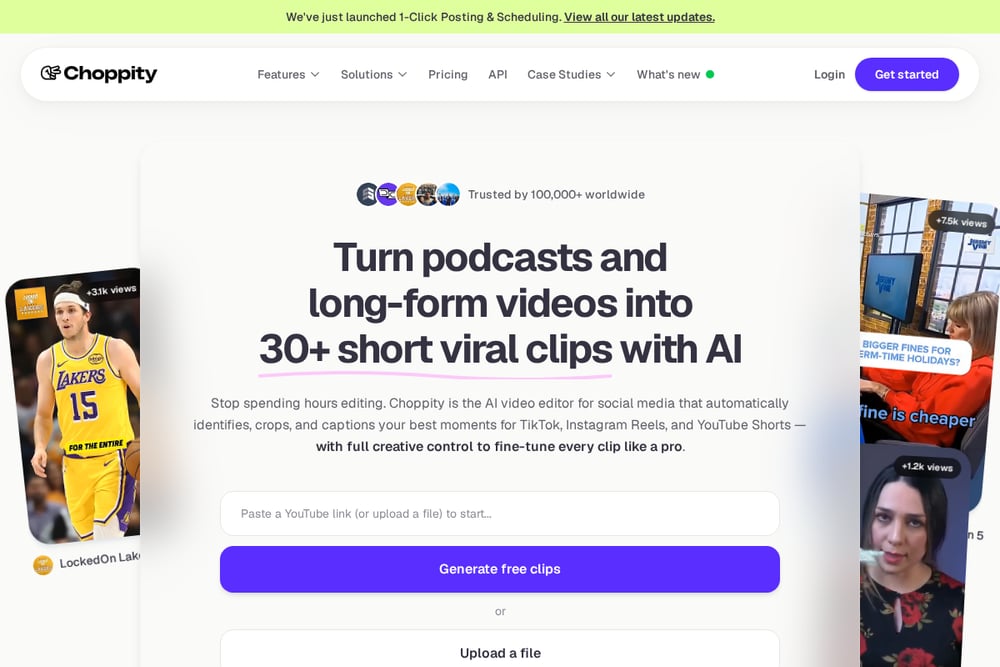 A screenshot of the Choppity website.
Choppity is designed with podcasters in mind, offering a range of features that streamline the clip creation process. It includes automated captions, framing, and tracking, as well as a text-based editor that lets you edit by transcript. The tool also has a content planner and social media scheduler, making it a full-fledged content management solution. Choppity's AI can detect key moments and even censor profanity automatically, which is a nice touch for family-friendly content. It's a great option for podcasters who want to repurpose episodes into 30+ shorts without manual effort. The platform offers a free trial, so you can see if it fits your workflow.
#4 Flowjin
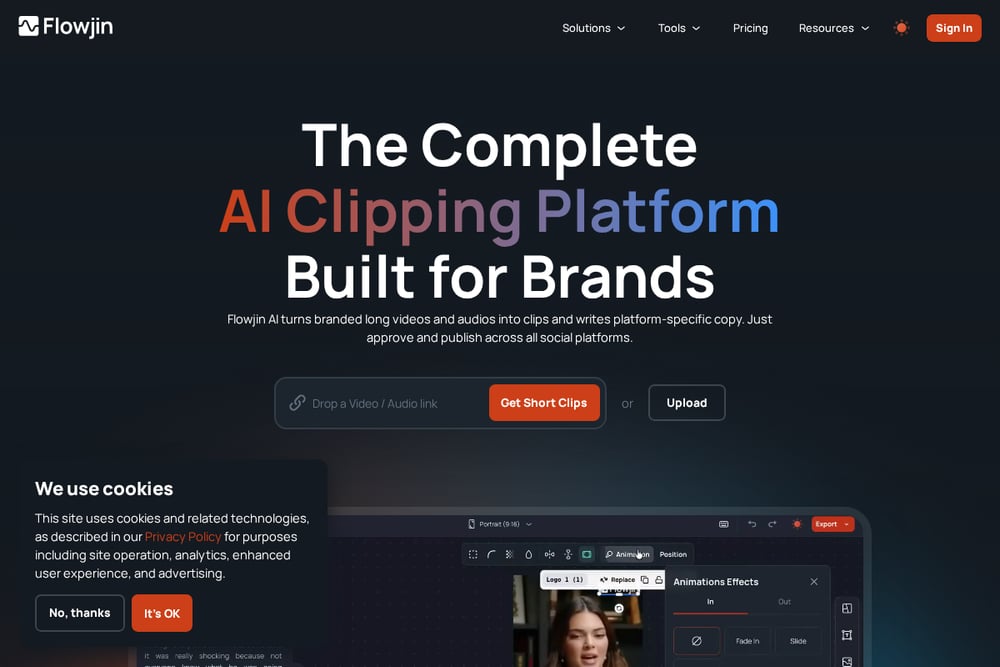 A screenshot of the Flowjin website.
Flowjin focuses on making podcast clipping effortless, whether you're working with audio or video. It can create audiograms from audio-only podcasts, which is a unique feature that many other tools lack. For video podcasts, you can upload from YouTube or Google Drive, and Flowjin will automatically reframe, caption, and optimize clips for social media. The tool is particularly popular among indie podcasters and service providers who want to build their brand without a steep learning curve. Flowjin offers a free trial, and its pricing is straightforward. If you have an audio-only show, this might be the perfect fit.
#5 Taja AI
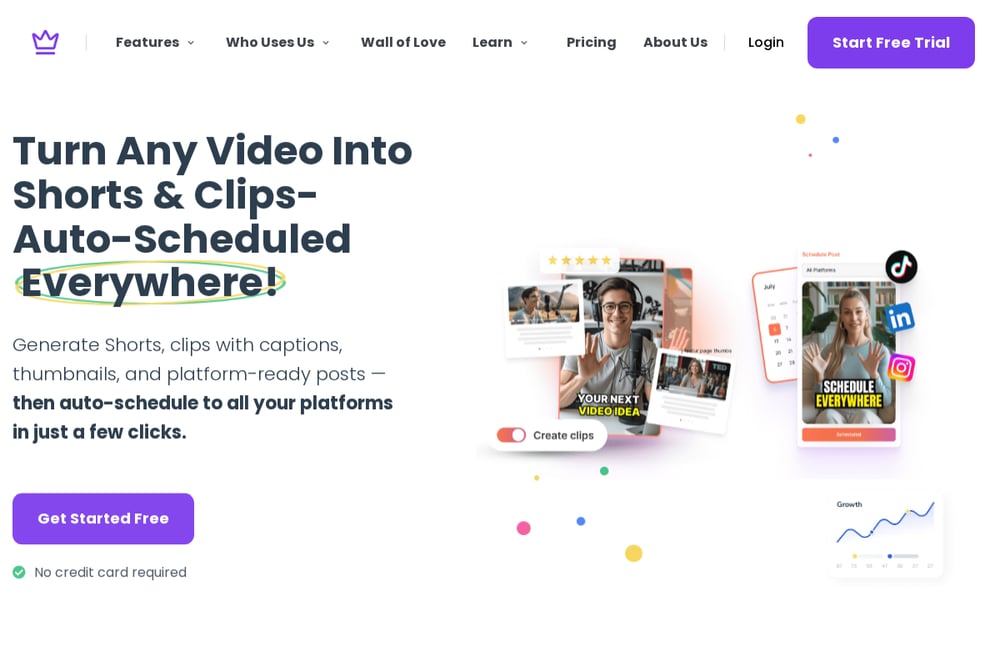 A screenshot of the Taja AI website.
Taja AI is a comprehensive video repurposing tool that goes beyond simple clip generation. It offers features like next video idea suggestions, auto kick-off for optimization, and thumbnail generation, making it a full content strategy assistant. The tool can also help with SEO optimization and content calendar scheduling, which is ideal for creators who want to streamline their entire workflow. Taja AI supports YouTube links and direct uploads, and it automatically finds hooks and highlights to create scroll-stopping shorts. With over 2.6 million hours saved, it's a trusted option for many businesses. You can start with a free trial to explore its capabilities.
How to Choose the Right AI Clip Generator for You
Start by thinking about your content type and workflow. If you have an audio-only podcast, Flowjin's audiogram feature is a standout. For those who want a tool that learns their brand voice, KlipCraft's Creator DNA is a unique selling point. Consider the platforms you target and whether the tool offers direct scheduling, like Choppity does. Also, look at the free trial or free tier—most tools offer one, so you can test before committing. Finally, think about the level of automation you want: some tools are more hands-off, while others give you more control. Choose the one that fits your time and skill level.
Streamlining Your Workflow with AI
The beauty of these tools is that they automate the most tedious parts of content creation. You paste a link or upload a file, and the AI does the heavy lifting: detecting viral moments, adding captions, and formatting for each platform. This means you can go from a long podcast episode to a week's worth of social posts in minutes. Many tools also integrate with scheduling platforms, so you can plan and post without leaving the app. By automating the clip creation process, you free up hours each week to focus on creating great content and engaging with your audience.
The Bottom Line
AI clip generators are no longer a luxury—they're a necessity for podcasters who want to stay competitive. Each of these five tools offers a unique approach, from KlipCraft's brand-aware AI to Flowjin's audiogram support. The key is to find the one that aligns with your content style and workflow. Start with a free trial, test a few, and see which one saves you the most time. Your future self will thank you for not spending 20 hours a week on manual editing.