
If you're a musician or producer looking to polish your tracks without breaking the bank, these five AI mastering tools are worth your attention. From free local apps to cloud-based powerhouses, there's something here for every workflow.
The State of AI Mastering in 2026
AI mastering has evolved from a gimmick to a genuine tool in the modern music production chain. Today's solutions offer everything from one-click cloud processing to deep, on-device analysis, and they cater to everyone from bedroom producers to Grammy-winning engineers. The key differentiators are no longer just sound quality, but also privacy, control, and pricing models. As you explore your options, you'll find that some tools prioritize speed and convenience, while others give you granular control over every frequency and stereo decision. The best choice depends on your specific needs, your technical comfort, and how you like to work.
How We Evaluated These Tools
To bring you this list, we looked at each tool's service scope, pricing clarity, and how well it fits into a typical musician's workflow. We also considered the level of control you get over the final sound, the transparency of the AI's decisions, and whether the tool respects your privacy. Each tool was assessed on its own merits, highlighting what stood out in these areas. We didn't compare them head-to-head; instead, we focused on what each one does best and who it's ideal for.
Here's a quick snapshot of the five tools we're diving into, so you can see at a glance what each one brings to the table.
| Provider | Best For |
|---|---|
| LANDR | Musicians who want a quick, trusted, browser-based mastering solution. |
| Finito: Intelligent Mastering for Mac | Mac users who want free, local, AI-assisted mastering with full control. |
| Waves Online Mastering | Producers who want a simple, professional-grade online mastering tool from a trusted brand. |
| Mixea by DistroKid | Artists who want unlimited, instant mastering at a flat annual rate. |
| AudioMaster | Podcasters and musicians who want a quick, mobile-friendly mastering app with genre presets. |
The Deep Dive: Your AI Mastering Toolkit
#1 LANDR
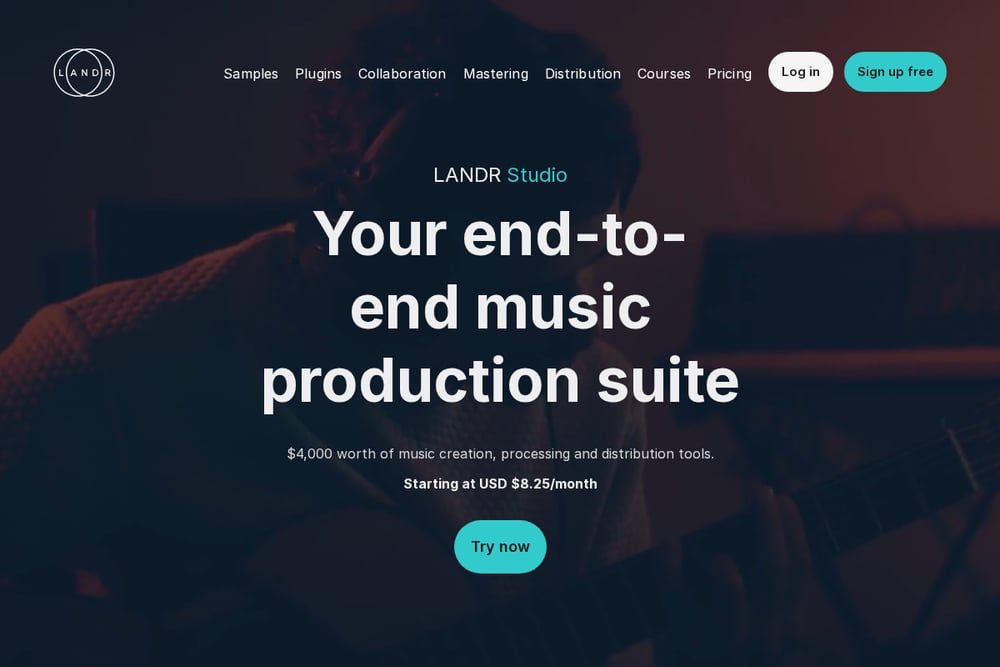 A screenshot of the LANDR website.
LANDR is the pioneer in AI mastering, trusted by over 5 million musicians and even Grammy winners. It runs entirely in your web browser, making it incredibly accessible—you just upload your track and get a polished master in minutes. The service offers a free tier to try, and then subscription plans for unlimited mastering. If you want a no-fuss, industry-standard solution that's been refined for years, LANDR is a solid choice. It's perfect for artists who want to focus on making music, not on technical tweaking. You can also check out their plugin for in-DAW mastering if you prefer to stay in your production environment.
#2 Finito: Intelligent Mastering for Mac
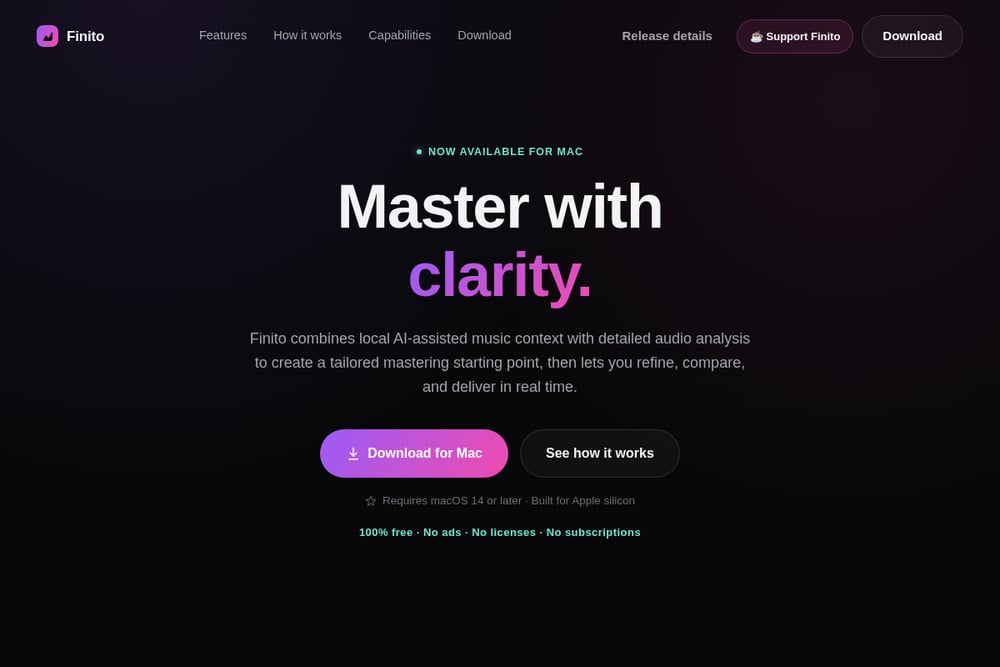 A screenshot of the Finito website.
Finito is a free, AI-assisted mastering app built exclusively for Apple silicon Macs, and it's a game-changer for privacy-conscious musicians. Unlike cloud-based services, Finito processes everything locally, so your audio never leaves your Mac. It combines measured tone, dynamics, stereo, and loudness with on-device genre and intent profiling to create a tailored starting point. You then get transparent controls—a mastering-grade EQ, stereo field shaping, and loudness targets—to refine the sound by ear. The interface is clean and focused, and it's 100% free with no ads, licenses, or subscriptions. If you're a Mac user who values control and privacy, Finito is a must-try.
#3 Waves Online Mastering
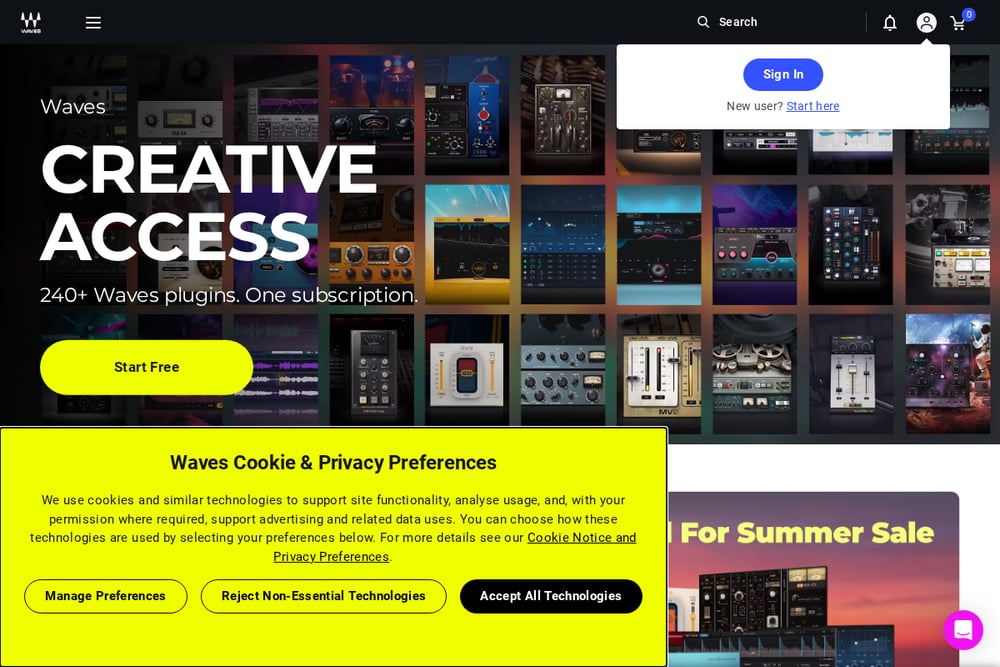 A screenshot of the Waves Online Mastering website.
Waves Online Mastering brings the expertise of a legendary audio plugin company to the cloud. It offers a simple, clean control surface where you can shape your sound with style, tone, and reference options. The AI engine is backed by Grammy-winning expertise, so you know you're getting a professional-grade result. You can try it free, and then choose between credit packs or annual subscriptions depending on how often you master. It's a great option if you want a straightforward, high-quality master without the complexity of a full DAW. Plus, Waves has a huge community and a reputation for reliability.
#4 Mixea by DistroKid
 A screenshot of the Mixea by DistroKid website.
Mixea, powered by DistroKid, is the easiest way to master unlimited tracks instantly. You just drag and drop your file, and you get a mastered version in seconds, with simple controls for intensity and EQ. It's designed for speed and simplicity, making it perfect for artists who are releasing music frequently and need a quick polish. The first track is free, and then it's just €89.99 per year for unlimited mastering, which is a steal if you're releasing a lot. It also exports in high-res 24-bit, 48k WAV, so you're not sacrificing quality for convenience. If you're already using DistroKid for distribution, this is a seamless addition to your workflow.
#5 AudioMaster
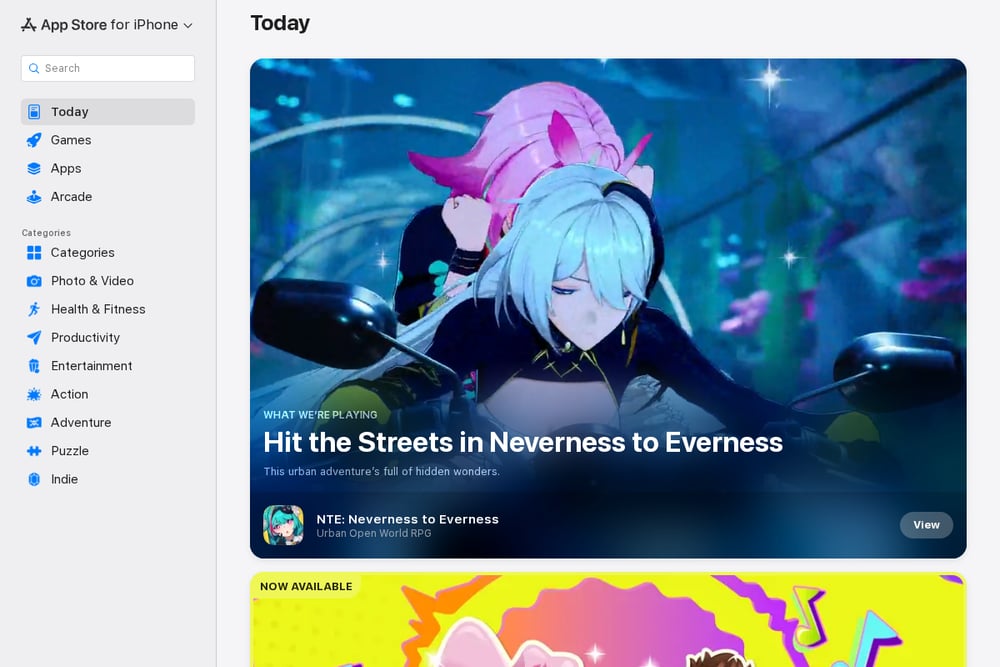 A screenshot of the AudioMaster website.
AudioMaster is a mobile and desktop app that transforms your audio into a professional master in seconds. It's available on the App Store for iPhone, iPad, and Mac, and it also works as an AU plugin in your DAW. The app offers 39 presets across 13 genres, so you can quickly get a sound that fits your style. It's free to download, but you'll need a subscription for unlimited use, which might be a turn-off for some. However, if you're a podcaster or voiceover artist, this is a handy tool for quick sweetening. It's a versatile option for those who want a simple, all-in-one audio enhancement tool.
How to Choose the Right AI Mastering Tool
When you're picking an AI mastering tool, start by thinking about your workflow. Do you want to stay in your DAW, or are you okay with uploading to a web service? Consider your budget—some tools are free, others have subscriptions, and some offer pay-per-use credits. Think about how much control you want over the final sound; if you're a control freak, you'll want something like Finito or Waves, but if you just want a quick master, Mixea or LANDR might be enough. Also, consider privacy: if you're worried about your audio being uploaded, a local tool like Finito is the way to go. Finally, try a few free trials to see which interface feels right to you.
Automating Your Mastering Workflow
AI mastering tools are all about automation, but you can take it a step further. For example, with Finito, you can set Smart Boundaries and save versions, so you can quickly recall your favorite settings. With LANDR, you can integrate it into your release process via their API, so you can master tracks automatically as part of your distribution pipeline. Mixea is already integrated with DistroKid, so you can master and distribute in one go. The key is to find a tool that fits into your existing workflow and reduces the time you spend on the final polish, so you can get back to making music.
The Final Verdict
No matter which tool you choose, AI mastering has made professional-quality sound accessible to everyone. Whether you're a Mac user who wants local control with Finito, a fan of the cloud-based simplicity of LANDR, or someone who needs unlimited masters with Mixea, there's a solution for you. The best approach is to experiment with a couple of these tools and see which one feels like a natural extension of your creative process. Your music deserves to sound its best, and these tools are here to help you get there.