Writing in a second language means juggling grammar, tone, and clarity all at once. An AI grammar checker can catch the small slips and suggest phrasing that sounds natural to a native reader. This list covers tools worth knowing for non-native English writers, described by what they do and who they suit. It is a plain list, not a ranking of quality.
How We Picked These Tools
Each tool here offers grammar and spelling checking aimed at people writing in English as a second language, and each has public product information describing its features and pricing. The entries focus on what the tool does, the writing contexts it supports, and who it fits. No company is presented as better than another; the order is simply a list.
| Provider | Best For |
|---|---|
| Grammarly | Writers who want grammar help plus tone and clarity guidance across everyday apps |
| Trinka | Researchers and academics writing English papers and manuscripts |
| LanguageTool | Multilingual writers who switch between languages and apps |
| ProWritingAid | Long-form writers and authors polishing drafts and manuscripts |
| Wordtune | Non-native writers who want rewrites and tone shifts toward natural English |
The 5 Tools in Focus
#1 Grammarly
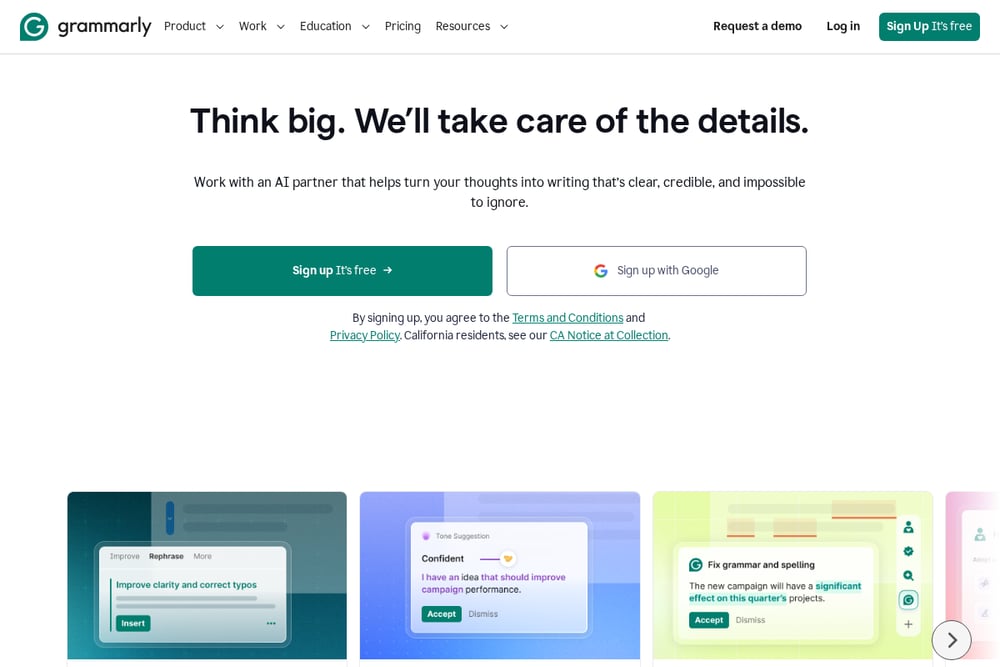 A screenshot of the Grammarly website.
Grammarly is an AI writing partner that proofreads grammar, structure, and clarity, and offers paragraph rewrites and tone suggestions. It works across desktop, mobile, and browser, so it can follow a writer into email, documents, and web forms. Tone suggestions help non-native writers adapt a message to its context without losing their voice. It offers a free plan and paid plans for individuals, teams, and larger organizations.
#2 Trinka
 A screenshot of the Trinka website.
Trinka is a privacy-first AI writing assistant built around academic and technical writing. It offers grammar and language checking, a paraphraser, consistency checks, and citation tools, along with a proofread-file option. A Confidential Data Plan is aimed at sensitive or proprietary content, with real-time data deletion and no AI training on user text. It also provides apps and integrations such as a Word add-in, browser plug-in, and API.
#3 LanguageTool
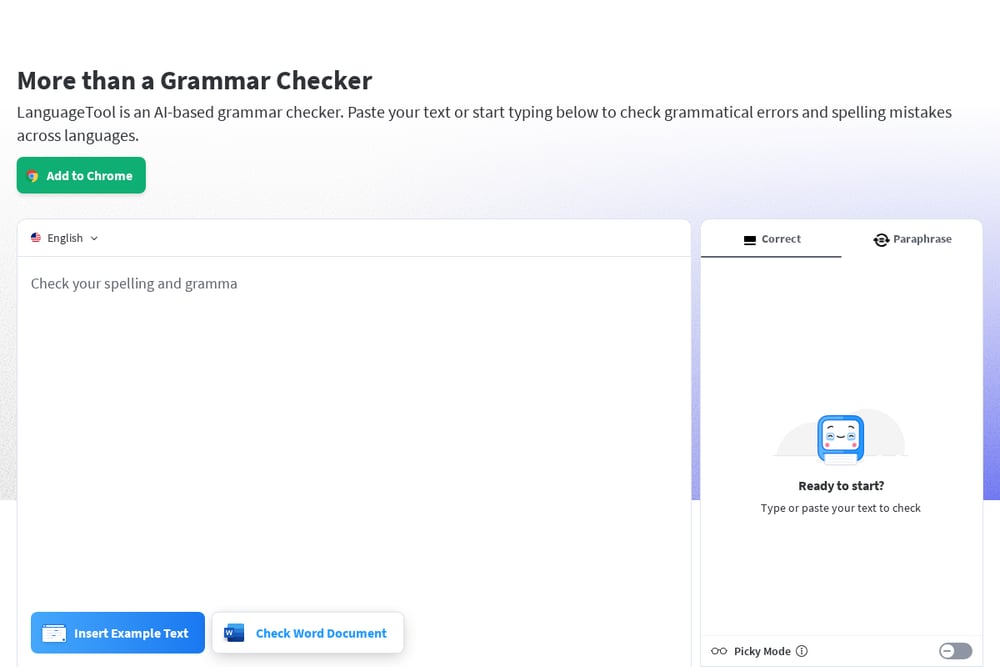 A screenshot of the LanguageTool website.
LanguageTool is an AI-based grammar checker that also checks spelling, punctuation, casing, and style. It works in the browser editor and through add-ons for browsers, email clients, and office programs, and it automatically detects the language you are writing in. A Picky Mode adds suggestions for advanced punctuation, style, and typography. It offers a free checker and a Premium tier with unlimited paraphrasing.
#4 ProWritingAid
 A screenshot of the ProWritingAid website.
ProWritingAid is a writing and editing tool with a grammar checker, line editing reports, and rephrasing features. It also offers planning and story tools for longer projects, along with writing reports that help you review your draft. Rephrases can make a sentence more formal or informal, longer or shorter, or more fluent. It is aimed at novelists, editors, and first-time authors as well as general writers.
#5 Wordtune
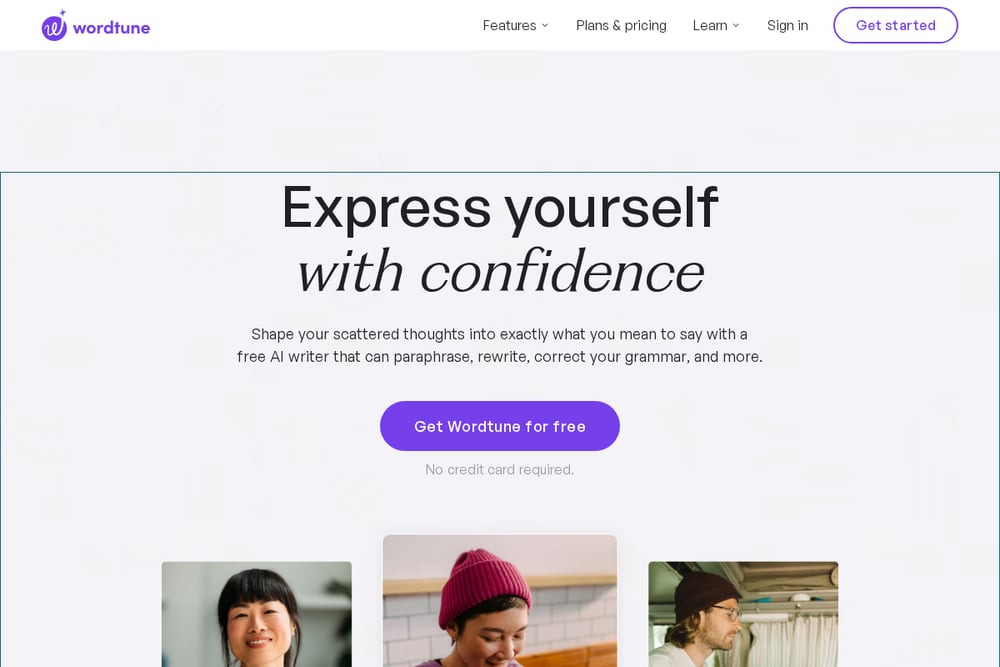 A screenshot of the Wordtune website.
Wordtune is an AI paraphrasing and reading and writing assistant that corrects spelling and grammar and offers context-based rewrite suggestions. It can switch between casual and formal tones and lengthen or shorten sentences. A Smart Translate feature is designed to help you sound like a native English speaker, and a Smart Synonym generator suggests new ways to express yourself. It also summarizes documents, articles, webpages, and videos.
Which One Should You Choose?
Start with the kind of writing you do most. If you write emails and everyday documents and want tone help, look at tools that work across apps and browsers. If you write academic papers, look for citation tools, consistency checks, and privacy options for sensitive text. If you write long fiction or manuscripts, look for line editing reports and story tools. If you mainly want to rephrase sentences so they sound natural, look for strong rewrite and translation features. Check the free tier and the paid plan pricing against how much you write, and confirm the tool supports the apps you already use.
Final Thoughts
Each tool on this list approaches English writing support from a different angle: everyday proofreading and tone, academic writing, multilingual checking, long-form editing, and paraphrasing toward natural phrasing. None is presented as better than another. The right fit depends on your writing context, the apps you use, and whether you need privacy features or rewrite help. Try the free options first and see which suggestions match how you want your English to read.
Know a company that belongs on this list? Email us at editorial@peekwire.com.