
Shielded Zcash is private by design. But your tax bill isn't. Here are five tools that help you turn ZEC activity into records your accountant can actually use.
The State of Zcash Accounting
Zcash gives you a choice: transparent or shielded. That choice creates a reporting gap. Most crypto tax platforms were built for public blockchains where every address is visible. They import data by pasting a public address or uploading a CSV. That works for transparent ZEC. It falls apart for shielded transactions, where amounts, addresses, and memos are hidden. You still owe tax on income and gains. You still need proof of funds for a loan or a lease. But you can't just hand over a wallet address and call it done. The tools below take different routes to the same goal: clean records without exposing everything.
How We Evaluated These Tools
We looked at five factors. First, shielded ZEC support: can the tool read shielded activity or only transparent? Second, privacy controls: what exactly gets shared, with whom, and for how long? Third, output quality: do you get tax-ready books, gains, and forms like Form 8949? Fourth, advisor workflow: can your accountant or lawyer open a link without an account? Fifth, pricing clarity: is there a free tier, and what triggers a paid plan? Zhuttr stood out for browser-based shielded accounting and expiring view-only links. Coinpanda stood out for broad API and CSV imports across many wallets. Ledgible stood out for enterprise-grade tax reporting and accounting integrations. CoinTracker stood out for automatic sync and portfolio tracking. CoinLedger stood out for simple CSV imports and DIY tax reports.
Here's a quick look at how these five tools compare on the factors that matter most for Zcash holders and their advisors.
| Provider | Best For |
|---|---|
| Coinpanda | Broad wallet imports and automated tax reports |
| Zhuttr | Private Zcash Accounting & Shielded ZEC Records | Shielded ZEC holders who need selective disclosure |
| Ledgible | Tax professionals and enterprise reporting |
| CoinTracker | Automatic sync and portfolio tracking |
| CoinLedger | DIY filers who want simple CSV imports |
The 5 Tools in Detail
#1 Coinpanda
 A screenshot of the Coinpanda website.
Coinpanda takes a familiar approach: connect a wallet or upload a CSV, and it calculates gains, losses, and income. It supports Zcash through API imports and file uploads, with view-only permissions so it can't move your funds. The platform generates ready-to-file tax reports and covers common transaction types like deposits and withdrawals. For transparent ZEC activity, the workflow is fast and hands-off. If your Zcash is mostly transparent, this is a smooth starting point. See how it handles Zcash at coinpanda.io/integrations/zcash.
#2 Zhuttr | Private Zcash Accounting & Shielded ZEC Records
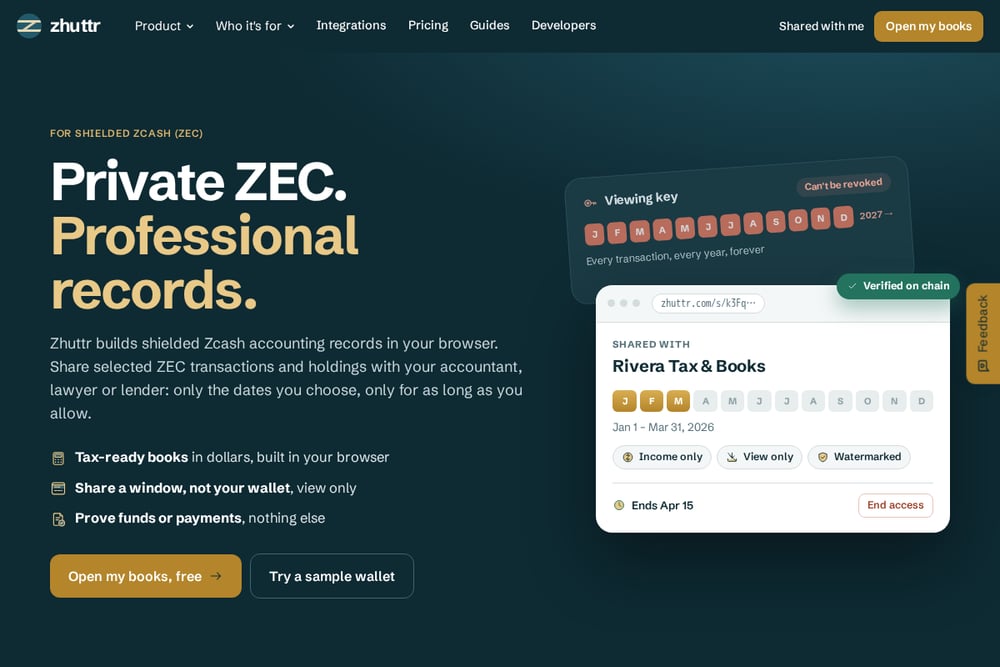 A screenshot of the Zhuttr | Private Zcash Accounting & Shielded ZEC Records website.
Zhuttr is built specifically for shielded Zcash. You connect a viewing key in your browser. The key is read-only, can't move funds, and never leaves your device. Zhuttr scans the chain, prices every transaction in dollars on its day, and builds categorized books with gains and a Form 8949 worksheet. Then comes the part that matters for advisors: you share a window, not your wallet. Pick the months and the purpose, send a view-only link, and set it to expire on its own or whenever you say. Your accountant sees income only for Jan 1 to Mar 31, for example, and nothing else. The link is watermarked, end-to-end encrypted, and verified on chain. No account is needed to open it. Try it at zhuttr.com.
#3 Ledgible
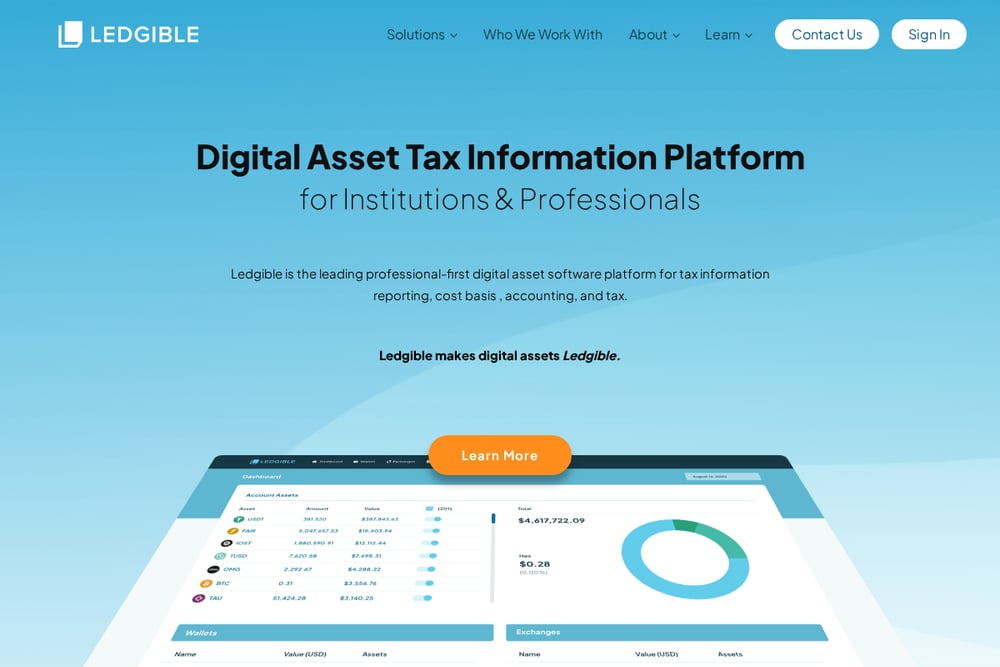 A screenshot of the Ledgible website.
Ledgible positions itself for tax professionals and enterprises. It has integrated with the Zcash blockchain to track trades, swaps, mining, and other activity. The platform produces tax forms and connects with leading professional and consumer tax software. If you work with an accountant or file through a firm, Ledgible fits that workflow. It also offers digital asset accounting and 1099 information reporting. For Zcash users who need enterprise-grade reporting, it's a solid option. Learn more at ledgible.io/integrations/zcash-zec.
#4 CoinTracker
 A screenshot of the CoinTracker website.
CoinTracker syncs automatically when you paste a public Zcash address. No CSV needed. It imports and monitors transactions across the Zcash network, including swaps, staking, and gas fees. The platform also tracks your portfolio and helps you stay compliant with crypto tax rules. It's a good fit if you want one dashboard for holdings and taxes. The trade-off is that shielded activity may not be fully visible through a public address alone. Still, for transparent ZEC and multi-chain portfolios, it's convenient. See the integration at cointracker.com/integrations/zcash.
#5 CoinLedger
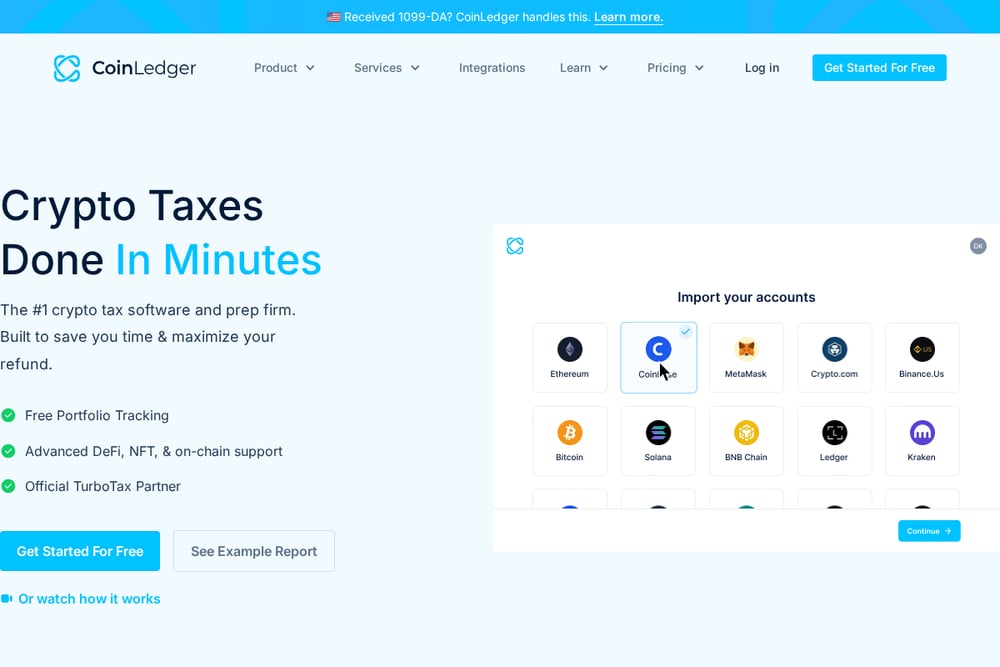 A screenshot of the CoinLedger website.
CoinLedger keeps it simple: import your ZCash transaction history and get gains, losses, and income reports. It supports read-only imports and generates tax forms you can file yourself, send to your tax pro, or import into TurboTax or TaxAct. The platform also offers done-for-you tax prep and expert review. If you prefer a DIY route with optional professional help, this is a straightforward choice. It works best when you can export a complete transaction history from your wallet or exchange. Explore it at coinledger.io/integrations/zcash.
How to Choose the Right Tool
Start with your ZEC setup. Is your activity mostly transparent or shielded? If shielded, you need a tool that can read shielded data without exposing your wallet. Zhuttr is built for that. If transparent, Coinpanda, CoinTracker, and CoinLedger can import via address or CSV. Next, think about who needs to see your records. An accountant may only need a few months of income. A lender may need proof of funds. A lawyer may need a specific window. Look for view-only sharing with expiration dates. Then check the output. Do you get a Form 8949 worksheet? Are transactions priced in dollars on the day they occurred? Finally, consider pricing. Some tools are free to start and charge for reports. Others are built for firms. Match the tool to your workflow, not the other way around.
Automating Your Zcash Books
Manual spreadsheets break the moment you make a shielded transaction. You can't see the amount on-chain, so you can't log it by hand. Automation fixes that. Connect a viewing key or public address once. Let the tool scan the chain and price every transaction. Categorize income, gains, and expenses automatically. Then generate a Form 8949 worksheet at tax time. For sharing, create a view-only link with a start date, an end date, and a purpose. Send it to your accountant. Revoke it when the engagement ends. That's the loop: connect, price, categorize, share, expire. Do it once and your books stay current all year.
The Bottom Line
Zcash gives you privacy. Tax season takes some of it back. The right tool minimizes what you give up. If you hold shielded ZEC and need to show selective records to an accountant, lawyer, or lender, Zhuttr is purpose-built for that job. If your activity is transparent and you want broad imports, Coinpanda and CoinTracker are strong. If you work with a firm, Ledgible fits. If you file yourself, CoinLedger keeps it simple. Pick based on your privacy needs and your advisor's workflow. Your future self will thank you.