
You need the words from a YouTube video without watching the whole thing. These five tools get you the transcript fast, then help you do something useful with it.
The transcript extraction landscape
YouTube hosts billions of videos, and most of them contain valuable information locked in audio. Transcript extractors unlock that text. The category has evolved from simple subtitle scrapers to AI-powered platforms that summarize, translate, and fact-check. You now have options that range from free utilities to full research suites. The tools below represent the current state of the art.
How we evaluated these tools
We looked at five factors: extraction speed and accuracy, export formats, AI capabilities, pricing transparency, and ease of use. Each tool has a different strength. Some excel at bulk processing, others at deep analysis. We noted where each one stands out so you can match it to your workflow.
Here is a quick look at the five tools, ordered by their overall usefulness for most people.
| Provider | Best For |
|---|---|
| YouTube Transcript Generator | Bulk extraction and API integration |
| YouTube Transcript Extractor - Download Subtitles & AI Analysis | ReadTheVid | AI-powered fact-checking and analysis |
| YouTube to Transcript | Multilingual translation and transcript editing |
| NoteGPT YouTube Transcript Generator | Unlimited batch transcription and AI summaries |
| YouTube Transcript AI | Fast extraction and Chrome extension convenience |
The five tools in detail
#1 YouTube Transcript Generator
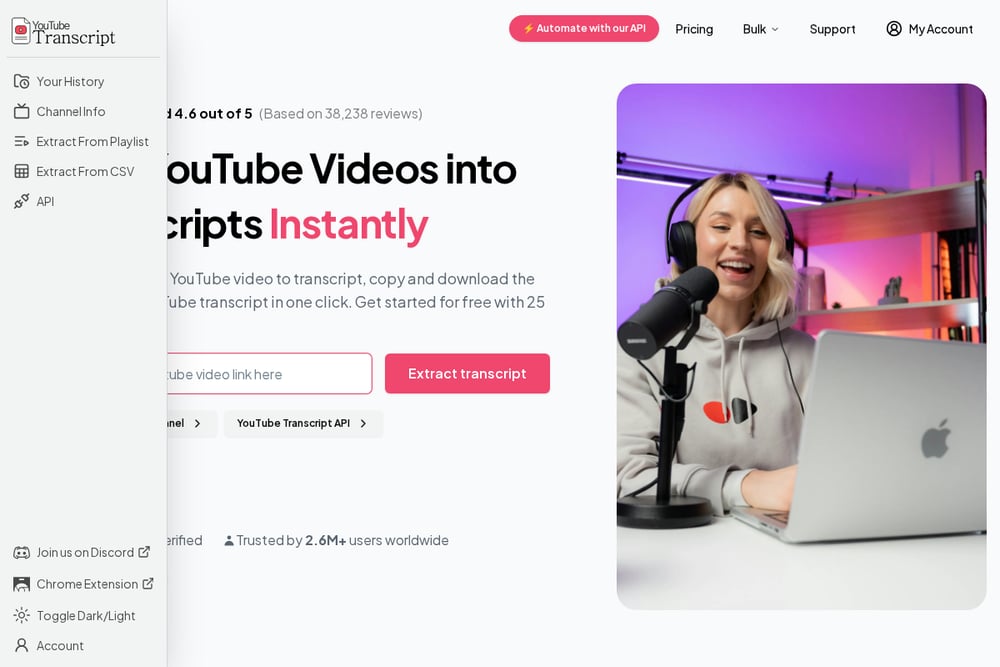 A screenshot of the YouTube Transcript Generator website.
This tool has processed transcripts for over 2.6 million users, according to its site. You get 25 free tokens to start, which is enough to test the workflow. It handles bulk extraction from playlists and channels, making it a favorite for content teams. The API access is a plus if you want to automate. The interface is clean and the output is well-formatted. For high-volume needs, this is a strong choice.
#2 YouTube Transcript Extractor - Download Subtitles & AI Analysis | ReadTheVid
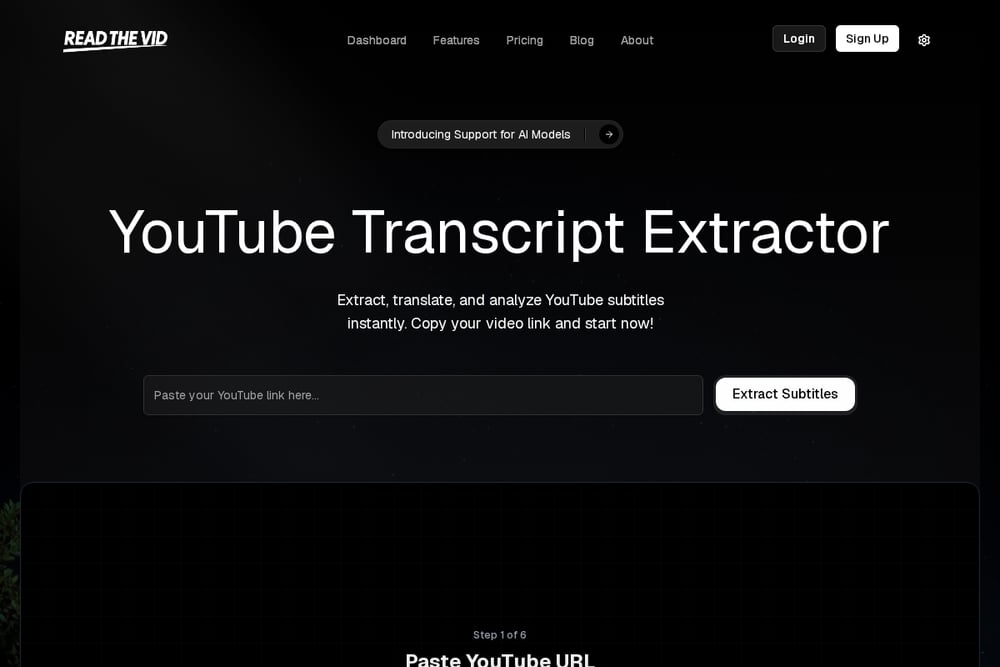 A screenshot of the ReadTheVid website.
ReadTheVid goes beyond extraction. It pulls subtitles from any YouTube video, then lets you read them in a distraction-free mode. The AI features are the real differentiator: fact-checking with web verification, summarization, and translation to over 40 languages. You can export in TXT, PDF, SRT, or JSON. The fact-checker flags claims and shows verification status, which is rare in this space. It is completely free and requires no account. For students, researchers, and professionals who need to verify information, this is a powerful option.
#3 YouTube to Transcript
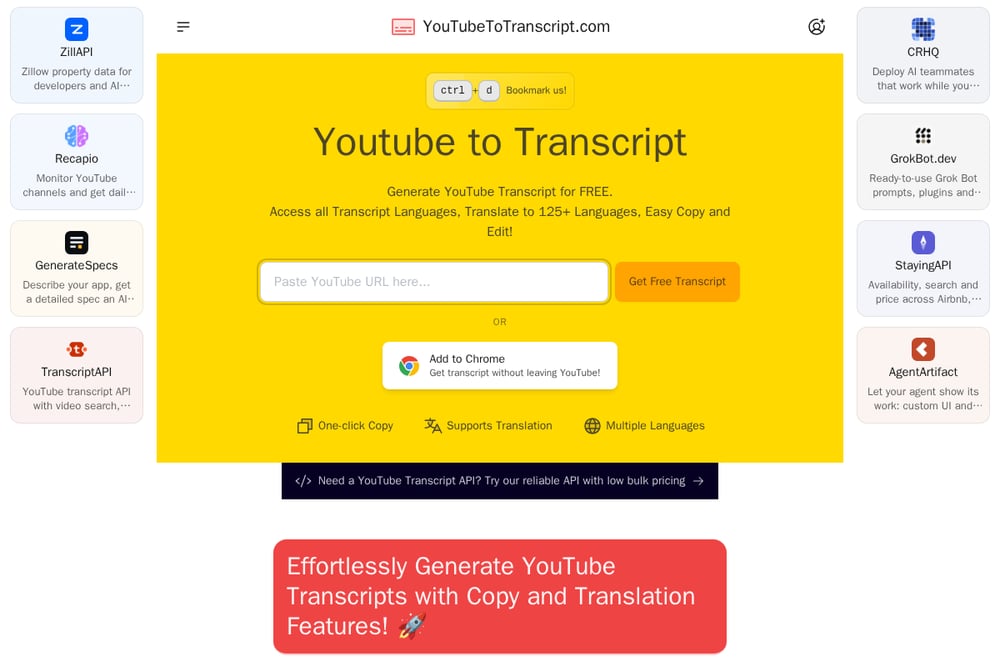 A screenshot of the YouTube to Transcript website.
This tool supports translation to over 125 languages, the widest range in this roundup. You can remove unwanted sections like sponsors or intros before exporting. The embedded player lets you click any line to jump to that moment in the video. There is also a free AI prompt library to help you generate summaries and notes. It is a solid choice for language learners and anyone who needs to edit transcripts before use.
#4 NoteGPT YouTube Transcript Generator
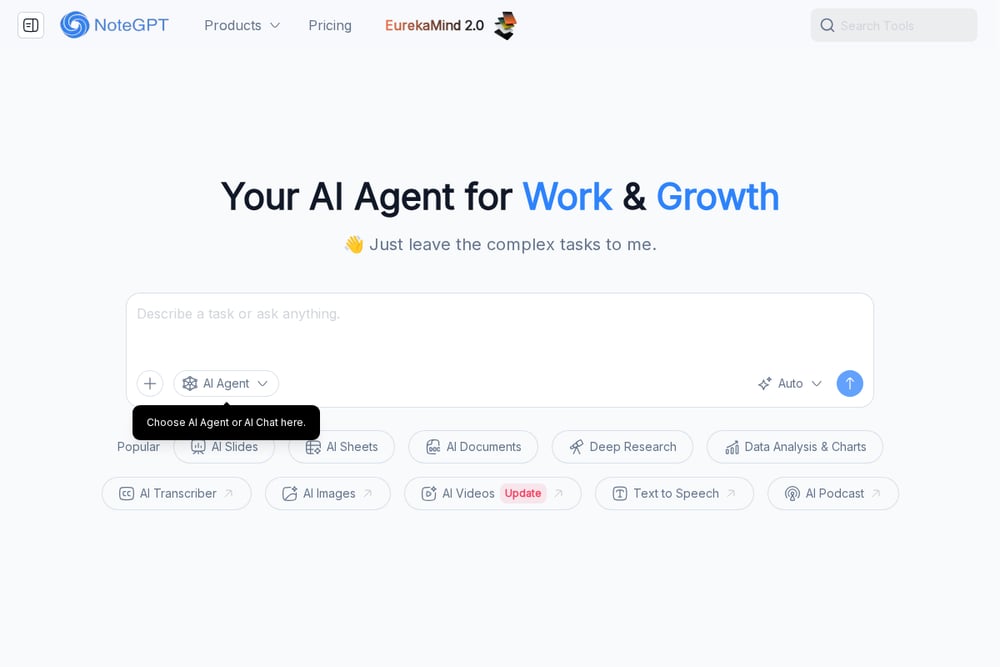 A screenshot of the NoteGPT YouTube Transcript Generator website.
NoteGPT offers unlimited batch transcription for videos and playlists. It can generate transcripts even for videos without existing captions, using AI. The output includes timestamps, and you can copy or download as TXT. A free AI summarization feature is built in. The interface is straightforward, and no sign-up is required for basic use. It is a reliable workhorse for students and note-takers.
#5 YouTube Transcript AI
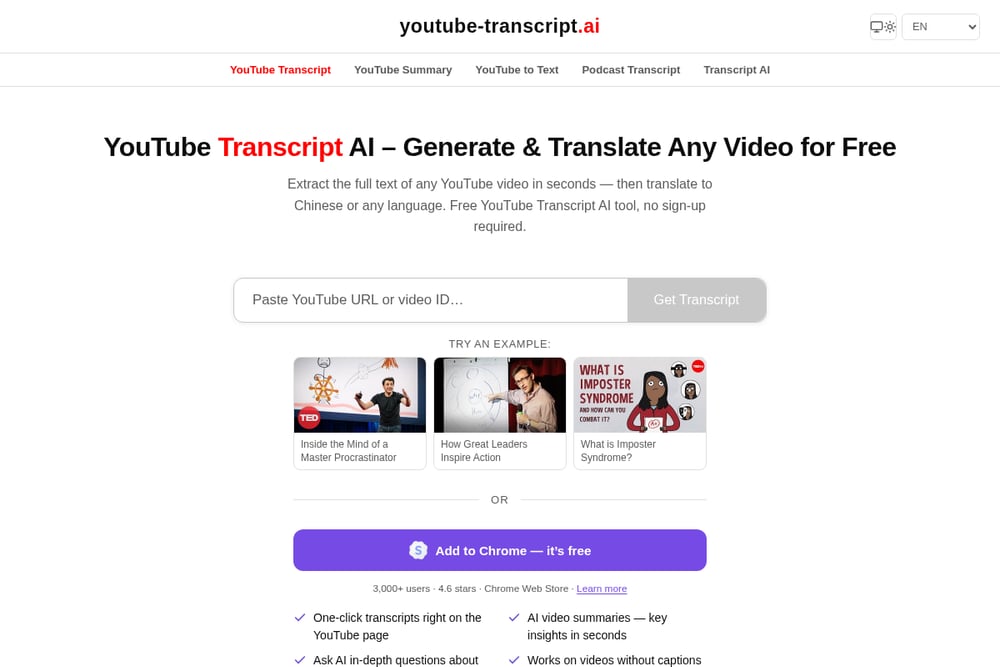 A screenshot of the YouTube Transcript AI website.
This tool focuses on speed and simplicity. Paste a link and get the full transcript in seconds. It works with videos that lack captions by using AI auto-transcription. Speaker detection improves accuracy for interviews and panels. You can then copy the transcript into ChatGPT or Claude for further analysis. A Chrome extension is available for one-click access on YouTube pages. It is ideal for quick, on-the-fly extraction.
How to choose the right extractor
Start with your primary need. If you just want a quick transcript, go with a simple tool like YouTube Transcript AI. If you need to process many videos, look at bulk options like YouTube Transcript Generator or NoteGPT. For research that requires verification, ReadTheVid's fact-checking is unmatched. If you work across languages, YouTube to Transcript offers the most translation options. Consider whether you need an API, export formats, or AI analysis. Most tools offer free tiers, so test a few before committing.
Automating your transcript workflow
You can connect these tools to your existing systems. YouTube Transcript Generator offers an API for programmatic access. ReadTheVid does not advertise an API, but its export formats make it easy to feed transcripts into other apps. NoteGPT supports batch processing, which you can schedule. For a fully automated pipeline, use the API to fetch transcripts, then send them to an AI service for summarization or translation. This saves hours of manual work.
The bottom line
The right transcript extractor depends on your workflow. ReadTheVid stands out for its AI analysis and fact-checking, making it a top pick for researchers and students. YouTube Transcript Generator excels at bulk and API use. YouTube to Transcript leads in translation. NoteGPT is great for unlimited batch jobs. YouTube Transcript AI is perfect for quick, one-off extractions. Try one or two, and you will wonder how you ever worked without them.