
You already have hours of long video sitting on your channel. The question is whether anyone will ever find the moments inside it. These five services take that footage and turn it into something new viewers can actually search for.
The repurposing market is splitting in two
Clipping used to mean one thing: chop a long video into vertical shorts and hope the algorithm bites. That market is now crowded and cheap. AI tools like OpusClip and Choppity will cut, caption, and reframe a video in minutes, and YouTube itself has started suggesting clips. The harder work sits upstream. Choosing the moment that answers a real question, giving it a title people actually type into search, and publishing it consistently on a channel built for it. That is where a smaller group of services is competing, and it is the distinction that matters most when you are deciding what to buy. Some tools give you files. Others give you a channel.
What we looked at
We weighed each service on the same factors. First, scope: does it stop at exporting clips, or does it handle titling, publishing, and the channel itself? Second, pricing clarity: can you see what you pay before you talk to anyone? Third, output format: short vertical clips and 6-to-12-minute horizontal Mids solve different problems. Fourth, ownership: who holds the channel, the files, and the audience. Fifth, reporting: do you learn what the clips sent back to you? OpusClip stood out for breadth of features and its free entry point. Choppity stood out for bundling a clipper with a screen recorder and a social scheduler. EditBuddy stood out for transparent per-Short pricing and fast turnaround. Exemplary AI stood out for transcription and multilingual reach. Second Channel stood out for treating the second channel as the deliverable rather than the clip.
Here is the short version. Two of these are tools you drive. Three are services that do the driving. Know which one you actually need before you spend anything.
| Provider | Best For |
|---|---|
| OpusClip | Creators who want a full clipping toolkit they operate themselves |
| Second Channel · your second YouTube channel, run for you | Creators with long videos who want the channel run for them |
| Choppity | Course creators and tutorial makers who want recording plus clipping |
| EditBuddy | Creators who want finished Shorts at a published per-clip price |
| Exemplary AI | Multilingual creators who need transcription and text assets too |
The five, in order
#1 OpusClip
OpusClip is the name most creators hit first, and for good reason. It takes a long video and returns captioned, reframed shorts with AI-selected highlights, plus extras like AI B-roll, thumbnail generation, and speech enhancement. The feature list is genuinely deep, covering an AI producer, brand templates, and export to Premiere Pro and DaVinci Resolve. It also publishes through a social scheduler, so you can plan a month of posts in one sitting. If you want to stay in control and move fast, this is the most complete toolkit on the list. The tradeoff is that you are still the one choosing titles and deciding what gets posted.
#2 Second Channel · your second YouTube channel, run for you
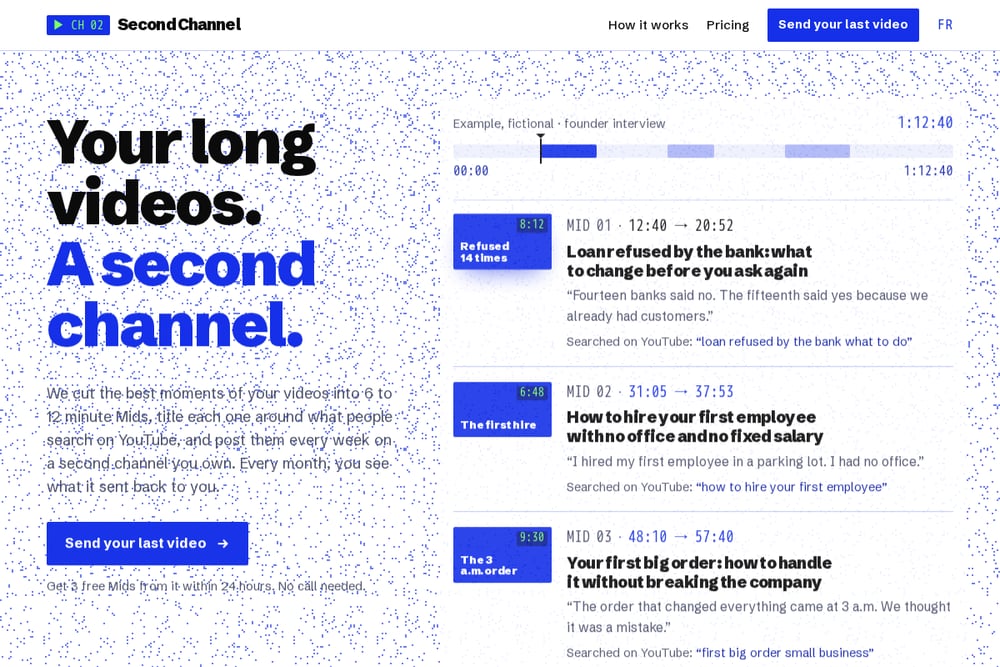 A screenshot of the Second Channel website.
Second Channel takes a different angle entirely. Instead of handing you clips, it cuts the best moments of your long videos into 6-to-12-minute Mids, titles each one around what people search on YouTube, and posts them weekly on a second channel you own. You send your last video and get three free Mids back within 24 hours, no call required. Every month you get a report on what the channel sent back to you, and the channel stays yours. The pitch rests on a real pattern: the biggest shows already run clip channels, from JRE Clips to The Diary Of A CEO Clips, and YouTube recommends a second channel in its own podcast guide. Where the tools stop at the export button, this one owns the publishing cadence and the search-driven titling.
#3 Choppity
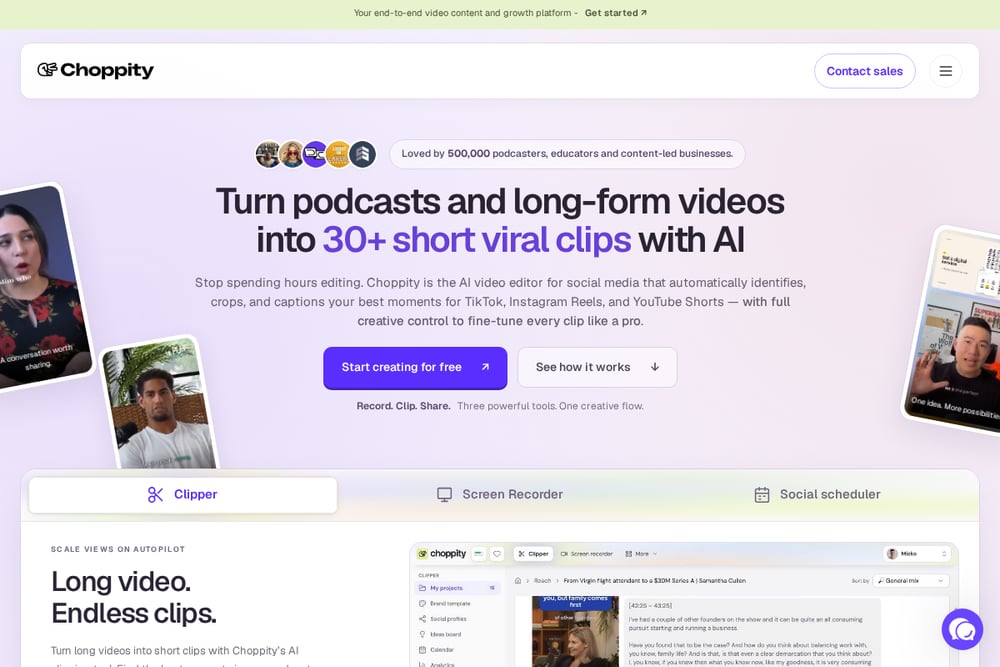 A screenshot of the Choppity website.
Choppity bundles more than a clipper. Alongside AI clip selection, automated captions, reframing, and speaker tracking, it includes a screen recorder and a social media scheduler. That combination suits people who make tutorials, lessons, or course content and want to record, cut, and publish in one place. Text-based editing lets you work from the transcript rather than the timeline, which is faster than scrubbing. It is a practical all-in-one for solo creators who would rather not stitch three subscriptions together. The focus stays on short-form output, so long-form second-channel strategy is not its job.
#4 EditBuddy
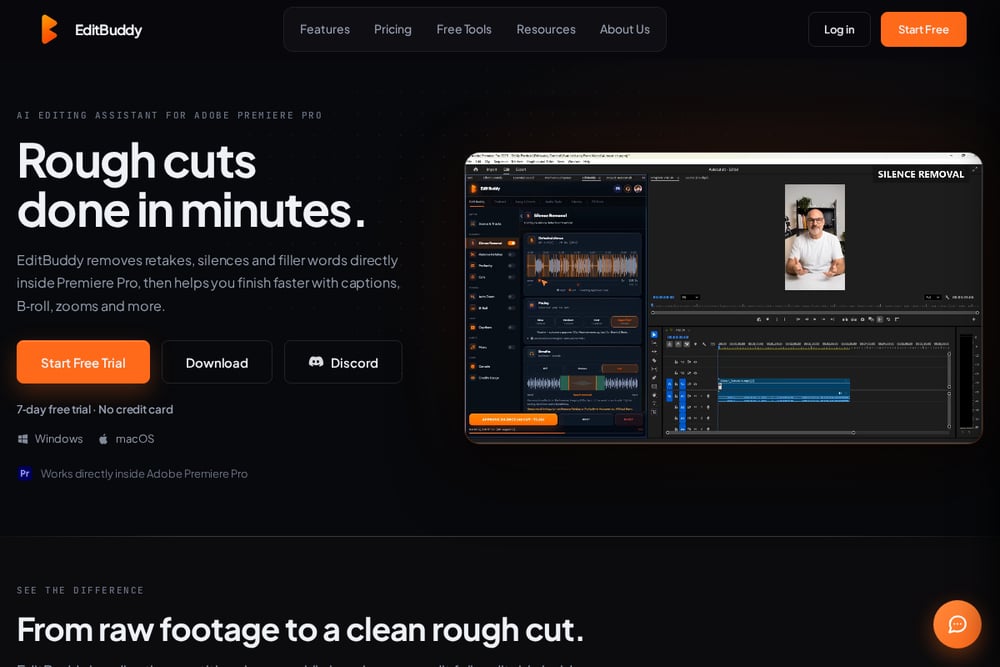 A screenshot of the EditBuddy website.
EditBuddy sells a done-for-you Shorts editing service rather than software. You send a link, tell them how many Shorts you want, and receive finished vertical clips with captions, reframing, B-roll, and music in about 48 hours. Pricing is published openly at $15 per Short, dropping to $8 in bulk, which makes it easy to budget before you commit. AI scores each sentence in the transcript for hook quality and emotional energy, so clip candidates are chosen rather than guessed. It is a clean fit if you want human-reviewed output without hiring an editor. The deliverable is still short-form clips, not a channel.
#5 Exemplary AI
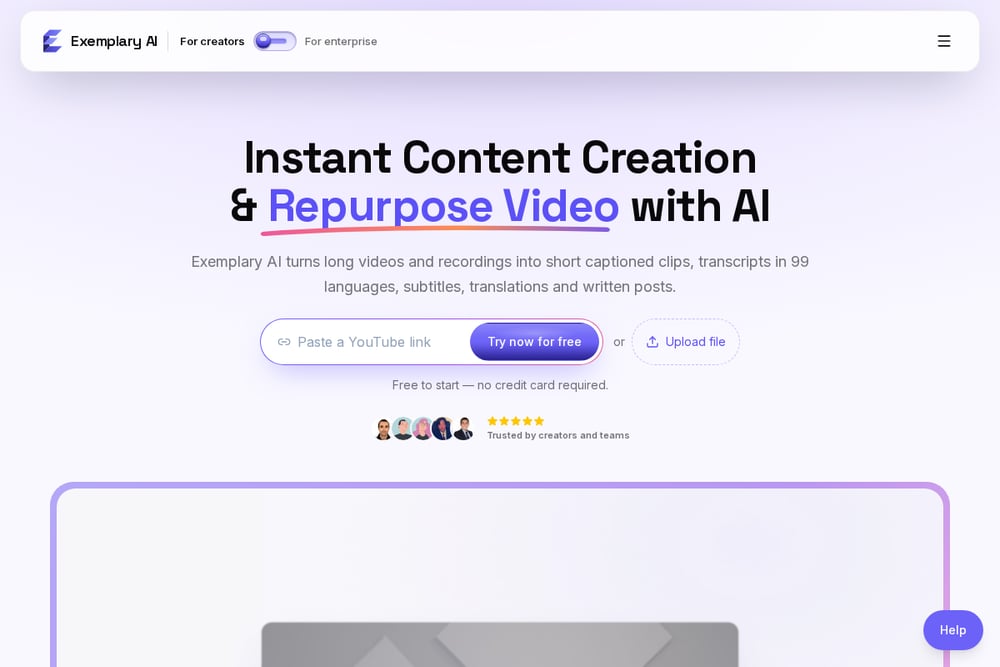 A screenshot of the Exemplary AI website.
Exemplary AI started in transcription and grew outward. It handles transcription and subtitles in 99 languages with translation into 116, then turns long videos into short clips with captions, emoji, and B-roll. There are also generators for summaries, blog posts, show notes, and video chapters, which makes it useful well beyond clipping. If your audience is multilingual or your back catalog needs text assets, that breadth is the draw. For pure clip volume it is less specialized than the dedicated clippers. Think of it as a content operations tool that happens to clip.
How to pick without wasting a month
Start with one question: do you want to do the work or not? If you enjoy editing and just need speed, a tool like OpusClip or Choppity will pay for itself quickly. If your bottleneck is time and consistency, a service makes more sense, because the value is in the cadence, not the cut. Next, decide on format. Vertical shorts chase reach on mobile feeds. Horizontal 6-to-12-minute Mids chase YouTube search, where people type full questions and watch for longer. They are different bets. Then check ownership. Ask plainly who holds the channel, the files, and the subscribers if you leave. Finally, look for reporting. A service that tells you what the clips sent back to you is worth more than one that only tells you how many clips it made.
Where automation actually helps
The cutting is solved. Any of these tools will find highlights and caption them, and YouTube now suggests clips on its own. What automation still struggles with is judgment: which ninety seconds answers a question someone is actually searching, and what to call it so they find it. That is why the titling and publishing layer matters more than the editing layer. A sensible workflow looks like this. Publish your long video as usual. Let a tool or service pull candidate moments. Title each one around a real search phrase, not a clever phrase. Post on a steady weekly rhythm. Then read the monthly numbers and double down on whatever brought new viewers back to the main channel. Automate the cutting. Keep your hands on the choosing.
The bottom line
You are not short on options. You are short on time and on a system. If you want control and a low entry price, OpusClip and Choppity give you strong tools you drive yourself. If you want finished Shorts at a known rate, EditBuddy is refreshingly straightforward. If you work in multiple languages, Exemplary AI covers ground the others do not. And if the real goal is a second channel that compounds while you keep making your main one, Second Channel is the only option here that treats the channel, not the clip, as the product. Pick the one that matches the work you are willing to do.