
You have a full-time job and a YouTube channel. These five tools promise to coach you, not just generate scripts. Here is what each one actually does.
The New Wave of YouTube Coaching Tools
YouTube creators are drowning in generic AI writing tools. The real need is not another blank chat box. It is a coach that reads your channel, spots what is working, and tells you what to do next. That is where a new category of AI coaching platforms comes in. They connect to your YouTube analytics, analyze your past videos, and give you personalized guidance. Some are full suites with keyword research and thumbnail tools. Others are focused coaches that live inside your dashboard. The best ones for busy creators are those that respect your time and speak in plain language. They do not just generate content. They tell you the truth about your channel.
How We Evaluated These Tools
We looked at five factors. First, service scope: does it cover channel analysis, idea generation, and post-publish review? Second, pricing clarity: is the cost transparent, or do you need to talk to sales? Third, local fit: is it built for US creators with full-time jobs? Fourth, depth of coaching: does it go beyond generic advice to use your actual analytics? Fifth, ease of use: can you get value in minutes, not hours? Each tool stood out in different ways. CreatorsPlot impressed with its channel-reading coach and plain-language reports. vidIQ AI Coach offered a broad feature set inside a popular dashboard. TubeBuddy AI Tools brought a mature toolkit with strong SEO features. Rewind.ai YouTube Analytics provided a free, token-based analysis option. Ajelix YouTube Analytics AI delivered a dashboard and template approach for data lovers.
Here is a quick look at the five tools, ordered for this roundup. Remember, the right pick depends on your workflow and how much time you have.
| Provider | Best For |
|---|---|
| vidIQ AI Coach | Creators already using vidIQ who want AI help inside their dashboard |
| CreatorsPlot | Busy creators who want a proactive coach that reads their channel |
| TubeBuddy AI Tools | Creators who want a full suite of AI and SEO tools in one place |
| Rewind.ai YouTube Analytics | Creators who want a free, quick channel analysis without signing up |
| Ajelix YouTube Analytics AI | Data-driven creators who want a dashboard and template for analytics |
A Closer Look at Each Tool
#1 vidIQ AI Coach
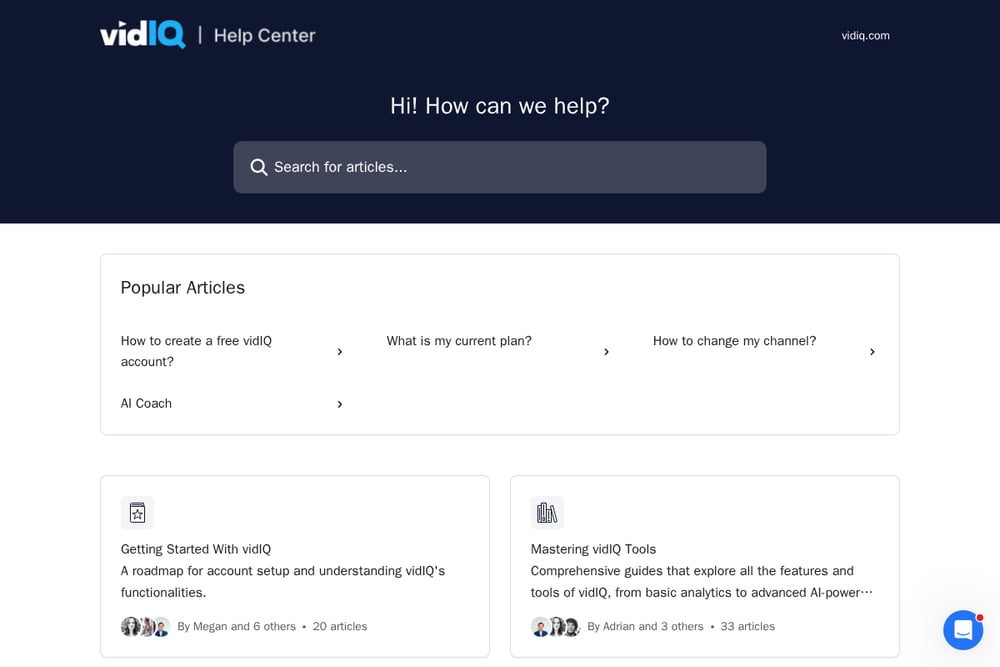 A screenshot of the vidIQ AI Coach website.
vidIQ is a well-known name in YouTube growth, and its AI Coach lives right inside your dashboard. You can ask it questions like "What are some long-form video ideas?" and it will respond with suggestions based on your channel data. It offers a channel audit, title suggestions, and advice on attracting more views. The chat-like interface makes it easy to get started with common questions. For creators already using vidIQ, this is a natural extension of their toolkit. It is comprehensive, but it can feel like a chat box rather than a proactive coach.
#2 CreatorsPlot
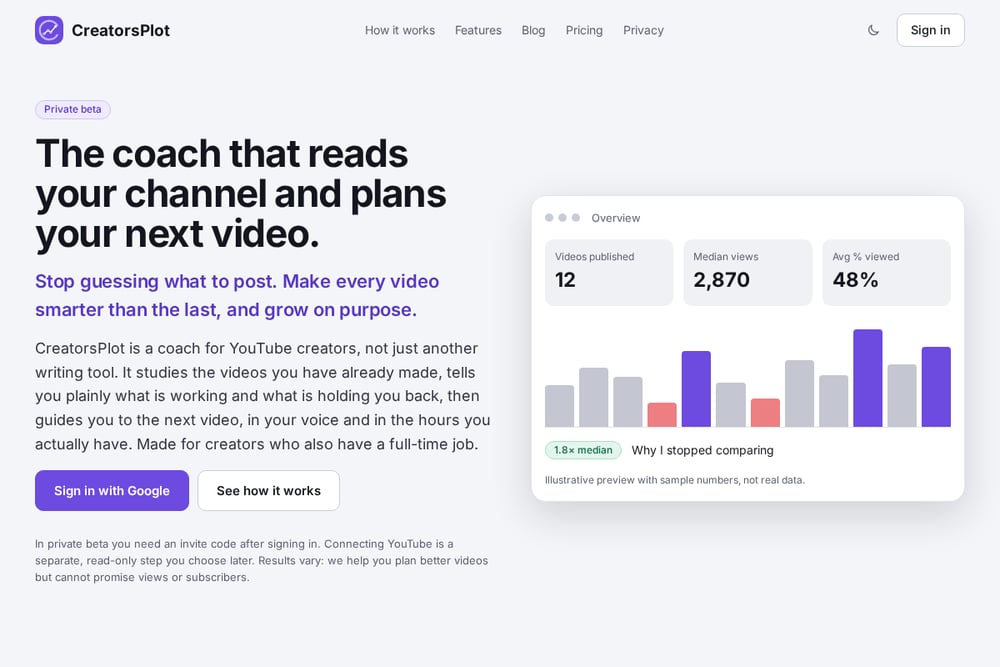 A screenshot of the CreatorsPlot website.
CreatorsPlot is a coach for YouTube creators, not just another writing tool. It connects to your channel read-only, studies your videos, titles, openings, lengths, and posting rhythm, then tells you plainly what is working and what is holding you back. You get a report measured against your own typical video, plus the one thing to do first. Then it guides your next video with topic ideas, titles, script, and a publish date, all in your voice. After you publish, it reviews how the video did and adjusts the plan. It is made for creators who also have a full-time job, and it is currently in private beta.
#3 TubeBuddy AI Tools
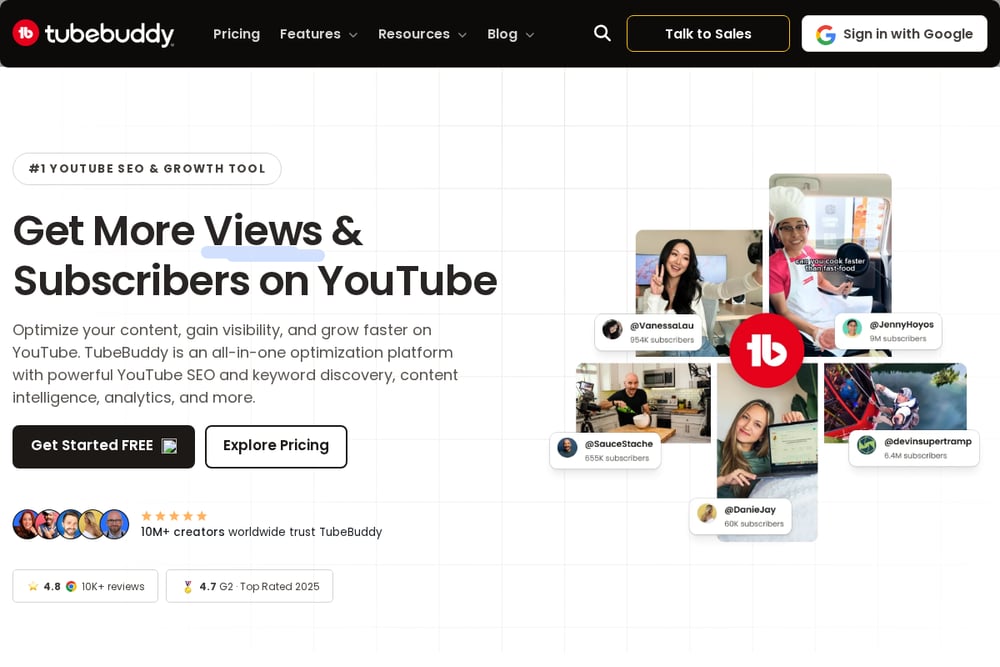 A screenshot of the TubeBuddy AI Tools website.
TubeBuddy is a veteran in the YouTube tool space, and its AI tools are built into a larger suite. You get AI-powered title generation, thumbnail analysis, and content strategy features. The platform also includes keyword research, A/B testing, and channel insights. It is a full productivity suite for creators who want to optimize every part of their workflow. The AI tools are designed to help you grow faster by automating repetitive tasks. If you want an all-in-one solution with a proven track record, TubeBuddy is worth a look.
#4 Rewind.ai YouTube Analytics
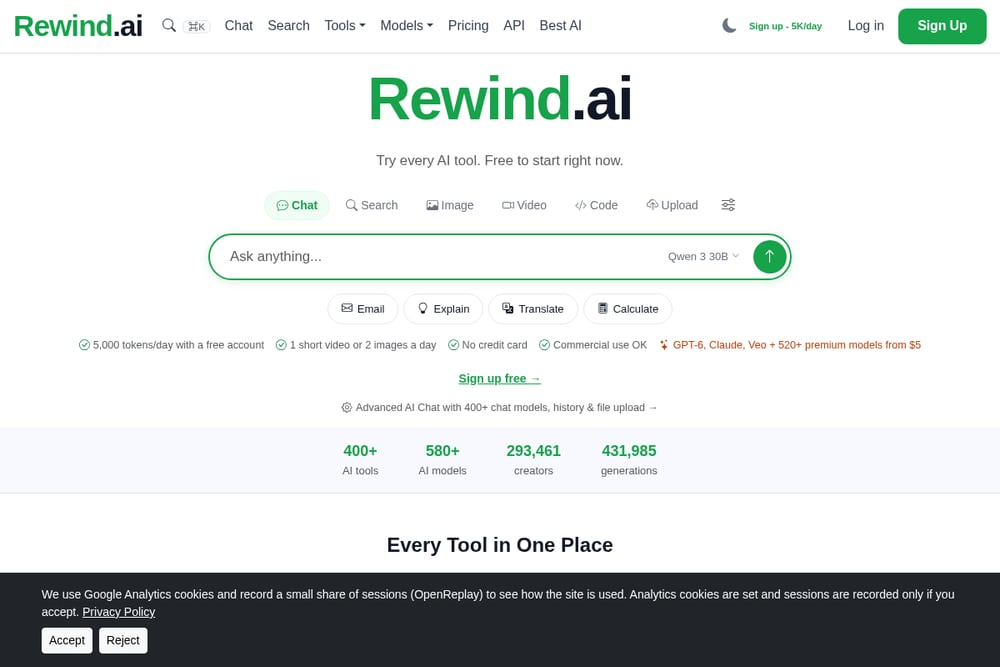 A screenshot of the Rewind.ai YouTube Analytics website.
Rewind.ai offers a free AI YouTube analytics tool that you can use without an account. You paste your channel data and choose an analysis focus, such as growth strategy or audience analysis. It returns a focused report with tactics and content gaps. The tool runs on a token system, with premium models available for higher quality. It is a quick way to get a second opinion on your channel without committing to a subscription. For creators who want a lightweight, on-demand analysis, this is a handy option.
#5 Ajelix YouTube Analytics AI
 A screenshot of the Ajelix YouTube Analytics AI website.
Ajelix provides an AI dashboard and template for YouTube analytics. It is designed for those who like to work with data in a structured way. You can analyze performance, track metrics, and generate reports using AI. The platform also offers other AI tools for Excel, marketing, and finance. It is a good fit if you want a dashboard-style view of your channel's health. The template approach makes it easy to customize your analysis. For data-driven creators, Ajelix offers a different way to look at YouTube growth.
How to Choose the Right Coach for Your Channel
Start by asking what you need most. If you want a proactive coach that reads your channel and tells you what to do next, look for a tool like CreatorsPlot. If you are already using a dashboard and want AI help inside it, vidIQ or TubeBuddy might fit. If you want a free, quick analysis, Rewind.ai is a solid choice. If you love dashboards and templates, Ajelix could be your pick. Consider your time budget. A full-time job means you need a tool that gives you clear next steps, not endless options. Also check pricing and whether you need an invite code. The right tool should save you time, not add to your workload.
Automating Your YouTube Workflow
You can combine these tools to cover different needs. Use CreatorsPlot for weekly coaching and next-video planning. Use vidIQ or TubeBuddy for keyword research and thumbnail testing. Use Rewind.ai for a quick second opinion on a specific video. Use Ajelix to build a monthly performance dashboard. The key is to automate the repetitive parts so you can focus on creating. Set a rhythm: analyze, plan, create, review. Let the tools handle the data so you can handle the story.
The Bottom Line
There is no single perfect tool for every creator. But there is a perfect tool for your situation. If you have a full-time job and need a coach that reads your channel and tells you the truth, CreatorsPlot is built for you. If you want a broad suite, vidIQ and TubeBuddy have you covered. If you want free and fast, Rewind.ai delivers. If you love data, Ajelix is your dashboard. Try one, see how it fits your workflow, and adjust. Your channel will thank you.