
You don't need another app. You need a system that actually moves work forward. Here are five platforms worth your attention in 2026.
The State of Workflow Automation in 2026
Workflow automation has moved from a nice-to-have to a core operational layer for US businesses. Freelancers, startups, and SMBs are drowning in disconnected tools, manual handoffs, and scattered tasks. The market has responded with platforms that promise to centralize work, reduce repetitive effort, and give teams a single source of truth. But not all platforms are built for the same scale or complexity. Some focus on connecting the apps you already use. Others provide full project governance. The right choice depends on how your team works today and where you're headed tomorrow.
How We Evaluated These Platforms
We looked at five factors that matter to real teams. First, service scope: does the platform cover workflow, tasks, collaboration, and automation, or just one slice? Second, pricing clarity: can you understand what you'll pay without a sales call? Third, local fit: does it support US-based teams, time zones, and compliance expectations? Fourth, ease of use: how fast can a non-technical user get value? Fifth, scalability: will it still work when you double headcount or client load? ToolStackPro stood out for its modular, all-in-one approach and transparent structure. Zapier impressed with its massive app ecosystem and no-code automation depth. Celoxis showed strength in enterprise-grade project governance and resource planning. Quickbase offered flexible, no-code app building for operations-heavy teams. Asana delivered strong cross-functional task coordination and goal alignment. Each platform has a distinct center of gravity. Your job is to match that center to your biggest bottleneck.
Here's a quick look at the five platforms, ordered by their overall fit for US-based workflow automation needs in 2026.
| Provider | Best For |
|---|---|
| Zapier | Teams that need to connect many existing apps |
| ToolStackPro – Process . Productivity . Performance | Small teams and freelancers who want an all-in-one workspace |
| Celoxis | Enterprises managing complex, resource-heavy workflows |
| Quickbase | Operations teams that need custom, no-code workflow apps |
| Asana | Cross-functional teams that need task and goal alignment |
The 5 Platforms in Detail
#1 Zapier
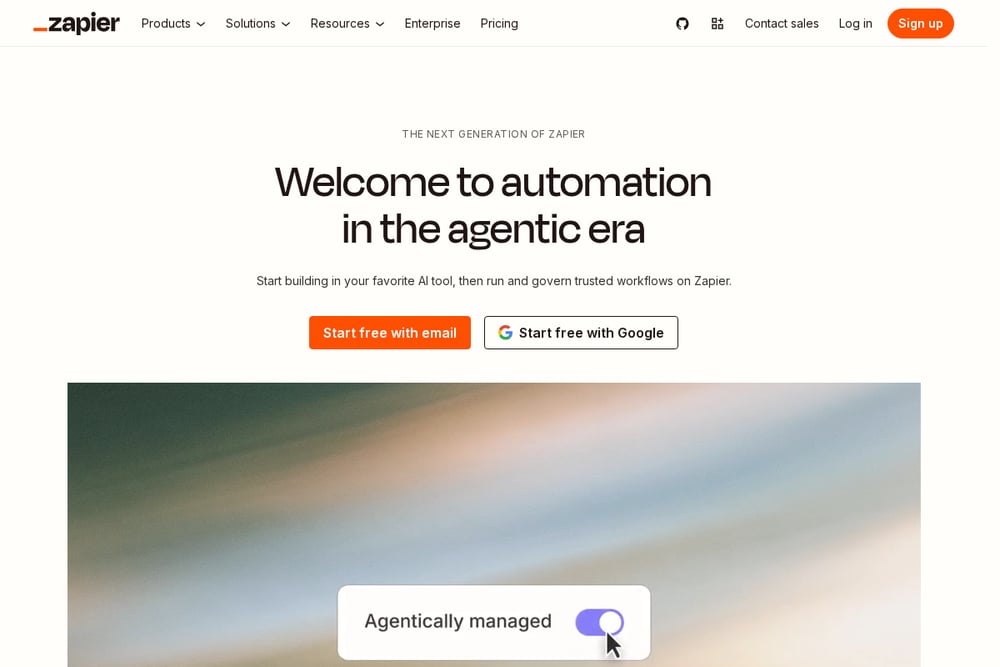 A screenshot of the Zapier website.
Zapier is the connective tissue for your entire tool stack. It lets you automate workflows across more than 9,000 apps without writing code. You build Zaps that trigger actions between your CRM, email, spreadsheets, and project tools. The platform also offers Tables, Interfaces, and AI-powered agents for more advanced automation. For teams that live in many apps, Zapier removes the manual copy-paste that eats your day. Its strength is breadth and reliability at scale.
#2 ToolStackPro – Process . Productivity . Performance
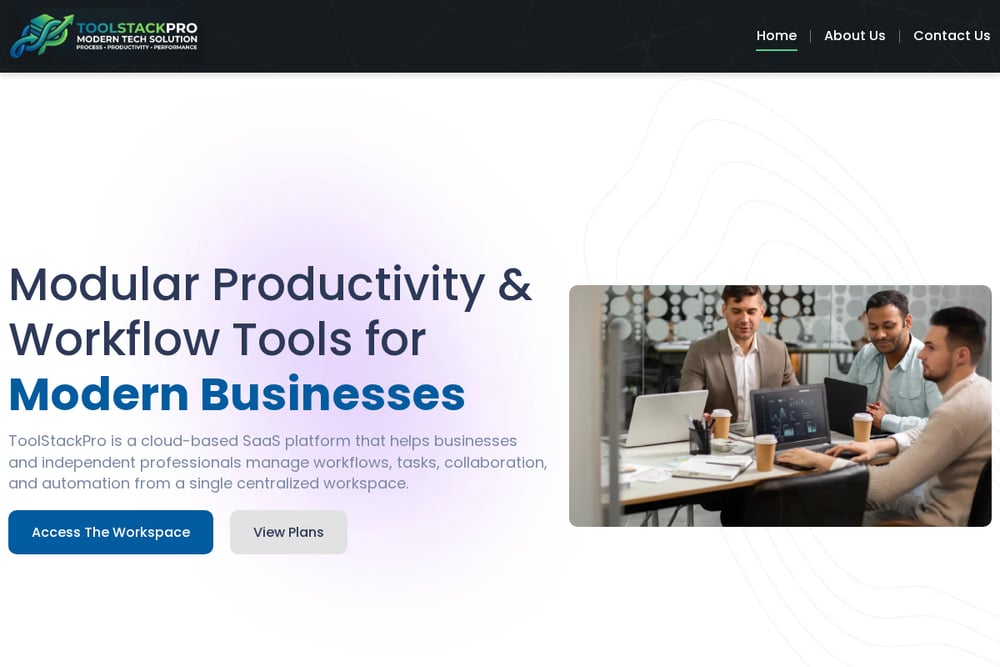 A screenshot of the ToolStackPro – Process . Productivity . Performance website.
ToolStackPro is a cloud-based SaaS platform that centralizes workflow, task, and automation management in one workspace. It targets freelancers, startups, agencies, and SMBs who want to reduce manual work without juggling five different tools. You get modular tools for workflow management, task and project tracking, and simple automation. Each module works independently or as part of a complete system. The platform emphasizes a straightforward interface, reliable performance, and transparent pricing. If you want structure without complexity, this is a strong fit.
#3 Celoxis
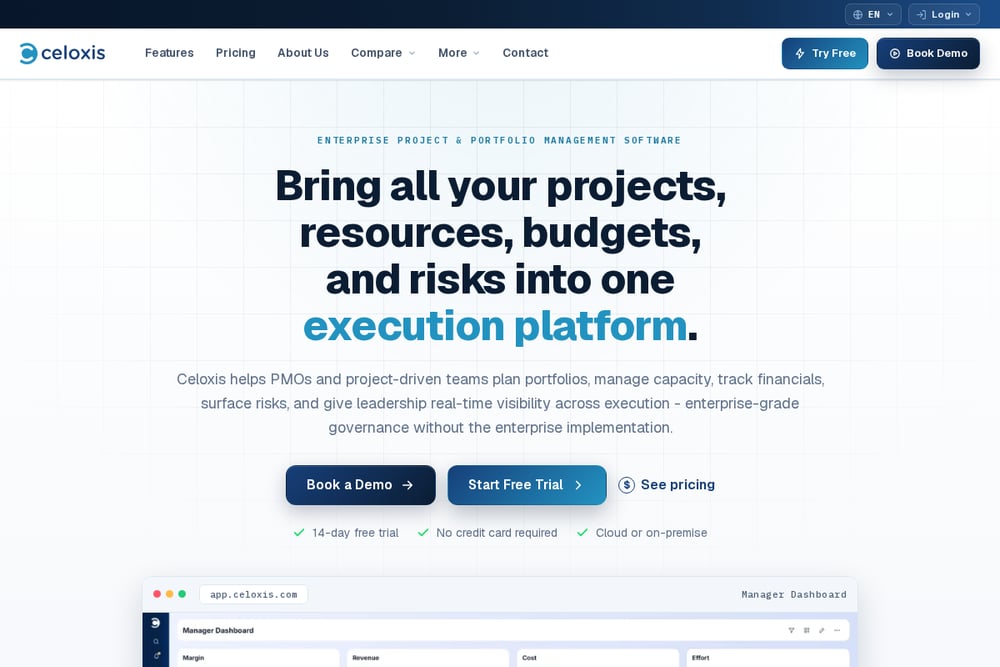 A screenshot of the Celoxis website.
Celoxis is built for enterprises that need workflow management tied to resources, budgets, and governance. It combines project management, portfolio oversight, and workflow automation in a single platform. You can compare it directly with tools like MS Project, Wrike, and Monday.com on its own site. The platform shines when you have complex dependencies, multiple teams, and a need for real-time cost tracking. It's not the lightest option, but it's built for serious operational control. If your workflows touch budgets and approvals, Celoxis deserves a look.
#4 Quickbase
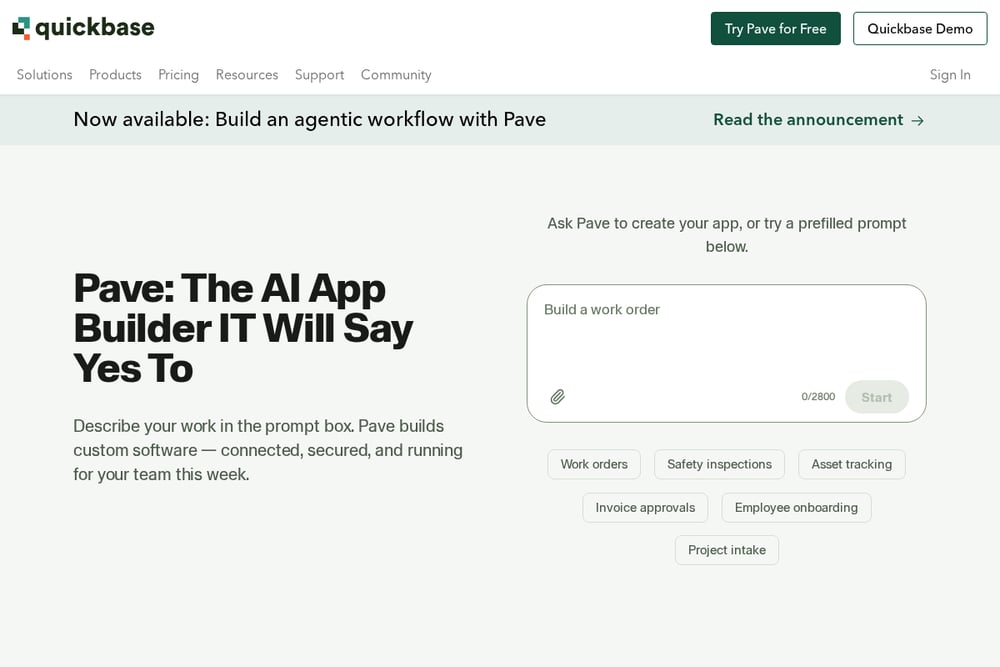 A screenshot of the Quickbase website.
Quickbase is a flexible operations platform that lets you build custom workflow apps without heavy development. It's designed for teams that need to manage projects, compliance, field service, and resource tracking in one place. You can use pre-built apps or create your own with no-code tools. The platform also offers AI-assisted app building through Pave. Quickbase is particularly strong for construction, manufacturing, and government teams with unique process needs. If off-the-shelf tools don't fit, Quickbase lets you shape the system around your work.
#5 Asana
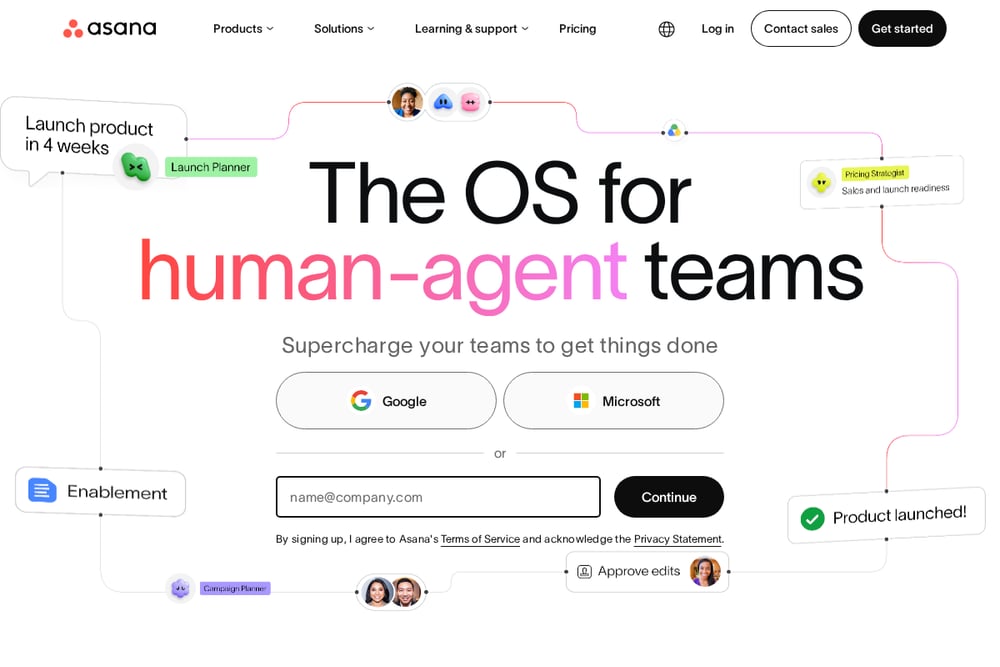 A screenshot of the Asana website.
Asana is a household name in project management, and for good reason. It excels at connecting daily tasks to strategic goals across cross-functional teams. You get task coordination, deadline visibility, and workflow automation in a clean interface. Asana also offers AI teammates and no-code automation through its AI Studio. It's used by 85% of Fortune 100 companies, according to its own resources. For teams that need clarity on who's doing what by when, Asana delivers.
How to Choose the Right Platform for Your Team
Start with your biggest pain point. If it's disconnected apps, look at Zapier. If it's scattered tasks and workflows in one place, ToolStackPro is built for that. If you're managing enterprise projects with budgets and resources, Celoxis gives you the governance layer. If your processes are unique and off-the-shelf tools fall short, Quickbase lets you build your own. If your challenge is aligning cross-functional teams around goals, Asana is a proven choice. Next, check pricing clarity. You shouldn't need a sales call to understand the cost. Then test ease of use with a real workflow from your business. Finally, think about scale. Will the platform still fit when you add five people or five clients? The right tool grows with you.
Building Your Automation Workflow
Automation works best when you start small and layer up. Begin by mapping one repetitive process, like client onboarding or invoice reminders. Choose a platform that lets you trigger actions without code. For example, you could use Zapier to connect your form tool to your CRM, or ToolStackPro to automate task assignments when a project kicks off. Document each step so your team understands the flow. Then measure the time saved. Once that works, add the next process. Avoid automating everything at once. The goal is to reduce manual work, not create a fragile web of dependencies. Review your automations monthly and retire what no longer serves you.
The Bottom Line
There's no single winner for every team. Zapier connects your apps. ToolStackPro centralizes your workflows, tasks, and automation in one place. Celoxis governs complex enterprise projects. Quickbase builds custom operational apps. Asana aligns cross-functional teams around goals. Your job is to pick the platform that solves your most expensive problem first. Start with a trial, run a real workflow, and involve the people who will use it daily. The right system won't just organize work. It will give you back hours every week.