If you prepare tax returns, the FTC Safeguards Rule says you need a written information security plan. Here are five services that help you get one done without the headache.
The WISP landscape for tax preparers
Tax preparers, enrolled agents, and CPA firms are treated as financial institutions under the Gramm-Leach-Bliley Act. That means the FTC Safeguards Rule applies to you, even if you run a solo practice. The rule requires a written information security plan (WISP) that documents how you protect client data. Form W-12 also asks you to acknowledge this duty when you apply for or renew your PTIN. The market has responded with a mix of free templates, guided builders, and full compliance platforms. Some tools focus on speed and plain-English guidance. Others emphasize audit trails, e-signatures, and ongoing management. Your job is to pick the one that matches your firm's size, your appetite for DIY, and how much proof you want on file.
How we evaluated these WISP solutions
We looked at five factors across every service. First, service scope: does it just hand you a template, or does it guide you through building a plan that names your people, software, and IT support? Second, pricing clarity: are costs stated upfront, and is there a free starting point? Third, local fit for US tax preparers: does it reference the FTC Safeguards Rule, IRS Publication 5708, and the realities of tax season? Fourth, output format: do you get editable Word files you can keep and update? Fifth, support and guarantees: refund policies, reminders, and help when something goes wrong. WispWright stood out for its plain-English questionnaire and tax-season-aware scheduling. WISP Builder impressed with its compliance platform and e-signature features. Zapa offered a free fillable Word template with broad coverage. Protection Plus provided a free template entry point. Western CPE brought continuing-education context to the table.
Here is a quick look at the five services, ordered for this roundup. Each one takes a different angle on the same problem: getting a defensible WISP in place without derailing your practice.
| Provider | Best For |
|---|---|
| WISP Builder | Firms that want an auditable, ongoing compliance platform |
| WispWright | Small tax firms that want a guided, tax-season-aware WISP fast |
| Zapa | DIY firms that want a free, comprehensive Word template |
| Protection Plus (eRO WISP) | Firms already in the Protection Plus ecosystem |
| Western CPE | Tax pros who want a free template from a trusted CPE brand |
The five WISP solutions in detail
#1 WISP Builder
 A screenshot of the WISP Builder website.
WISP Builder is a dedicated online platform for creating, managing, and proving compliance with your IRS-required WISP. It builds an editable template using IRS Publication 5708 and adds auditable electronic sign-offs, employee acknowledgements, and e-signatures. You can manage user permissions, store plan information securely, and set annual reminders to keep the plan evergreen. The platform also includes training resources and policy development functionality. If you want a system that goes beyond a one-time document, this is the most complete compliance-focused option in the group.
#2 WispWright
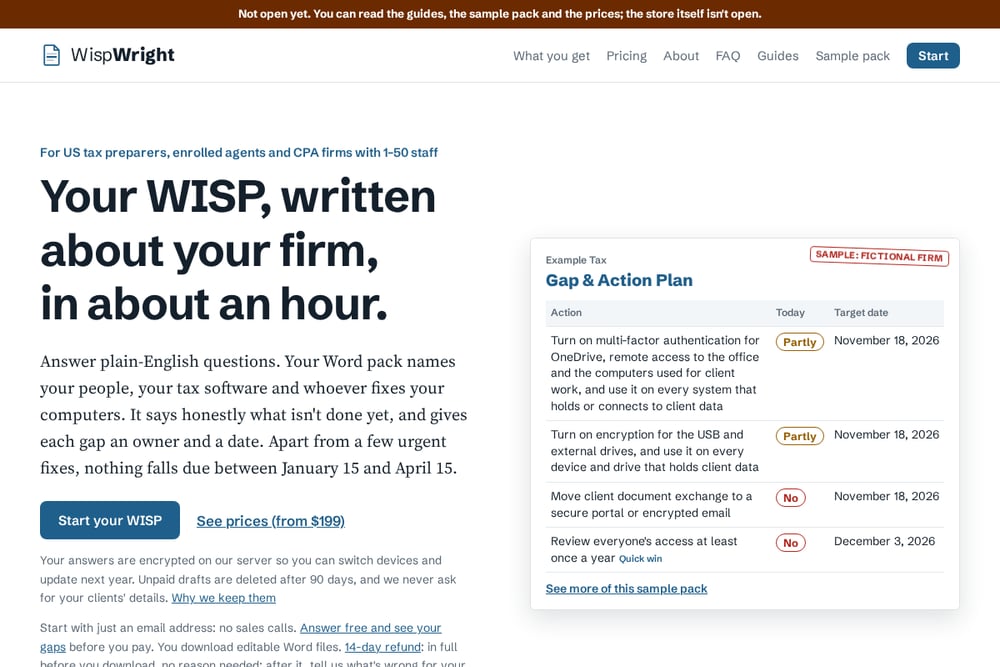 A screenshot of the WispWright website.
WispWright takes a plain-English questionnaire approach and turns your answers into a customized WISP in about an hour. You answer 10 short sections about your firm, its software, and whoever fixes your computers. The output is an editable Word pack that names your people and honestly lists what is not done yet, with an owner and a target date for each gap. Pricing starts at $199, and you can answer the questions free to see your gaps before you pay. A thoughtful touch: apart from a few urgent fixes, nothing falls due between January 15 and April 15. Your answers are encrypted on their server, unpaid drafts are deleted after 90 days, and they never ask for your clients' details. There is also a 14-day refund policy.
#3 Zapa
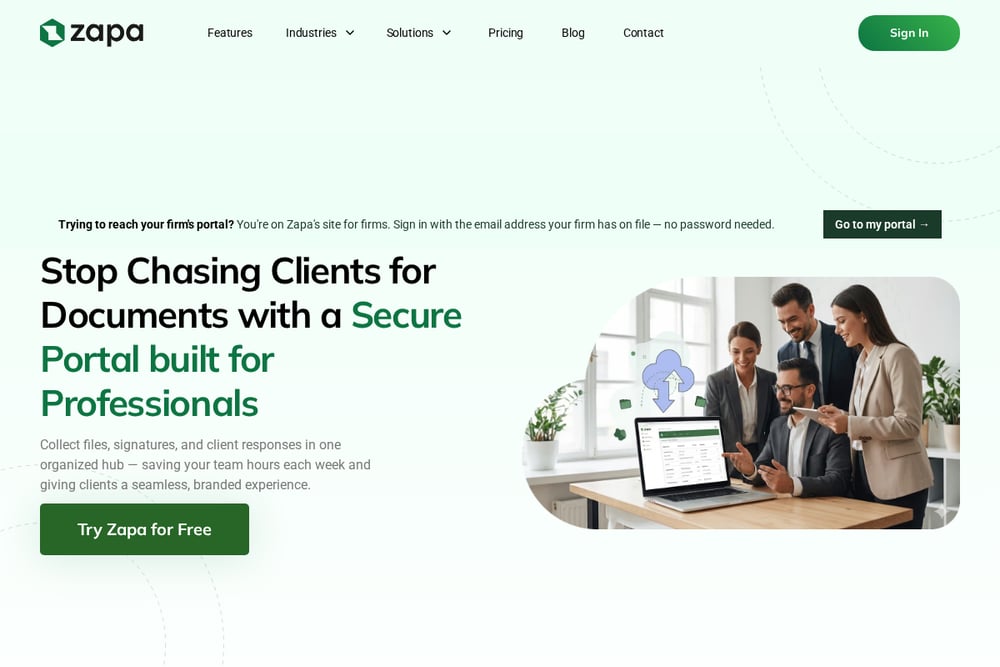 A screenshot of the Zapa website.
Zapa offers a free fillable Word WISP template aimed at tax and accounting firms. The template covers all required FTC Safeguards Rule elements from § 314.4(a) through (j) and includes the six IRS Publication 5708 attachments, from retention policy to access roster. It also names the 30-day FTC breach-reporting deadline your plan needs to include. You download it with just your email and no credit card. Zapa is primarily a client portal and document management platform, so the WISP template serves as a practical entry point to its broader toolset. If you want a free starting document and are comfortable filling in the details yourself, this is a solid choice.
#4 Protection Plus (eRO WISP)
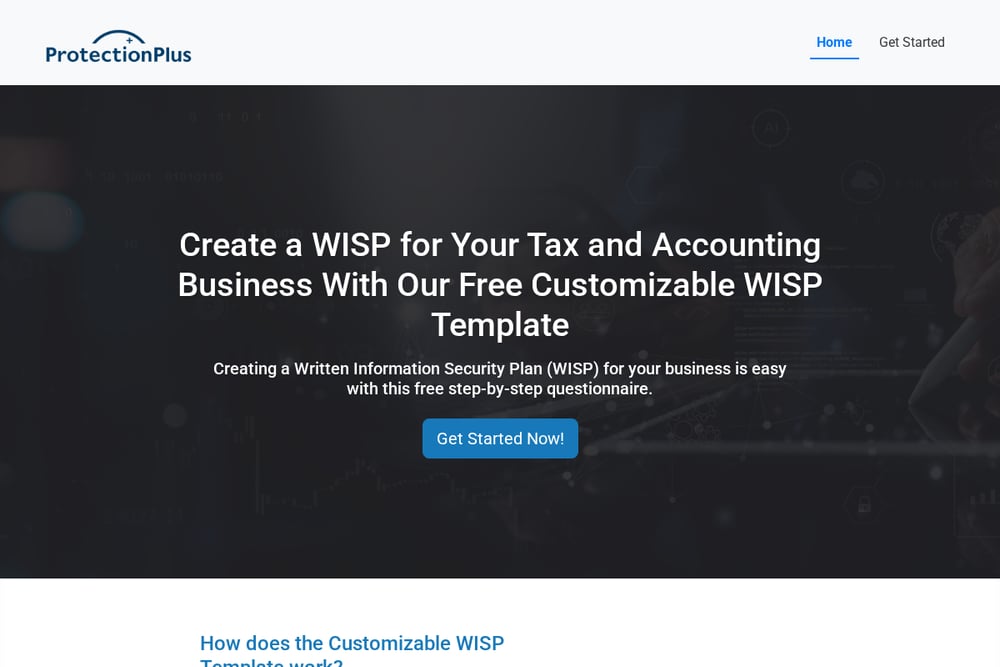 A screenshot of the Protection Plus website.
Protection Plus, through its eRO WISP page, offers a free WISP template for tax professionals. The site is part of a broader tax protection and compliance brand, so the template fits into a larger suite of services. The page itself is straightforward: you get access to a template you can adapt for your firm. It is a reasonable option if you are already using Protection Plus tools or want a no-cost document to start from. Just be prepared to do more of the customization and gap analysis on your own.
#5 Western CPE
 A screenshot of the Western CPE website.
Western CPE is a continuing education provider for tax and financial professionals, and it offers a free WISP template for tax practitioners. The template comes with the credibility of an established CPE brand that serves enrolled agents and CPAs. It is a useful resource if you are already taking courses through Western CPE or want a template from a familiar name in tax education. The trade-off is that the WISP is a supporting resource rather than the core product, so you will not get a guided build or compliance dashboard. For firms that value education and want a free document to work from, it is worth a look.
How to choose the right WISP solution for your firm
Start with your time budget. If you want to answer questions and get a finished plan in about an hour, a guided service like WispWright fits. If you prefer to fill in a document yourself, a free template from Zapa, Protection Plus, or Western CPE can work. Next, think about proof. If you need auditable sign-offs and employee acknowledgements, a platform like WISP Builder is built for that. Consider your tax-season schedule. A plan that schedules non-urgent fixes outside January 15 to April 15 keeps you focused on returns. Check the output format. Editable Word files are easier to update year after year. Finally, look at pricing and guarantees. Free starting points lower the risk, and a clear refund policy tells you how much confidence the provider has in its product.
Where automation fits into your WISP workflow
You do not need to automate everything, but a few steps save real time. Start with a guided questionnaire that captures your firm details once and reuses them next year. Use encrypted storage for your answers so you can switch devices and update the plan without starting over. Set annual reminders for access reviews and policy updates. Automate the gap-and-action plan so each open item gets an owner and a target date. Schedule non-urgent tasks outside tax season. Keep your WISP in editable Word format so you can adjust it as your software or staff changes. Finally, document employee acknowledgements electronically if your chosen platform supports it. That combination gives you a living plan instead of a dusty PDF.
The bottom line on WISP solutions
Every tax firm needs a WISP, but you do not need to overbuild it. Match the tool to your firm's size and your tolerance for DIY. WispWright is a strong fit for small firms that want a plain-English, tax-season-aware plan in about an hour. WISP Builder suits firms that want an auditable compliance platform. Zapa, Protection Plus, and Western CPE give you free templates to start from. Whichever you choose, name your people, list your gaps honestly, and give each one an owner and a date. That is what turns a template into a plan that protects your clients and your practice.