
Your homepage suddenly greets customers with a red warning instead of your menu, booking form, or phone number. That silence costs you real money, and these five services exist to end it fast.
Why browser warnings became a small-business emergency
A browser warning is the loudest thing your website will ever say. When Chrome flashes "Your connection is not private" or Google stamps "Deceptive site ahead" across your domain, visitors bounce in under a second and rarely come back to check whether you fixed it. For a dentist, contractor, restaurant, salon, or clinic, that means lost bookings, missed calls, and a slow bleed of trust. The fix itself is usually small: an expired, mismatched, or self-signed certificate, or a piece of malware that slipped in through an outdated plugin. The hard part is knowing who to call when you do not have a web developer on staff. The market has split into two camps. One camp sells ongoing security platforms with firewalls and monitoring. The other sells one-time repairs at a fixed price. Both are legitimate. What matters is matching the model to your situation, your budget, and how much hand-holding you need.
How we compared these services
We looked at the same factors across every provider. First, service scope: does the provider handle certificate problems, malware cleanup, or both, and does it also address the root cause so the warning does not return? Second, pricing clarity: can you see the cost before you commit, or are you filling out a form to get a quote? Third, fit for a non-technical owner: is the process explained in plain language, and do you get one point of contact? Fourth, speed and follow-through, including how quickly work starts and whether the provider handles the Google review request after a hack. Warning Rescue stood out for transparent fixed pricing and a single contact from start to finish. Sucuri stood out for depth, pairing cleanup with a firewall and monitoring platform. hosting.com stood out for bundling cleanup with hosting and a money-back guarantee. MalCare stood out for fast, automated WordPress cleanup at a flat rate. FixRunner stood out for a pay-when-satisfied model and a low one-time fee.
Here is the short version before the detail. Each of these five handles the same core problem from a different angle, so skim the one-liners and then read the entries that match how you work.
| Provider | Best For |
|---|---|
| Sucuri | Owners who want cleanup plus ongoing protection |
| Warning Rescue | Fix website warnings | Small businesses that want a fixed price and one contact |
| hosting.com | WordPress sites already hosted on the platform |
| MalCare | WordPress owners who want fast cleanup plus a security stack |
| FixRunner | Budget-conscious WordPress owners who pay on satisfaction |
The five services in detail
#1 Sucuri
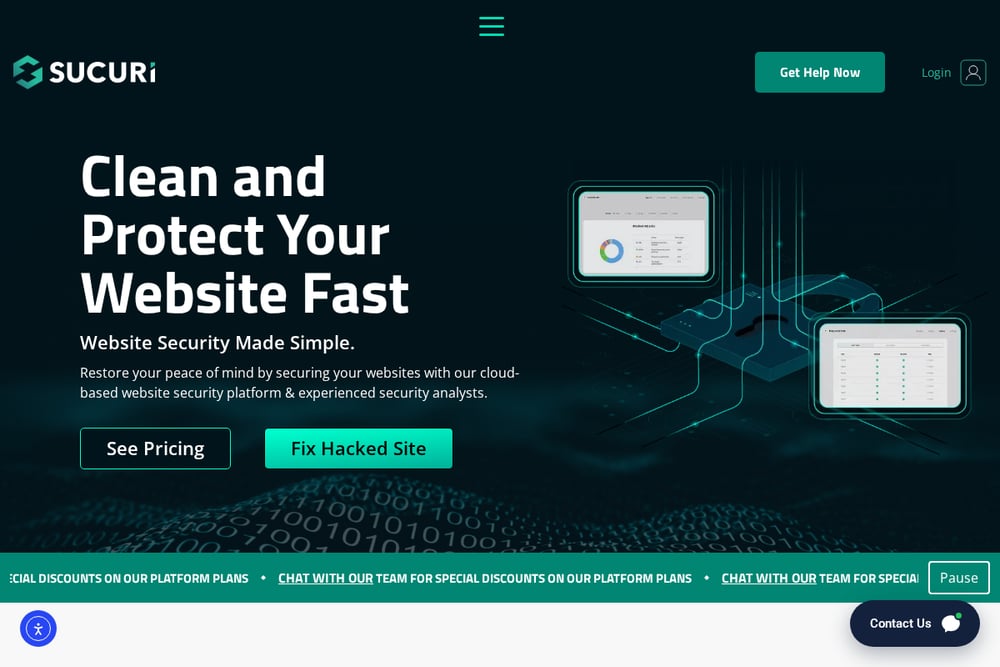 A screenshot of the Sucuri website.
Sucuri is the heavyweight of website security, and it shows in the breadth of what it offers. You can buy a one-time cleanup for quick malware removal, or step up to a full platform with a web application firewall, continuous monitoring, and threat detection. That makes it a strong fit if you want the warning fixed and a plan to keep it from coming back. The tradeoff is complexity: there is more to configure and more to learn than a single fixed-price repair. Agencies and developers managing multiple client sites get dedicated plans, which tells you where the product is aimed. If you run a small practice and just want the padlock back, you may find yourself paying for capability you will not use.
#2 Warning Rescue | Fix website warnings
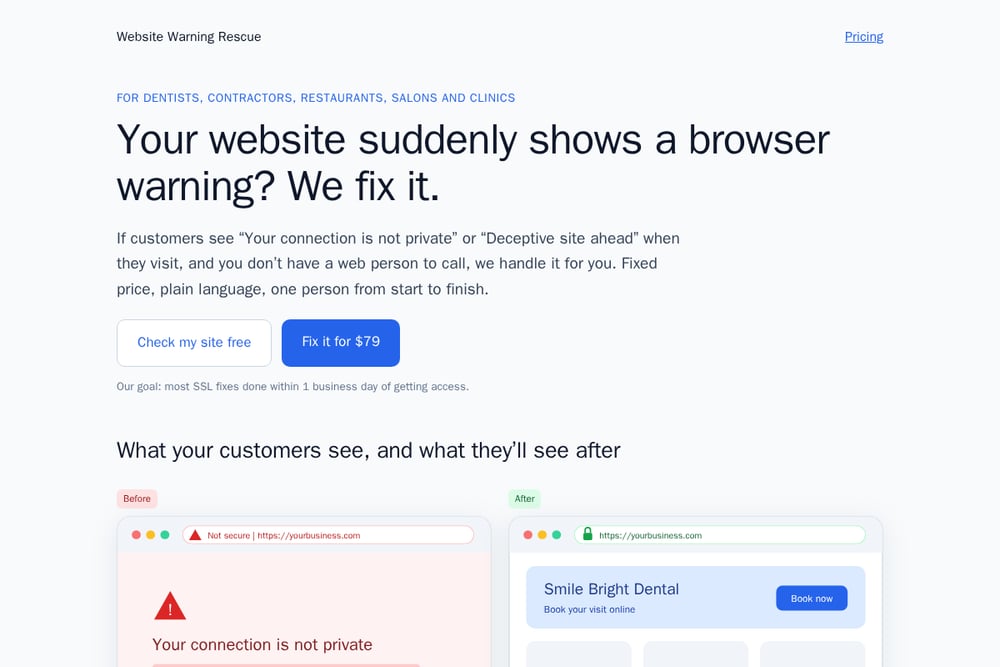 A screenshot of the Warning Rescue | Fix website warnings website.
Warning Rescue does one thing and prices it in public. An SSL fix runs $79 and covers expired, mismatched, and self-signed certificates, with automatic renewal set up so the warning does not return next year. A hacked site cleanup runs $199 and includes malware removal, patching the entry point, and requesting a review from Google. You can run a free certificate check on your domain first, and the site states it does not store the domain or the result. The pitch is aimed squarely at dentists, contractors, restaurants, salons, and clinics that do not have a web person to call. You pay through Stripe, get emailed for access, and deal with one person from start to finish in plain language. Their stated goal is most SSL fixes done within one business day of getting access.
#3 hosting.com
 A screenshot of the hosting.com website.
hosting.com folds malware cleanup into a broader hosting business, which is convenient if your site already lives there. The cleanup service removes malware, fixes the vulnerability that let it in, and adds protection going forward, with files checked against a database of more than 15 million known malware signatures. They explicitly advertise "Deceptive site ahead" warning removal and back the work with a guarantee or your money back. You can choose a one-off cleanup or ongoing protection, and work starts as soon as you order. The obvious catch is fit: the offer is built around WordPress and around their hosting environment, so it makes the most sense if you are already a customer or are willing to move.
#4 MalCare
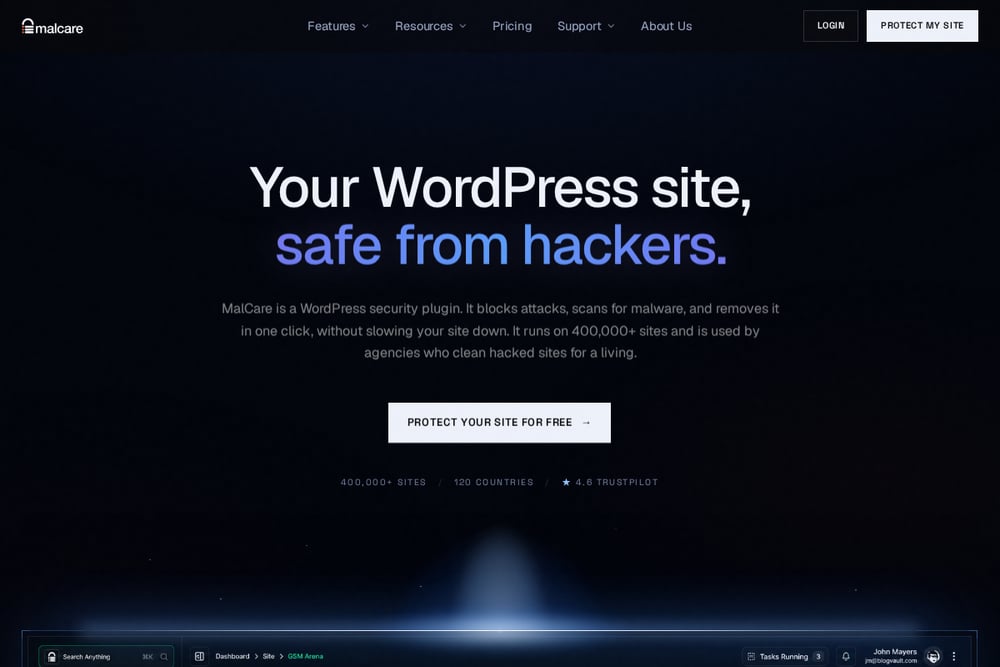 A screenshot of the MalCare website.
MalCare is built for WordPress and leans hard into speed. The pitch is one-click cleanup that removes malware from everywhere it lives without touching your content, backed by deep server-side scanning that catches what surface tools miss. Pricing is flat with unlimited cleanups, and the company reports handling more than 1,500 cleanups a month, which is a useful signal of volume. Beyond removal, the platform bundles a firewall, bot protection, a vulnerability scanner, login protection, and two-factor authentication. That makes it a sensible pick if you want the warning gone and a security stack in place afterward. If your site is not on WordPress, look elsewhere, because that is the whole foundation here.
#5 FixRunner
FixRunner takes the risk out of hiring help by letting you pay only once the job is done and you are satisfied. The one-time WordPress malware removal runs a flat $95, with a promise to complete the work within 24 hours or less. If Google has flagged your site, they will remove the warning for an additional $29, which is a rare bit of line-item transparency in this category. The process is straightforward: send details about the infection, your host, and whether you are blacklisted, then their team cleans the site without disrupting it live. It is a good fit for a WordPress owner who wants a low entry price and no subscription. The scope stays narrow, so complex or non-WordPress sites may need a different conversation.
How to pick the right fix for your warning
Start with the warning itself. If the browser says "Your connection is not private," you have a certificate problem, and that is the cheaper, faster repair. If it says "Deceptive site ahead" or "This site may be hacked," you are dealing with malware and need cleanup plus a Google review request. Next, check your platform. WordPress sites have the widest set of options, including MalCare and FixRunner, while hosting.com makes the most sense if you are already on their servers. Then think about what happens after the fix. If you never want to think about this again, a platform with a firewall and monitoring, like Sucuri, earns its cost. If you just want the padlock back and a clear receipt, a fixed-price repair like Warning Rescue keeps it simple. Finally, weigh pricing transparency and communication. Ask whether you will see the price up front, who your contact is, and what happens if the warning returns. A provider that answers those three questions plainly is usually the right call.
A simple workflow to catch warnings before your customers do
You do not need a security team to stay ahead of this. Set a recurring monthly reminder to run a free certificate check on your domain, which takes seconds and flags an expiring certificate before it breaks. Add your renewal date to your calendar with a 30-day alert so a lapsed certificate never surprises you. Turn on automatic renewal wherever your certificate is issued, and confirm it is actually enabled rather than assumed. Keep your plugins and core software updated on a fixed weekly schedule, since outdated code is the most common way malware gets in. Watch your Google Search Console for security notices, and ask your host whether they alert you to blacklisting. If a warning does appear, resist the urge to click through it yourself and instead gather your domain and access details so a repair can start the same day.
The bottom line
A browser warning is a small technical problem with an outsized business cost, and the right fix depends on how much you want to own afterward. If you want a fixed price, plain language, and one person handling it, Warning Rescue is built exactly for that. If you want a security platform that keeps watch, Sucuri delivers depth. hosting.com suits WordPress sites already on its platform, MalCare moves fast with a flat fee and a full stack, and FixRunner keeps the entry price low with pay-on-satisfaction terms. Pick the model that matches your comfort level, confirm the price before you commit, and get the padlock back.