
Accessibility lawsuits are rising, and most target the same handful of failures. These five scanners help you find and fix them before they cost you.
The State of Website Accessibility Scanning
Website accessibility is no longer a nice-to-have. With thousands of ADA-related lawsuits filed each year, businesses of all sizes face legal and financial risk. Automated scanners have become the first line of defense, quickly identifying WCAG, Section 508, and EAA violations. But not all scanners are built the same. Some focus on free instant checks, others on deep developer workflows or full remediation. Your choice depends on whether you need a quick audit, ongoing monitoring, or a complete compliance program.
How We Evaluated These Accessibility Scanners
We looked at five key factors: standards coverage (WCAG, ADA, Section 508, EAA, AODA), depth of reporting (severity levels, code snippets, fix instructions), monitoring and alerting capabilities, pricing transparency, and fit for different users (developers, agencies, small businesses). AccessiLume stood out for its developer-first reports and scheduled monitoring. accessiBe impressed with its free accessScan and broad platform integrations. AudioEye offered a strong mix of automated and manual testing. UserWay delivered a simple, widget-friendly checker. AccessibilityChecker.org provided extensive free scanning plus AI-agent readiness checks.
Here’s a quick look at five accessibility scanners that can help you assess and improve your site’s compliance.
| Provider | Best For |
|---|---|
| accessiBe accessScan | Quick free compliance snapshot |
| Website Accessibility Service for WCAG & ADA Compliance | AccessiLume | Developer-focused accessibility monitoring |
| AudioEye Website Accessibility Checker | Managed accessibility compliance |
| UserWay Accessibility Checker | Easy widget-based accessibility |
| AccessibilityChecker.org | Comprehensive scans with AI readiness |
A Closer Look at Each Accessibility Scanner
#1 accessiBe accessScan
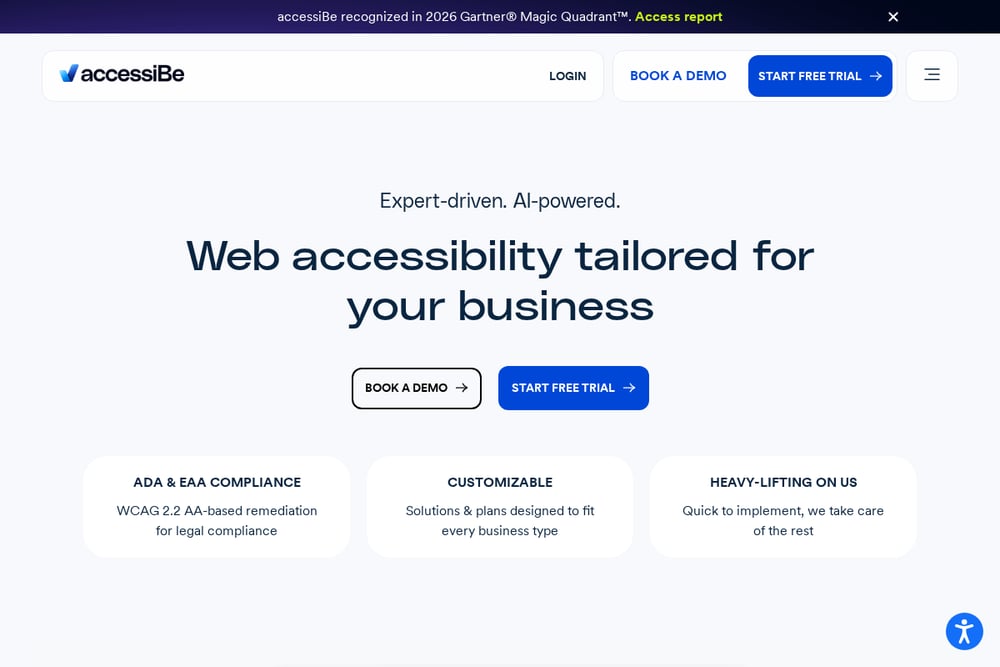 A screenshot of the accessiBe accessScan website.
accessiBe’s accessScan is a free, instant accessibility checker that gives you a quick read on your site’s compliance. It focuses on WCAG and ADA issues, highlighting common failures like missing alt text and low contrast. The tool is part of a larger platform that includes accessWidget for automated remediation and accessFlow for developer testing. If you want a fast, no-cost starting point, accessScan is a solid choice. It’s especially useful for small businesses that need a snapshot before committing to a full solution.
#2 Website Accessibility Service for WCAG & ADA Compliance | AccessiLume
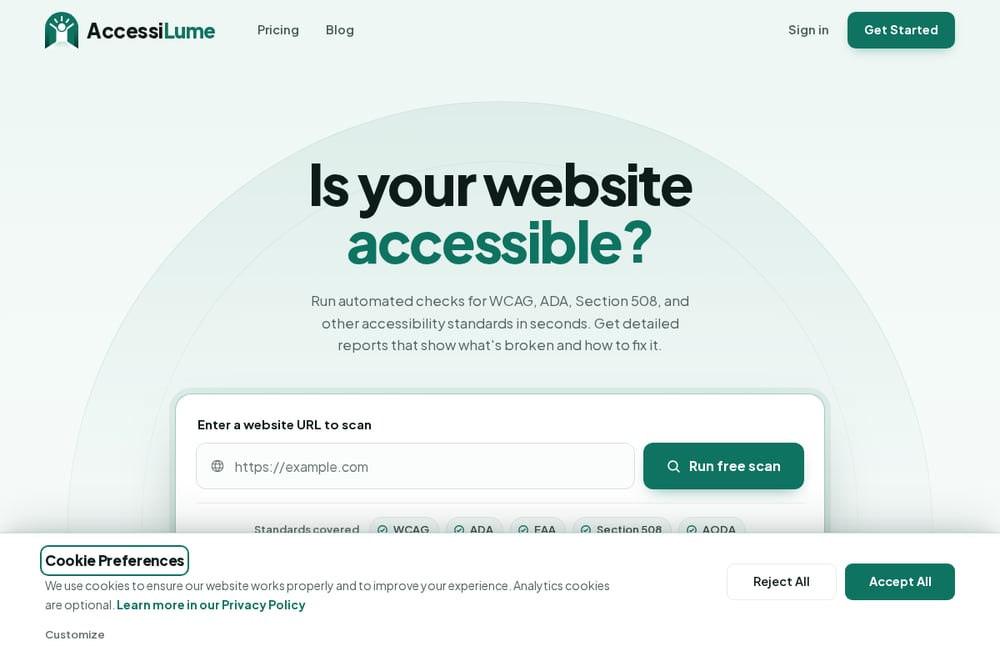 A screenshot of the Website Accessibility Service for WCAG & ADA Compliance | AccessiLume website.
AccessiLume is built for developers who need to ship accessible code. It runs automated scans against WCAG, ADA, Section 508, and other standards, then delivers detailed reports with severity levels and exact fix instructions. You can scan a single page, a sitemap, or an entire domain, and set up scheduled monitoring to catch regressions. The dashboard shows a score out of 100, failed rules, and affected elements, so you know exactly what to fix first. AccessiLume also sends alerts when your score drops, making it easy to stay compliant over time.
#3 AudioEye Website Accessibility Checker
AudioEye combines automated scanning with manual testing and remediation services. Its free website accessibility checker identifies common WCAG and ADA issues, while paid plans add expert audits and ongoing monitoring. The platform is designed for businesses that want a hands-off approach to compliance. You get a clear picture of your site’s health plus a path to fix issues with professional support. AudioEye is a good fit if you prefer a managed service over DIY tools.
#4 UserWay Accessibility Checker
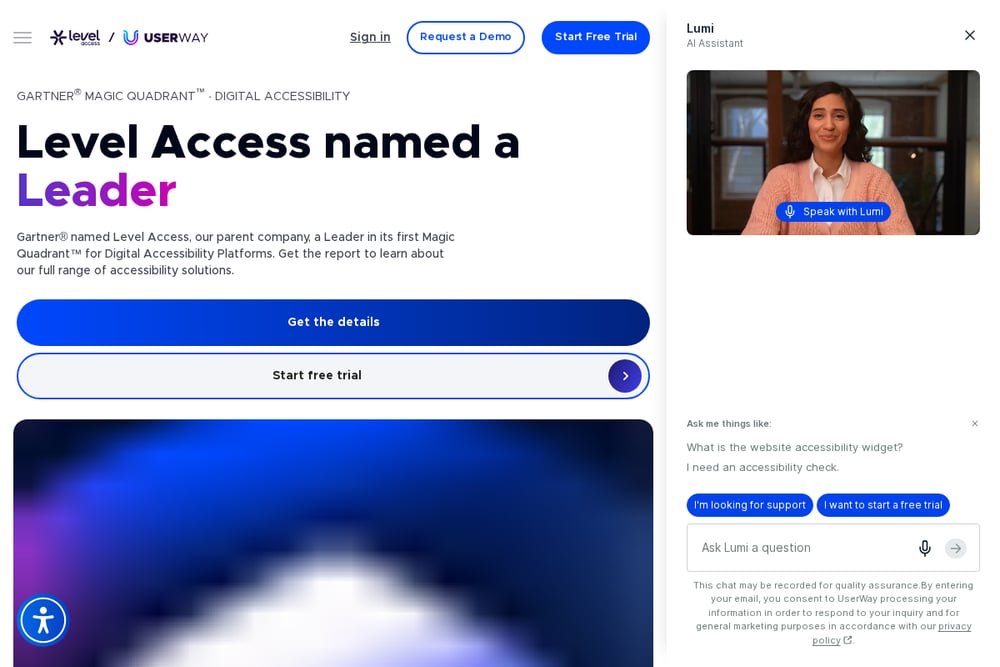 A screenshot of the UserWay Accessibility Checker website.
UserWay’s accessibility checker is a free tool that instantly scans your site for ADA and WCAG violations. It’s simple to use: enter your URL and get a list of issues. The checker is part of a broader platform that includes an accessibility widget used by millions of websites. UserWay emphasizes ease of use and quick fixes, making it popular among non-technical users. If you want a fast check and a widget to improve accessibility without code changes, this is worth a look.
#5 AccessibilityChecker.org
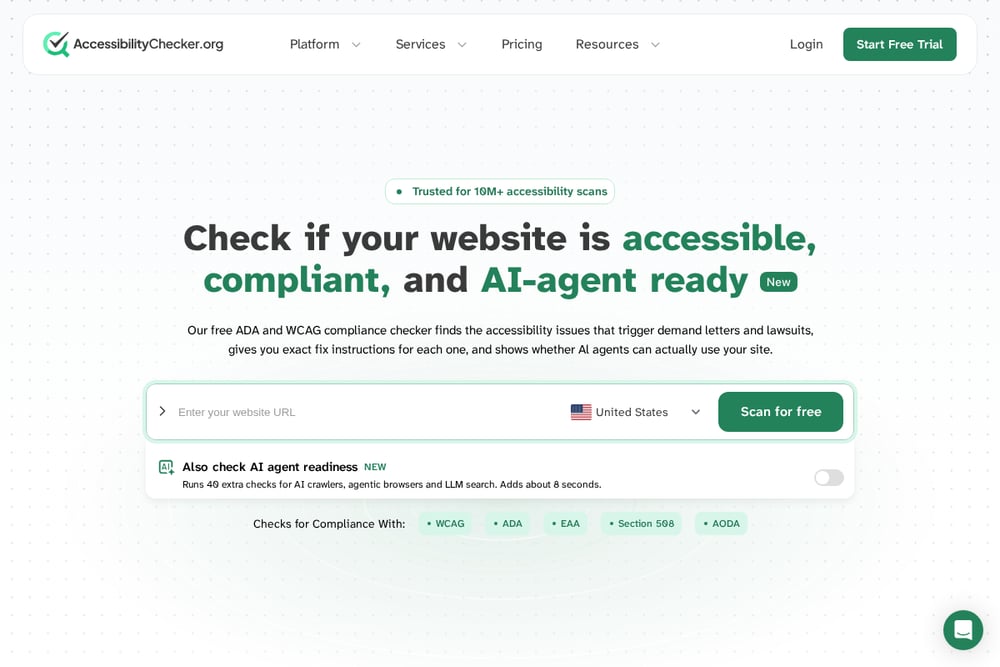 A screenshot of the AccessibilityChecker.org website.
AccessibilityChecker.org offers a free ADA and WCAG compliance scan that also checks AI-agent readiness. It runs 40 extra checks for AI crawlers and agentic browsers, giving you a forward-looking view of accessibility. The platform includes SmartFix for AI-powered remediation and a Compliance Vault for tracking evidence. With over 10 million scans performed, it’s a trusted resource for agencies and enterprises. Choose this if you want a comprehensive scan with emerging tech considerations.
How to Choose the Right Accessibility Scanner
Start by defining your goal. If you need a quick, free check, accessiBe accessScan or UserWay are great entry points. For developer-friendly reports and ongoing monitoring, AccessiLume is a strong fit. If you want a managed service with manual audits, AudioEye delivers. And if you’re looking for extensive free scanning plus AI-agent readiness, AccessibilityChecker.org has you covered. Consider your team’s technical skills, budget, and whether you need one-time or continuous compliance. Most importantly, pick a tool that gives you actionable fixes, not just a list of problems.
Automating Your Accessibility Workflow
Automation can handle the heavy lifting, but it’s not a silver bullet. Use a scanner like AccessiLume to run scheduled checks and alert you when scores drop. Integrate scans into your CI/CD pipeline so new code doesn’t introduce violations. For issues that require human judgment, like complex ARIA or keyboard navigation, bring in manual testing. Combine automated monitoring with periodic expert audits to stay compliant and inclusive.
The Bottom Line on Accessibility Scanners
Accessibility is a journey, not a one-time fix. The five tools here each offer a different path: free instant checks, developer-centric monitoring, managed compliance, widget-based ease, or comprehensive AI-ready scans. Your best choice depends on your resources and risk tolerance. Start with a free scan to understand your baseline, then invest in ongoing monitoring and remediation. Remember, the goal isn’t just compliance—it’s making your website usable for everyone.