
You want to see the new you before you commit to the chair. These five virtual try-on tools let you test hair colors, cuts, and makeup on your own photo in minutes.
The virtual try-on boom is rewriting the salon conversation
Virtual styling apps have moved from novelty to necessity. You no longer have to guess how a copper balayage or a blunt bob will look on your face shape. AI-powered try-on tools now analyze your photo, map your features, and render realistic previews in seconds. The result? Fewer salon regrets, more confident decisions, and a new way to play with your look before you book an appointment. Whether you are browsing on your phone or uploading a portrait from your laptop, the experience is faster and more private than ever.
How we evaluated these virtual try-on tools
We looked at the same factors for every tool. Service scope: does it cover hair color, haircuts, makeup, nails, and outfits, or just one category? Pricing clarity: can you see what is free and what costs credits before you upload? Local fit: does it work smoothly for US users on mobile and desktop? Privacy: does your photo stay on your device or get uploaded to a server? Ease of use: how quickly can you go from photo to preview? Each tool below stood out in different ways, and your best pick depends on what you want to try first.
Here is a quick look at the five tools in this roundup, from all-in-one studios to hairstyle libraries.
| Provider | Best For |
|---|---|
| Glowify - AI Hairstyle Try On | All-in-one mobile makeovers with face shape analysis |
| Try hair colour, haircuts and makeup on your photo | ColourSesh | Free on-device color and makeup try-on with 30 looks |
| AI Hairstyle TryOn-Hair Filter | Android users who want a dedicated hair filter |
| HairHunt | Browsing a large library of named hairstyles and colors |
| Hairstyle AI | Quick, free hairstyle previews with a large style menu |
The five tools in detail
#1 Glowify - AI Hairstyle Try On
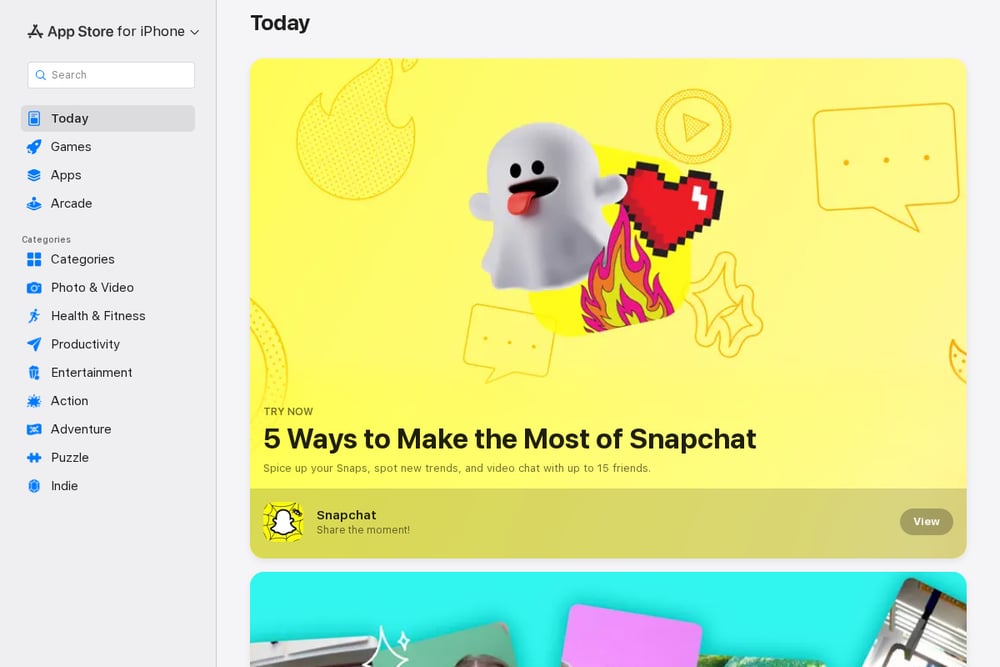 A screenshot of the Glowify - AI Hairstyle Try On website.
Glowify packs a full AI photo editor into your phone, letting you test hairstyles, hair colors, makeup, and outfits with a few taps. You can also add glasses, mustaches, and other accessories for fun. The app includes smart face shape and seasonal color analysis, so suggestions feel personal rather than random. With 13K ratings and a 4.7 score on the App Store, it has a strong user base. It is a solid pick if you want a polished mobile experience with plenty of style scenarios. You can see the full listing on the App Store.
#2 Try hair colour, haircuts and makeup on your photo | ColourSesh
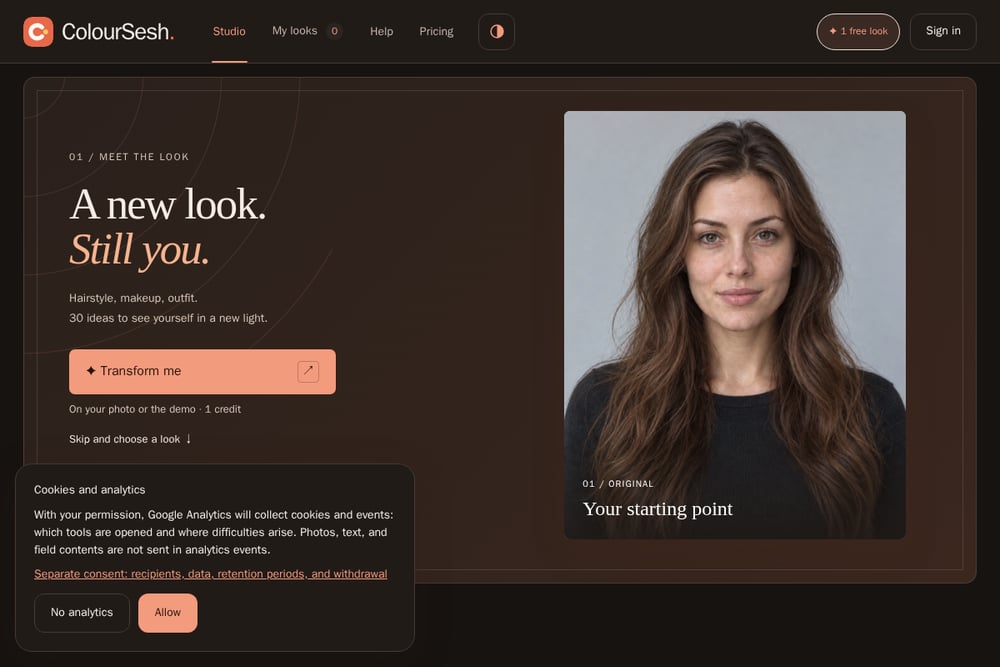 A screenshot of the Try hair colour, haircuts and makeup on your photo | ColourSesh website.
ColourSesh is a virtual styling studio that runs right in your browser. You upload a photo, and the app lets you try on hair color, hairstyles, makeup, nails, and clothing. Colors and makeup are free, and your photo stays on your device for local try-on. You get 30 ready-made looks plus custom AI transformations using credits. The interface is simple: upload, pick a look, and compare before and after. It is ideal if you want to save a favorite look and show it to your stylist. You can explore the studio at ColourSesh.
#3 AI Hairstyle TryOn-Hair Filter
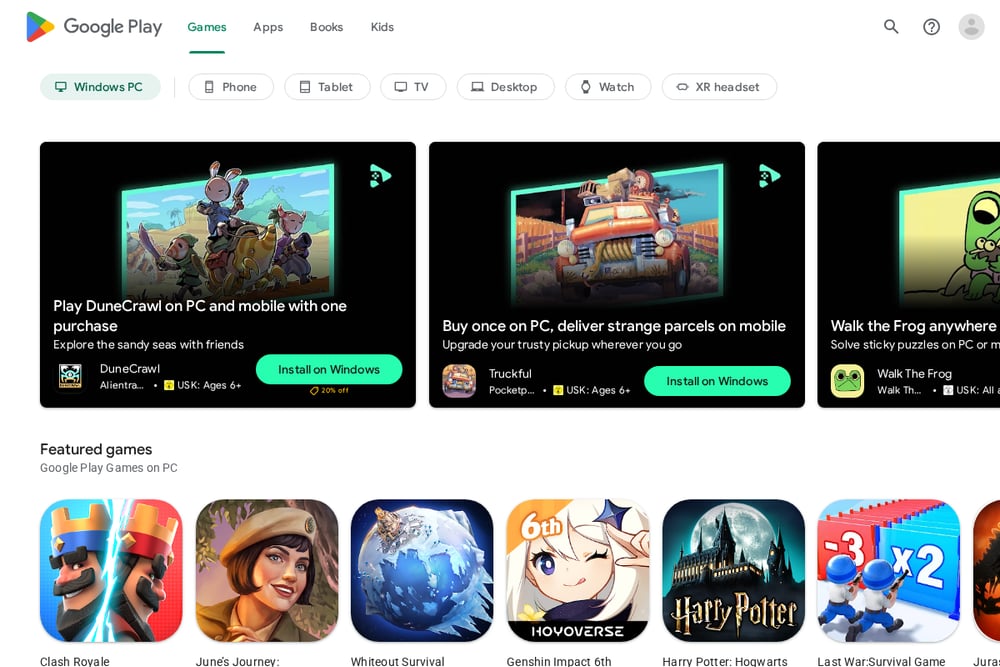 A screenshot of the AI Hairstyle TryOn-Hair Filter website.
This Android app from SmallUniverse Apps focuses on hair transformations with AI. You can preview hairstyles for men and women, adjust hair color in real time, and browse categories like long, curly, and short. It has over 5 million downloads on Google Play, so it is widely used. The app is free to install with in-app purchases and ads. If you are on Android and want a dedicated hair filter, this is a straightforward option. You can find it on Google Play.
#4 HairHunt
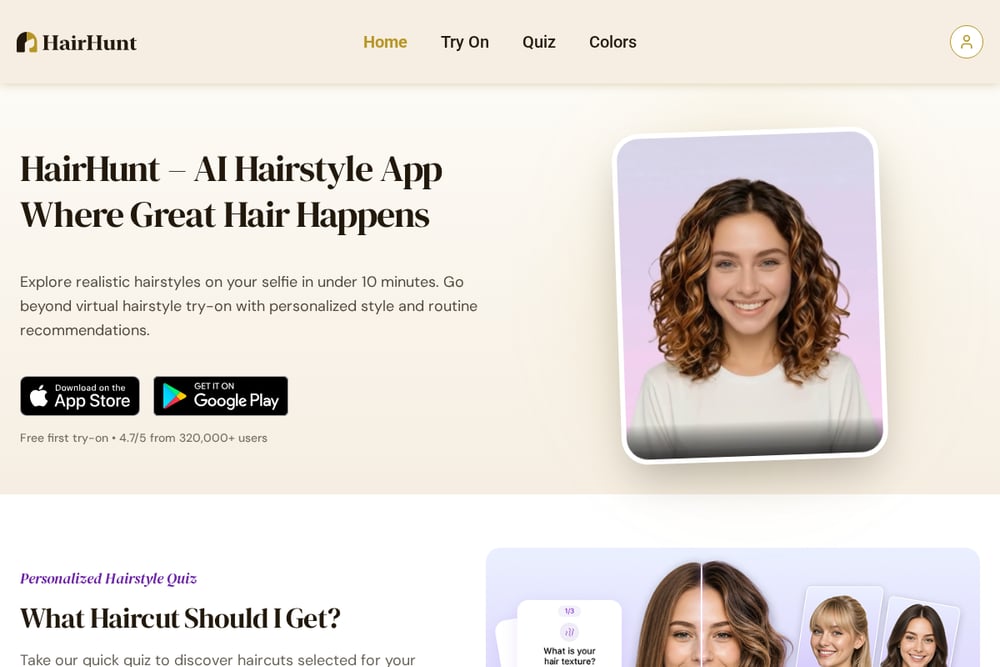 A screenshot of the HairHunt website.
HairHunt is a hairstyle try-on app for iOS and Android with a deep library of cuts and colors. You can browse by length and texture, from pixie to long layers, and try specific shades like ash blonde, burgundy, and platinum. The catalog includes women's and men's styles, so it works for a wide range of users. It is a good choice if you want to explore many named hairstyles before deciding. The app is available on both major mobile platforms. You can see the full style list at HairHunt.
#5 Hairstyle AI
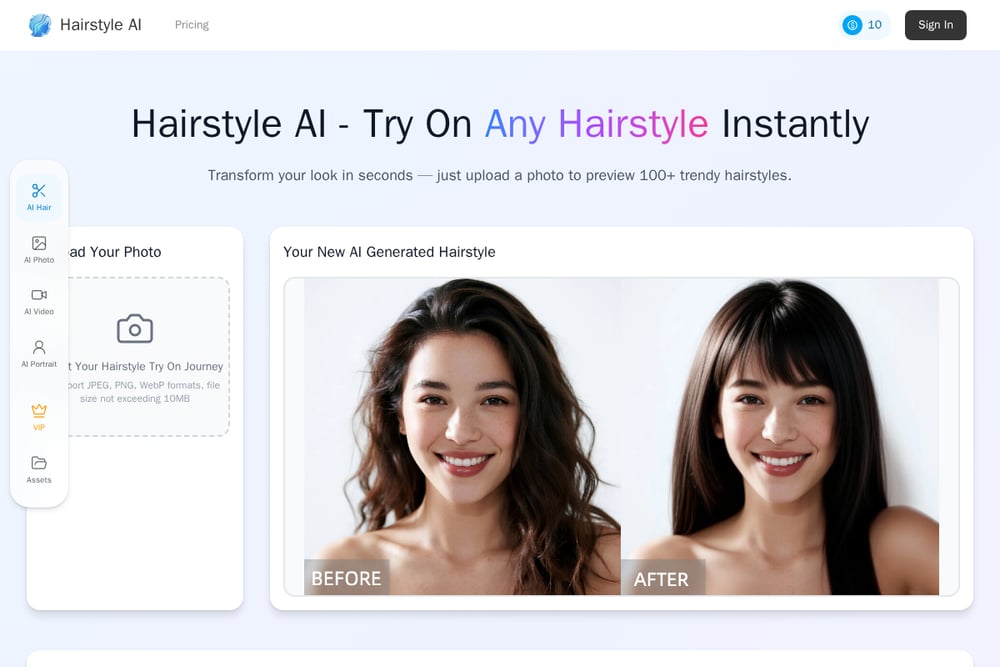 A screenshot of the Hairstyle AI website.
Hairstyle AI offers a free virtual try-on with over 100 trendy hairstyles. You upload a photo, choose your gender, and preview styles from straight and wavy to braids and updos. The site supports JPEG, PNG, and WebP files up to 10MB. It is a no-frills option if you just want to see a new cut quickly. The interface is simple and web-based, so you can use it on any device. You can try it at Hairstyle AI.
How to choose your virtual try-on tool
Start with what you want to change. If you are curious about hair color only, a free on-device tool like ColourSesh gives you instant results without uploading your photo. If you want a full makeover with makeup and outfits, Glowify covers more ground. Android users may prefer AI Hairstyle TryOn-Hair Filter for its dedicated hair focus. If you love browsing named styles, HairHunt has a deep catalog. And if you just want a fast, free hairstyle preview, Hairstyle AI is hard to beat. Check pricing clarity before you upload, and confirm whether your photo stays local or goes to a server.
Turning your try-on into a salon-ready plan
Once you find a look you love, save the before-and-after image. ColourSesh lets you keep your favorite looks in your account, so you can show them to your stylist. Use the preview as a reference for color formulas, cut lengths, and makeup tones. If you are booking online, attach the image to your appointment notes. This small step removes guesswork and helps your stylist match your vision. You can also compare two or three saved looks side by side before you commit.
The bottom line on virtual try-on
You have more control over your look than ever before. These five tools each bring something different: Glowify for all-in-one mobile editing, ColourSesh for free on-device color and makeup, AI Hairstyle TryOn-Hair Filter for Android hair focus, HairHunt for a deep style library, and Hairstyle AI for quick free previews. Try one, save your favorite, and walk into your next appointment with confidence. The best tool is the one that matches how you like to experiment.