You don't need to learn Premiere Pro to publish video that looks like you did. These five editing services do the cutting, grading, and captioning for you — here's how they stack up.
The state of done-for-you video editing
Video editing has quietly become a subscription business. Creators, coaches, and small brands now outsource the timeline work to agencies that promise fast turnarounds and predictable pricing. The market splits into two camps: per-video shops that charge by the edit, and flat-fee unlimited plans that bill monthly. Both models work — the question is which one matches how often you actually publish.
How we looked at these services
We weighed four things: service scope (short-form, long-form, podcasts, ads), pricing clarity (published rates versus book-a-call), turnaround and revision terms, and how well each fits creators and brands without an in-house editor. Guarantees and contract flexibility counted too. The detail on each service lives in its description below.
Here's the short version before the deep dive — five services, five different models, one of them built around paying per video instead of per month.
| Provider | Best For |
|---|---|
| Tasty Edits | Creators who want one vendor across long-form, short-form, and channel management |
| Cutroom — Video Editing Services | Creators and brands who want per-video pricing with a money-back guarantee |
| beCreatives | High-volume publishers who want unlimited requests on a flat fee |
| Vidchops | YouTubers and short-form creators chasing daily posting cadence |
| VideoScale | Agencies and teams that need a dedicated editor at high volume |
The five, one by one
#1 Tasty Edits
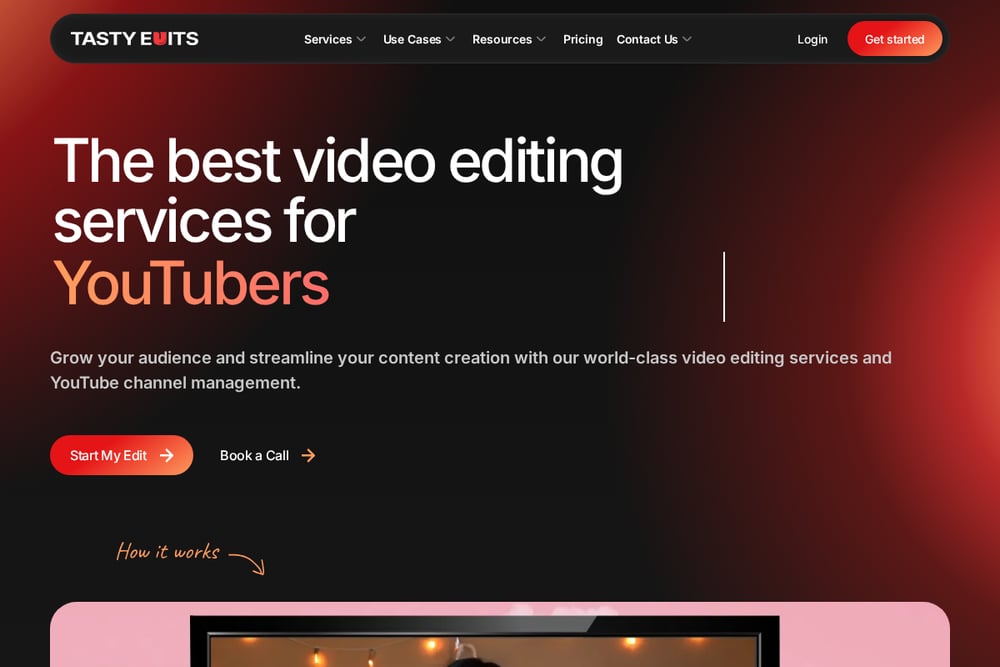 A screenshot of the Tasty Edits website.
Tasty Edits positions itself as a full-service editing partner for creators and businesses, covering long-form horizontal video, short-form vertical edits, and even YouTube channel management. It organizes its offering by use case — YouTubers, podcasters, realtors, course creators, doctors, lawyers — which makes it easy to see whether your niche is served. Clients submit work through its Video Order Management Application, and the site publishes example videos and client case studies so you can judge the output before committing. It's the broadest menu on this list, which suits you if you want one vendor for several video formats.
#2 Cutroom — Video Editing Services
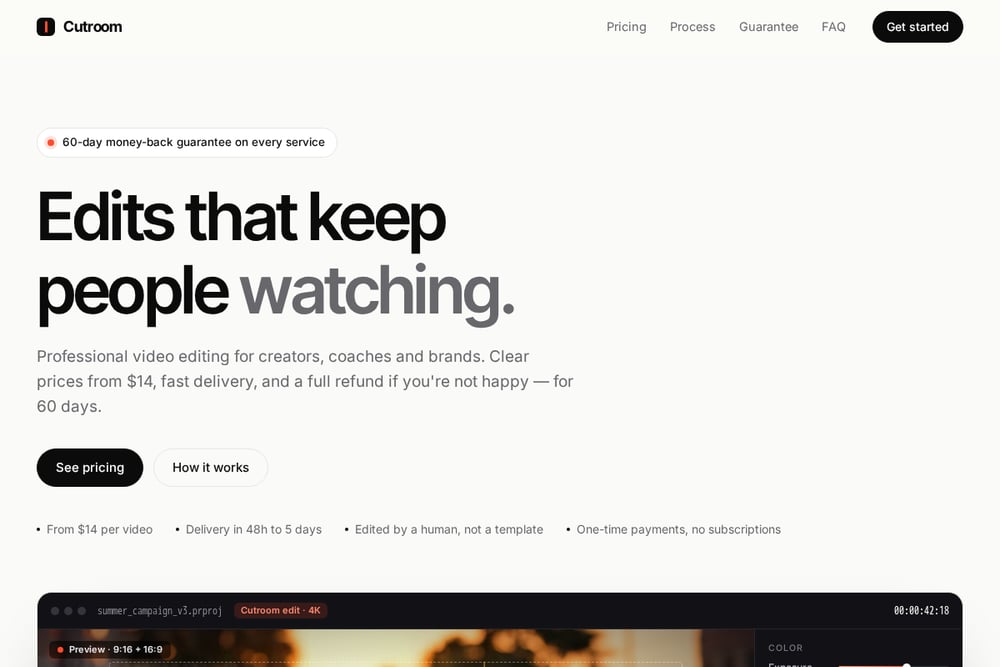 A screenshot of the Cutroom — Video Editing Services website.
Cutroom is the per-video option, and it's refreshingly blunt about it: clear prices from $14 per video, delivery in 48 hours to 5 days, one-time payments with no subscription. Every edit is done by a human, and every service carries a 60-day money-back guarantee — a full refund if you're not happy. The site showcases six recurring looks, from Golden hour cinematic grades to beat-synced Pulse cuts and tight 15-second product teases, and each is built from your own footage rather than a template. Edits include color grading, punch-in zooms, word-by-word captions, and pacing work, delivered in 9:16 and 16:9. If you publish occasionally and hate the idea of a monthly bill, this is the model to beat.
#3 beCreatives
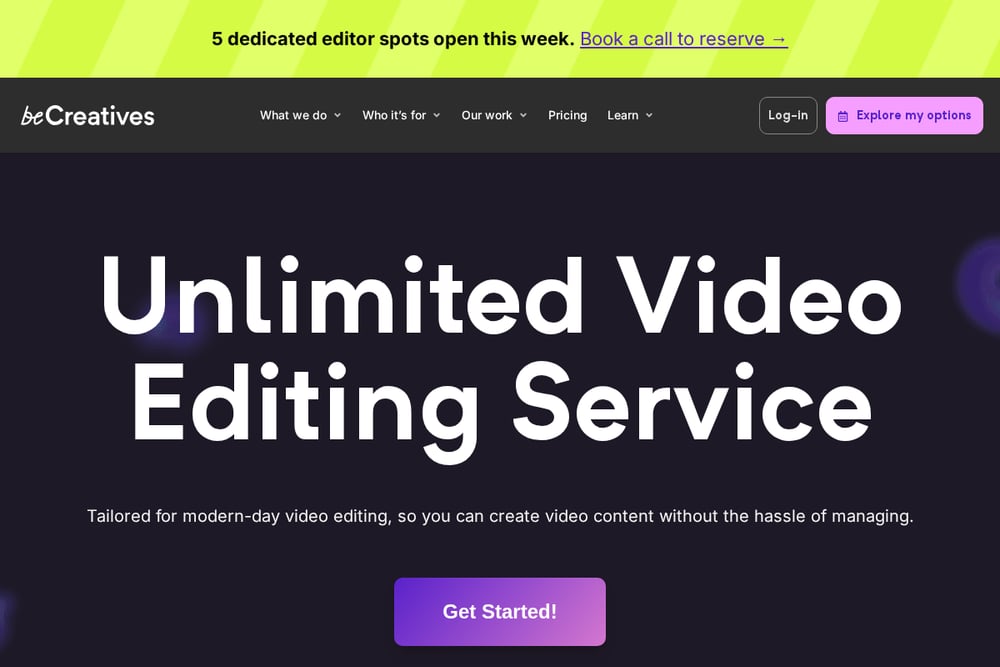 A screenshot of the beCreatives website.
beCreatives sells unlimited video editing for one flat fee, with requests submitted through its own platform for review and download. The service covers short-form Reels, TikToks and Shorts, YouTube long-form and podcasts, video ad variations, and repurposing one long video into many clips. It's aimed at content creators, business owners, and marketers or agencies who need more client video without adding headcount. The site leans on social proof — a gallery of 100+ real edits sorted by industry, case studies with numbers, and testimonials. It also offers a free strategy call if you want help planning your first batch of videos.
#4 Vidchops
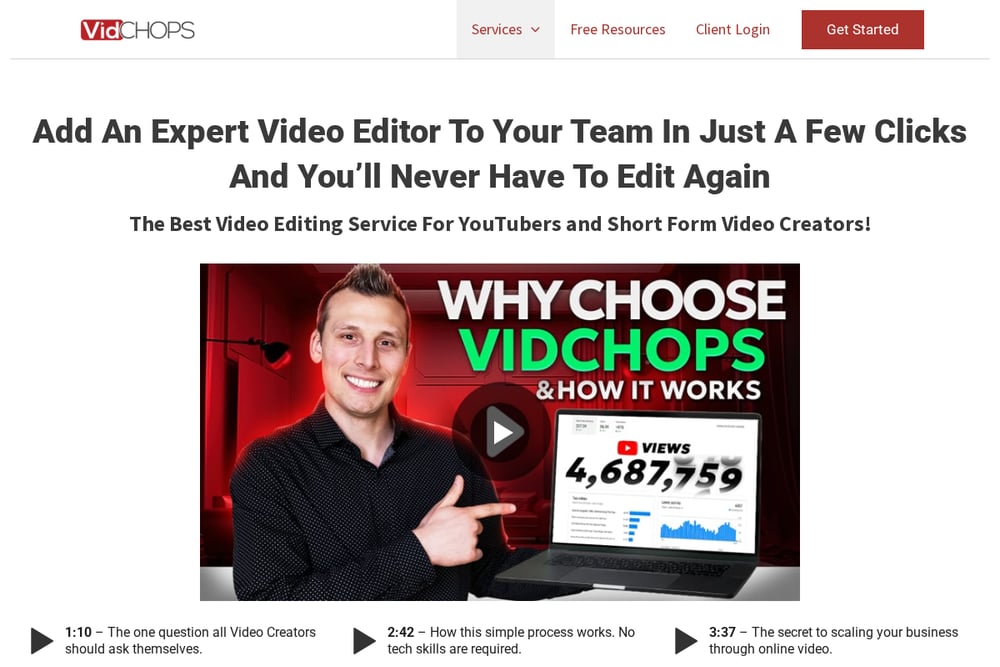 A screenshot of the Vidchops website.
Vidchops frames itself as adding an expert editor to your team, aimed squarely at YouTubers and short-form creators. The pitch is daily content done for you — your short-form edit prepped and polished by morning — plus editors who know YouTube, TikTok, and Instagram trends. It claims a client base of 5,000+ creators and cites work for Think Media, Brian G Johnson, and agencies scaling content. Beyond straight editing, it offers a YouTube helper service and white-label editing for agencies. The emphasis is on retention-optimized pacing, hooks, and captions rather than cinematic polish.
#5 VideoScale
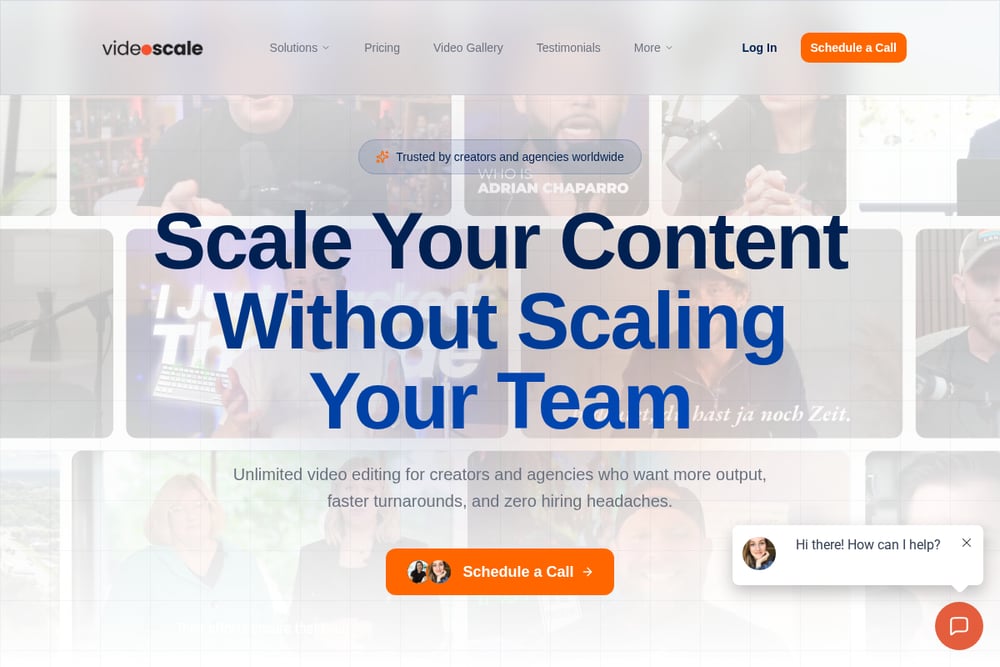 A screenshot of the VideoScale website.
VideoScale is the premium end of the flat-fee model, starting around $1,299 per month on a month-to-month, no-contract basis. It assigns every client a dedicated editing team rather than a shared queue, so your editor learns your style over time. Turnaround ranges from same-day on its Scale tier to two to three business days on Starter, and it serves agencies, YouTubers, podcasters, businesses, and coaches. The company also publishes comparison content on the unlimited editing category, which is useful if you're still weighing models. It's the pick when output volume is high and consistency matters more than per-video cost.
Pick the model before the vendor
Start with your publishing rhythm. If you post a handful of videos a month, per-video pricing like Cutroom's keeps your costs tied to actual output and avoids paying for capacity you don't use. If you post daily or manage client accounts, a flat-fee unlimited plan from beCreatives or VideoScale usually wins on cost per edit. Then check the boring stuff: turnaround windows, revision terms, whether you get a dedicated editor, and whether there's a guarantee or contract lock-in. Finally, look at sample work in your niche — a service that nails podcast clips may not nail beauty transitions.
Where automation fits into your editing workflow
You can wire a simple pipeline around whichever service you choose. Store raw footage in a shared cloud folder with a consistent naming convention, and use a form or project board to submit each request with style notes and aspect ratios. Route finished edits into a review folder, log approval status in a spreadsheet or Notion database, and set reminders for revision windows and guarantee periods. If you publish on a schedule, connect your content calendar to the submission step so a request goes out the moment footage is uploaded — that alone removes most of the back-and-forth.
The bottom line
There's no single winner here — there's a right model for your output. Tasty Edits gives you the widest menu, Cutroom gives you the cleanest per-video deal with a 60-day guarantee behind it, beCreatives and VideoScale cover high-volume flat-fee needs, and Vidchops is built for creators living on short-form. Match the pricing model to how often you publish, verify the turnaround and revision terms, and you'll stop losing evenings to a timeline.