
Buying a used phone feels like a gamble until you check the IMEI. These five services help you spot hidden locks, blacklists, and lender flags before you hand over cash.
Why IMEI Checks Became Essential for Used-Phone Buyers
The second-hand phone market is booming, but so are the risks. A device can pass a basic stolen-list check and still be locked to someone else's iCloud, tied to a carrier, or flagged by a lender. That's why IMEI verification services have moved from niche to necessary. They pull data from multiple sources to tell you whether a phone is truly safe to buy. Some focus only on Apple devices, while others cover Android brands like Samsung. Pricing models range from free single checks to paid all-in-one reports. The key is knowing which service matches your specific purchase scenario.
How We Evaluated These IMEI Check Services
We looked at what each service actually checks: lost/stolen blacklists, iCloud activation lock, carrier locks, and Samsung Knox lender locks. We also considered pricing transparency, ease of use, and whether you get a clear buy-or-don't-buy answer. LegitPhone stands out for combining multiple lock types into one plain-language verdict. IMEIpro offers a free iCloud check but leaves carrier and Knox status out. IMEICheck.com provides a straightforward iCloud ON/OFF result with no account required. Sickw covers a massive list of brands and check types, though you'll need to navigate its menu. iUnlocker bundles free iCloud checks with paid services for deeper reports. Each has a different sweet spot depending on whether you're buying an iPhone, a Samsung, or just want a quick blacklist scan.
Here's a quick look at the five services, what they check, and who they're for.
| Provider | Best For |
|---|---|
| IMEIpro | Free iCloud status checks on iPhones and iPads |
| LegitPhone: check a used phone before you buy | All-in-one used-phone risk check with a clear verdict |
| IMEICheck.com | Quick, no-frills iCloud activation lock checks |
| Sickw | Broad brand coverage and free multi-type checks |
| iUnlocker | Free iCloud checks plus paid unlock and blacklist reports |
The 5 Services in Detail
#1 IMEIpro
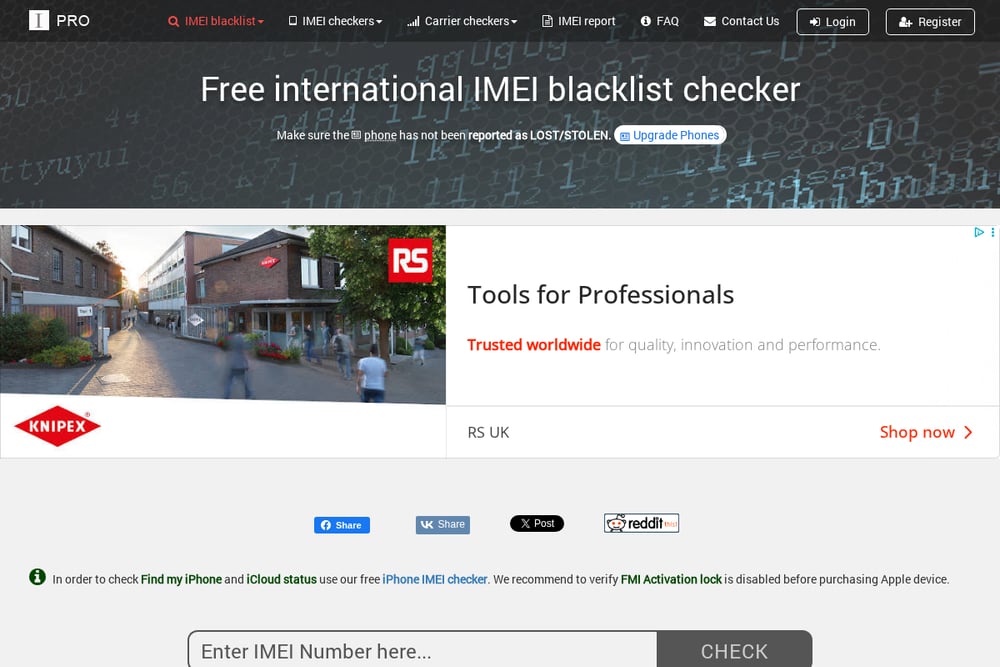 A screenshot of the IMEIpro website.
IMEIpro offers a free online iCloud checker that tells you if Find My iPhone is ON or OFF. You just enter the IMEI or serial number, pass a captcha, and get an instant result. It's a fast way to confirm whether an Apple device is still tied to someone else's account. The site also provides paid reports for blacklist and carrier checks, but the free iCloud tool is the main draw. If you're only worried about activation lock, this is a solid starting point. Just remember it doesn't cover Samsung Knox or carrier locks.
#2 LegitPhone: check a used phone before you buy
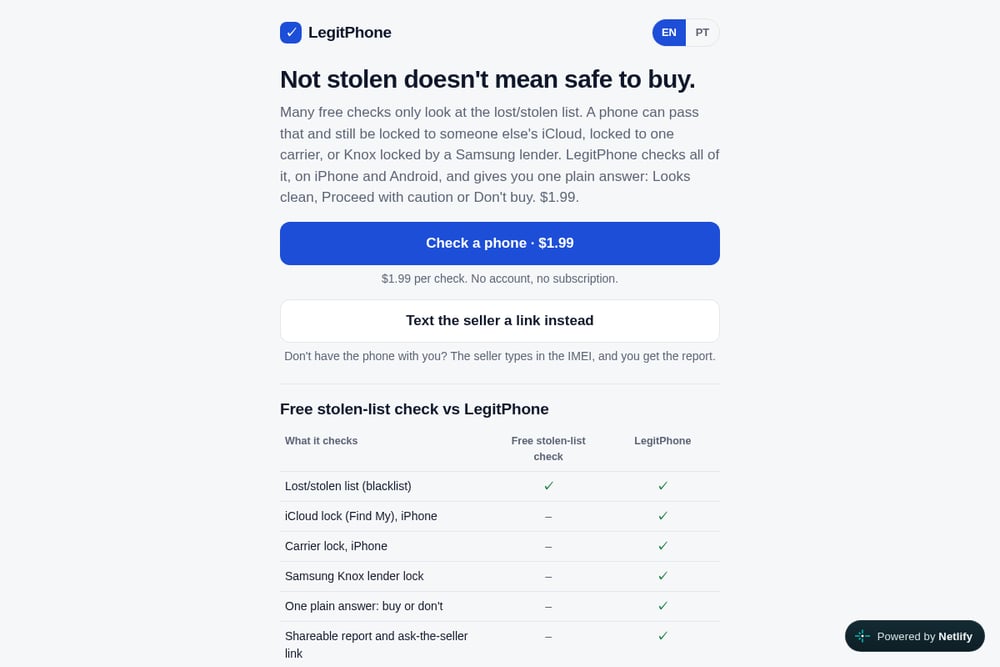 A screenshot of the LegitPhone website.
LegitPhone takes a different approach: it checks everything that matters and gives you one plain answer. For $1.99, you get a report covering lost/stolen blacklists, iCloud lock, carrier lock, and Samsung Knox lender lock. The result is one of three verdicts: Looks clean, Proceed with caution, or Don't buy. You can also text the seller a link so they enter the IMEI themselves. No account or subscription is needed. It's the only service here that combines all four major lock types into a single buy-or-don't-buy recommendation.
#3 IMEICheck.com
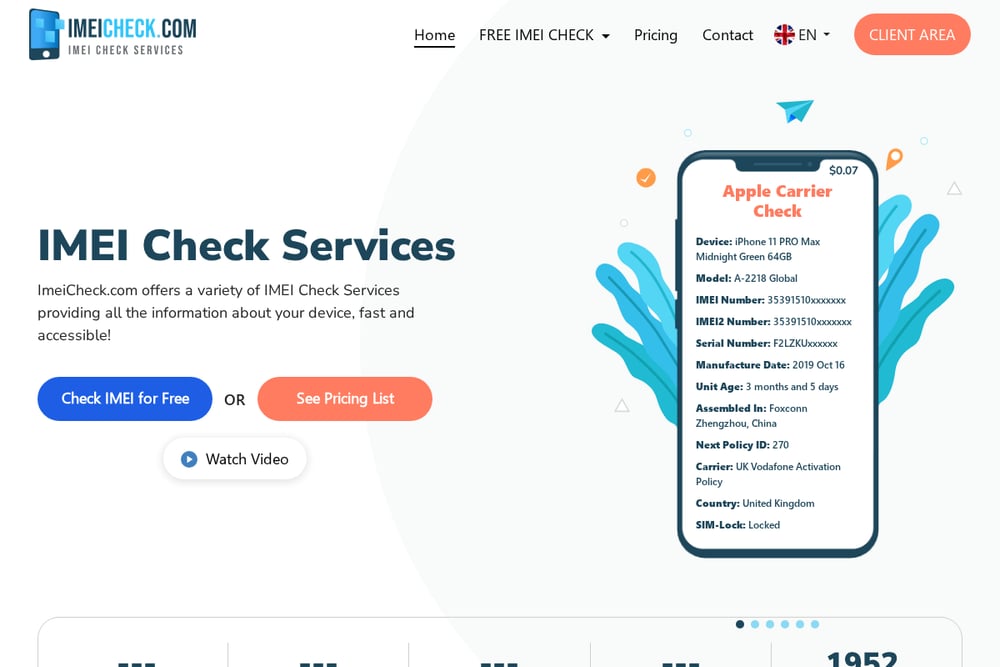 A screenshot of the IMEICheck.com website.
IMEICheck.com provides a free iCloud status check that shows whether Find My iPhone is ON or OFF. The tool is simple: enter your IMEI or serial number, and it scans Apple's database. You don't need an account, and the result appears in seconds. The site also offers paid checks for blacklist, carrier, and warranty status. It's a reliable choice if you want a quick iCloud verification without paying. However, it won't tell you about Samsung Knox or carrier locks unless you upgrade.
#4 Sickw
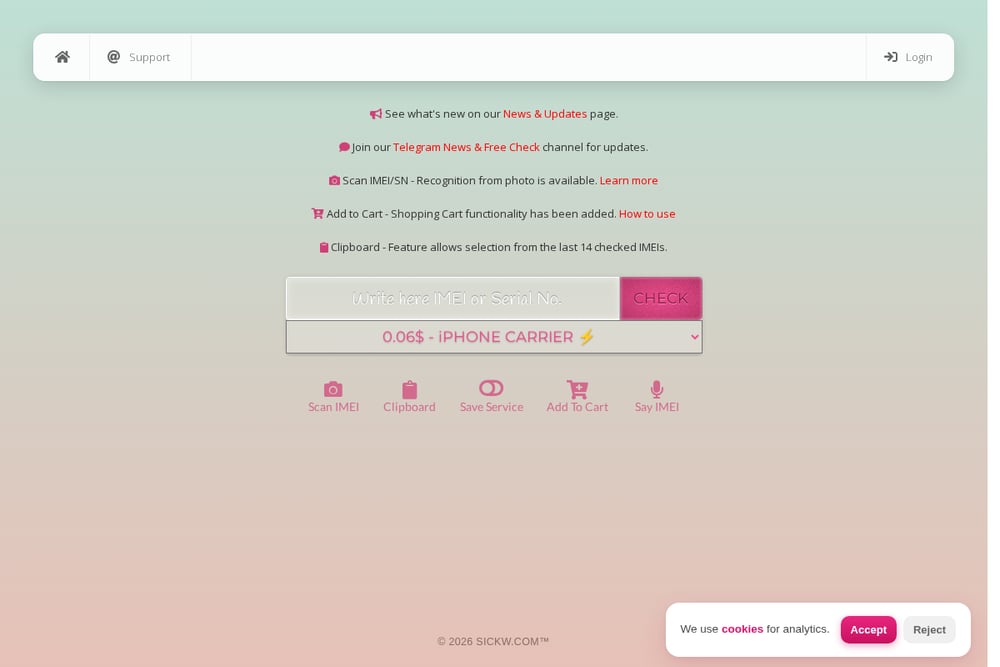 A screenshot of the Sickw website.
Sickw is a powerhouse for device checks, covering dozens of brands from Apple and Samsung to Xiaomi and Huawei. You can run free checks for iCloud, Knox, blacklist, and more. The site also supports scanning IMEI from a photo, which is handy if you're looking at a phone in person. Paid services include warranty and carrier checks. The interface is dense, so expect a learning curve. But if you need to verify a non-Apple device, Sickw likely has a tool for it.
#5 iUnlocker
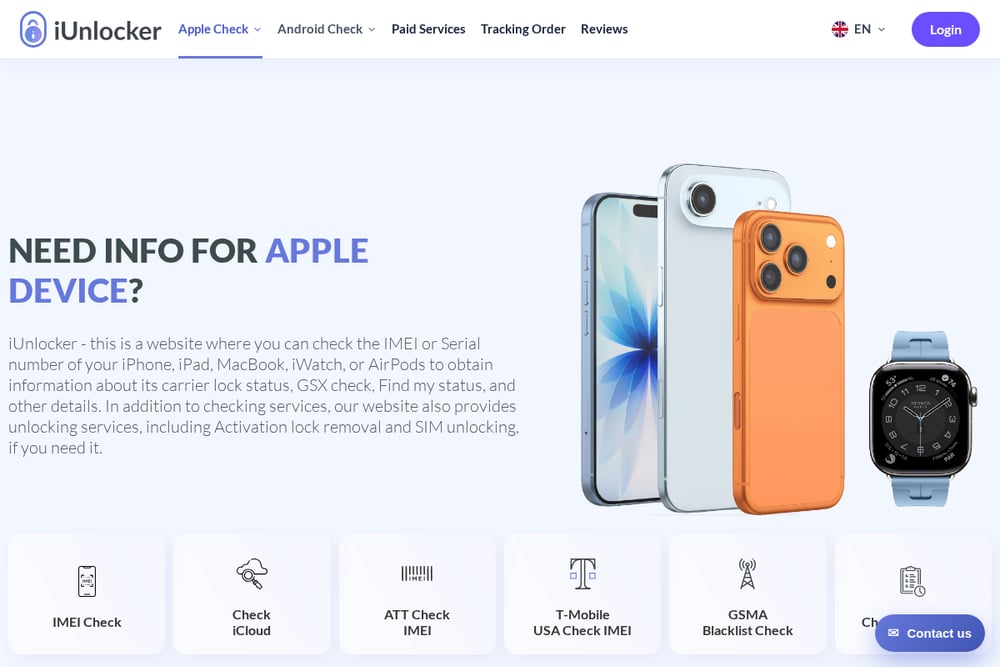 A screenshot of the iUnlocker website.
iUnlocker offers a free iCloud status checker alongside a suite of paid services for carrier unlocks and blacklist reports. The free tool tells you if Find My iPhone is ON or OFF, and whether the device is in Lost Mode. For deeper checks, you can order reports for AT&T, T-Mobile, and GSMA blacklists. The site also covers Android brands like Samsung and Xiaomi. It's a good option if you want a free iCloud check and might need unlock services later. Just note that the free check is limited to Apple devices.
How to Pick the Right IMEI Check Service
Start by identifying what you're buying. If it's an iPhone, iCloud lock is your top concern, so a free iCloud checker like IMEIpro or IMEICheck.com can work. But if you want to know about carrier locks and blacklist status too, you'll need a broader service. For Samsung phones, Knox lender lock is a real risk, and only LegitPhone and Sickw check it. If you're buying from a stranger online, a shareable report like LegitPhone's can help you loop in the seller. Consider your budget: free checks are great for a single data point, but a $1.99 all-in-one report can save you from a costly mistake. Always verify the IMEI matches the phone in the ad, and run the check before you pay.
Automating Your Pre-Purchase Phone Check
You can streamline your used-phone buying process with a simple workflow. First, ask the seller for the IMEI and a photo of the phone's settings screen. Then, run a free iCloud check on IMEIpro or IMEICheck.com to rule out activation lock. If that's clean, use LegitPhone for a full report covering blacklist, carrier, and Knox locks. Save the report as a PDF for your records. If you buy phones regularly, keep a spreadsheet of IMEIs you've checked and the results. This saves time and helps you spot patterns. For in-person meetups, use Sickw's photo scan feature to verify the IMEI on the spot. Finally, always meet in a safe public place and test the phone with your own SIM before handing over cash.
The Bottom Line on IMEI Checks
No single service covers every possible risk, but the right combination can protect you. Free iCloud checkers are a good first filter, especially for iPhones. For a comprehensive answer that includes carrier and Knox locks, LegitPhone's $1.99 report is hard to beat. Sickw is your go-to for non-Apple brands, while iUnlocker bridges free checks with paid unlock services. Whichever you choose, never skip the IMEI check. A few minutes and a couple of dollars can save you from buying a phone that's useless on any network. Stay safe, and happy deal hunting.