
Your child needs to learn to type. But most typing apps turn into a screen-time fight you never signed up for. These five tools take different approaches to teaching keyboarding, and one of them ends the argument with a sunset.
What are Education & Training services?
Typing practice for children has moved far beyond drill-and-kill software. Today's tools blend game mechanics, adaptive lessons, and parental controls to keep kids engaged while building real keyboard skills. Parents increasingly want more than speed tests. They want progress tracking, time limits they can enforce without nagging, and content that feels like play rather than homework. The market reflects that shift, with options ranging from free browser games to structured curricula with dashboards and family plans.
What we looked at when researching Education & Training
We evaluated each tool on the same factors: how well it teaches touch typing from finger placement to full sentences, how clear the pricing and access model is, how much control parents get over time and progress, and how well the experience fits a home or classroom setting. We also considered device compatibility and whether the tool works without downloads. Each entry stood out in different ways, and the notes below describe what makes each one distinct.
| Provider | Best For |
|---|---|
| TypingGamesKids | Free, no-login game variety |
| Temple Typers: typing practice that ends without argument | Parents who want time limits without arguments |
| KidzType | Arcade-style games with lesson support |
| Typing Land | Offline, ad-free app-based lessons |
| The Typing Cat | Families who want progress analytics |
A closer look at 5 standout Education & Training
#1 TypingGamesKids
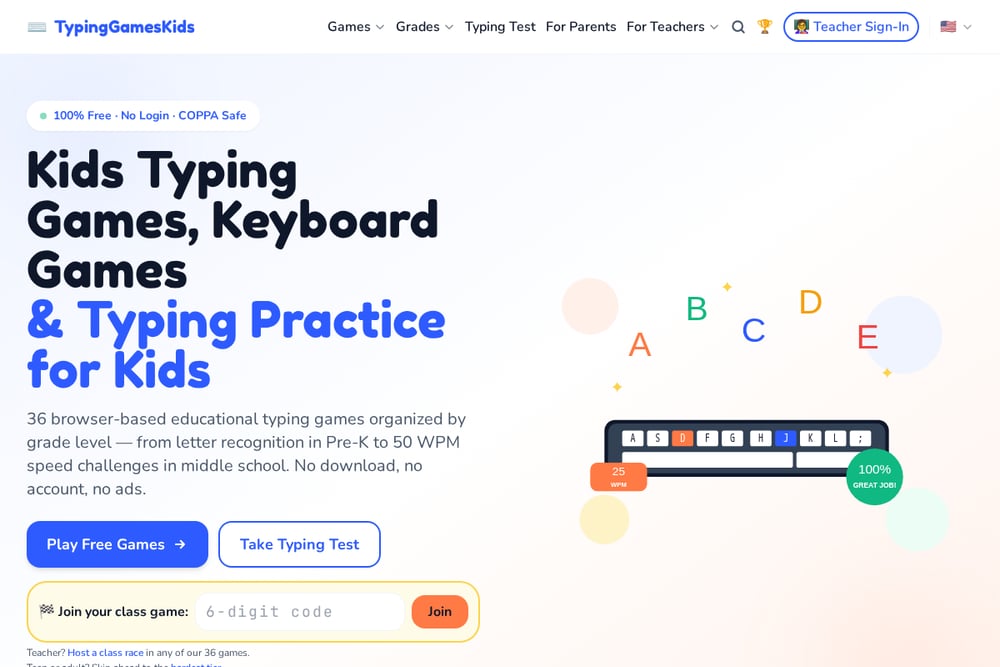 A screenshot of the TypingGamesKids website.
TypingGamesKids offers a library of 36 browser-based typing games organized by grade level, from Pre-K letter recognition to middle school speed challenges. You get no login, no download, and no ads, which makes it easy to hand a child a laptop and let them start. The site includes classroom tools like class races and a teacher sign-in, so it works for both home and school use. It is COPPA safe and works on iPad. If you want a free, low-friction starting point with plenty of variety, this is a strong option.
#2 Temple Typers: typing practice that ends without argument
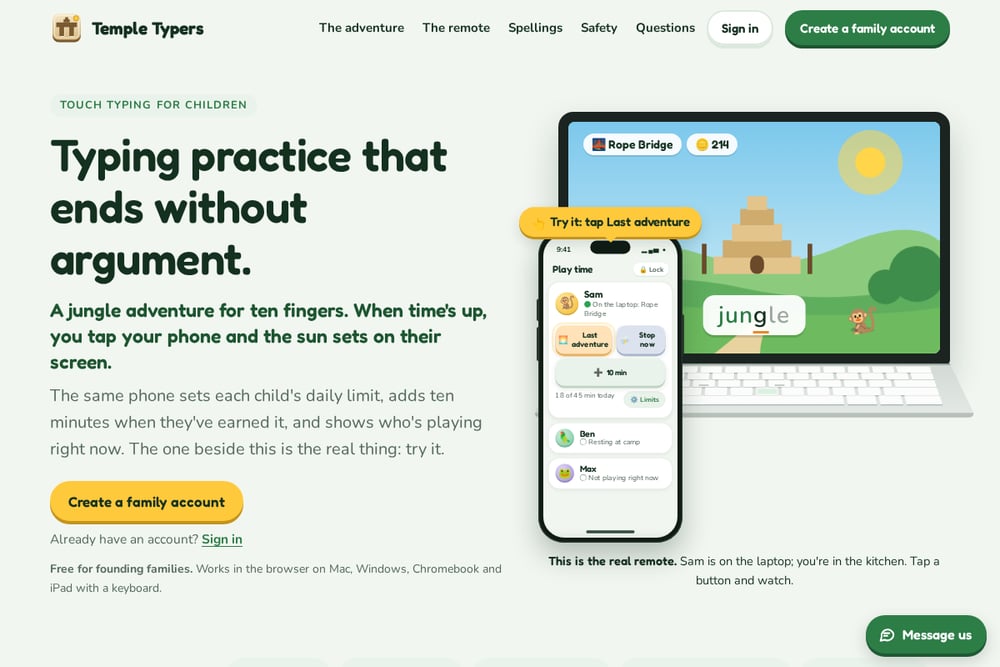 A screenshot of the Temple Typers: typing practice that ends without argument website.
Temple Typers is a jungle-themed touch typing adventure built around a simple promise: when time is up, you tap your phone and the sun sets on your child's screen. The program teaches ten-finger typing across six lands, from the home row at Jungle Edge to whole sentences at Sun Summit, with boss fights that reward correct words. A parental remote lets you set daily limits, add bonus minutes, and see which child is playing right now. It works in the browser on Mac, Windows, Chromebook, and iPad with a keyboard, and it is free for founding families. If screen-time battles are your daily reality, this is the tool that ends them.
#3 KidzType
 A screenshot of the KidzType website.
KidzType hosts over 30 free typing games for ages 5 to 12, covering themes like racing, ninja adventures, and balloon popping. The site also offers structured lessons, exercises, and a finger chart, so you can move from games to deliberate practice. No login is required, and kids can start instantly at their own pace. It is a straightforward option if you want a mix of arcade fun and foundational drills. The variety keeps younger learners coming back without a subscription.
#4 Typing Land
 A screenshot of the Typing Land website.
Typing Land is a free app for iPhone, iPad, and Mac that teaches typing through 40 kinds of mini-games and 81 lessons. It starts with finger placement and moves through badges and a challenge mode that scores speed and accuracy. The app is ad-free and works offline once installed, which makes it a good fit for travel or unreliable Wi-Fi. It requires a physical keyboard, so it pairs well with a tablet and a Bluetooth keyboard. If you want a structured, app-based curriculum with no ads, this is a solid choice.
#5 The Typing Cat
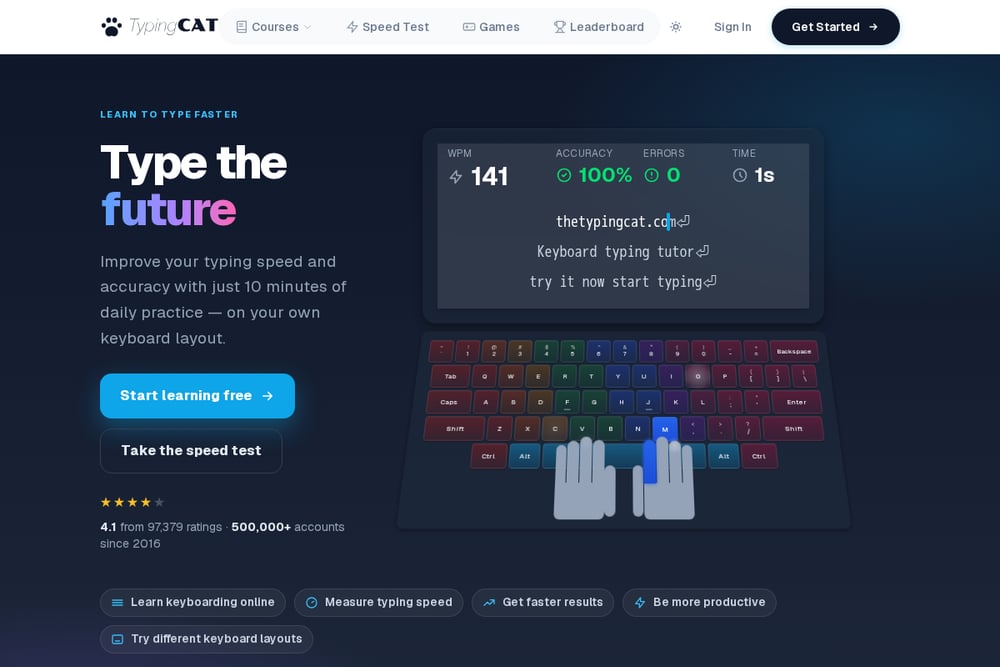 A screenshot of The Typing Cat website.
The Typing Cat offers a kids mode with age-appropriate courses for ages 5 to 12, plus a parent dashboard for tracking practice time and speed trends. You can set daily limits, create goals, and receive weekly email reports. Kids accounts come with the Family plan, which covers up to four children, and a 7-day free trial lets you test it first. The lessons adapt to skill level and include reward stickers and badges. If you want detailed progress analytics and a family plan, this is worth a look.
How to choose the right Education & Training
Start with your biggest pain point. If screen-time arguments dominate your evenings, prioritize a tool with enforceable limits and a remote you control. If you want zero cost and zero setup, look for free browser games with no login. If you need structured lessons and progress reports, consider a family plan with a dashboard. Check device compatibility too, especially if your child uses a Chromebook or iPad. And always test the free tier or trial before committing.
Expert Conclusion
The right typing tool depends on what you value most. TypingGamesKids gives you free variety with no friction. Temple Typers solves the time-limit fight with a sunset and a remote. KidzType blends games and drills. Typing Land offers offline, ad-free structure. The Typing Cat brings analytics and family controls. Try one, see how your child responds, and adjust from there. The goal is steady practice, not a perfect app.